Open Source Granola Alternatives
A curated collection of the 5 best open source alternatives to Granola.
The best open source alternative to Granola is Meetily. If that doesn't suit you, we've compiled a ranked list of other open source Granola alternatives to help you find a suitable replacement. Other interesting open source alternatives to Granola are: screenpipe , Anarlog, Minutes and Prismical.
Granola alternatives are mainly AI Interaction & Interfaces but may also be Note Taking & Knowledge Management. Browse these if you want a narrower list of alternatives or looking for a specific functionality of Granola.

Meeting assistant that records, transcribes and summarizes conversations on your own machine, so no audio ever leaves your infrastructure.
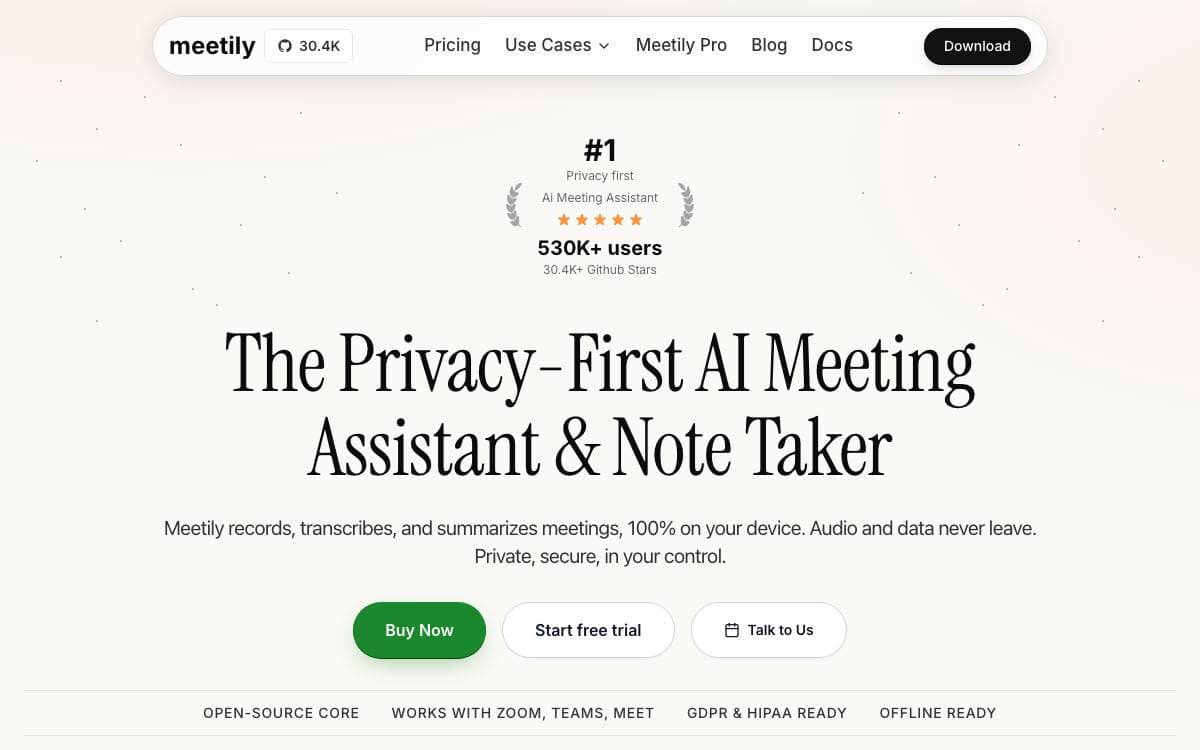
Meetily captures, transcribes and summarizes meetings entirely on the machine running it. For a defense consultant, a lawyer or a healthcare provider, the usual cloud note-taker means sensitive discussion lands on servers somebody else operates, and this removes that trade without giving up the transcript or the summary.
Transcription runs locally on Whisper or Parakeet models, with a live transcript building as the meeting happens. Summaries come from whichever provider you choose, Ollama for a fully local setup, or Claude, Groq, OpenRouter and any OpenAI-compatible endpoint, which suits organizations pointing at inference infrastructure they run themselves.
The application handles the practical parts of recording a meeting.
- Audio mixing: microphone and system audio are captured together with ducking and clipping prevention.
- Import and enhance: existing audio files can be transcribed, or a recorded meeting re-transcribed with another model or language, still in beta.
- Local storage: models, recordings and transcripts all stay on the machine.
- Cross-platform builds: installers for Windows and macOS, and a documented source build for Linux.
- Cost control: open models stand in for paid transcription APIs, and the tool keeps working offline.
Windows users run an installer, macOS users drag the app out of a disk image, and Linux builds from source with a GPU script after cloning the repository. A paid Pro edition adds higher accuracy, advanced exports, custom summary workflows and team features, with speaker diarization planned there. The community edition remains open source and free to use.

Continuous local recorder for screen and audio that gives AI agents memory of what you actually did on your computer.
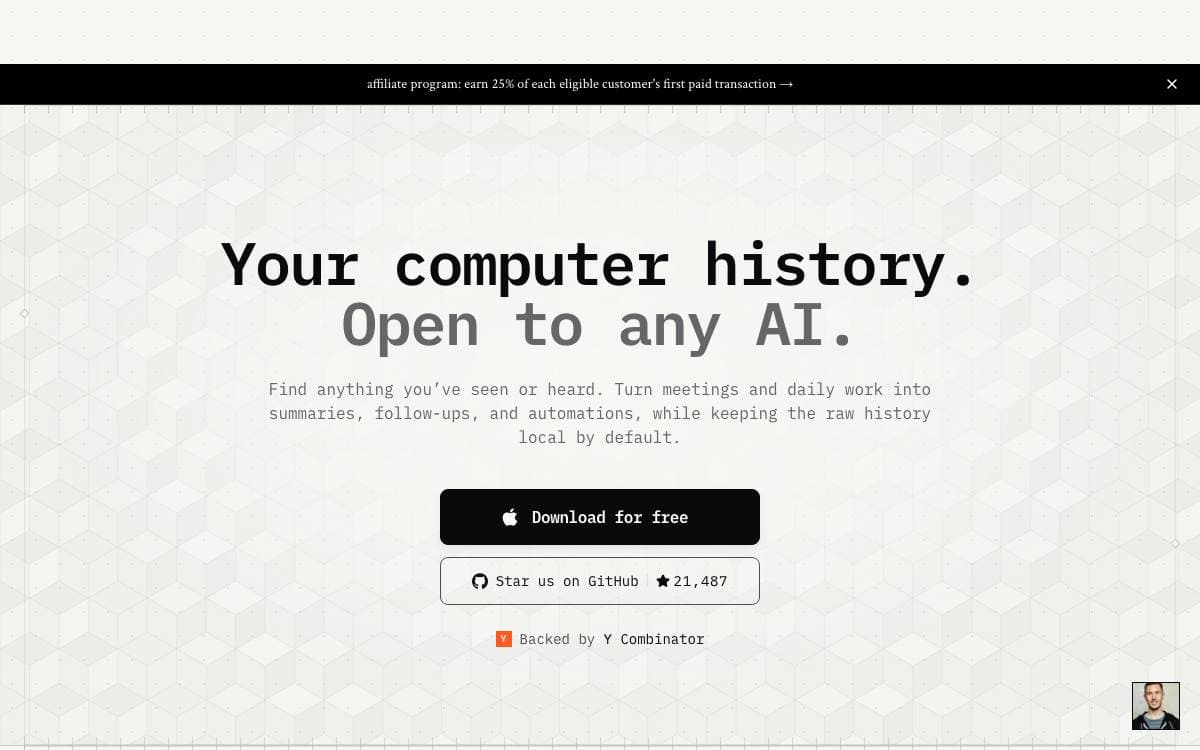
Screenpipe records your screen and audio continuously and keeps all of it on your machine. The recording is not the end in itself: the captured history becomes context for agents such as Claude or Codex, so you can ask what you saw an hour ago, or have an automation act on the work you just finished.
Capture goes deeper than pixels. It reads the full accessibility tree with OCR as a fallback, transcribes audio with speaker labels, and logs keyboard input and application switches. Everything lands in local storage that you search in natural language or query directly through read only SQLite access.
The resource cost is stated plainly, which matters for anything always on.
- Footprint: 5 to 10 percent CPU, half a gigabyte to 3 gigabytes of RAM, and roughly 20 gigabytes of storage per month.
- Filters: capture is filtered by window, application and Chrome extension, with password exclusion and a model that strips personally identifiable information.
- Encryption: encryption at rest is optional, and the whole system works offline.
- Agent wiring: an MCP server plugs the history into Claude and other coding agents, installed with one setup command.
- Pipes: automations built on the captured stream can act on what you do, updating a tracker whenever you work on a given task.
A desktop app carries every feature and auto-updates, while the CLI covers headless use through npx. One caveat deserves attention: the code is source available rather than open source, so read the license file before you build on it commercially.

A local-first meeting notepad for people who want AI notes without a bot on the call or a cloud transcript.
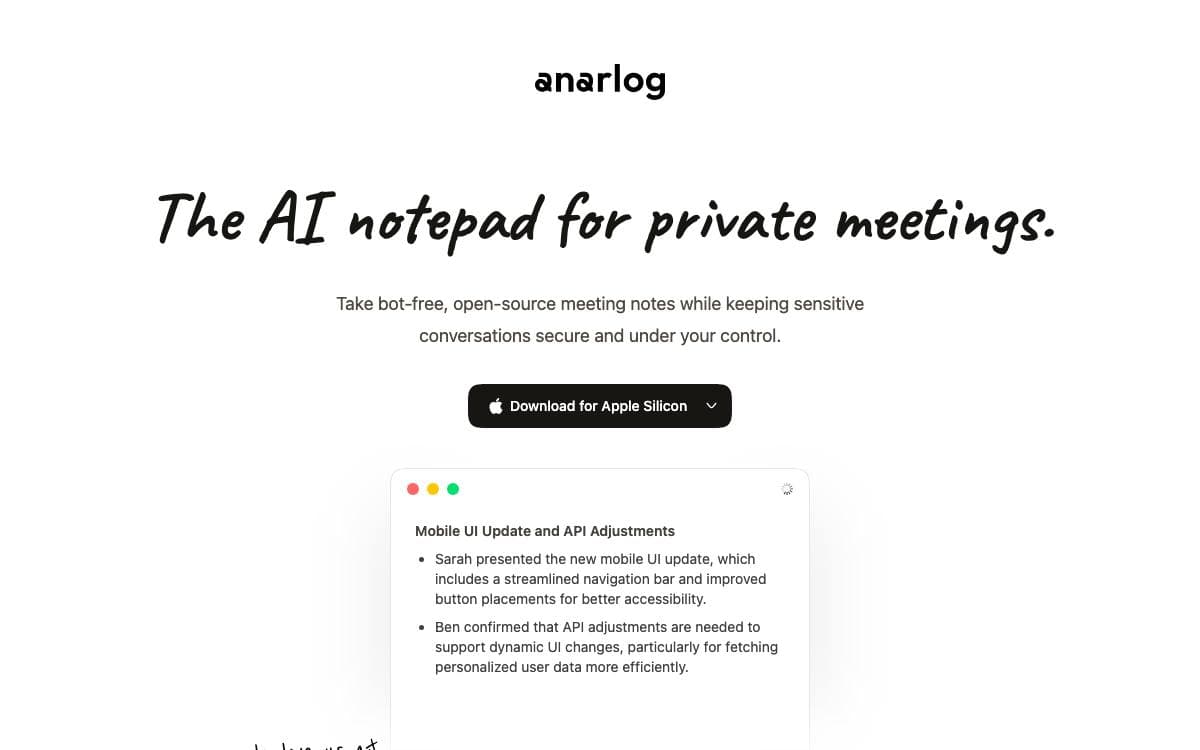
anarlog takes notes during meetings without sending a bot to join the call. It listens to device audio, so nothing appears in the participant list and nothing records from inside the meeting itself.
Transcription and the language model are kept separate, so the speech model and the summarizer can be changed independently. On supported Macs, built-in transcription models run on device, while summaries and chat can route to a hosted provider, your own API key, or an OpenAI-compatible local server such as Ollama or LM Studio.
The design decisions that matter to a security review are visible in how data is stored.
- Local storage: sessions, notes, and transcripts live in a local SQLite database, with recordings and attachments kept as plain files.
- Markdown export: notes leave the app in a readable format whenever another tool needs them.
- Bring your own AI: hosted providers, personal API keys, and local servers are all valid backends.
- Opt-in cloud: hosted AI, encrypted CloudSync, and sharing exist, but nothing depends on them.
- MIT community app: the desktop application is MIT licensed, so it can be audited, forked, or built from source.
Desktop builds cover macOS, Windows, and Linux, and the local-first app starts without any secrets configured. Building from source needs Node.js 22 or later, pnpm, and Rust. The project was previously called Hyprnote and briefly char, and this repository is the notetaker, still maintained.

A local conversation memory app that records and transcribes meetings on your device, then exposes them to MCP clients as Markdown files you own.
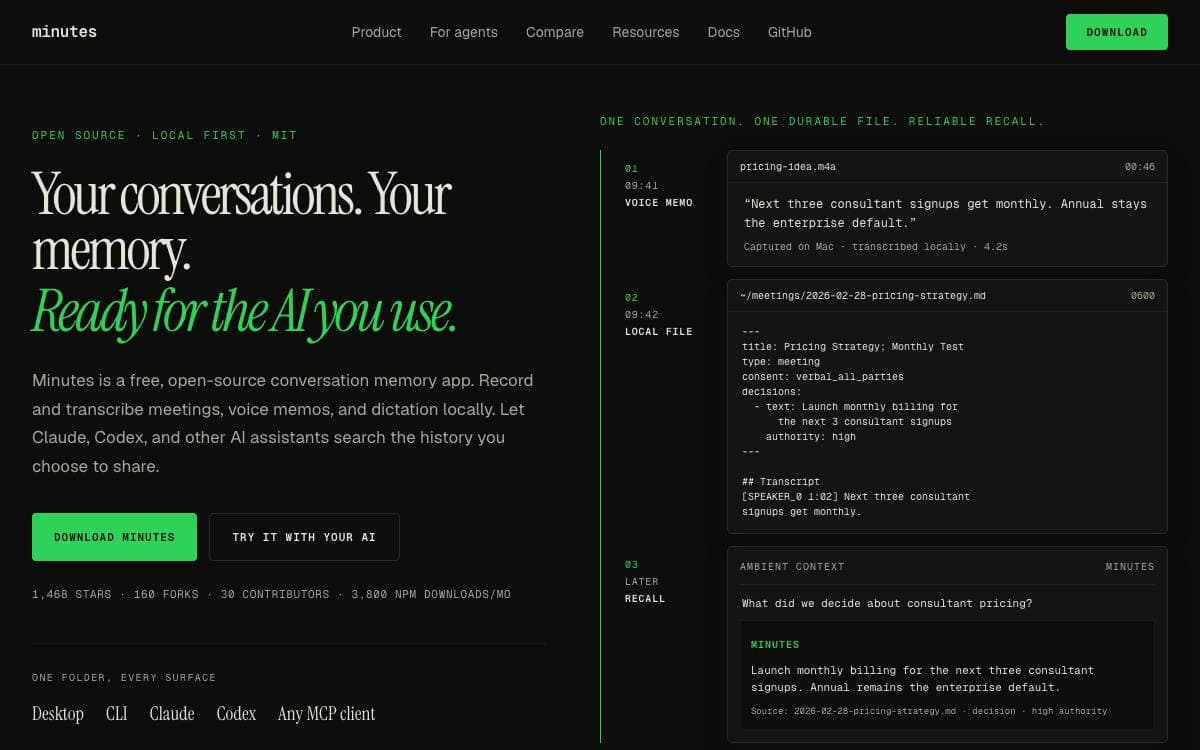
Minutes records and transcribes meetings, calls, voice memos, and dictation on your own machine, then lets Claude Code, Codex, Cursor, or any other MCP client search the history you choose to share. Meeting context stops living inside a vendor's workspace and starts living in files you can grep.
Capture, transcription, and storage all run locally. Each meeting is a plain Markdown file in a meetings directory in your home folder, carrying structured YAML frontmatter with the title, date, duration, action items and their assignees, and the decisions taken. Text leaves the machine only when you send authorized context to a cloud agent or summarizer.
Five surfaces read those same local files.
- Desktop app: menu bar capture along with Recall, documents, and Coach.
- CLI: 58 commands for recording, processing, search, import, and automation.
- MCP server: 34 local meeting tools and resources for any MCP client.
- Claude Code plugin: 23 skills covering prep, capture, live help, debrief, and memory workflows.
- SDK: TypeScript access to the meeting files without going through MCP.
Install through a Homebrew cask, a Homebrew formula, cargo for the CLI, or npx for the MCP server, and a demo command seeds five sample meetings so the search can be tried with no microphone. Sensitive meetings save typed markers without audio and default to restricted, with consent reminders and provenance to help you disclose recording. It is MIT licensed, with no paid tier for anything in the repository.

Desktop meeting notes with transcription that runs on your own machine, for people who want a record without sending audio away.
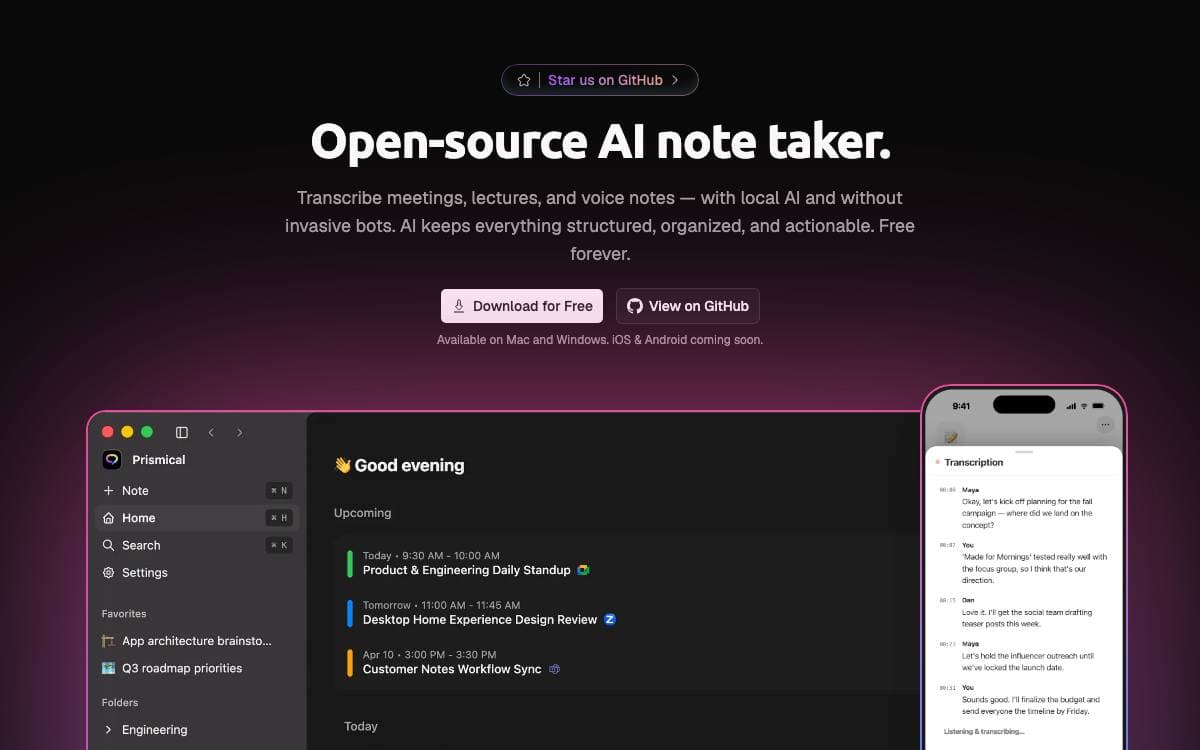
Prismical Desktop is a meeting notes app for macOS and Windows. Recording, live transcription and a rich text editor sit in the same window, and the first launch asks the question that matters most, which is whether any of it leaves the machine at all.
It is an Electron app built with React and Effect, rendering the same screens over the same data layer as the Prismical web app, with platform differences routed through a ports seam. In local mode the notes live in a SQLite file, transcription runs on device with whisper.cpp using Metal on Apple silicon, and meeting detection simply watches which application is holding the microphone.
The two modes and the pieces around them break down as follows.
- Local mode: no account, notes stored locally, and nothing leaving the machine unless you configure a provider.
- Cloud mode: signing in adds sync across devices, sharing, organizations, calendar, managed models and true speaker diarization.
- AI skills: Enhance, Cleanup, Name note, Ask and custom skills run against a key you bring or a local runtime such as Ollama.
- Installers: every release attaches a macOS disk image and a Windows installer, and packaged builds update themselves.
- Native helpers: audio capture, microphone detection and calendar access are separate Swift and C# packages.
Switching modes resets local data, as there is no migration between the two. The app is MIT licensed, and building from source needs Node 24, pnpm, CMake and the platform toolchains, plus the whisper.cpp submodule so the transcription addon compiles.


