Open Source Google Drive Alternatives
A curated collection of the 11 best open source alternatives to Google Drive.
The best open source alternative to Google Drive is Puter. If that doesn't suit you, we've compiled a ranked list of other open source Google Drive alternatives to help you find a suitable replacement. Other interesting open source alternatives to Google Drive are: Nextcloud, Seafile, Filestash and OpenCloud.
Google Drive alternatives are mainly File Management & Sync but may also be Storage Solutions or Data Security & Privacy. Browse these if you want a narrower list of alternatives or looking for a specific functionality of Google Drive.

A self-hostable desktop environment in the browser, with everyday apps for users and cloud, AI and storage APIs for developers.
A desktop environment that runs in a browser, Puter aims to hold every app you need to work, create and play under one roof, from a notepad and a voice recorder through to a spreadsheet and a camera. It is self-hostable and built to be extended rather than merely used.
For developers it doubles as a platform. Everything needed to build and publish a web app or a game is exposed through APIs, so there is no separate backend to assemble, and the project treats distribution as part of what it offers rather than someone else's problem.
There are five things worth knowing before you start.
- Local development: clone, install and start, and the environment comes up on a local port.
- Self-hosting: one shell command installs it on Linux and macOS, with a PowerShell equivalent on Windows.
- Hosted service: the maintainers run a public instance for anyone who would rather not operate one.
- Developer APIs: AI, object storage, a key-value database and serverless workers back the apps you build.
- App store: publishing a finished app puts it in front of the platform's existing users and lets you monetize it.
The README is translated into a long list of languages, which says something about how widely it has travelled. Everything in the repository is licensed under AGPL-3.0 unless explicitly stated otherwise, while bundled third-party libraries keep their own terms.

Self-hosted platform for files, contacts and calendars, giving organizations and individuals a place to store and share data on their own server.
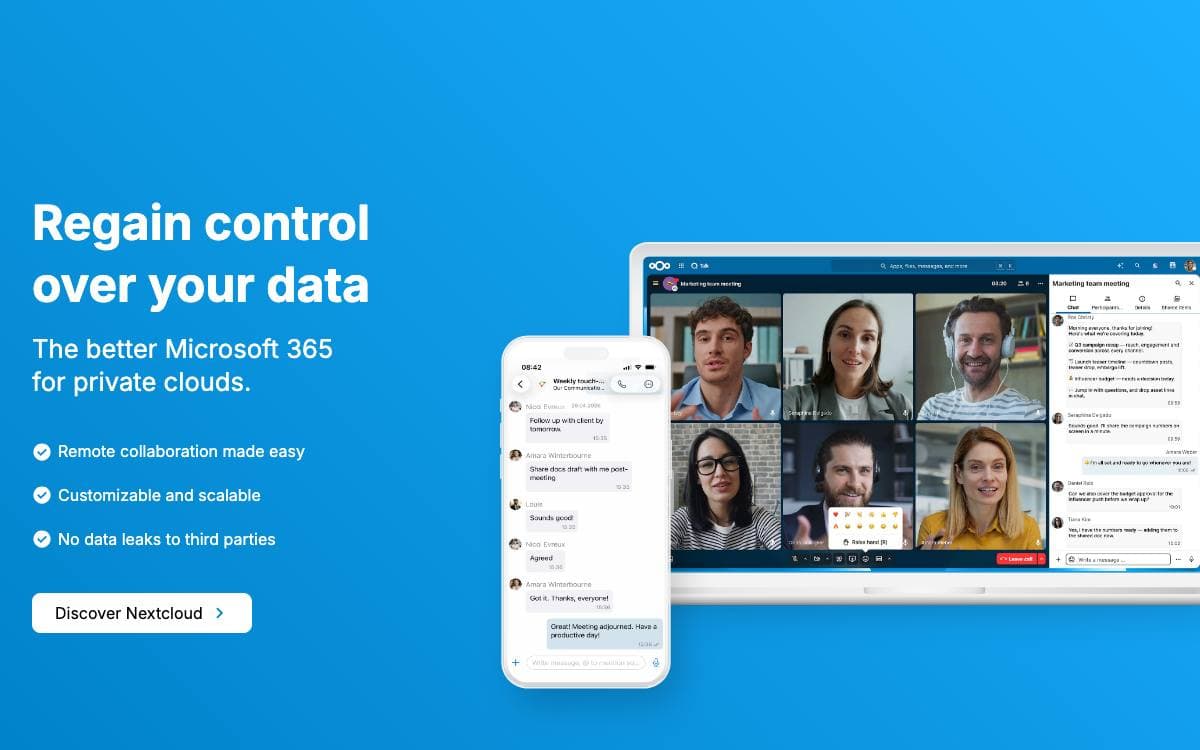
Nextcloud Server describes itself as a safe home for all your data, and that is the whole pitch: files, calendars and contacts live on a server you choose rather than one you rent sight unseen. The result is the convenience of a hosted service without handing custody of the content to it.
The server is a base that other software extends. Hundreds of apps, among them Calendar, Contacts, Mail and video chat, are published in an app store and installed into a running instance.
Four things sit at the center of what it does.
- Access: files, contacts, calendars and more, stored on hardware of your choosing.
- Sync: the same material kept current across every device you use.
- Share: access handed to other people, either to view or to collaborate.
- Security: encryption mechanisms, two factor authentication and a HackerOne bounty program.
Getting an instance takes several forms. You can sign up with one of the listed providers, install the server yourself or through a ready to use appliance, buy a device that arrives with Nextcloud preinstalled, or hand hosting to a service provider, with Nextcloud Enterprise offered by Nextcloud GmbH for larger, public sector and education deployments.
Contributions land under AGPLv3, no contributor license agreement is required, and copyright stays with the individual contributors. Development uses PHPUnit and Behat on the PHP side, with Vitest and Playwright covering frontend and end to end tests.

A self-hosted file sync and share platform with encrypted libraries and metadata views, for teams that want their own cloud drive.
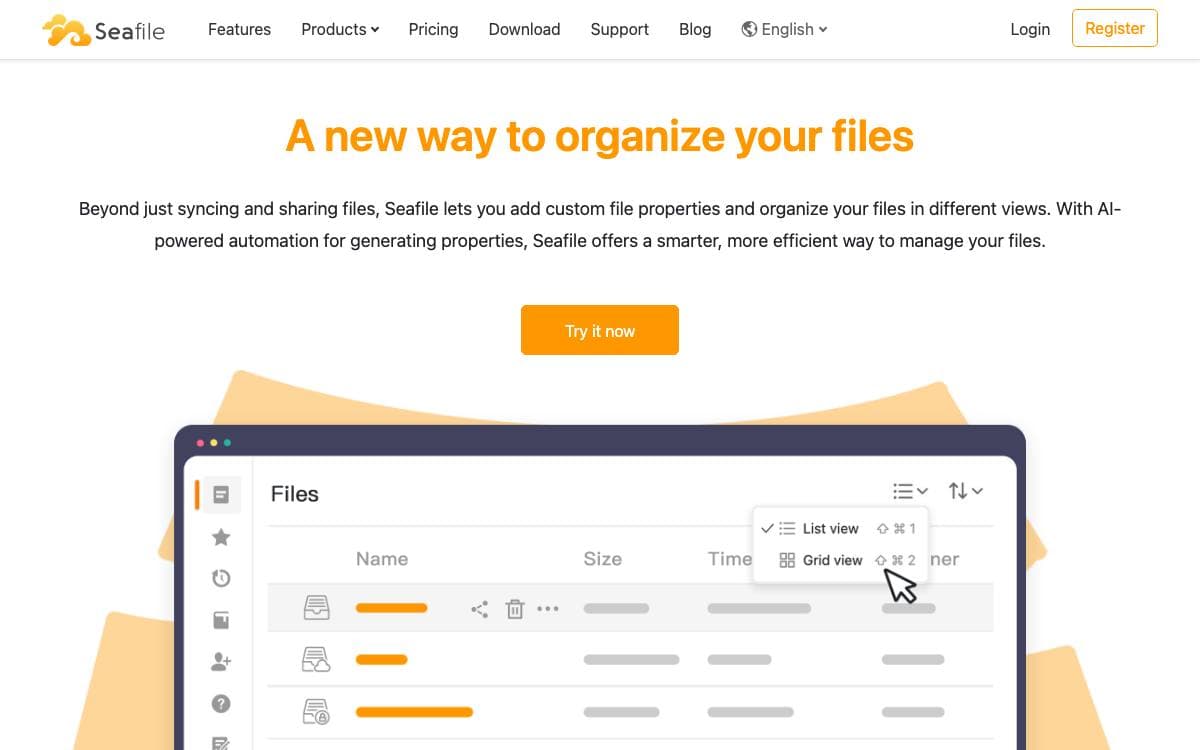
Seafile organizes files into libraries, each of which syncs separately and can be encrypted with a password its owner chooses. That unit is what separates it from a single mirrored folder: you decide per library what lands on a given machine and what stays encrypted at rest.
Syncing transfers only the content delta, and interrupted transfers resume where they stopped. Conflicts are resolved from file history rather than timestamps, any folder can sync selectively, and a client can sync against two or more servers or adopt a folder that already exists. The drive client exposes everything as a virtual disk and fetches files on demand.
Past sync and share, the server carries collaboration features.
- Sharing: folders go to users or groups, with password-protected download links and upload links for outsiders.
- Metadata: extensible properties such as owner, deadline and status, plus file tags with a parent and child hierarchy.
- Views: one library can be read as a table, a Kanban board, a gallery, a map or a statistics view.
- Editing: OnlyOffice and Collabora integrate for office documents, and SeaDoc is the built-in collaborative editor.
- Knowledge bases: a built-in wiki, with Excalidraw wired in for collaborative whiteboards.
This repository is the sync client daemon, which remains the project's front page on GitHub. Server core, web interface, mobile clients and WebDAV each live in their own repository, and the license differs by component, from GPLv2 here to AGPLv3 for the server.

A web file manager speaking FTP, SFTP, S3, SMB, WebDAV and around twenty more protocols, for anyone with storage scattered across systems.
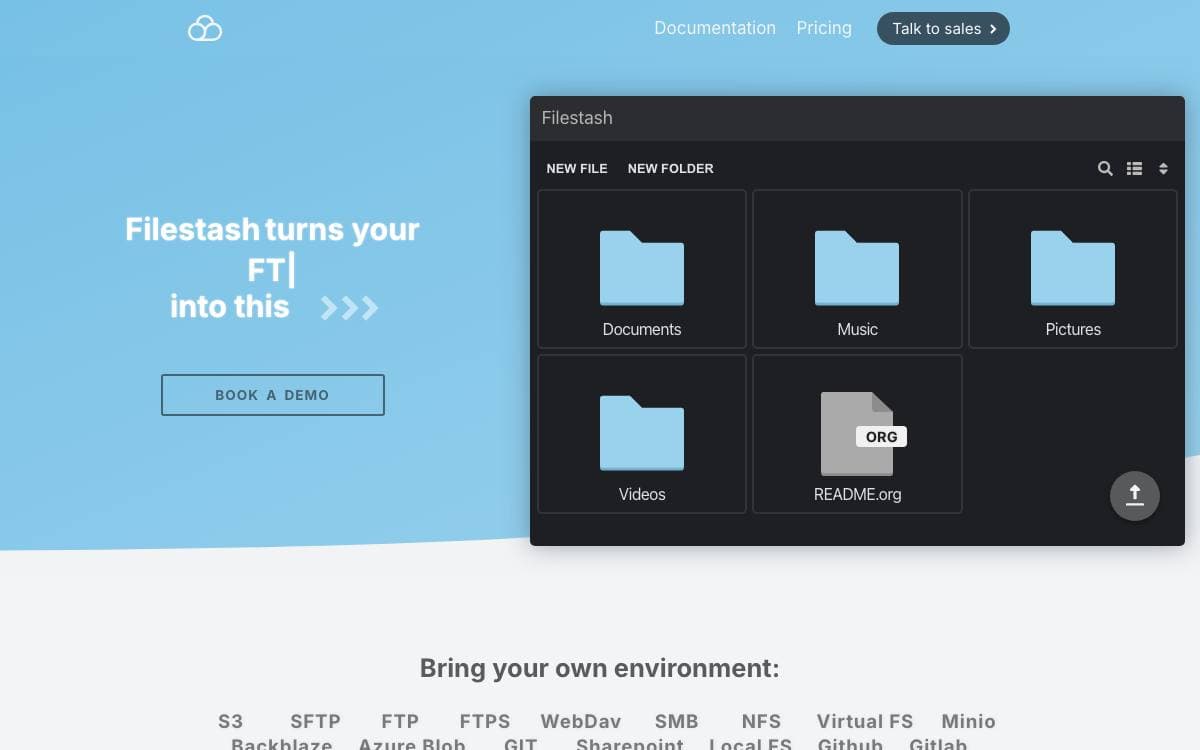
Filestash started as a storage agnostic file manager, a browser front end for whatever your files already sit on, and grew into three products: the web client, a native client that syncs data onto your devices, and gateways that re-expose your storage over other protocols.
One rule shapes the codebase. Anything that is not a fundamental truth of the universe lives in a plugin, which keeps the core lean and the opinions replaceable, so a deep or unusual requirement ends in a plugin instead of a fork.
That choice shows up across the feature set.
- Protocol coverage: FTP, SFTP, S3, SMB, WebDAV, IPFS and roughly twenty more storage backends.
- Gateways: serve the same data over SFTP, S3, FTP, WebDAV, MCP or AS2 for tools that expect a protocol rather than a browser.
- Authentication: pluggable, including a virtual filesystem that delegates login to a WordPress site and derives role-based authorization from its roles.
- Workflow engine: chain actions on file events, from a Slack or email notification to a full managed file transfer pipeline.
- File apps: viewers for raw photography formats, astronomy images, GIS data, Parquet and Arrow, plus LaTeX and PlantUML compilers.
The web client is handwritten vanilla JavaScript, with an API alongside it for programmatic access. The declared goal is to support every storage and authentication technology on the market, which is why the plugin ecosystem, not the core, is where most of the surface area lives.

A self-hosted file sharing server written in Go, for organizations that want their documents and collaboration on infrastructure they administer.
The Go codebase in this repository is the server backend of OpenCloud, a self-hosted file sharing platform. It suits organizations that would rather keep documents on hardware they administer than on a hosted service somewhere they cannot inspect.
The backend makes an unusual storage choice. There is no database at all, and everything is written to the filesystem beneath a root directory that defaults to a folder in the running user's home. Authentication goes through OpenID Connect, using either an external identity provider such as Keycloak or the embedded LibreGraph Connect provider that ships with the server.
Building and running it takes a short sequence of commands.
- Generate assets: a make target produces what the web interface and the built-in identity provider need.
- Compile: a second make target builds a single binary from the source tree.
- Initialize: the init subcommand writes a server configuration before first use.
- Serve: the server subcommand starts a local test instance from that configuration.
- Go further: setup and installation options beyond a local instance live in the development documentation.
The server is Apache 2.0 licensed, and the project openly invites contributions, from reporting bugs and writing documentation to reviewing code, with community discussion on Matrix. Security problems go to a dedicated address rather than the public tracker. Note that this repository is the backend only, so general information about OpenCloud and its installation belongs with the wider organization.

Self-hosted file storage, synchronization, and team collaboration that leaves your files readable on the filesystem instead of inside object storage.
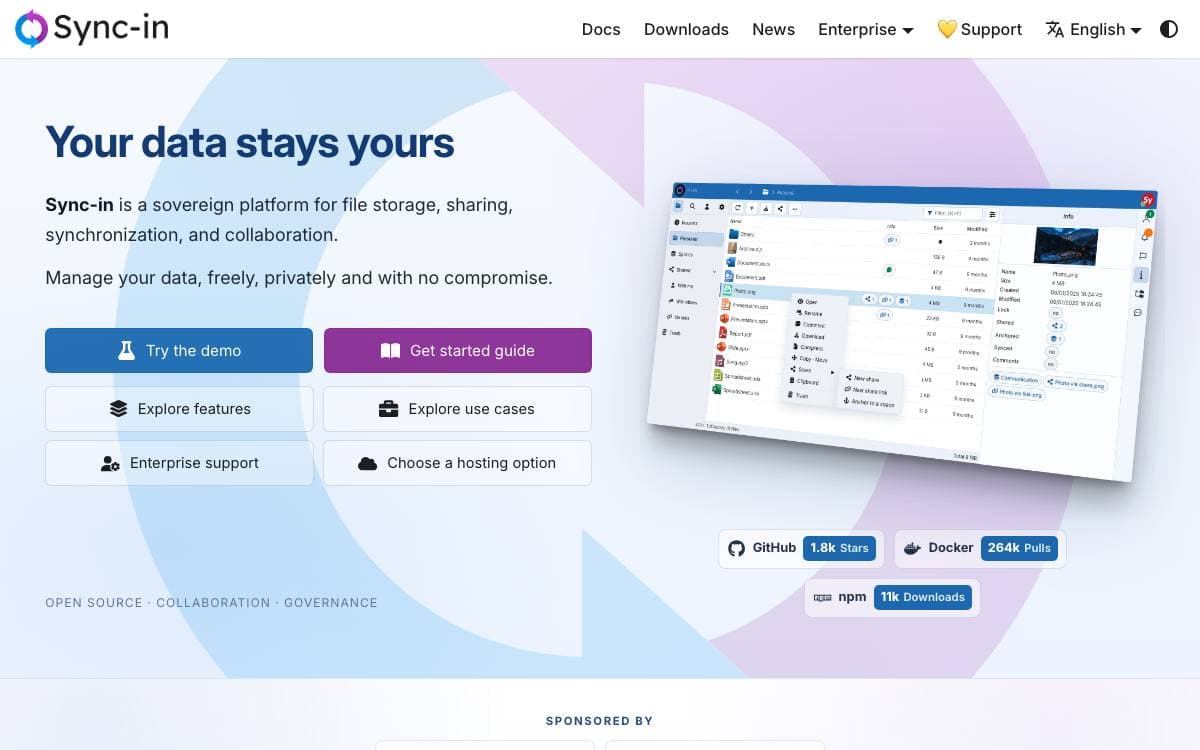
A file platform that grinds your documents into opaque object storage takes something away even as it adds collaboration. Sync-in keeps files readable on the filesystem where they sit and adds collaboration features only where they are needed, so a shared workspace does not cost you control of the data underneath it.
The server is a TypeScript application published as a Docker image and as an npm package, with desktop and command-line clients for Windows, macOS, and Linux that can synchronize against several servers at once. WebDAV support means file explorers, network drives, mobile apps, and third-party clients can reach a workspace with no dedicated client at all.
Collaboration is organized around spaces and the permissions attached to them.
- Spaces and shares: guests, personal groups, roles, and fine-grained permissions decide who sees what.
- Public links: protected by access limits, expiration dates, and passwords.
- Document editing: Collabora Online, OnlyOffice, and Euro-Office edit documents in place.
- Activity: comments, notifications, file locking, and recent updates sit in one workflow.
- Search: full-text indexing reaches inside common office and document formats.
- Authentication: local accounts, OIDC, LDAP, MFA, recovery codes, and application passwords.
Storage quotas, trash retention, file protection tools, and folder anchoring without duplication cover the administrative side. Docker and npm setup guides are published alongside a live demo, and the web interface handles drag and drop, a smart clipboard, gallery views, sorting, filtering, and file previews.

ownCloud Infinite Scale is a file sync and share platform that scales from a Raspberry Pi to Kubernetes on a single Go binary.
ownCloud Infinite Scale, usually shortened to oCIS, is the rewritten foundation of the ownCloud file sync and share platform. It replaces the older application and its external dependencies with a set of Go services delivered as one binary, so a working instance does not require a database or an identity provider to be stood up first.
Storage and access go through reva using open protocols including WebDAV and CS3, which is what lets the existing web, Android, iOS, and desktop clients talk to it. Authentication is OpenID Connect, either against an external provider such as Keycloak or against the embedded LibreGraph Connect identity provider. The multiservice architecture means services start separately and infrastructure you already run can be reused instead of duplicated.
A few properties define what operating it actually looks like.
- Single artifact: one binary or container, with scale changed by configuration rather than a different install.
- File spaces: spaces synchronize and share through a server backend the clients already understand.
- Web office: Collabora Online, OnlyOffice Docs, and Microsoft Office Online Server integrate for document editing.
- WOPI gateway: collaborative editing is brokered through the CS3 WOPI application gateway.
- Batteries included: demo users and a bundled web interface come up with no external services configured.
The Docker quickstart mounts a config directory and a data directory, initializes, and serves the interface on port 9200. Building from source needs Go 1.25.10 or later plus a C toolchain, since some dependencies compile C. The prerequisites and general deployment pages are worth reading before a first production install.

Peergos is a peer-to-peer encrypted filesystem with messaging, email, and social features, for people who want to own where their data lives.
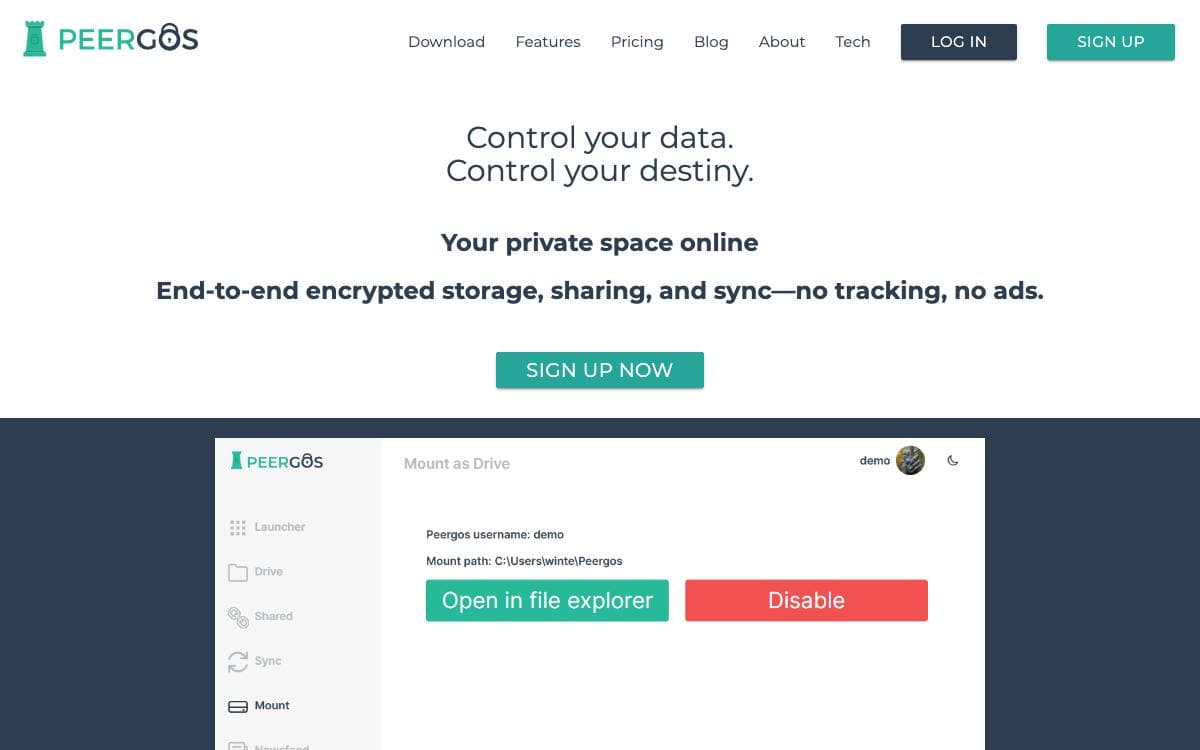
Peergos is building toward a web where applications cannot track you and users decide what each app may see. Its foundation is a peer-to-peer encrypted global filesystem with fine-grained access control, built to resist surveillance of file contents and the friendship graph. On top sit a secure messenger, an encrypted email client and bridge, and a private social network.
The architecture stacks six layers. IPFS provides storage, routing, and retrieval through a minimal Java implementation called Nabu. A key pair authorizes writes, each of them signed. Data lives as a merkle structure of encrypted chunks under random labels, with no cross links visible to the server, which cannot deduce file sizes. Encryption happens on the user's machine with TweetNaCl, each 5MiB chunk encrypted independently. Social and sharing layers sit above.
The project states its aims plainly, and they explain the design.
- No central node: storage runs across a network that is hard to disrupt or surveil.
- Hidden metadata: sharing leaves no visible record of who shared with whom.
- Sandboxed apps: web apps load and run from Peergos under user-granted permissions, without exfiltrating data.
- No certificate authority: identity does not depend on the central TLS trust architecture.
- Self-hostable: a machine at home can host a user's own storage and social platform.
Anonymity is not offered yet; the project says it can only be approximated by using an account solely over Tor. The server runs on the JVM, mostly Java, with the web interface cross-compiled to JavaScript. Audits from 2019 and 2024 are published in the repository.

End-to-end encrypted cloud storage you host yourself, with browser-side encryption, encrypted notes, and share links the server can never read.
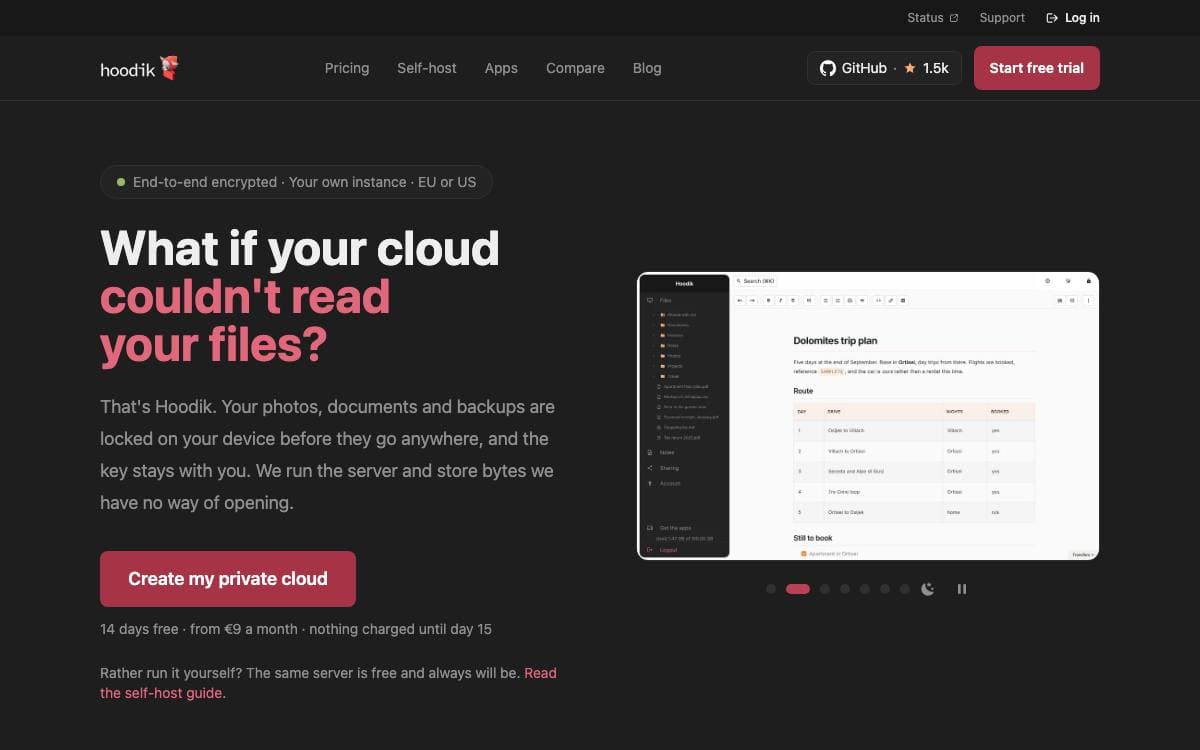
Hoodik is a self-hosted storage server that never sees your files. Encryption and decryption happen in the browser, so what reaches the disk is ciphertext, which removes the usual trade of handing a storage provider readable copies of everything you upload.
The backend is Rust on Actix-web and the frontend is Vue 3. Every account gets an Ed25519 signing pair and a hybrid X25519 with ML-KEM-768 wrapping pair, files are encrypted chunk by chunk with AEGIS-128L, and login runs over OPAQUE so the password never crosses the wire. Older RSA-2048 accounts still work and migrate on the next login.
Encryption in the browser normally costs you every feature that depends on the server reading data, and Hoodik works around that.
- Secure search: file names and note contents are tokenized locally and tagged with HMAC under a key the server never holds.
- Encrypted notes: markdown notes written in a WYSIWYG editor are auto-saved, encrypted and searchable like uploaded files.
- Public share links: the link key rides in the URL fragment, so the recipient decrypts locally and the server decrypts nothing.
- Account controls: optional TOTP two-factor per user, plus an admin dashboard for users, sessions and invitations.
- Storage choices: SQLite by default, PostgreSQL through one environment variable, and chunks on local disk or any S3-compatible service.
Deployment is a single container with multi-arch images for amd64, arm64, armv6 and armv7. Keep your private key somewhere safe, because it is the only route back into a forgotten account.

Linagora's self-hosted file storage and sharing app, built on the Cozy stack for teams that want their drive off Google.
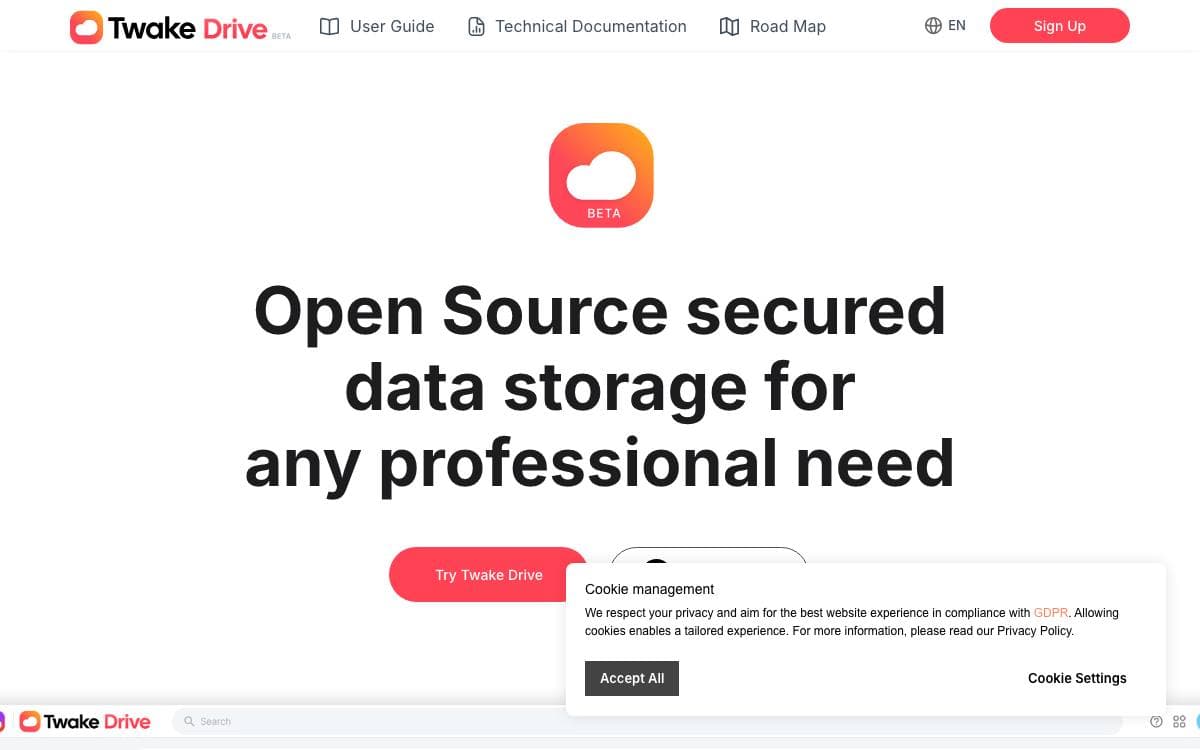
Twake Drive is Linagora's answer to Google Drive, a file manager you run yourself. Its scope stays deliberately narrow, covering the operations people actually perform on shared documents instead of growing into a full office suite.
The app is a client that runs on top of cozy-stack, the server from the Cozy project. Development uses Yarn with the usual watch, lint, test, and build scripts, and the built folder is served by pointing cozy-stack at it, either from a local binary or the cozy-app-dev Docker image. Tests run under Jest with Chai and Sinon, and Playwright covers end to end scenarios. Shared components come from cozy-ui and API access from cozy-client.
The feature set stays close to everyday file work.
- File tree: browse and organize documents in folders.
- Uploads: add individual files or whole folders.
- Link sharing: share files and folders through a generated link.
- Search: find files and folders across the drive.
- Instance to instance sharing: invite someone by email and they accept the share into their own Twake, linking the two servers together.
Development needs a configured Cozy environment, and testing the sharing flow locally means running MailHog so invitation mail can be caught rather than delivered. Localization goes through Transifex, where translators claim access with a GitHub account while developers push only the source locale. Linagora distributes the project under AGPL v3.

A browser file manager that turns storage buckets you already own into cloud drives, for anyone leaving Dropbox but keeping their provider.
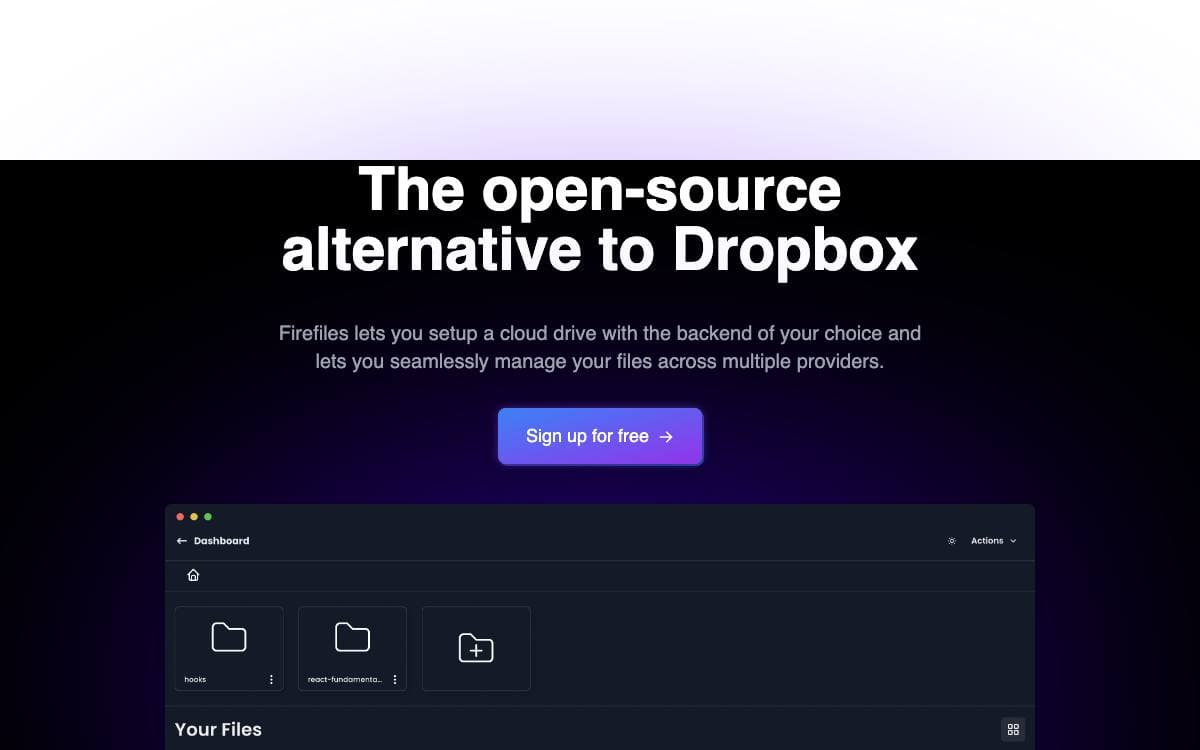
Firefiles is an open source alternative to Dropbox that never holds your files. You connect a storage bucket you already pay for and the app wraps it in a file system interface, with several providers managed side by side from one dashboard.
The app is a Next.js, React and TypeScript project deployed on Vercel. A drive is created from credentials you supply, so files stay in your provider's bucket and the interface is the only layer Firefiles adds on top of them.
The project site sets out what the interface handles.
- Provider choice: Firebase, AWS, DigitalOcean, Backblaze, Wasabi and Scaleway work today, with Azure, Supabase, Cloudinary and Deta listed as coming.
- Multiple drives: several buckets are managed at once, and more drives can be added whenever you like.
- File previews: files are previewed in the browser without being downloaded first.
- Uploads and downloads: several files upload together and come back down in a single click.
- Tagging and filtering: files can be tagged and filtered where the provider supports it.
- Light and dark: the interface switches theme to match how you work.
The site also carries documentation, self-hosting instructions and desktop downloads for macOS, Windows and Linux. Firefiles fits someone who wants the file manager experience of a consumer cloud drive while the storage, the bill and the data stay with a provider they chose. The project accepts sponsorship and lists Foss United among its supporters.


