Open Source Google Docs Alternatives
A curated collection of the 4 best open source alternatives to Google Docs.
The best open source alternative to Google Docs is Docs. If that doesn't suit you, we've compiled a ranked list of other open source Google Docs alternatives to help you find a suitable replacement. Other interesting open source alternatives to Google Docs are: CryptPad, ONLYOFFICE Docs and dDocs.
Google Docs alternatives are mainly Collaboration & Communication but may also be Office Suites or Documentation & Knowledge Base. Browse these if you want a narrower list of alternatives or looking for a specific functionality of Google Docs.

Collaborative text editor for teams writing and organizing knowledge together, built by the French and German public administrations.
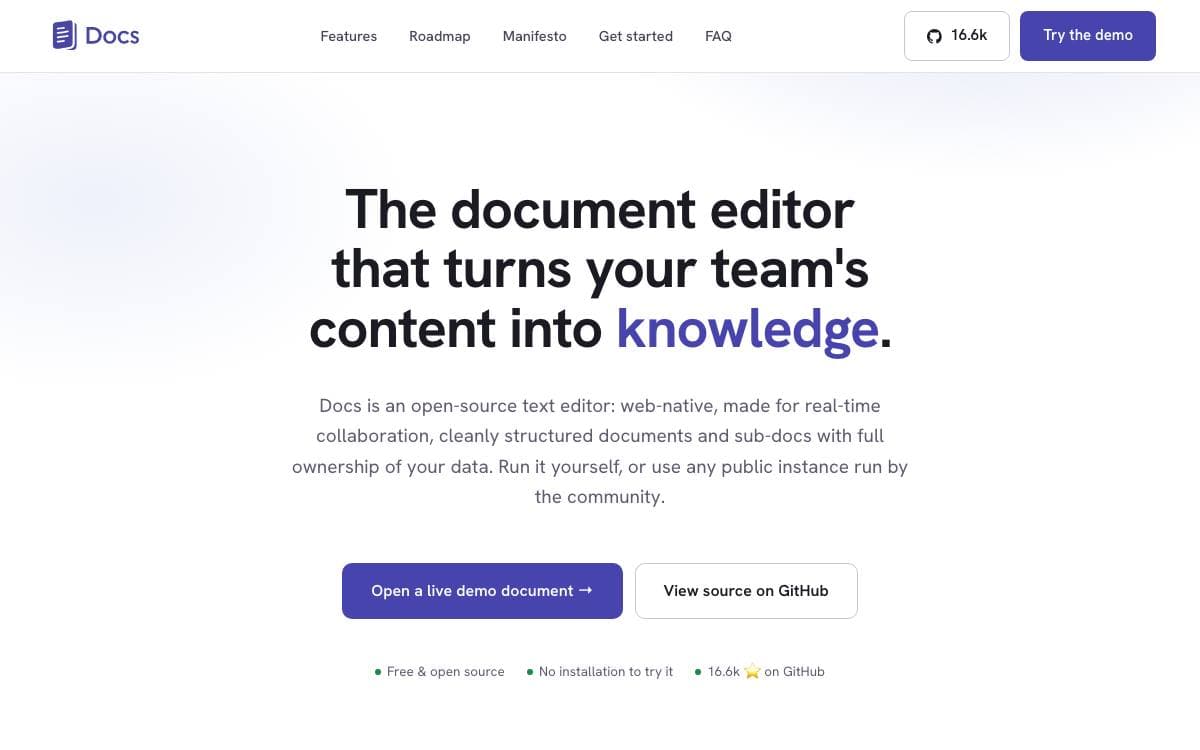
Docs is a collaborative editor for teams whose notes should turn into shared knowledge. It comes out of a joint initiative between the French and German governments, through DINUM and ZenDiS, and is aimed at public organizations, companies and open communities that want to keep their documents on their own infrastructure.
The editor is built on ProseMirror and BlockNote, with Yjs and HocusPocus handling live collaboration, a Django Rest Framework backend and a Next.js front end. Writing is rich text and Markdown with slash commands, a block system and offline editing.
Day to day, the workspace covers more than typing.
- Live collaboration: cursors and presence, comments, sharing and granular access control per document.
- Knowledge structure: subpages and hierarchy, with search across the content inside them.
- Presentations: a delimiter turns any document into slides, with full screen, keyboard navigation, a share link and PDF export.
- Import and export: bring in docx and Markdown, send out docx, odt and pdf.
- Optional AI: model and gateway agnostic rewriting, summarising and translating, configured with an API key and an address.
An interoperability API lets other services push content in, and the project's own video tool uses it to file meeting transcripts. Self-hosting runs on Kubernetes or Docker Compose, with community recipes for Nix and YunoHost. The license is MIT, though PDF export pulls in GPL packages, so a build flag produces an image without them.

An end-to-end encrypted collaboration suite with documents, sheets, forms and whiteboards, for teams whose server operator should not read their files.
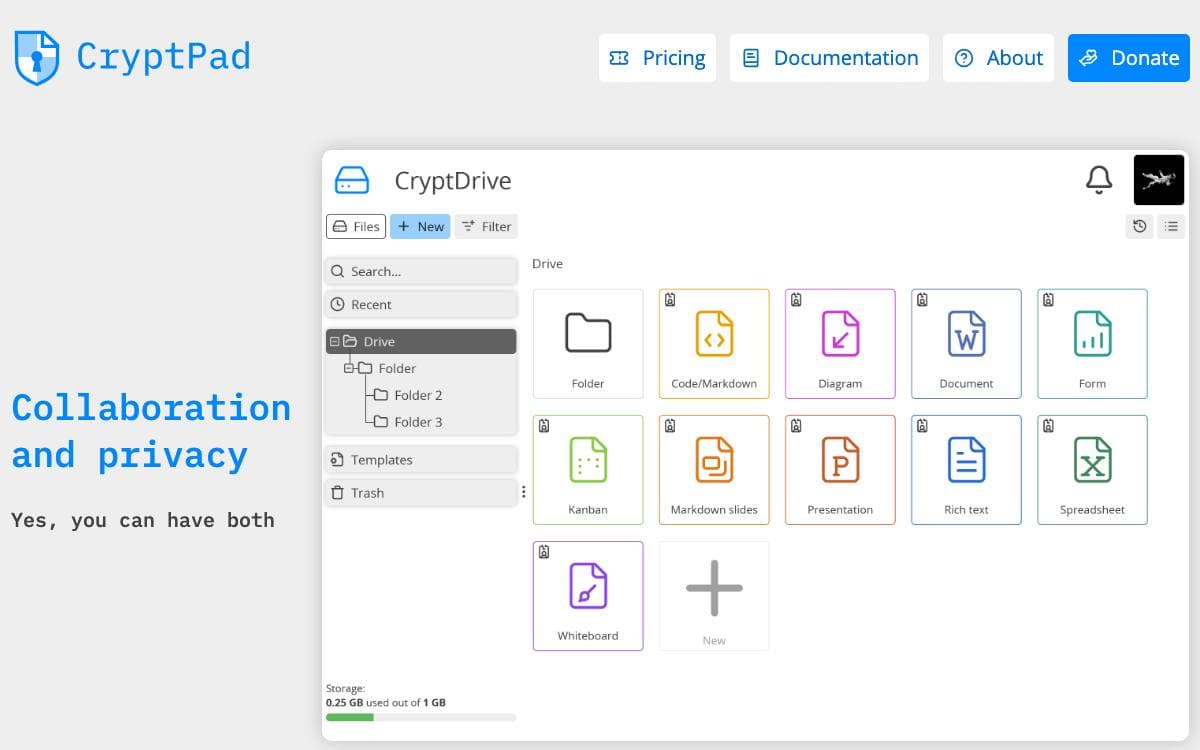
CryptPad is a collaboration suite that encrypts data in the browser before it reaches the server or a collaborator. Changes still synchronize in real time, but stored content stays unreadable, so a breach hands attackers ciphertext rather than documents. Administrators who leave the code unmodified cannot read user content either.
Registration and account access derive cryptographically from your username and password, which means the server never sees either one. The suite spans rich text documents, sheets, presentations, forms, kanban boards, code and whiteboards, all organized in an encrypted drive.
The threat model is stated plainly rather than oversold.
- Active attacks stay possible: encryption code is served by the host, so the administrator still has to be trusted to send honest code.
- Metadata is not hidden: an operator could log addresses and activity, so Tor is suggested for anyone treating that as sensitive.
- Version matters: safeguards against script injection improve on a three-month release cycle, and only recent instances should be used.
- Public directory: instances meeting the project's safety criteria are being listed so users can choose one with confidence.
- Docker images: official AMD64 and ARM64 builds are published for every release.
Installation splits into a developer path without HTTPS and an admin path covering production configuration, customization and maintenance. A team at XWiki SAS develops the project, funded over the years by a French state research grant, NLnet and NGI programs, subscribers and donations, and the software is AGPL licensed for good.

A collaborative online office suite with editors for documents, spreadsheets, presentations, forms and PDFs, deployed on your own server.
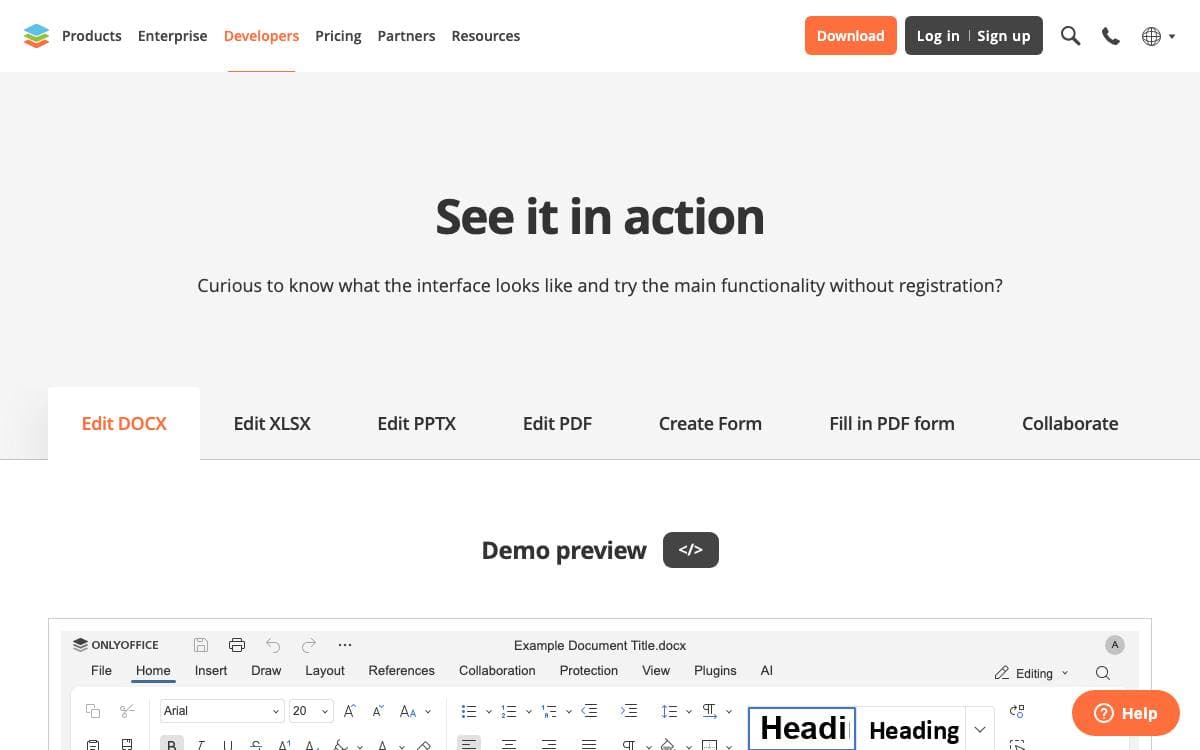
ONLYOFFICE Docs is a free collaborative office suite made of viewers and editors for text documents, spreadsheets, presentations, forms, PDFs and diagrams. It is fully compatible with Office Open XML formats and supports real-time co-editing, which ends the habit of mailing revised files back and forth.
The suite runs as a server component, still packaged as Document Server, and slots into ONLYOFFICE DocSpace and Workspace or into third-party sync and share platforms such as Odoo, Moodle, ownCloud and Seafile, so people edit without leaving the tool they already use.
Six editors sit on a shared backend built from separately maintained components.
- Editing: font and paragraph formatting, object insertion, pivot tables, formulas, transitions, animations and presenter mode.
- Collaboration: two co-editing modes, comments, built-in chat, review with tracked changes and version history.
- Conversion core: server components convert between DOC, ODT, RTF, PDF, EPUB, XLS, ODS, CSV, PPT and more.
- Plugins and macros: an API lets developers add behavior unrelated to the OOXML format, with a marketplace of existing plugins.
- Localization: the interface ships in 46 languages, with right-to-left and hieroglyph support.
Three editions exist. Community is free under the AGPL v3 and suggested for up to twenty users, while Enterprise and Developer are proprietary and add clustering, an admin panel, mobile web editors, white labeling and the Automation API. Small teams and personal deployments are the community build's stated audience.

End-to-end encrypted document editor for teams that want Google Docs style collaboration without handing the contents to a hosted service.
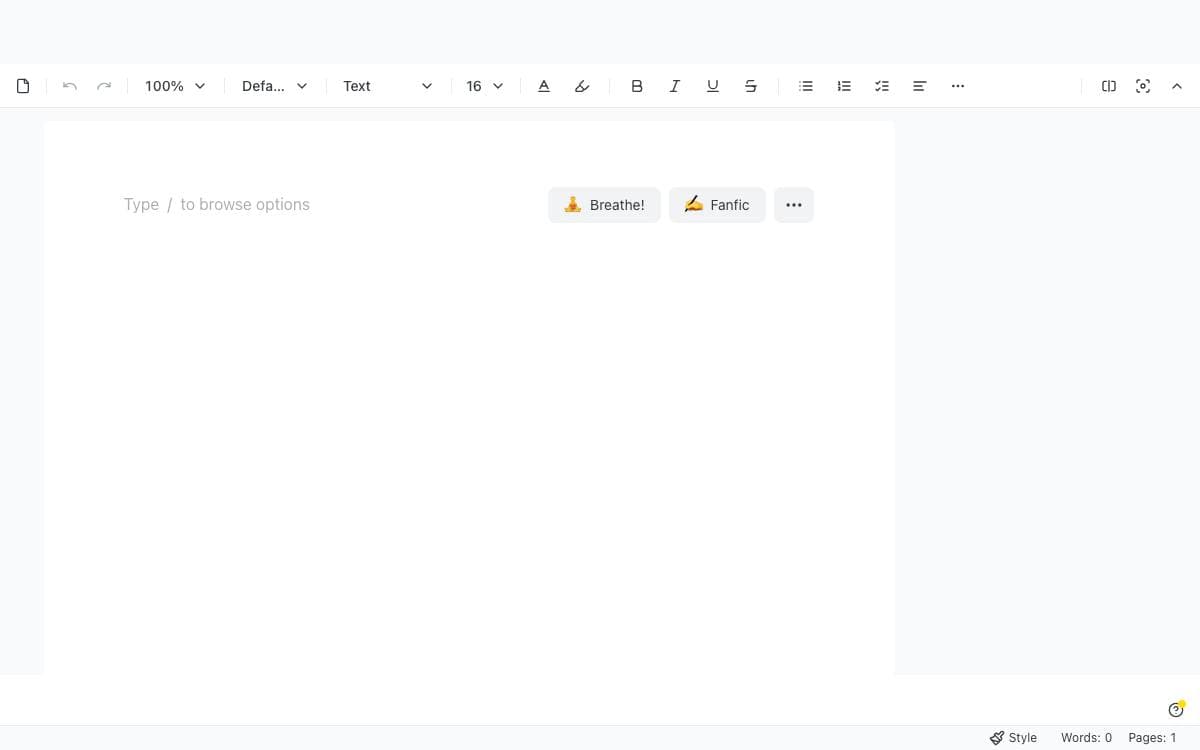
Collaborative editing normally means handing the text to a server that can read it. dDocs is an end-to-end encrypted document editor where the contents stay readable only to the people holding the keys, built as a privacy focused alternative to Google Docs.
The project ships as a React package called DdocEditor that drops into an application already using Tailwind CSS. Peer dependencies for drag and drop, the Fileverse UI and crypto libraries, viem and animation stay outside the bundle, so an app that already has them does not ship two copies. Props control preview mode, initial content, change callbacks and collaboration.
The editor covers what a shared document is expected to do.
- Collaboration modes: real-time and asynchronous editing, with suggestion mode for tracked changes and commenting.
- Authoring formats: Markdown and LaTeX input plus MermaidJS diagrams inside the document.
- Import and export: documents move in and out as docx, md, pdf and html among other formats.
- Offline work: older documents stay open and editable with no connection, then sync across desktop and mobile.
- Zero-knowledge access: proofs gate private access permissions and drive social recovery of an account or its files.
- Agent API: an opt-in encrypted programmable interface aimed at automated clients.
Version history, dark mode and color themes round out the editor, and the web app is optimized for mobile and installable as a progressive web app. It suits a team that wants document collaboration inside its own product rather than a hosted office suite.


