Open Source Glean Alternatives
A curated collection of the 7 best open source alternatives to Glean.
The best open source alternative to Glean is AnythingLLM. If that doesn't suit you, we've compiled a ranked list of other open source Glean alternatives to help you find a suitable replacement. Other interesting open source alternatives to Glean are: Onyx, MaxKB, SurfSense and Pipeshub.
Glean alternatives are mainly AI Interaction & Interfaces but may also be Note Taking & Knowledge Management. Browse these if you want a narrower list of alternatives or looking for a specific functionality of Glean.

An all-in-one AI application for chatting with your own documents, running agents and serving multiple users from a private instance.
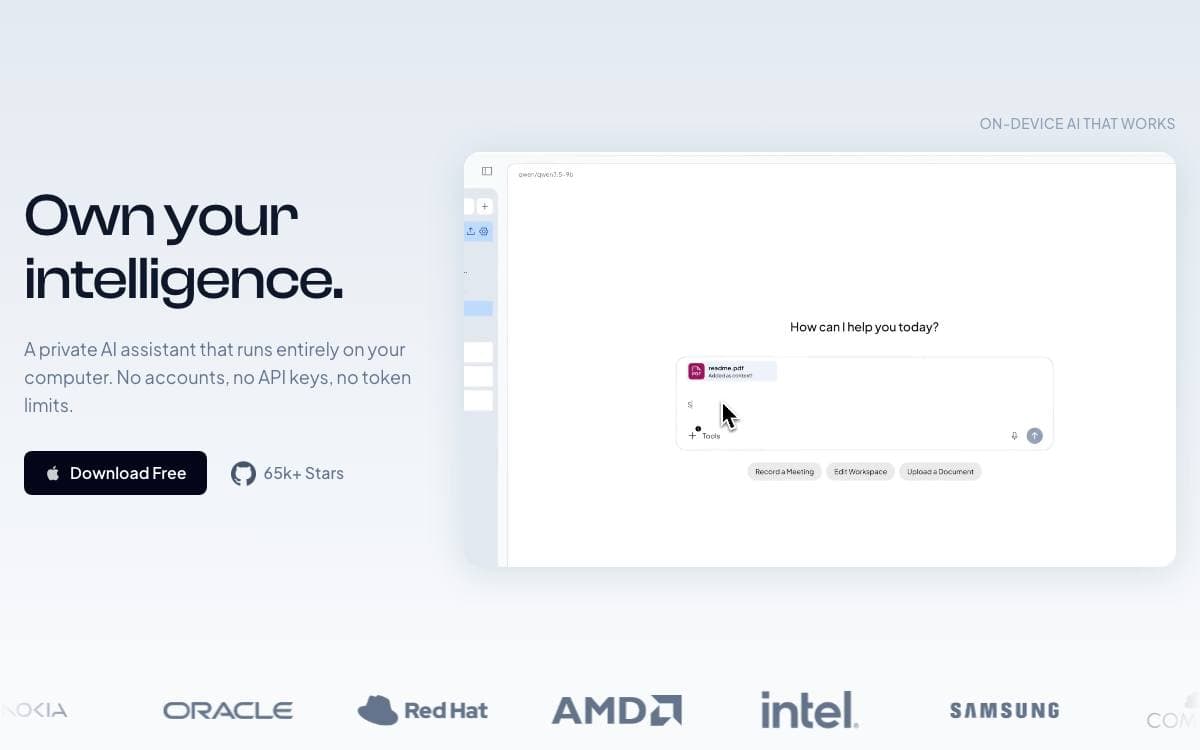
Building a private ChatGPT usually means gluing a vector store, a document pipeline and a permissions layer onto whichever model you picked. AnythingLLM ships all of that as one application that runs locally by default and needs no setup work first.
You connect a local or cloud model, ingest documents and start chatting within minutes. Support spans llama.cpp compatible models, OpenAI, Anthropic, Azure, Bedrock, Gemini, Ollama, LM Studio, Mistral and Groq among many others, alongside embedders, transcription models and vector databases.
Several features push it past a plain chat wrapper.
- Dynamic model routing: sends each conversation to the provider and model your rules select.
- Managed memories: the model retains information about you or a workspace across sessions.
- Scheduled tasks: recurring prompts run on a cron schedule with full agent capabilities.
- Skill selection: enables unlimited tools while cutting token use per query substantially.
- Agent builder: assembles custom agents and flows without code, with MCP compatibility.
Multi-user permissioning and the embeddable website chat widget are Docker-only, while desktop builds cover Mac, Windows and Linux. A developer API is available for custom integrations, and the team is separately working on Open Computer, an environment giving agents a whole machine to use.

Self-hosted AI platform that connects company data to chat, search and agents, for teams wanting an LLM interface they control.
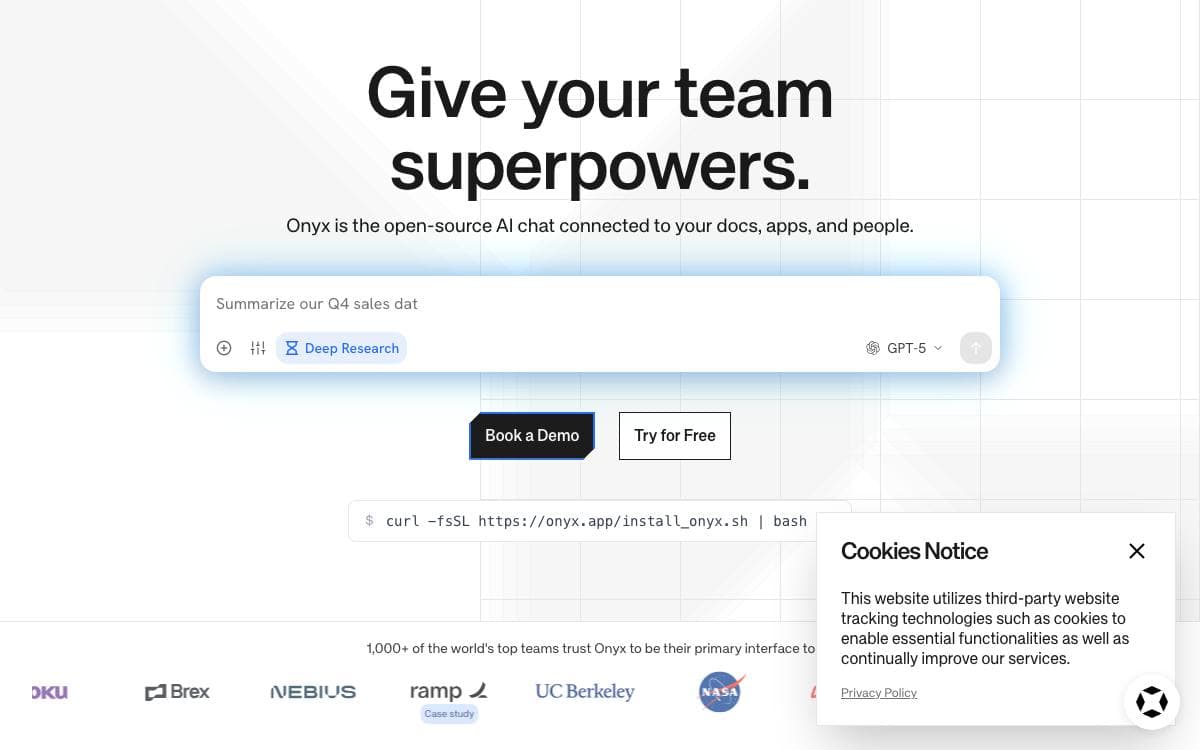
Rather than build chat, retrieval and agent plumbing in house, a team can stand up Onyx and get an application layer for large language models that it hosts itself. Company knowledge arrives through more than 50 indexing connectors or through MCP.
Model choice stays open. The platform works with self hosted runtimes such as Ollama, LiteLLM and vLLM as well as proprietary providers including Anthropic, OpenAI and Gemini.
Several capabilities sit on top of that foundation.
- Agentic RAG: a hybrid index paired with retrieval agents for search and answer quality.
- Deep research: multi step research flows that produce in depth reports.
- Custom agents: agents given their own instructions, knowledge and actions.
- Web search: an in house crawler plus support for Serper, Google PSE, Brave, SearXNG and others.
- Code execution: a sandbox for analysing data, rendering graphs or modifying files.
Deployment runs through Docker, Kubernetes, Helm or Terraform, with a single install command for a quick start. A Lite mode trims the stack to a chat interface under 1GB of memory, while the standard deployment adds the vector and keyword index, background job workers, model inference servers and caching for larger use.
The Community Edition is MIT licensed and covers chat, RAG, agents and actions, with an Enterprise Edition adding single sign on, role based access control, analytics, query history and whitelabeling.

Open-source platform for building enterprise-grade agents, combining retrieval over your own documents with workflow orchestration and MCP tool use.
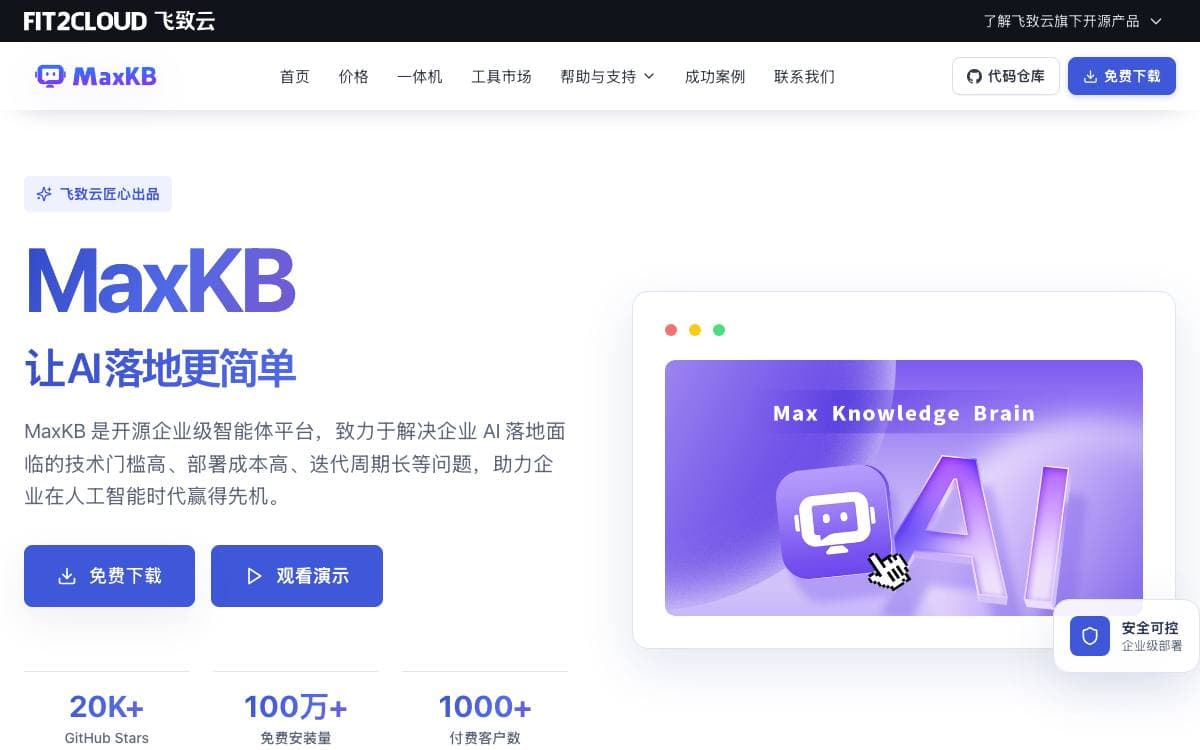
MaxKB, short for Max Knowledge Brain, is an open-source platform for building enterprise-grade agents. It gathers retrieval, workflow orchestration and tool use into one product, so those pieces do not have to be assembled and maintained separately.
It is applied in intelligent customer service, corporate internal knowledge bases, academic research and education. Grounding answers in material you supply is what reduces hallucination from the underlying model and makes the question and answer experience usable.
Five capabilities describe what the platform covers.
- RAG pipeline: documents are uploaded directly or crawled from online sources, then split and vectorized automatically.
- Agentic workflow: a workflow engine, a function library and MCP tool use orchestrate processes for complex business scenarios.
- Integration: zero-coding integration adds question answering to third-party business systems that already exist.
- Model-agnostic: private models such as DeepSeek, Llama and Qwen sit alongside public ones like OpenAI, Claude, Gemini and MiniMax.
- Multi modal: text, image, audio and video are natively supported as both input and output.
A single Docker command starts the container and serves the web interface on port 8080 with a default administrator account. Underneath it runs Vue.js on the front end, Python with Django on the back, LangChain for the model layer and PostgreSQL with pgvector for storage. An offline installation guide covers environments that cannot pull the image, and the whole thing is licensed under GPLv3.

Open web research platform giving AI agents structured live data from social, search and commerce sources through one API.
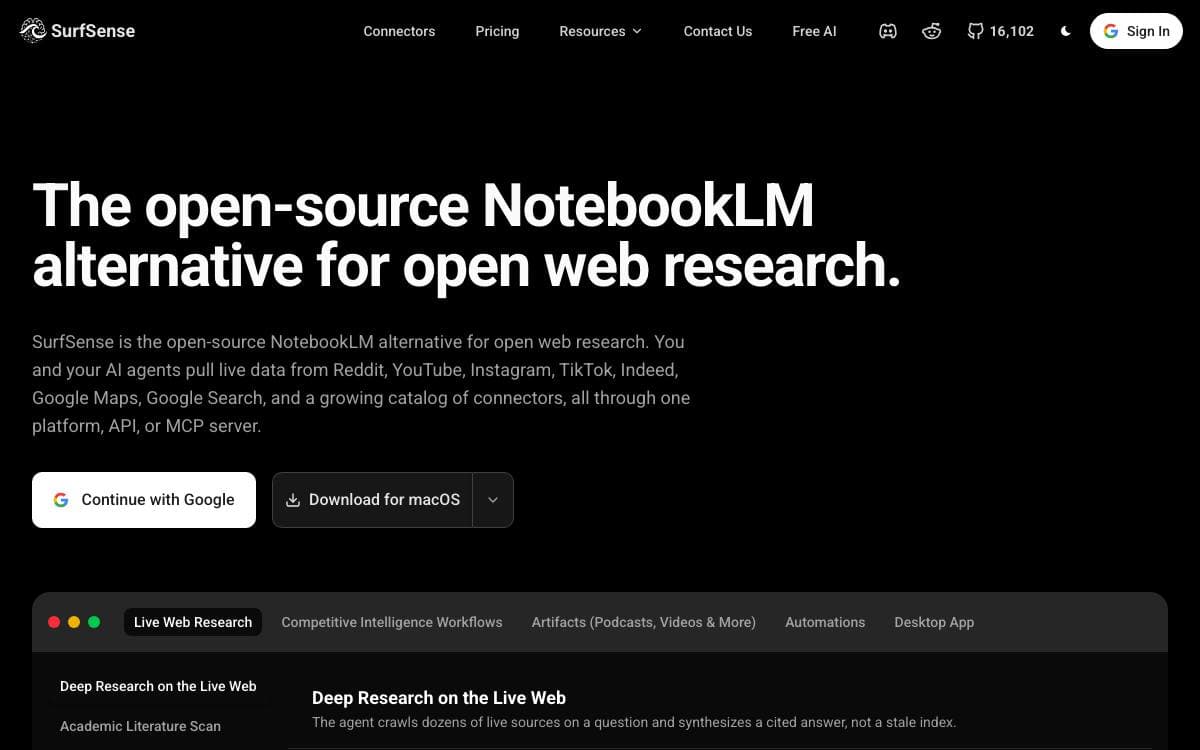
SurfSense began as an open-source alternative to NotebookLM and now aims at a second problem: giving agents somewhere trustworthy to look when the answer lives on Reddit, in a video transcript or under a product review. Official platform APIs are rate-limited or priced for enterprises, scraping plumbing is brittle, and driving a browser with a model burns minutes per page.
Every source is a REST endpoint returning structured JSON, and the same set is published as an MCP server so Claude, Cursor or any agent framework can call them as native tools. Retries, structured output and credit metering come with the harness.
Behind the connectors, the research workspace that made the project popular is still in place.
- Connector catalog: Reddit, YouTube, Instagram, TikTok, Amazon, Walmart, Google Maps, Google Search, Indeed and open web crawling.
- Knowledge base: upload documents or sync Google Drive, OneDrive and Dropbox, then search with cited answers.
- Deliverables: reports, spreadsheets, slide decks, narrated video overviews and two-host podcasts built from your material.
- Automations: agent runs on a schedule or on events, writing results back to Notion, Slack, Linear and Jira.
- Team access: real-time collaborative chats with comments, plus owner, admin, editor and viewer roles.
Self-hosting needs Docker Desktop and ships with billing switched off, so crawls and agent runs are bounded only by your hardware and the model keys you bring. Over a hundred models are reachable through the OpenAI spec and LiteLLM, local inference included.

Open-source workplace AI platform that connects company knowledge across business systems and answers questions with citations, respecting each person's permissions.
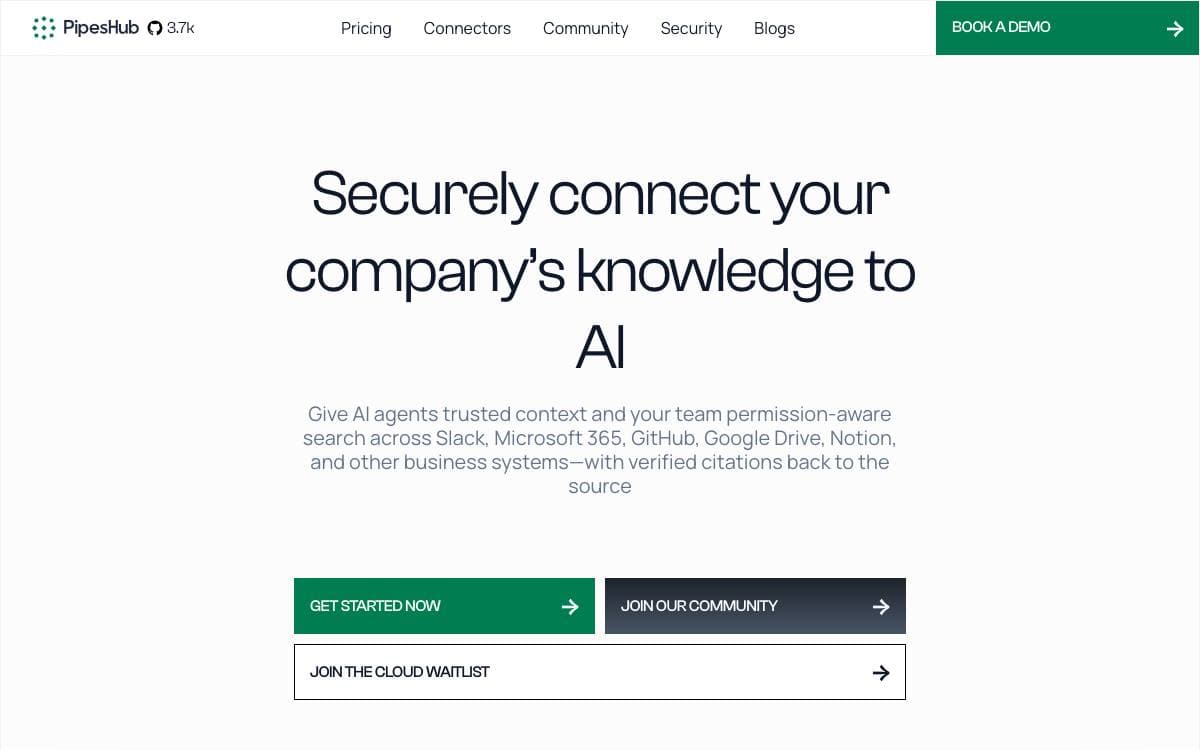
PipesHub connects AI applications to the knowledge already scattered across a company's business systems, so an answer no longer depends on which tool somebody happened to search first. It links Slack, Google Drive, GitHub, Microsoft 365, Notion and more than fifty other systems into one context layer.
Retrieval runs over a knowledge graph that captures relationships between records, with block level citations pointing back at the original document. Any LLM provider can sit behind it, deployed inside your own VPC so data never leaves your infrastructure.
Several jobs sit on top of that shared context layer.
- Permission-aware search: source level access controls are enforced, so people only see records they are already authorized to read.
- Enterprise connectors: more than fifty connectors arrive with real time and scheduled indexing.
- No-code agents: agents are built visually and can execute actions across connected tools.
- Artifacts and code execution: reports, charts and dashboards are generated inside a sandbox.
- Multimodal input: images, diagrams and scanned files are understood, alongside voice interaction.
The backend is Python with FastAPI, storing documents in MongoDB, vectors in Qdrant, OpenSearch or Redis, and the graph in Neo4j or ArangoDB. Deployment is Docker Compose, driven by an interactive installer that checks prerequisites, generates secrets and writes an environment file for you. A managed cloud edition is announced but not yet available, so self-hosting is the only way to run it today.

Federated AI search and RAG across your company's applications, answering questions from live sources without copying anything into a vector database.
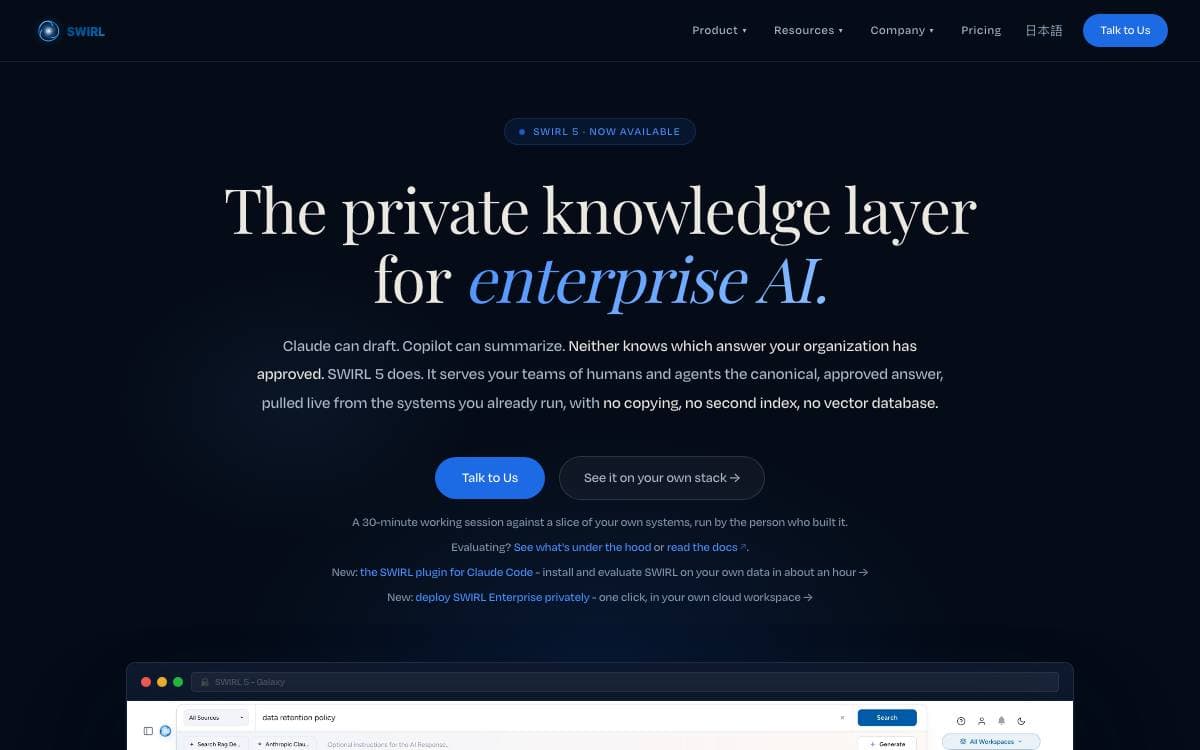
Swirl answers a question by searching your applications live, ranking what comes back and returning an answer with sources you can click through. The premise is that most AI search products ask you to copy everything into a vector database first and then govern that copy forever, and that this step can be skipped.
Queries run against each source with the user's own permissions, so access control is enforced where it already lives rather than rebuilt in a second system. Results are re-ranked, deduplicated and mixed, then an answer with citations is generated by whichever model you supply a key for. Everything lands in SQLite or Postgres for later analysis.
This repository is Swirl Community, the Apache 2.0 edition.
- Connectors: more than a hundred sources are supported, and the connector objects are built to be extended.
- Galaxy UI: the same interface that ships with the commercial edition.
- Re-ranking: cosine vector similarity using the spaCy large model and NLTK, plus duplicate detection and result mixers.
- Processors: a pipelined architecture transforms queries, responses and results as they pass through.
- Federation: synchronous or asynchronous, over a clean REST API.
Getting started is a compose file and one Docker command, roughly two minutes, arriving ready to search Arxiv, European PMC and Google News. That Docker setup keeps nothing when it shuts down, so follow the persistent install guide for real use. A paid enterprise edition adds a three-pass reranker, canonical answers and an MCP server for agents.

Document question answering that returns cited answers from uploaded PDFs and web pages, for teams reading across large document sets.

Corpus takes PDFs and web pages, answers questions about them in plain language, and links each answer back to the passage it came from. Documents group into workspaces and document sets, so a research pile stays separated by project instead of merging into one searchable heap.
The backend is FastAPI with PostgreSQL as the primary database, Elasticsearch for full-text search, RabbitMQ as the message queue, Temporal for workflow orchestration, Redis for caching and S3 for document storage. The frontend is React with Vite. A Docker Compose file starts the whole stack, including a LocalStack S3 and the Temporal web interface.
The product sits on a handful of moving parts.
- Citations: every answer carries links back into the source text.
- Cross-correlation: the same question can be compared across several documents at once.
- Workflows: Temporal runs automated workflows whose output can be reviewed and exported.
- Model choice: OpenAI, Anthropic, Google and xAI models are supported for answering.
- Embeddings: OpenAI and Voyage AI both work for the vector side.
Running everything in containers needs only Docker and Docker Compose, while running the services directly needs Python 3.11 or newer with Poetry and Alembic, plus Node.js 20 for the frontend. Video walkthroughs in the repository cover getting started, cross-correlation and workflow creation, and the license is AGPL-3.0.


