Open Source Flickr Alternatives
A curated collection of the 4 best open source alternatives to Flickr.
The best open source alternative to Flickr is Immich. If that doesn't suit you, we've compiled a ranked list of other open source Flickr alternatives to help you find a suitable replacement. Other interesting open source alternatives to Flickr are: Pixelfed, Lychee and Piwigo.
Flickr alternatives are mainly Digital Asset Management but may also be Storage Solutions or Social Networking. Browse these if you want a narrower list of alternatives or looking for a specific functionality of Flickr.

A self-hosted photo and video backup service with mobile apps, facial recognition and search across metadata, objects and faces.
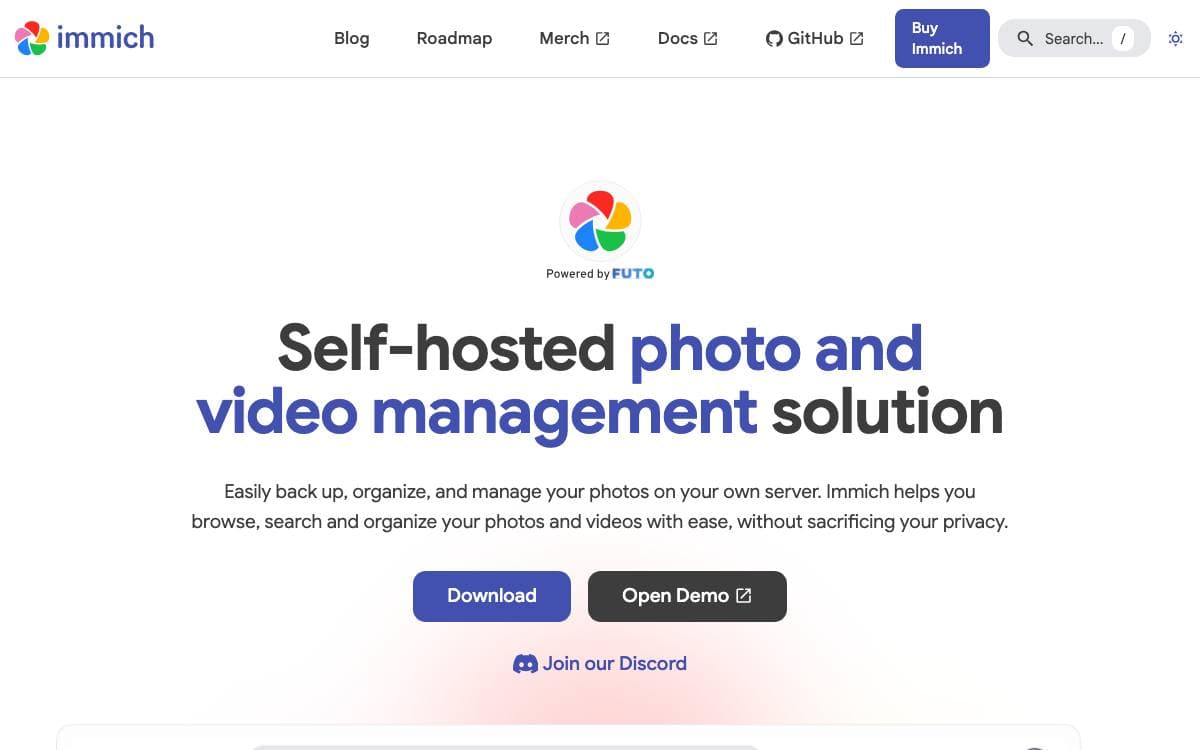
Immich is a self-hosted home for photos and videos. Mobile apps back a phone's library up to a server you run, and a web interface manages whatever lands there, which removes the recurring bill and the storage ceiling that come with a hosted gallery.
The apps and the web client divide the work. Automatic backup when the app opens, background backup, selective album backup and offline access belong to mobile, while administration, user management, API keys and tags belong to the web. Most everything else is available in both.
The catalog side is where a self-hosted gallery usually falls short, and this one covers it.
- Search: queries run across metadata, detected objects, faces and CLIP embeddings.
- Faces: recognition and clustering group people without manual tagging.
- Formats: raw files, live and motion photos with playback, and 360 degree images on the web.
- Sharing: shared albums, partner sharing and public links.
- Organization: archive, favorites, stacked photos, folder view, memories from past years and a global map.
Multi-user support, OAuth login, duplicate prevention and a user-defined storage structure round out a deployment for a household. A public demo server is available for trying it before installing anything. The maintainers are direct about one point: keep a three copy backup plan for anything you care about, because a management tool is not a substitute for real backups.

Federated photo sharing that connects to the wider fediverse, for people who want an audience without an algorithm deciding who sees them.

Photo sharing on Pixelfed lets casual shots and creative photography find an audience with no algorithmic barriers in the way. Instead of another closed network, it federates, joining a fediverse of independently run servers whose users follow and interact across instance boundaries.
The software is published as a PHP package on Packagist and installed on a server you control, which makes every instance its own community with its own operator, rules and moderation. Setup and administration are covered on the project's documentation site rather than in the repository itself.
A few practical points matter before running an instance.
- Self-hosting: the code is meant to be deployed by whoever runs the community, not rented from a single vendor.
- YunoHost package: a maintained app package installs Pixelfed on a YunoHost server without manual configuration.
- Translations: the interface is localized through Crowdin, and contributions are open to anyone.
- License: the project is AGPL licensed, so modifications served to users have to be shared back.
- Community channels: discussion happens on Discord and Mastodon, under a published code of conduct.
Development is funded by sponsors rather than advertising, with support from the NLnet Foundation and NGI0 Discovery, part of the Next Generation Internet initiative, alongside Fastly, DigitalOcean and backers on Patreon. Joining means choosing an instance and the operator behind it, or standing up your own for a group that wants to set its own rules.

Self-hosted photo management for people who want their own gallery on their own server, with uploading, organizing and sharing built in.
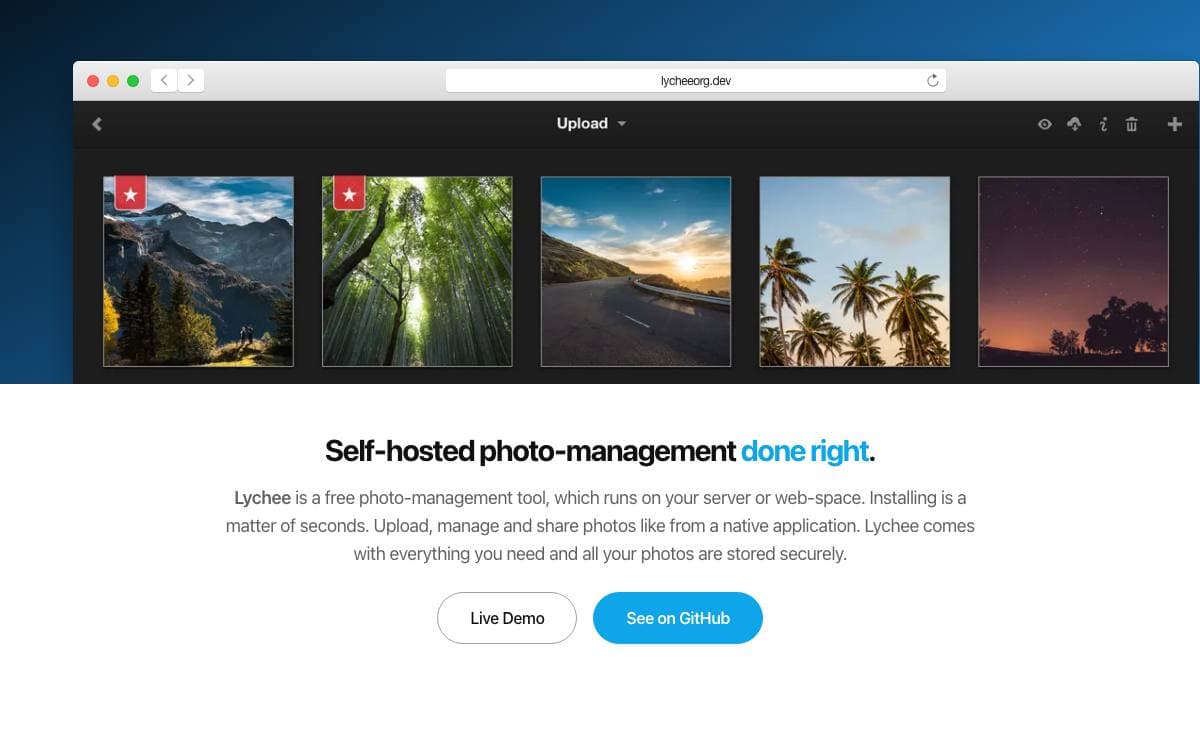
Lychee is a free photo management tool that runs on your own server or web space. It answers a plain need, keeping a personal photo library under your control rather than in someone else's cloud, while still feeling like a native application to use.
Installation is quick, and the maintainers treat Docker as the recommended route. A published compose file brings up the application next to a MariaDB database and a separate worker container for background jobs, then serves the gallery on a local port. A minimal template exists for a quick trial before committing to anything.
A few practical details shape how you deploy it.
- Images: published to both the GitHub Container Registry and Docker Hub, tagged latest for stable releases and edge for development builds.
- From source: needs PHP 8.4 or newer, Composer and npm, with pre-built releases as the middle path.
- Version 7.0: changes the Docker image significantly, so read the upgrade guide before moving from an earlier release.
- Supporter Edition: a paid edition layers additional functionality on the open source core.
- License: the project is MIT licensed.
Contribution guidelines cover setup, coding standards and a specification-driven workflow, and AI-assisted contributions are explicitly permitted. Documentation, GitHub issues and a Discord server handle support, while donations and sponsorship pay for the demo server and the steady stream of bug fixes.

Photo gallery software for the web, designed for organizations, teams and individuals managing a large library on their own server.
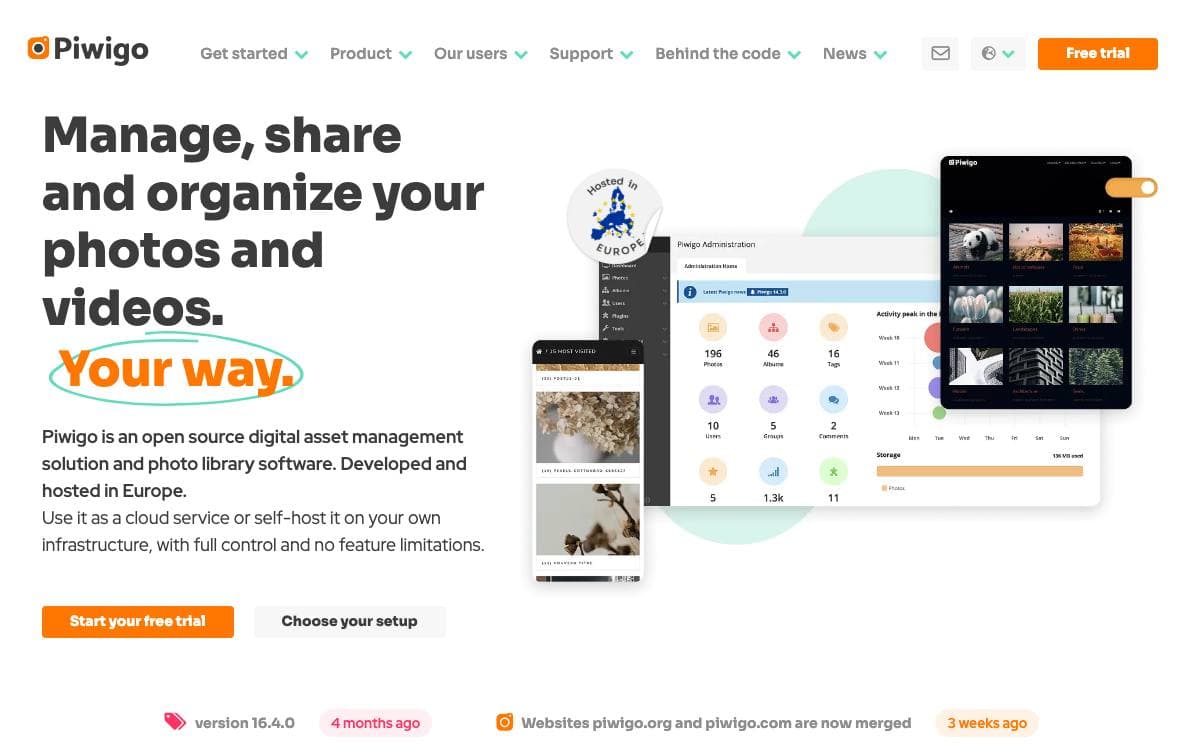
Piwigo is photo gallery software for the web, meant for a collection that has outgrown a folder of files on a laptop. It is designed for organizations, teams and individuals who want their library on a server they control rather than a service that decides the rules for them.
The application is written in PHP and runs on an ordinary web stack, which keeps hosting inexpensive and the choice of host wide open.
Check the requirements before downloading anything.
- Web server: Apache or nginx is recommended.
- PHP 7.4 or later: earlier releases from 7.0 still run, but they are end of life and may expose the site to known vulnerabilities.
- Database: MySQL 5 or greater, or the equivalent MariaDB version.
- Image processing: ImageMagick is recommended, with PHP GD as the fallback.
- Docker: an installation guide covers running the whole thing in containers instead.
Manual installation is deliberately old-fashioned and dependable. Download the latest stable release, unzip it, transfer everything to your web space with any FTP client, then open the address in a browser and follow the steps it presents. A hosted cloud edition exists for anyone without a server of their own.
The project is driven largely by its community, with code contributions taken as pull requests against the master branch and other kinds of help documented on the website. Piwigo is released under the GPL v2 license.


