Open Source Figma Alternatives
A curated collection of the 5 best open source alternatives to Figma.
The best open source alternative to Figma is Penpot. If that doesn't suit you, we've compiled a ranked list of other open source Figma alternatives to help you find a suitable replacement. Other interesting open source alternatives to Figma are: Onlook, OpenPencil, Quant-UX and Grida.
Figma alternatives are mainly Design & Prototyping but may also be Frameworks & Platforms or Design & Visualization. Browse these if you want a narrower list of alternatives or looking for a specific functionality of Figma.

A design and prototyping platform for product teams, self-hostable and built on open web standards rather than a proprietary format.
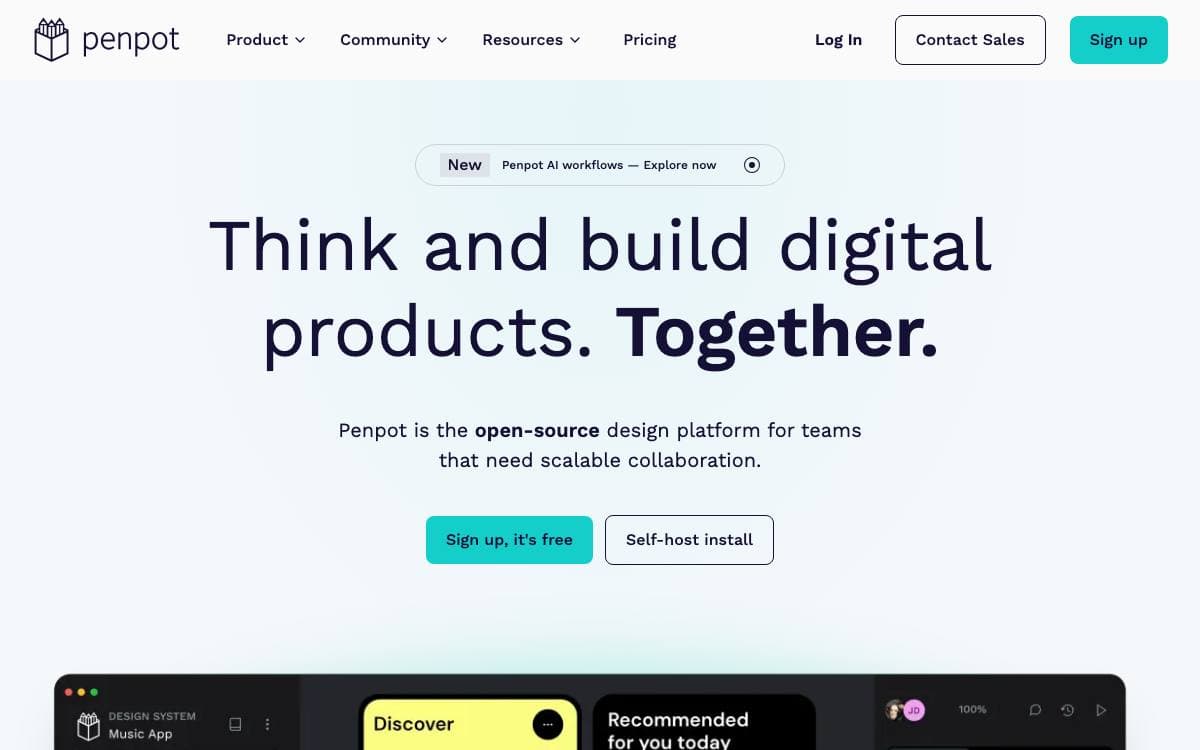
Ownership is the argument Penpot makes. It is a design platform for teams building digital products at scale, used in a browser or deployed on servers you run, and it stores work in open standards such as SVG, CSS, HTML and JSON rather than a format only one vendor can read.
Because design is expressed as code, developers can read what designers produced without a translation step. An inspect tab hands over ready-to-use SVG, CSS and HTML, while CSS Grid and Flex layout let responsive interfaces behave from the start the way the shipped product will.
A handful of pieces connect design work to the rest of the toolchain.
- Design tokens: native tokens act as a single source of truth between design and development.
- Components and variants: reusable pieces keep interfaces consistent across projects and platforms.
- MCP server: multi-directional workflows let code and AI tools read and act on designs.
- Open API and webhooks: access tokens make the workspace programmable and wire it into existing systems.
- Plugin system: plugins extend the editor and integrate it with other applications.
Real-time collaboration is there when a team needs it and ignorable when working alone. Deployment stays agnostic: use the hosted service or install on your own infrastructure following the technical guide, which is what makes Penpot workable for organizations whose compliance and governance rules exclude a vendor-managed tool.

Visual editor for Next.js and Tailwind projects, letting designers edit the live DOM while real source code changes underneath.

Designers working on top of a codebase usually hand mockups to engineers and wait. Onlook closes that gap with an open source visual-first code editor where changes made in the browser DOM land directly in Next.js and TailwindCSS source, positioning itself against Bolt.new, Lovable, V0, Replit Agent, Figma Make and Webflow.
Under the surface, project code loads into a web container that serves it, the preview appears in an iFrame, and the code is indexed and instrumented so every element maps back to its place in the source. Edits apply to the iFrame first and then to the code. The stack is Next.js with tRPC, Supabase and Drizzle for data, the AI SDK over OpenRouter for models, and Bun for the monorepo.
The editor covers the span between a blank project and a deployed site.
- Project creation: Start a Next.js app from text, an image or a prebuilt template.
- Visual canvas: Browse layers, manage brand assets and tokens, and preview the app in real time.
- Code access: A real-time editor sits beside the design, with checkpoints to save and restore.
- Branching: Try alternative designs without disturbing the main line of work.
- Deployment: Generate a shareable link or point a custom domain at the result.
Onlook runs on any Next.js and TailwindCSS project, imported or started from scratch, through the hosted app or locally. Support for other frameworks and non-Tailwind projects remains open work.

An open source design editor that reads and writes native Figma files, builds designs with AI, and scripts from the command line.
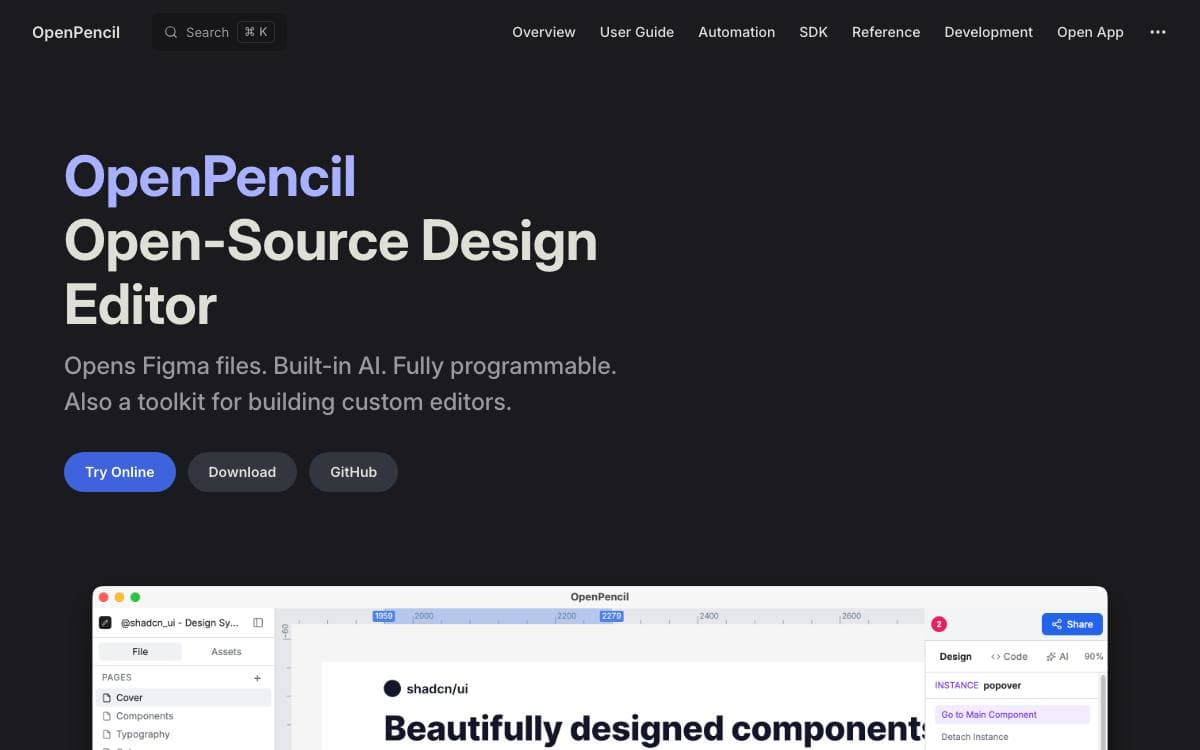
OpenPencil opens .fig and .pen documents directly, so a design file behaves like a file again rather than something held inside a service. Nodes copy and paste between apps, and documents open from the editor or from the operating system file browser.
Underneath the editor sits a programmable toolkit. A headless CLI inspects node trees, runs XPath queries, and exports; an MCP server and desktop agent integrations connect it to coding agents such as Claude Code, Codex, and Gemini CLI; a headless Vue SDK lets other applications embed the editing surface.
The feature set spans authoring, automation, and handoff.
- AI editing: more than 90 tools create and modify nodes from a chat description, backed by OpenRouter, Anthropic, OpenAI, Google AI, and other compatible endpoints.
- Components and variants: reusable components, variant sets, local assets inserted as instances, and variant switching from the inspector.
- Auto layout: flex and CSS Grid layout through Yoga WASM, with gap, padding, alignment, and track sizing.
- Design to code: selections export as JSX or Tailwind, token outputs are generated, and HTML with CSS can be imported back into editable layers.
- Collaboration: peer-to-peer sessions over WebRTC carry cursors, presence, and follow mode with no server and no account.
The desktop build is around 7 MB, uses Tauri v2 on macOS, Windows, and Linux, and also runs in the browser as a progressive web app. Homebrew installs it on macOS. The project describes itself as usable today but under active development, with some rough edges.

Prototyping and usability testing tool for designers who want measured data on how people actually move through a design.

Quant-UX is a research, usability and prototyping tool. You assemble a clickable design, put it in front of real users and get quantitative results back, which closes the gap between a prototype tool that cannot measure anything and an analytics tool with nothing yet to measure.
The system comes in two halves, and this repository holds only the frontend. It runs on Node.js and ships with a small web server that proxies requests to the backend. That backend, qux-java, is a separate Java service that needs MongoDB and an SMTP server, and a third process serves websockets for live connections. A working demo runs on the project site.
Standing up an installation means arranging a few services.
- Frontend: Node.js 12 or newer, built with npm and started from its own server script.
- Backend: Java 8 or newer with MongoDB 4.4 or newer, configured through a matc.conf file.
- Mail: an SMTP account, used for password resets and notifications.
- Websockets: a separate server process, pointed at the backend.
- AI: optional, and it calls OpenAI with a token you supply and pay for.
The maintainers point most people at the prebuilt Docker images and a compose file that wires the frontend, backend, websocket server and MongoDB together. One click deployments exist on Elestio and RepoCloud, and a community Kubernetes configuration is linked from the README. Change the JWT secret before exposing anything, and put the whole stack behind an NGINX reverse proxy so it is served over TLS.

Open canvas editor for design work, paired with an SVG editor, a Supabase backed database CMS and a forms builder.
Grida is an open source canvas editor built around performance and interoperability, with an SVG editor, a database CMS and a forms builder in the same repository. The thread running through it is documents you can read, diff and render outside the editor that produced them.
Rendering comes from a separate Rust engine called nothing, built on Skia and consumed here as a published WASM artifact. There are two backends, a DOM renderer for HTML and CSS workflows and a Skia renderer using WebGL2 in the browser or a raster surface in Node.js for headless export. Documents are stored as .grida files on FlatBuffers, a schema chosen for large files and schema evolution.
Several tools ship together and can be used on their own.
- Canvas: infinite canvas with a vector network model, canvas native rich text, undo history and multi-page PDF export.
- SVG editor: round trip faithful editing, where a file comes back byte equal when nothing changed.
- Refig: headless rendering of Figma exports or REST JSON to PNG, JPEG, WebP, PDF and SVG, with a CLI.
- Database and CMS: connect a Supabase project and work through table, gallery, list and chart views.
- Forms: over 30 input types with logic blocks, computed fields, themes and realtime sync.
The monorepo needs Node.js 24 or newer and pnpm 11 or newer. Smaller pieces are published to npm on their own, including the canvas engine, SVG tooling, a tree view controller, keybinding primitives and canvas math helpers. A component and instance model and a WebGPU backend remain unfinished.


