Open Source DaVinci Resolve Alternatives
A curated collection of the 4 best open source alternatives to DaVinci Resolve.
The best open source alternative to DaVinci Resolve is OpenCut. If that doesn't suit you, we've compiled a ranked list of other open source DaVinci Resolve alternatives to help you find a suitable replacement. Other interesting open source alternatives to DaVinci Resolve are: Shotcut, OpenShot and Kdenlive.
DaVinci Resolve alternatives are mainly Photo & Video Editors. Browse these if you want a narrower list of alternatives or looking for a specific functionality of DaVinci Resolve.

Free and open source video editor for web, desktop and mobile, aimed at creators who want an editor they can extend.
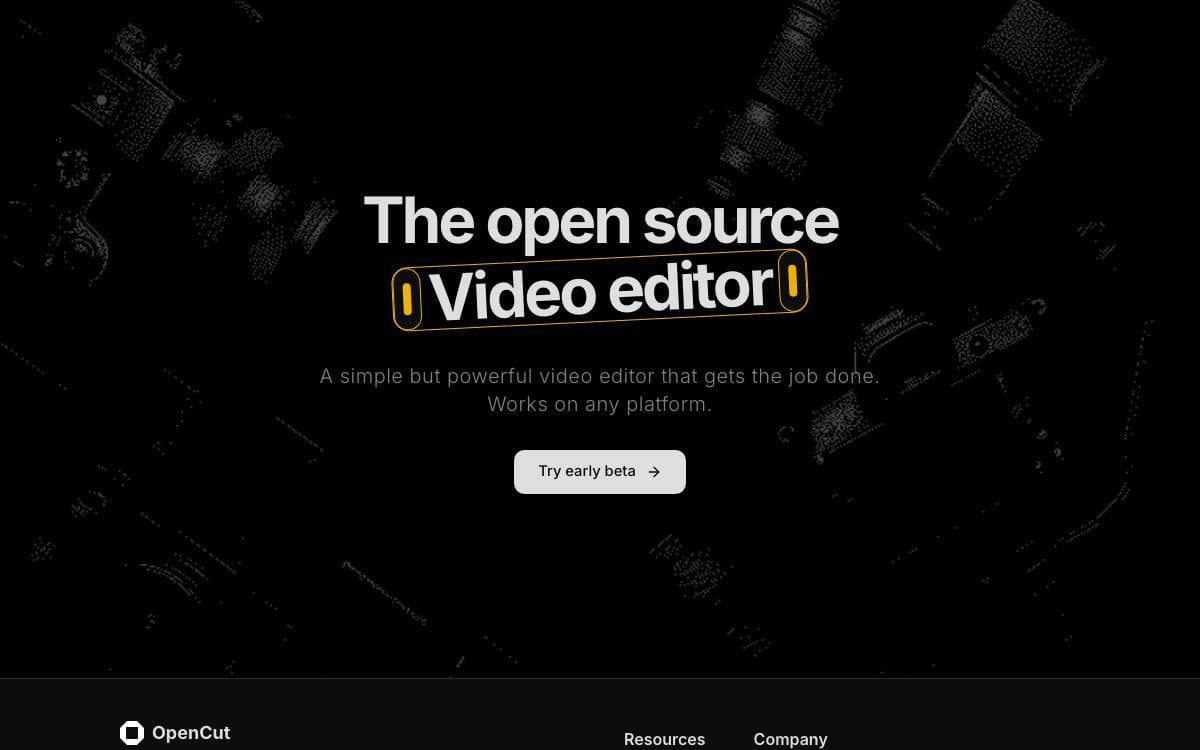
OpenCut is a free and open source video editor for web, desktop and mobile. The project is being rewritten from the ground up, and that rewrite is where the new architecture is taking shape.
The new core is written in Rust and shared by the browser, desktop and mobile builds from one codebase. A plugin-first design puts third party extensions on the same footing as built in features. Development runs through proto and moon, with separate web, api and desktop tasks.
The rewrite is planned around a short list of capabilities.
- Editor API: a documented surface for driving the editor from outside the interface.
- Third party plugins: first-class extensions, made possible by the plugin-first architecture.
- One codebase: desktop, mobile and browser served by a shared Rust core.
- MCP server: an entry point for AI agents to work with a project.
- Headless mode: automation and batch rendering without opening the interface.
- Scripting tab: a place to write and run scripts inside the editor itself.
For today, the version to reach for is OpenCut classic, kept in a separate repository, and it is what the official site still serves. The rewrite lives on a preview site until it is ready to take over. Outside contributions are not being accepted yet while the architecture is designed, and the code is MIT licensed.

A free cross-platform video editor built on the MLT framework, for anyone cutting video on Windows, macOS or Linux.
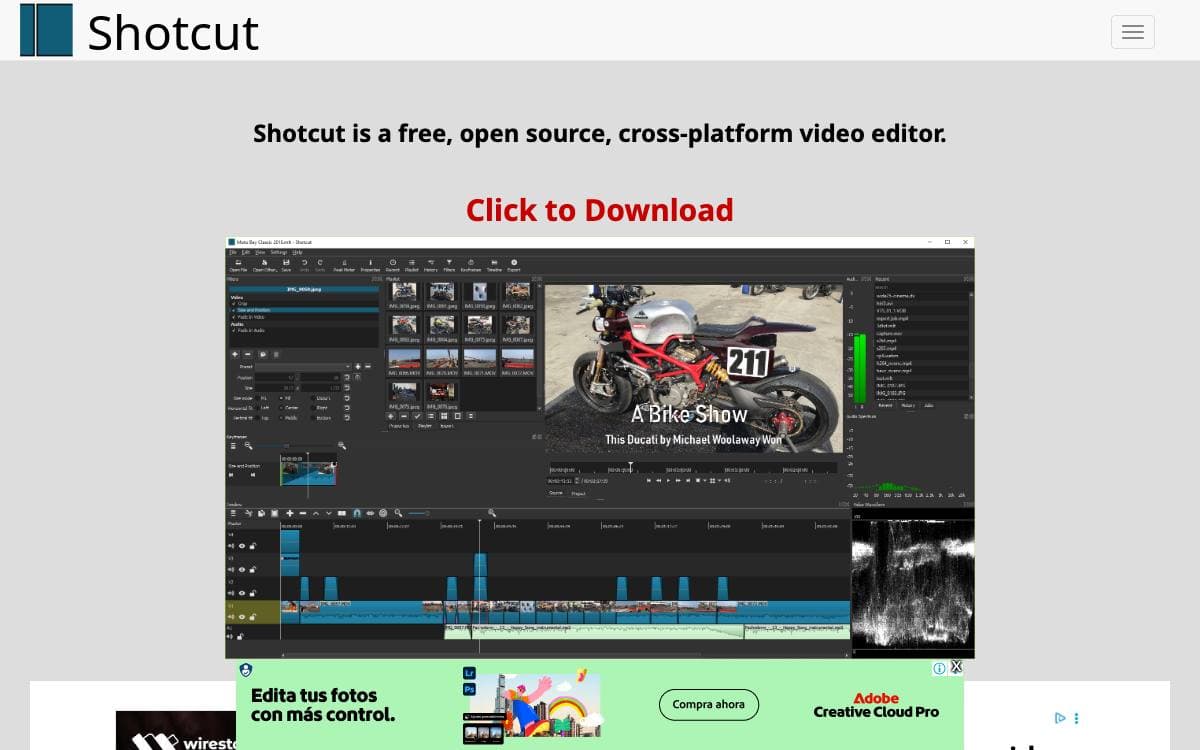
Shotcut runs on Windows, macOS and Linux from a single codebase, and binaries are built regularly for each of them, so most people editing video with it never go near the source.
Rather than reimplement the hard parts, it composes established libraries. Qt 6, version 6.4 at minimum, provides the application and interface layer, and the QML files describing that interface are read at run time rather than compiled in.
The dependency list says a good deal about what the editor can handle.
- MLT: the multimedia authoring framework doing the editing and rendering work underneath.
- FFmpeg: format and codec libraries, which is where the breadth of supported media comes from.
- Frei0r: the plugin collection supplying video effects.
- SDL: cross-platform audio playback.
- FFTW: the fast Fourier transform library, listed among the direct dependencies.
Building uses CMake, with the Ninja generator recommended, or Qt Creator for the quickest development run, though the project warns that compiling it should be left to beta testers and contributors who know what they are doing. Installing after a build is not optional, because the application looks for its QML files at run time and fails without them. The code is GPLv3, and translations are handled on Transifex, where new languages are welcome.

A cross-platform video editor for Linux, Mac and Windows, with keyframe animation and an unlimited-track timeline for everyday editing.
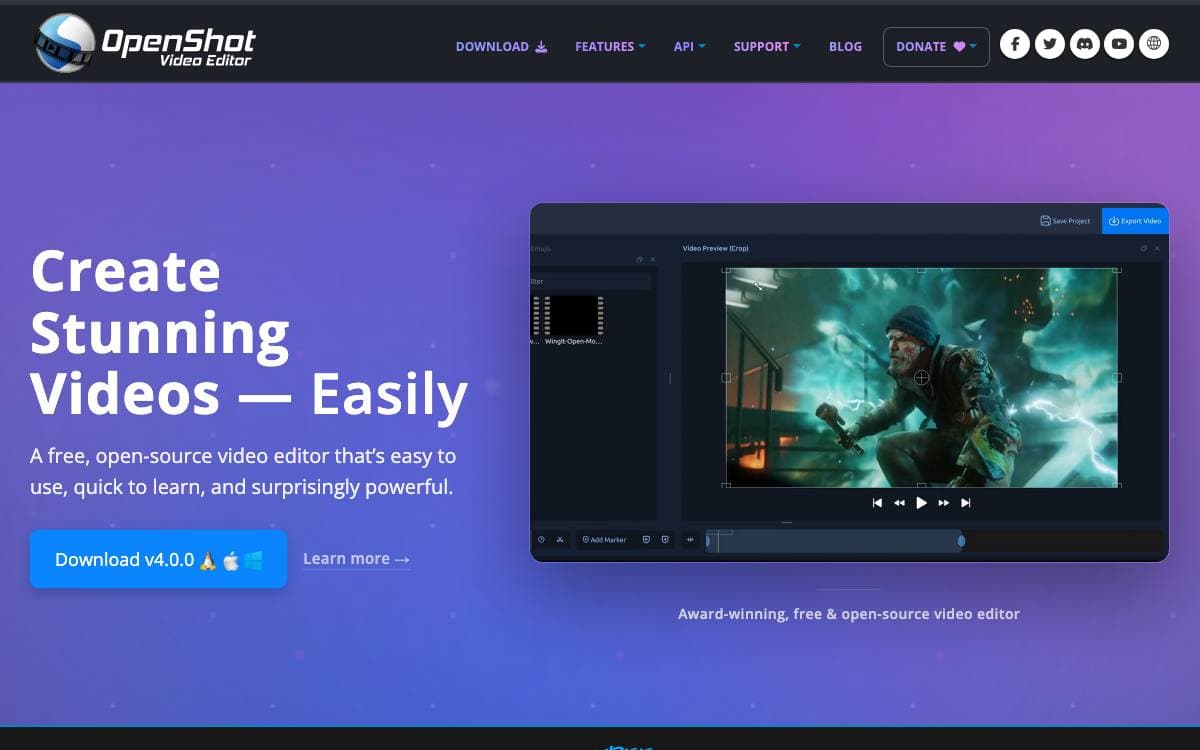
OpenShot is a free video editor for Linux, Mac and Windows aimed at people who want to cut, animate and export video without learning a professional suite first. It fills the ground between a simple trimming tool and a full production system.
Media handling rests on FFmpeg, so a wide range of video, audio and image formats import cleanly and rendering targets many codecs and containers. The application is written in Python 3 with Qt bindings, backed by the libopenshot and libopenshot-audio libraries.
The editing feature set is broad for a project of this size.
- Timeline: unlimited tracks with drag and drop, scrolling, panning, zooming, snapping and frame accurate stepping.
- Keyframe animation: curve-based keyframes drive clip properties over time.
- Titles: title templates, subtitles, SVG vector titles, 3D animated titles and scrolling credits.
- Effects: brightness, gamma, hue, grayscale and chroma key, plus compositing with overlays and watermarks.
- Time mapping: change clip speed forward or backward, slow or fast.
- Interchange: import and export EDL and XML project files.
Hardware encoding and decoding through VA-API, NVDEC, D3D9, D3D11 and VTB is present but marked experimental. The editor is released under the GNU General Public License version 3 or later, and prebuilt installers are the quickest way in, with daily builds published for every commit. Building from source needs Python 3, PyQt or PySide for Qt5 or Qt6, FFmpeg and GCC build tools.

A free and open source video editor from the KDE community, for everything from a simple family video to a complex production project.
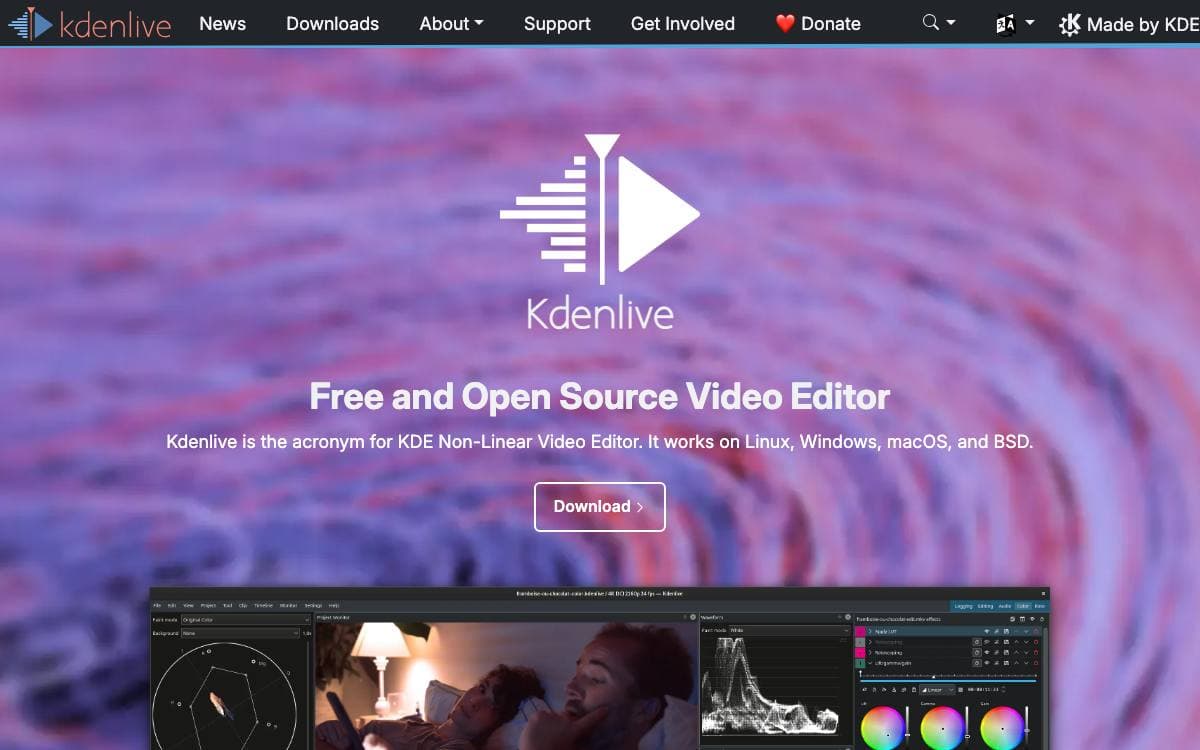
Kdenlive is a free and open-source video editor that brings professional-grade video editing capabilities to everyone. It is built for the whole range between a simple family video and a complex project, and it is community driven rather than the product of a single vendor.
The application is written in C++ and assembled from a handful of open technologies, which is worth knowing before packaging it or sending a patch.
A few names cover both the stack and where the work actually happens.
- MLT: the core framework providing the video editing functionality.
- Qt and KDE Frameworks 6: the GUI layer the interface is built on.
- frei0r: the library behind the video effects.
- LADSPA: the library behind the audio effects.
- KDE Invent: primary development runs on KDE's GitLab instance, and code contributions belong there rather than on the GitHub mirror.
Newcomers are pointed at the build instructions, the architecture and coding guidelines, and an introduction to MLT, plus a developer Matrix channel where the maintainers ask you to get in touch before starting on a task. Open issues on KDE Invent, some of them labeled First Task, and reports in the KDE bug tracker are the suggested places to look.
Stable releases and experimental daily builds are both published on the project website. Contribution is not limited to code either, since translation, bug reporting and triage, documentation, tutorials and helping other users on forums are all listed as ways in.


