Open Source DataGrip Alternatives
A curated collection of the 6 best open source alternatives to DataGrip.
The best open source alternative to DataGrip is DBeaver. If that doesn't suit you, we've compiled a ranked list of other open source DataGrip alternatives to help you find a suitable replacement. Other interesting open source alternatives to DataGrip are: Chat2DB, Beekeeper Studio, Bytebase and Tabularis.
DataGrip alternatives are mainly Databases but may also be Build & Deployment. Browse these if you want a narrower list of alternatives or looking for a specific functionality of DataGrip.

Cross-platform desktop database tool for developers, administrators and analysts, with SQL editing, data browsing and support for over 100 drivers.
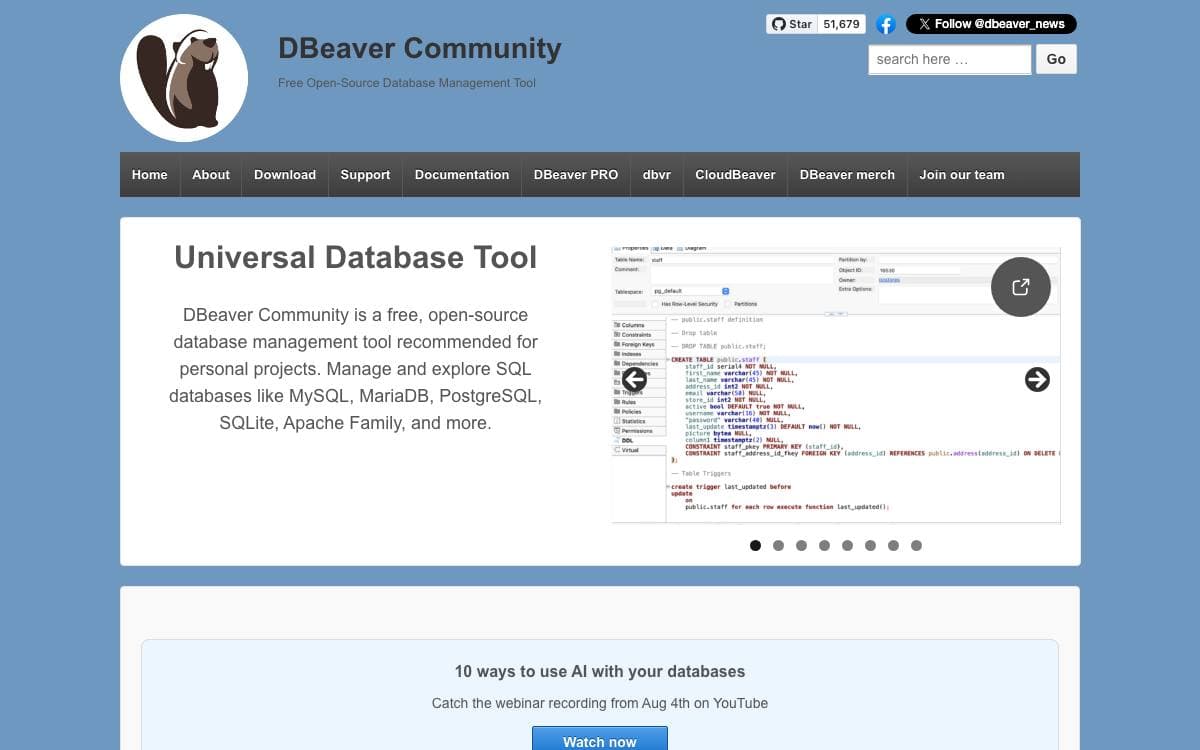
DBeaver is a free database tool for developers, SQL programmers, administrators and analysts. One application replaces the pile of vendor specific clients that accumulates when a team works across MySQL, Postgres, Oracle, Snowflake and a dozen other engines.
It is written mostly in Java on the Eclipse RCP platform, with OSGi handling plugins and dependencies across the 130 plus plugins of the community edition. JDBC provides connectivity, JSQLParser and ANTLR4 parse SQL grammar, and model plugins are kept apart from desktop UI plugins so the same backend also serves CloudBeaver.
The application covers most of the daily work around a database.
- Editors: schema, SQL and data editors sit together in one workspace.
- Diagrams: ER diagrams and SQL execution plans make structure and query behavior visible.
- Data movement: export, import and migration run between connected databases.
- Administration: dashboards, a spatial data viewer and a custom driver editor cover operational tasks.
- AI chat: generates, analyzes and optimizes SQL using context about schema and dialect, through OpenAI or Copilot in the community edition.
More than 100 drivers ship out of the box, and anything with a JDBC or ODBC driver can be added on top. Java is required, though OpenJDK 25 comes bundled with every distribution and can be swapped by replacing the jre directory. Commercial editions extend this with NoSQL sources, flat file datasources and further AI providers.

A cross-platform database client and SQL workspace for over forty databases, with an AI assistant you point at your own model.
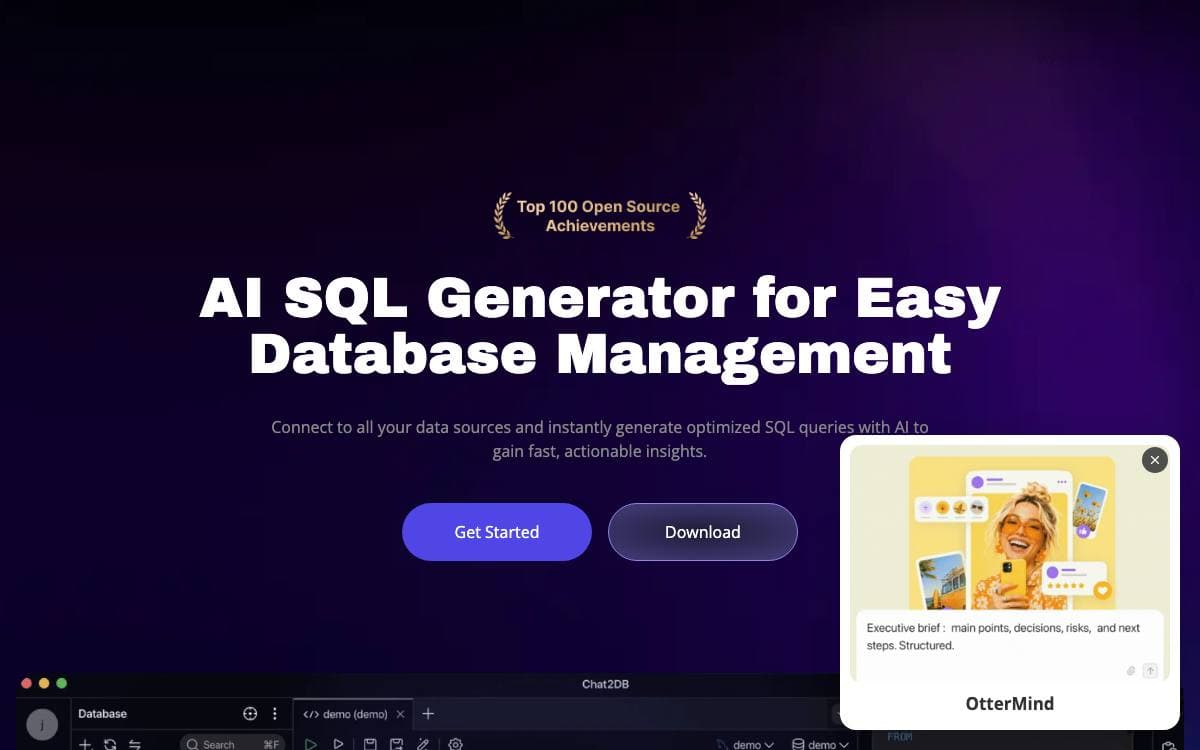
Chat2DB Community is a database client that runs entirely on your own machine, aimed at developers, DBAs, analysts and data teams who work across more engines than any single vendor tool covers. Windows, macOS and Linux are all supported, and the AI assistance is optional, because you connect your own model.
Coverage is the headline. More than forty databases are supported, from MySQL, PostgreSQL, Oracle and SQL Server through ClickHouse, MongoDB, Redis, Snowflake, BigQuery, Elasticsearch and Trino, and a new JDBC database can be added through configuration alone, with no code changes.
Around that connection layer sits a working SQL environment.
- SQL workspace: editing, completion, formatting, execution, saved SQL and execution history.
- AI assistant: your own model generates, explains and optimizes SQL from natural language.
- Database management: browse metadata, manage tables and objects, and edit data in place.
- Dashboards and charts: query results turned into visualizations and ER diagrams inside the app.
- Import, export and CLI: data moves in and out, and a separate open source CLI adds MCP support.
Install the desktop build from releases, or run the Docker image, which serves a web interface on port 10825. Take the encryption key seriously, since stored datasource passwords and model API keys are encrypted with a per-installation key that must survive upgrades and rebuilds. The application is single-user with no authorization boundary, so keep it bound to loopback.

Cross-platform SQL editor and database manager for Linux, Mac and Windows, aimed at developers who want a fast, uncluttered client.
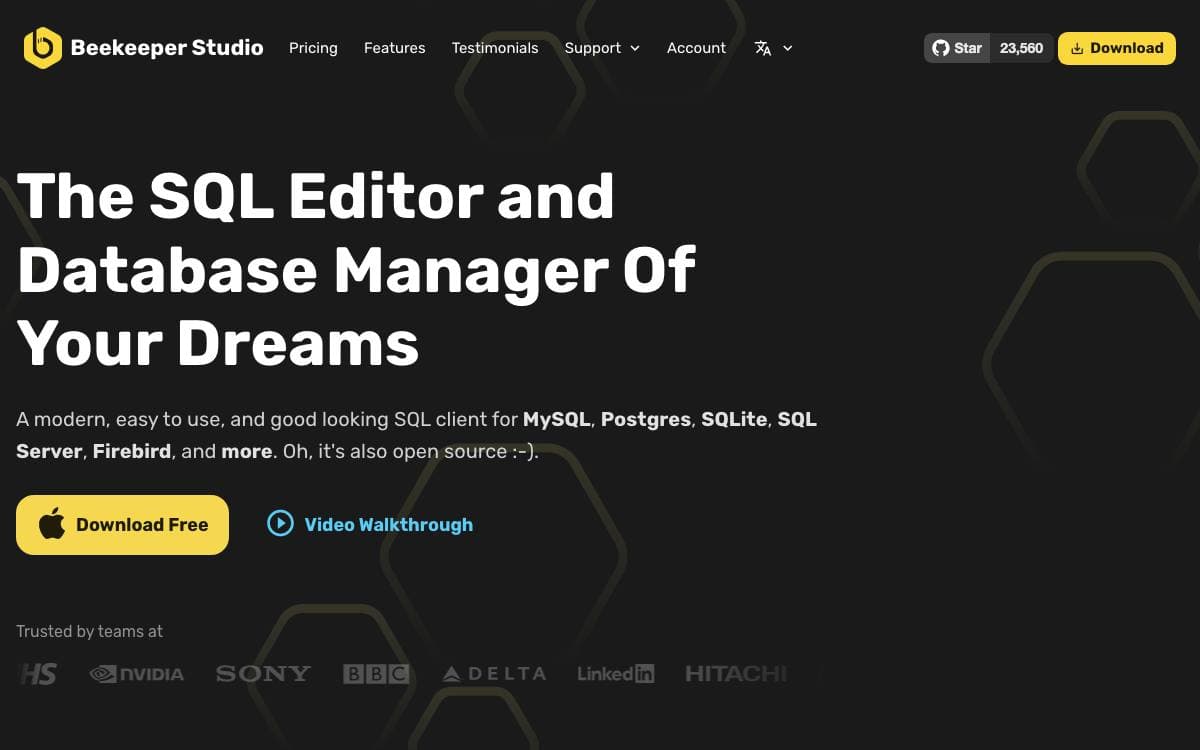
Beekeeper Studio is a SQL editor and database manager that ships as a desktop app for Linux, Mac and Windows. It exists because its authors could not find an open source workbench that stayed pleasant to use once the feature list grew, and the kitchen-sink alternatives had cluttered themselves into unusability.
The guiding rule is stated plainly by the project: if a new feature compromises speed or clarity, they kill it. The app is free to download with no sign-up, registration or credit card, and premium features live in the same repository under a separate commercial license.
Day to day work happens through a small set of tools.
- Query editor: autocomplete and syntax highlighting, in a tabbed interface so several pieces of work stay open.
- Saved queries and history: store queries for later, and dig the working one back out of the run history days afterwards.
- Table browsing: sort and filter table data to find what you need, and read rows as JSON.
- Import and export: move data in and out of a database, with backup and restore alongside.
- Free database coverage: PostgreSQL, MySQL, SQLite, SQL Server, Redshift, CockroachDB, MariaDB, TiDB, BigQuery, Redis and GreengageDB.
Paid editions extend that list to Oracle, Cassandra, ClickHouse, DuckDB, MongoDB, Trino, Firebird and others, with DynamoDB in beta and Snowflake announced. The community edition is GPLv3, and building it locally needs Node.js, Yarn in classic mode and an up-to-date OpenSSL.

Database governance for teams and AI agents, putting schema change, access control and compliance behind one reviewed workflow.
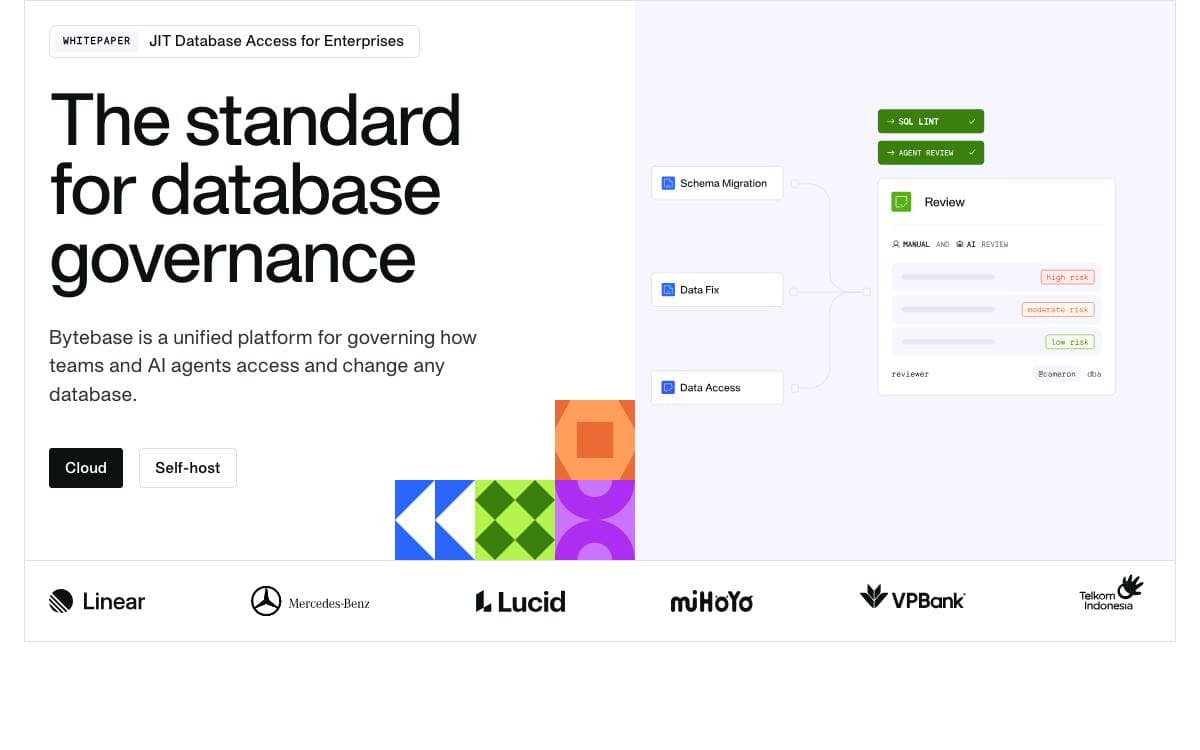
Bytebase sits between your users and your databases as a single control plane, treating human developers and AI agents as the same kind of caller. Every change and every query is reviewed, controlled and recorded, which replaces the usual scatter of migration scripts, SQL clients and ticketing systems with one place to look.
Engine coverage is wide. PostgreSQL, MySQL, SQL Server, Oracle, MongoDB, Redis, MariaDB, TiDB, Snowflake, ClickHouse, Spanner and OceanBase are supported, alongside integrations spanning infrastructure as code, identity providers, collaboration tools, ITSM, log streaming and secret managers.
The platform is organized around four concerns.
- Change management: request, review, deploy and roll back through a web console, or drive the same flow from GitHub and GitLab as database-as-code.
- SQL review: more than two hundred lint rules enforce standards before a statement reaches production.
- Access control: project and workspace roles, time-boxed grants that revoke themselves, and column-level masking applied by role at query time.
- Compliance: a complete audit trail, data classification for sensitive columns, and policy managed as code through the Terraform provider and API.
An MCP server connects AI agents and IDEs to Bytebase, while the SQL editor adds text-to-SQL and an assistant that executes workflows from plain language requests.
Running it takes one Docker command or a Helm install, then a setup wizard on port 8080. Development teams, DBAs and security teams each get a documented path through the same platform.

A desktop SQL workspace for PostgreSQL, MySQL and SQLite whose built-in MCP server lets AI agents read schemas and run queries.
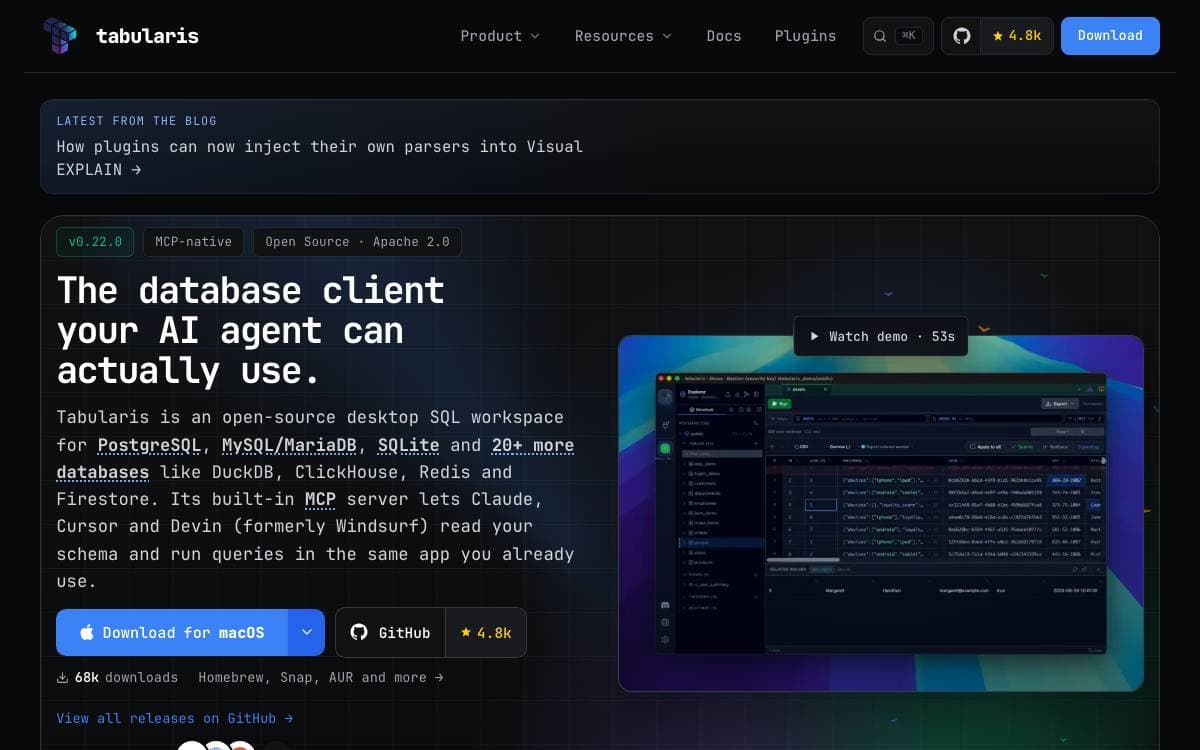
Tabularis is an open source desktop SQL workspace. PostgreSQL, MySQL and MariaDB, and SQLite are built in, and a plugin system covers more than fifteen others including DuckDB, ClickHouse, Redis, MongoDB, Elasticsearch, DynamoDB and Firestore, with more claimed on a public bounty board.
The built-in MCP server is what sets it apart from older clients. Claude, Cursor and Devin read your schema and run queries inside the same application you already have open, so an agent works against the connection you configured rather than one you set up twice.
The rest of the workspace is aimed at people who spend their day reading query output.
- SQL notebooks: SQL and markdown cells with cross-cell variables and charts.
- Visual EXPLAIN: interactive plan graphs for working out where a query goes wrong.
- Database explorer: browse tables, columns, keys, indexes, views and routines, with inline editing and an interactive ER diagram.
- Connection management: saved and cloned profiles, system keychain password storage, SSH tunneling and per-connection icons and colors.
- Plugins in any language: drivers speak JSON-RPC over stdio, so Go, Rust or anything else works.
- Local AI: optional text-to-SQL against models running on Ollama.
Installers cover Windows, macOS and Linux through WinGet, Homebrew, Snap, Flatpak, AppImage and the AUR, with signed and notarized macOS builds and an interface translated into ten languages. The maintainers are candid about scope and suggest DBeaver for anyone who needs dozens of drivers; Tabularis aims at doing a few databases well.

AI-assisted desktop database client for PostgreSQL, MySQL, MSSQL and ClickHouse, with encrypted connection storage and help writing queries.
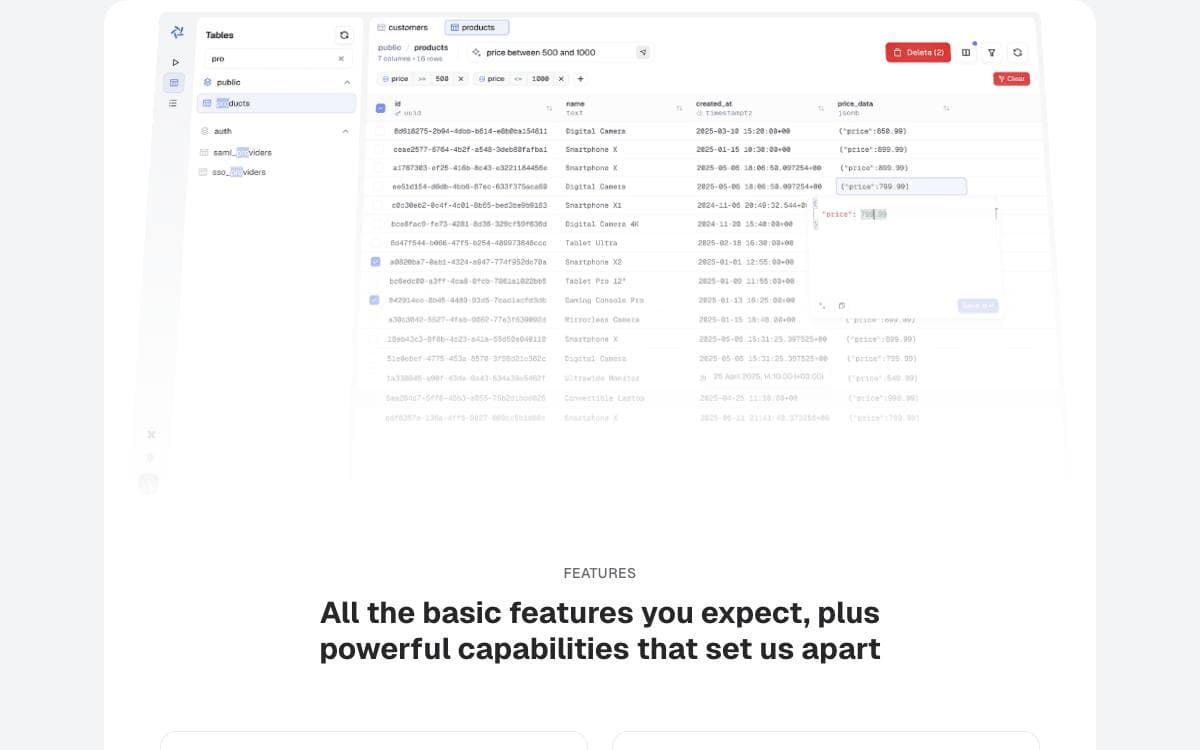
Conar, now published as Tamery, is a desktop database client that puts an AI assistant next to the query editor. It targets people who spend the day writing SQL against several engines and want help composing and optimizing queries without leaving the tool that runs them.
Connections are stored in the project's cloud with encrypted connection strings and optional password protection, on top of an open source codebase. PostgreSQL, MySQL, MSSQL and ClickHouse are supported today, with SQLite and MongoDB listed as coming.
The stack is TypeScript from end to end.
- Desktop shell: Electron with React, TypeScript, Vite, Tailwind CSS and shadcn/ui.
- Application layer: TanStack Start, Router, Query, Form and Virtual, with Arktype handling validation.
- Backend: Bun and Hono serving oRPC endpoints, with Drizzle ORM over PostgreSQL.
- Auth and AI: Better Auth for sessions, and the Vercel AI SDK with Anthropic models behind the SQL assistance.
- Model choice: the model driving the assistant can be swapped rather than fixed by the vendor.
Local development uses pnpm, with Postgres and Redis started through Docker Compose, Drizzle migrations to prepare the schema, and portless serving the API, app, main site and proxy over HTTPS on local domains. Unit and end-to-end test commands ship with the repository. Prebuilt downloads are offered for anyone who only wants to use it.


