Open Source cPanel Alternatives
A curated collection of the 4 best open source alternatives to cPanel.
The best open source alternative to cPanel is 1Panel. If that doesn't suit you, we've compiled a ranked list of other open source cPanel alternatives to help you find a suitable replacement. Other interesting open source alternatives to cPanel are: aaPanel, YunoHost and OpenPanel.
cPanel alternatives are mainly Server & VM Management but may also be Orchestration & Scheduling. Browse these if you want a narrower list of alternatives or looking for a specific functionality of cPanel.

Web-based Linux server panel for managing hosts, files, databases, containers and websites, with a curated app store and AI management.

1Panel is an open-source Linux server management panel with a lightweight AI management layer attached. Everything happens through a browser interface, which replaces the usual mix of SSH sessions and half-remembered commands for routine host, file, database and container work.
Installation is one script on a prepared Linux server, after which the panel answers on a browser port and the 1pctl user-info command retrieves access credentials over SSH later on. Applications are deployed as containers, which keeps the vulnerability surface smaller than installing packages straight onto the host.
The panel groups its work into a handful of areas.
- Visual operations: host monitoring, file management, database management and container management from one interface.
- Website deployment: integration with WordPress and Halo, one-click domain binding and SSL certificate configuration.
- App store: a curated set of open-source applications, more than one hundred and sixty of them, with one-click installation and upgrades.
- Security: a web application firewall and log auditing alongside the container-based deployment model.
- Backups: one-click backup and restore, wired to several cloud storage services.
- AI management: an AI gateway and a skills hub, with central management of agents and models.
The open source edition stays free permanently, while Pro and Enterprise tiers add multi-node management, uptime monitoring, website tamper protection, custom branding and a KVM web interface for teams running production workloads. Documentation, a Discord server and the issue tracker cover support.

A web-based hosting control panel for Linux servers, aimed at people who want a LAMP or LNMP stack installed in one click.
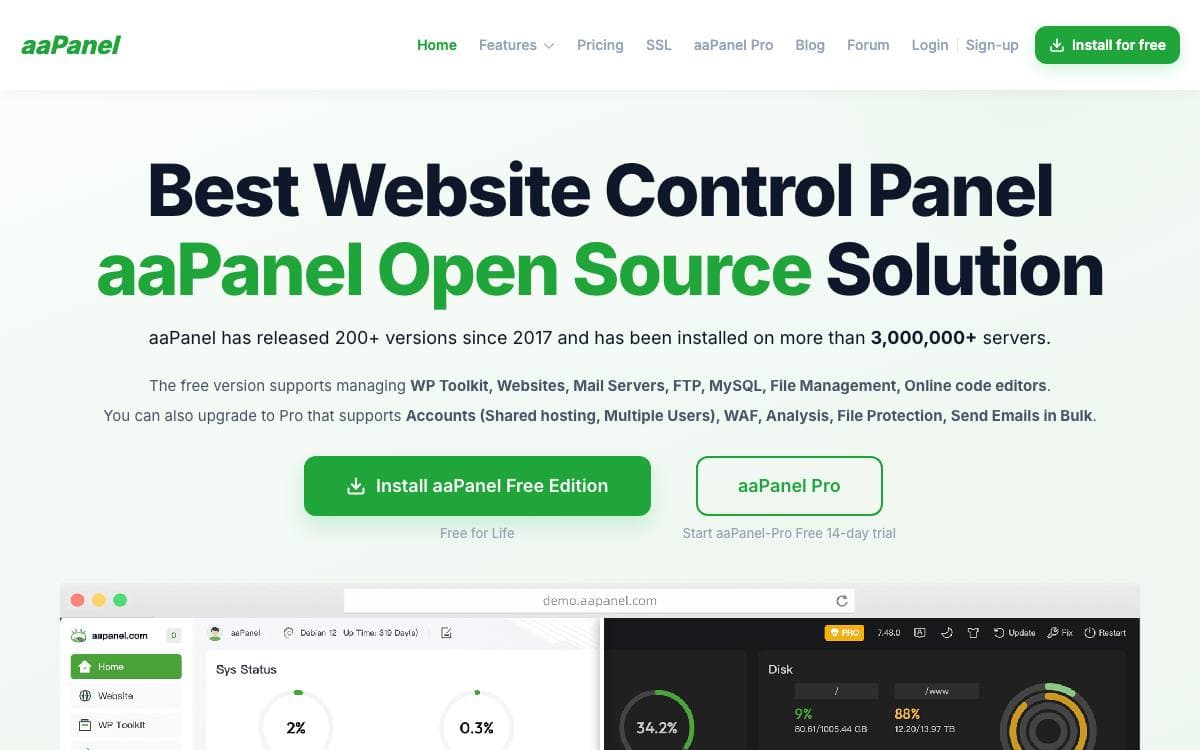
aaPanel puts a graphical interface in front of a Linux server, so running a web host stops meaning a permanent SSH session. The stated goal is saving deployment time, leaving whoever installed it free to work on their project rather than on the environment underneath it.
One-click installers cover the usual development stacks, LNMP and LAMP among them, along with the software that normally surrounds them. A web terminal is included for the moments a graphical panel cannot help, keeping routine maintenance inside a single browser tab.
The installation requirements are firmer than most and worth checking first.
- Clean system: the machine must have no existing Apache, Nginx, PHP or MySQL installation, because aaPanel will not install over one.
- Distribution: Ubuntu 22.04 or 24.04, Debian 11 or 12, CentOS 9, or Rocky and AlmaLinux 8 or 9, with Ubuntu 22 or later strongly recommended.
- Memory: 512MB at minimum and 768MB or more suggested, the panel itself using around 60MB.
- Disk: 100MB of free space, of which the panel occupies roughly 20MB.
- Root: the install command has to be executed with root authority.
A shell installer is the standard route and an official Docker image is published as an alternative, exposing the control panel on port 8888 and phpMyAdmin on 888, with website data, MySQL data and vhost files mounted from the host. Change the default username and password immediately after deployment. A public demo is available.

An operating system that aims to make administering your own server simple, with a web admin panel and a single sign-on user portal.

YunoHost is an operating system built to simplify the administration of a server as much as possible. It exists for people who would rather run their own services than rent them, and who do not want system administration to turn into a second job.
This repository holds the YunoHost core, written mainly in Python and Bash. The parts users actually touch live beside it, namely the web administration interface from the yunohost-admin project and the single sign-on portal assembled from yunohost-portal and SSOwat.
The project is spread across a few moving pieces.
- Core: the Python and Bash code in this repository, driving the command line and the underlying operations.
- Webadmin: a browser interface for running the server without a terminal.
- User portal: single sign-on, so one account opens every service on the machine.
- Documentation: separate guides for getting started, installing on different hardware and developing against the system.
- Translation: a hosted platform where contributors translate the interface into their own language.
- Issue tracker: bug reports and feature requests are filed in their own repository, not this one.
Installation instructions and a beginner's path live on the documentation site, and a development chatroom is open to anyone contributing. The core is licensed under the GNU AGPL v3, in line with the rest of YunoHost, and the work has been funded successively through the NGI0 PET Fund and the NGI0 Commons Fund, both established by NLnet with support from the European Commission.

Containers give every hosting account its own web server, database, and private network, so shared hardware behaves like a VPS per user.
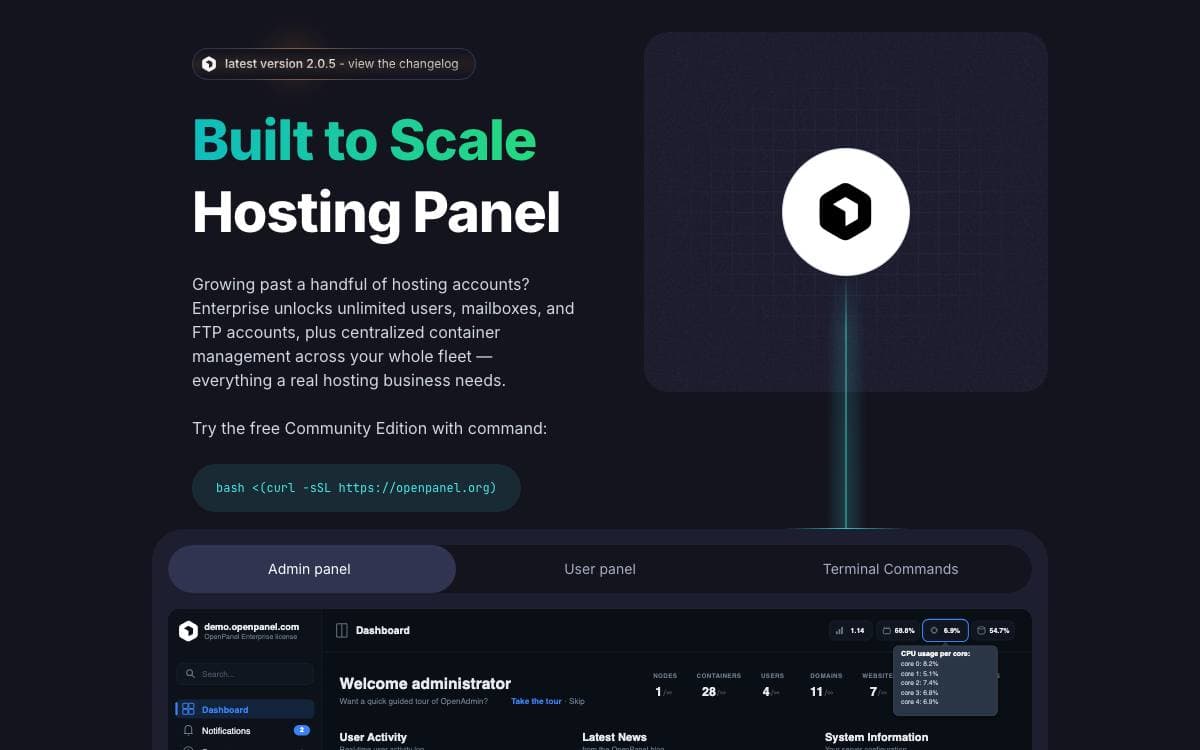
Traditional hosting panels share one Apache, one MySQL, and one PHP runtime across every account on the machine, which is why a single noisy customer can spoil a server. OpenPanel provisions a dedicated Podman context per user instead, so each account gets its own web server container, database container, PHP-FPM containers, private network, and storage volume.
The host itself runs both panels plus Caddy for reverse proxy and TLS, BIND9 for DNS, a shared phpMyAdmin, and MySQL for user metadata. OpenAdmin is the administrator interface for creating users, defining hosting plans, and editing settings, while OpenPanel is what customers log into to manage their own containers, sites, limits, and backups. Installation is one command on a supported VPS or dedicated server.
Isolation changes what a hosting user can do without filing a support ticket.
- Per-user stacks: choose Apache, Nginx, OpenLitespeed, or Openresty with Varnish, and MySQL, MariaDB, or Percona.
- Mixed runtimes: domains on one account can run different PHP versions, or Node.js and Python.
- Resource limits: CPU, memory, and storage are capped per account.
- Self-service: users restart services, read domain logs, and configure their own backups.
- Billing integrations: FOSSBilling, WHMCS, and Blesta connect to the panel, and the interface can be white labeled.
- Migration: cPanel and CyberPanel backups import directly.
Published install tests show passing runs on Ubuntu 24 and 26, Debian 13, AlmaLinux 9 and 10, and CentOS 10. Note the licensing: the panel interfaces ship under a EULA, and only OpenCLI and the configuration files carry an open license.


