Open Source Coze Alternatives
A curated collection of the 7 best open source alternatives to Coze.
The best open source alternative to Coze is Dify. If that doesn't suit you, we've compiled a ranked list of other open source Coze alternatives to help you find a suitable replacement. Other interesting open source alternatives to Coze are: Langflow, Flowise, FastGPT and MaxKB.
Coze alternatives are mainly AI Development Platforms but may also be AI Interaction & Interfaces or Frameworks & Platforms. Browse these if you want a narrower list of alternatives or looking for a specific functionality of Coze.

An open source platform for building LLM applications, combining visual workflows, RAG pipelines, agents and model management in one interface.
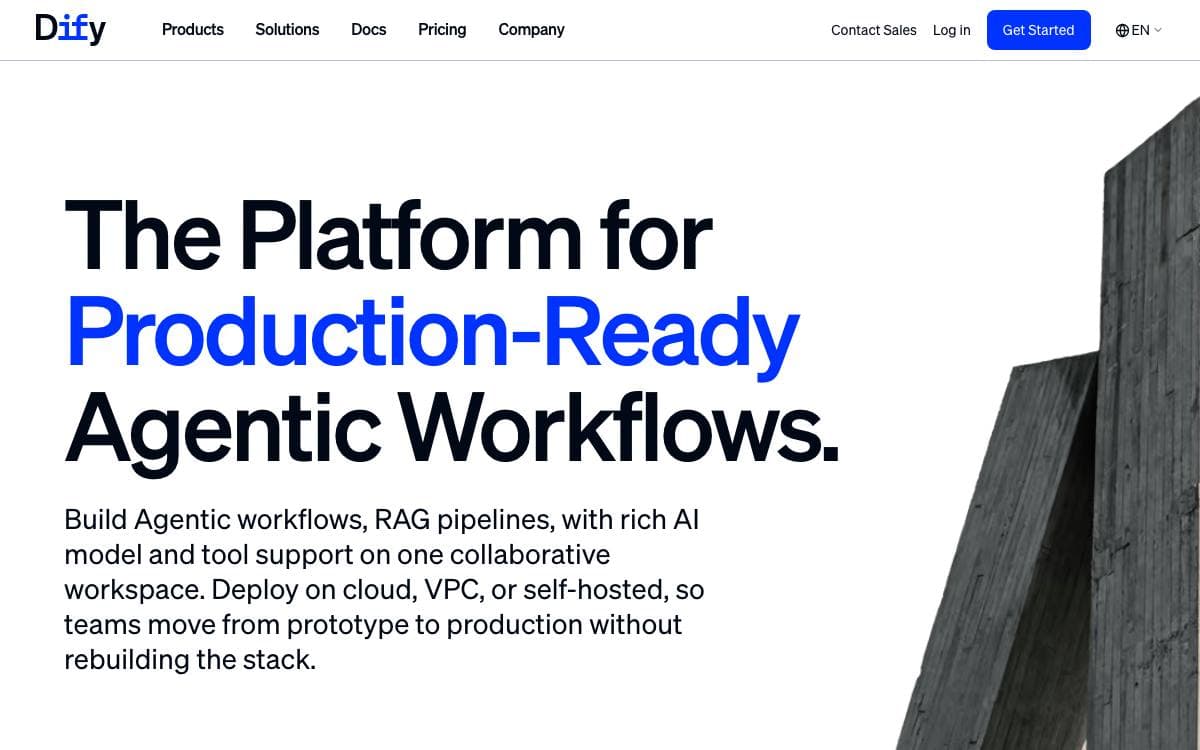
Dify is a development platform for applications built on language models. Its interface gathers AI workflows, retrieval pipelines, agent definitions, model management and observability in one place, which removes the usual scattering of prompt files, vector stores and glue scripts across a codebase.
Work starts on a visual canvas where a workflow is built and tested, with a prompt IDE beside it for drafting instructions and comparing how models respond. Everything built this way is also exposed through an API, so the platform sits behind your own product rather than replacing it.
The platform is organized around a handful of pieces.
- Model coverage: hundreds of proprietary and open models from dozens of inference providers, including any OpenAI-compatible endpoint.
- RAG pipeline: document ingestion through retrieval, with text extraction from PDFs, presentations and other common formats.
- Agents: defined through function calling or ReAct, with more than fifty built-in tools alongside your own.
- LLMOps: logs and performance are tracked over time so prompts, datasets and models improve on production data.
- Observability integrations: Opik, Langfuse and Arize Phoenix connect for tracing.
The quickest path is Docker Compose from the repository, on a machine with at least two CPU cores and four gigabytes of memory, after which the dashboard initializes in a browser. Deploying from source is documented for anyone extending it. A hosted cloud and an enterprise edition exist, but the community edition is the one you run yourself.

A visual builder for AI agents and workflows that turns every flow into an API endpoint or an MCP server for other applications.
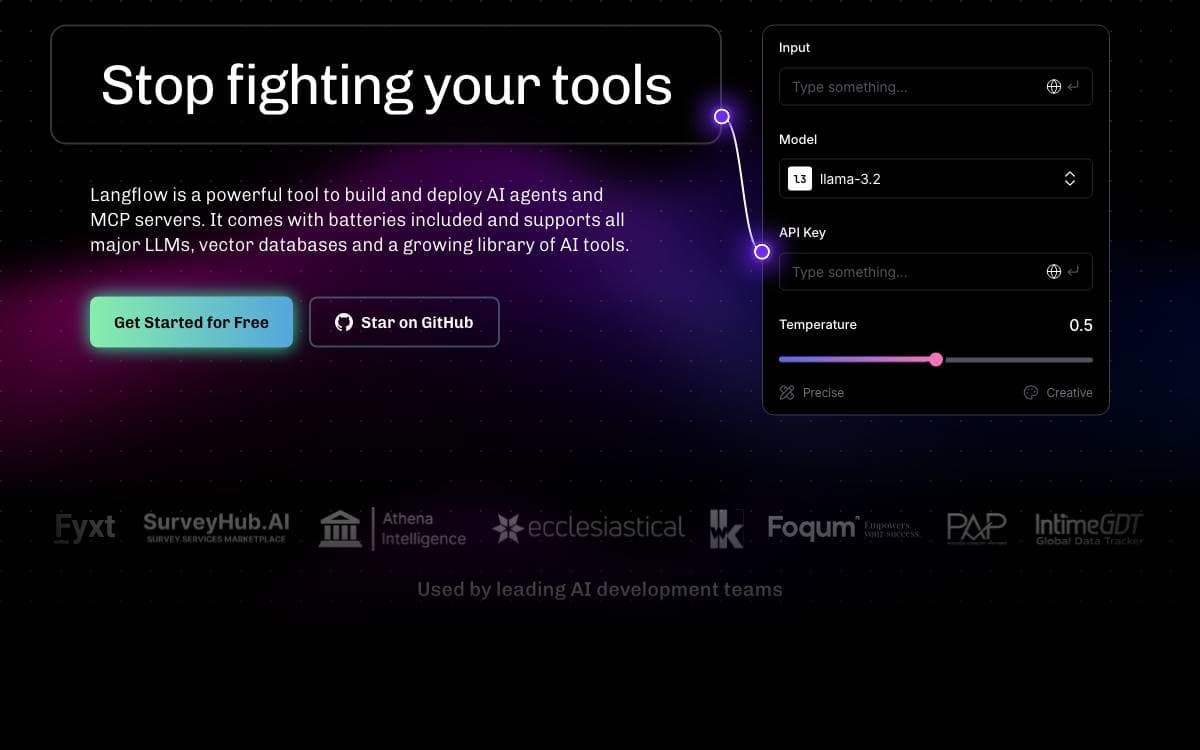
Langflow gives agents and AI workflows a visual authoring surface and then publishes what you build. Each flow becomes an API endpoint or an MCP server, so the thing you sketched in a browser is immediately callable from an application on any framework or stack.
Components are Python underneath and the source is open at every node, which means a built-in block can be adapted instead of worked around. An interactive playground runs a flow with step-by-step control while you refine it.
The pieces that matter once a flow leaves the canvas.
- Deploy as an API: flows are called from applications, or exported as JSON for Python apps.
- MCP server: a flow becomes a tool that any MCP client can call.
- Multi-agent orchestration: conversation management and retrieval across several agents in one flow.
- Observability: LangSmith, LangFuse and other integrations connect for tracing.
- Batteries included: major model providers, vector databases and a growing library of AI tools ship with it.
Installing locally needs Python 3.10 to 3.14 and the uv package manager, and the server comes up on port 7860, with a Docker image and a source build documented as well. Langflow Desktop bundles every dependency for Windows and macOS, which is the shortest path for anyone who would rather not manage Python environments. Deployment guides cover the major clouds.

A low-code tool for building AI agents visually, aimed at teams that prefer wiring nodes to writing orchestration code.
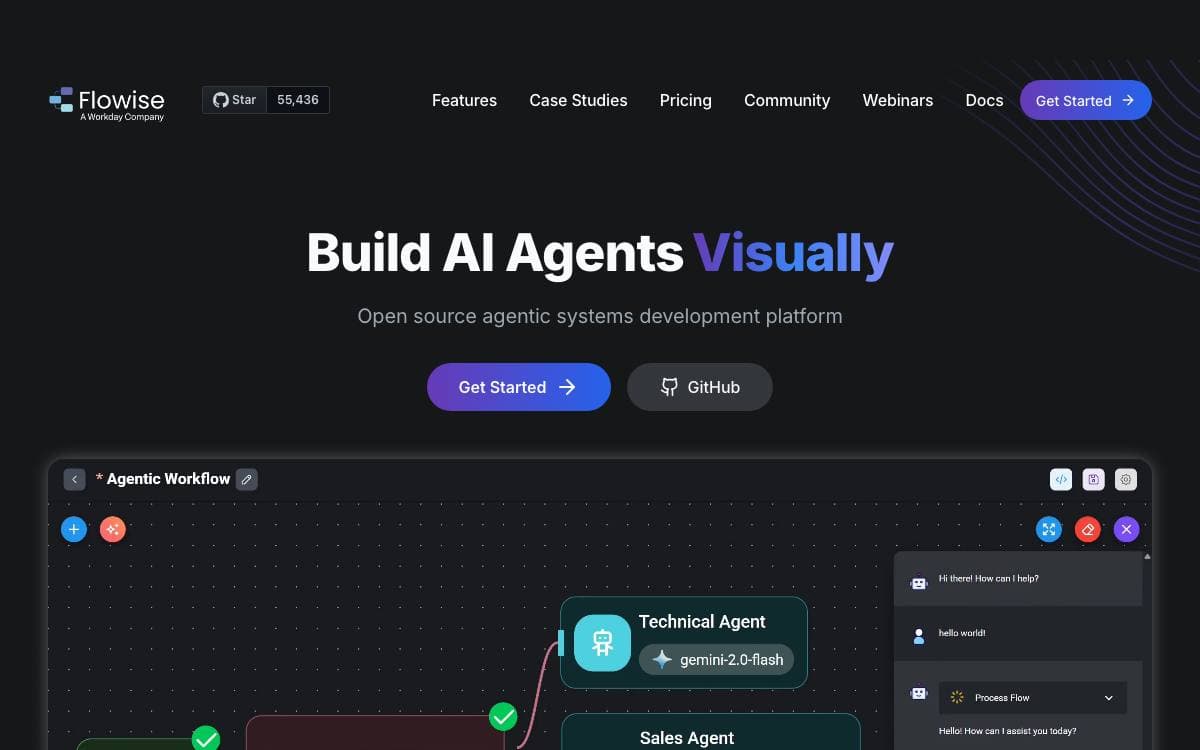
Flowise puts agent building on a canvas, where nodes are connected into agentflows and the result runs as an application you host yourself. Getting started is a global npm package and a start command on Node 20 or later, with Docker Compose or a locally built image as the alternatives.
The repository is a monorepo whose parts make the extension points clear.
- Server: the Node backend that serves the API logic.
- UI: the React frontend where flows are assembled.
- Components: the third-party node integrations.
- API documentation: Swagger interface docs generated from the Express routes.
Configuration goes through environment variables in a file inside the server package, and a development build reloads the running app whenever code changes. Self-hosting guides cover AWS, Azure, Google Cloud, DigitalOcean and Alibaba Cloud, along with Railway, Northflank and Render, while Flowise Cloud exists for teams that would rather not operate it.
One caveat matters before adopting it: the repository has been archived, and the README points readers to a discussion about the future of Flowise.
Licensing is split. Most of the code is Apache 2.0, third-party components keep their own terms, and an enterprise directory inside the server package is covered by a commercial license instead.

AI agent building platform with knowledge bases and visual workflow orchestration, for teams shipping retrieval backed assistants without writing glue code.
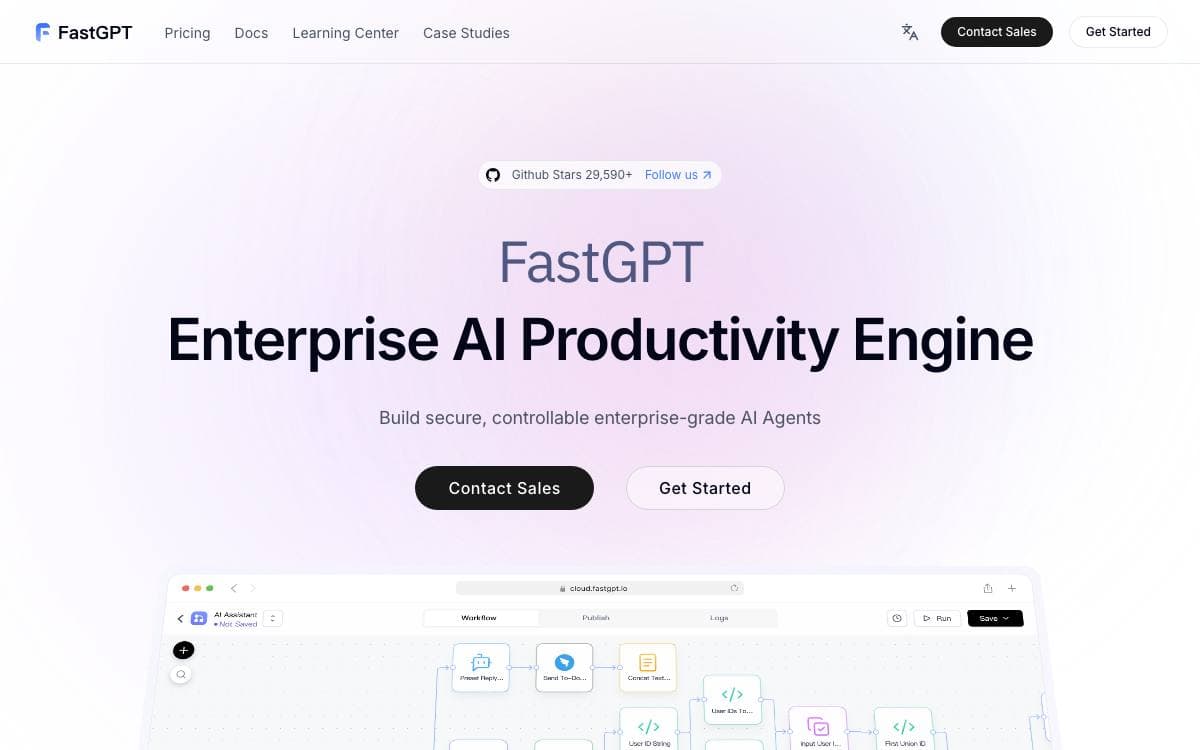
FastGPT is a platform for building AI agents, bundling document processing, retrieval and model calls so a team can assemble an assistant over its own material instead of joining those pieces together by hand.
Applications are composed in a visual Flow editor, where conversation workflows and plugin workflows are wired from nodes, including basic RPA steps, user interaction points and two way MCP. Knowledge bases sit underneath, feeding answers with citations the operator can inspect.
The feature set is organized around building, debugging and running an assistant.
- Knowledge bases: multiple libraries reused and mixed, hybrid retrieval with reranking, and an API backed knowledge base.
- Ingestion: TXT, MD, HTML, PDF, Docx, PPTX, CSV and XLSX files, plus URL reading, manual entry, direct segmentation and QA split import.
- Debugging: single point search tests, full call chain logs, editable and deletable citations, and application evaluation.
- Operations: login free share windows, one click iframe embedding, unified conversation records with annotation, and application logs.
Self hosting runs through Docker Compose with a configuration script, reaching the interface on port 3000 with a default root account, and a Sealos one click deployment is documented as an alternative. A hosted cloud edition and a commercial edition exist for teams wanting deeper support. The repository uses the FastGPT Open Source License, which permits direct commercial use as a backend service but not offering it as SaaS.

Open-source platform for building enterprise-grade agents, combining retrieval over your own documents with workflow orchestration and MCP tool use.

MaxKB, short for Max Knowledge Brain, is an open-source platform for building enterprise-grade agents. It gathers retrieval, workflow orchestration and tool use into one product, so those pieces do not have to be assembled and maintained separately.
It is applied in intelligent customer service, corporate internal knowledge bases, academic research and education. Grounding answers in material you supply is what reduces hallucination from the underlying model and makes the question and answer experience usable.
Five capabilities describe what the platform covers.
- RAG pipeline: documents are uploaded directly or crawled from online sources, then split and vectorized automatically.
- Agentic workflow: a workflow engine, a function library and MCP tool use orchestrate processes for complex business scenarios.
- Integration: zero-coding integration adds question answering to third-party business systems that already exist.
- Model-agnostic: private models such as DeepSeek, Llama and Qwen sit alongside public ones like OpenAI, Claude, Gemini and MiniMax.
- Multi modal: text, image, audio and video are natively supported as both input and output.
A single Docker command starts the container and serves the web interface on port 8080 with a default administrator account. Underneath it runs Vue.js on the front end, Python with Django on the back, LangChain for the model layer and PostgreSQL with pgvector for storage. An offline installation guide covers environments that cannot pull the image, and the whole thing is licensed under GPLv3.

Open-source workspace where teams build agents by chatting with them, connect them to apps, and run them in the background.
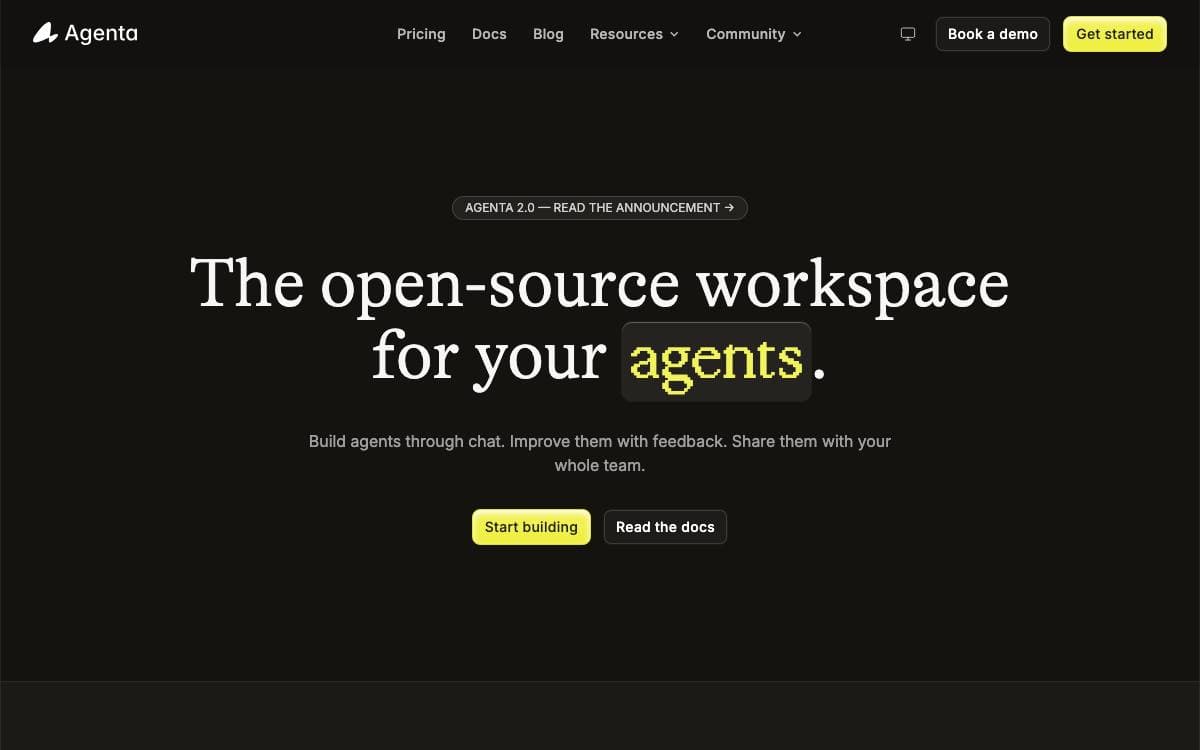
Agenta is an open-source workspace for building specialized agents that automate your work. You describe the job in chat, connect the applications the agent needs, and improve it through feedback rather than redrawing a workflow diagram every time the task shifts.
Agents are defined with open standards, an AGENTS.md file, skills, and MCP servers, so anything built for the wider ecosystem carries across. Claude Code, Pi, and Codex work as harnesses today, models can be self-hosted or reached through an API, and self-hosting lets you run agents against an existing Claude or ChatGPT subscription instead of metered billing.
Several pieces turn a single agent into something a whole team can use.
- Shared workspaces: you and your agent work on the same files, writing documents, organizing research, or maintaining a wiki.
- Human approval: permissions are set per tool, so some actions run automatically, some wait for you, and some are blocked outright.
- Background agents: runs start on a schedule or when an event fires in a connected app.
- Tracing and cost: every model and tool call is inspectable, with token usage and estimated cost tracked per agent.
- Integrations: connect through MCP directly, or reach more than 1,000 apps through Composio, including Gmail, Slack, Notion, and GitHub.
Every run is traced and every agent configuration is versioned, so a failure can be compared against the change that caused it. Team sharing and role-based access come with the open-source edition, an installable setup skill walks you through self-hosting, and a hosted cloud version exists for trying it first.

Visual builder for AI agent workflows that chains several models and plugs into GitHub, for teams automating product delivery work.

Giselle assembles AI agents on a drag-and-drop canvas, so a workflow can be built and changed without hand-writing the orchestration. A single flow can call more than one model provider, which means no single vendor decides what the pipeline is able to do.
Running it locally takes a clone, a pnpm install and one provider key in an environment file, after which the development server serves the builder on port 3000. OpenAI, Anthropic and Google AI are supported, and at least one key is required. A hosted version offers the same features with free agent time each month, and a guide covers building with Giselle through AI coding assistants rather than a traditional editor.
The feature set is organized around delivery work rather than chat.
- GitHub operations: issues, pull requests and deployments handled by agents inside the existing workflow.
- Visual agent builder: agents created and modified through a drag-and-drop interface in minutes.
- Multi-model composition: GPT, Claude and Gemini in one flow, with agents choosing a model per task.
- Knowledge store: code and data searchable from one place, including GitHub vector store integration.
- Team collaboration: shared configurations and contextual awareness, still in development.
- Template hub: community-contributed agent templates for a one-click start, also in development.
Documented uses include a research assistant gathering from web and internal docs, a code reviewer wired into GitHub, a document generator producing specs and release notes, and a workflow automator chaining models across a business process. The project is under active development and licensed Apache 2.0.


