Open Source Comet Backup Alternatives
A curated collection of the 2 best open source alternatives to Comet Backup.
The best open source alternative to Comet Backup is Plakar. If that doesn't suit you, we've compiled a ranked list of other open source Comet Backup alternatives to help you find a suitable replacement. Other interesting open source alternative to Comet Backup is Pluton.
Comet Backup alternatives are mainly Backup & Recovery. Browse these if you want a narrower list of alternatives or looking for a specific functionality of Comet Backup.

A backup engine storing encrypted, deduplicated snapshots you can browse, diff, and verify without restoring, across files, databases, and Kubernetes.
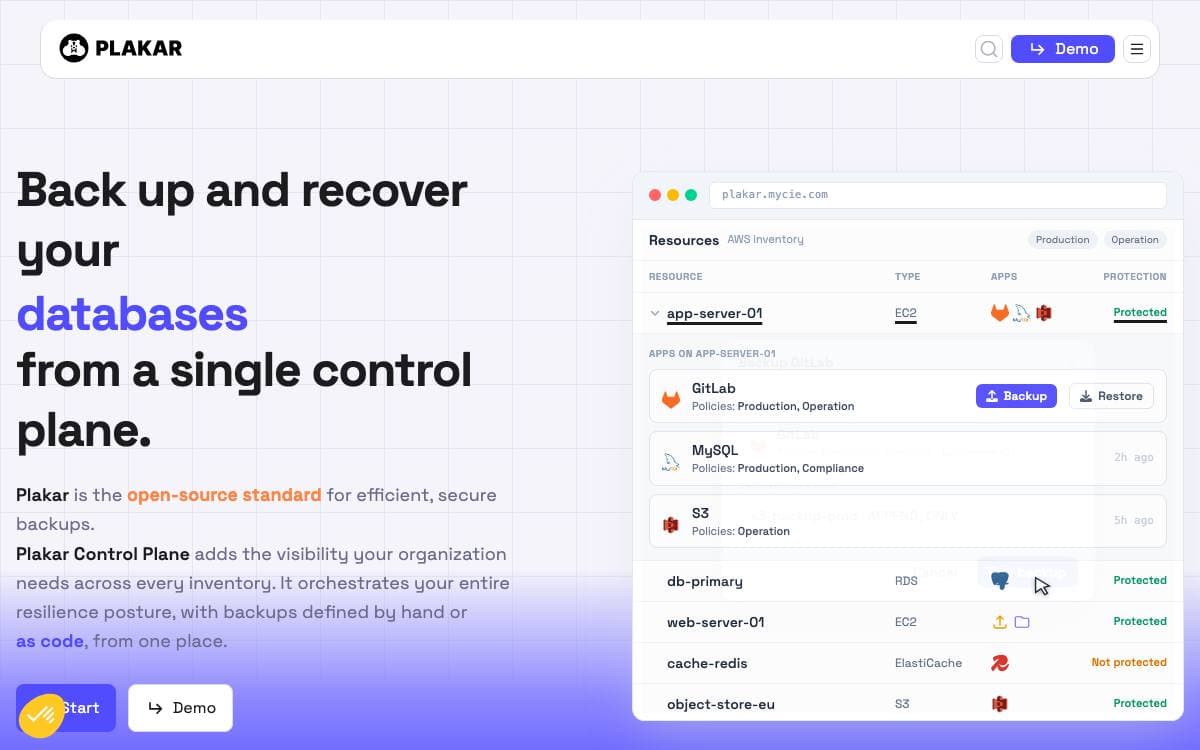
Plakar creates snapshots of your data, stores them encrypted and deduplicated, and lets you inspect, verify, and restore them later. What it removes is the opaque backup: an archive you cannot look inside, cannot check, and only learn the truth about the day a restore fails.
Snapshots live in a Kloset, an immutable data store, and one or more of them can be exported as a ptar archive that stays self-contained, deduplicated, compressed, and encrypted. Encryption covers metadata as well as data, and the cryptography implementation has been audited. Plakar is driven from the command line or through its built-in web interface.
What sets it apart comes down to a few properties.
- Browsable snapshots: inspect contents, diff two snapshots, or restore a single file without touching the rest.
- Independent verification: every snapshot can be verified without restoring anything first.
- Cheap retention: deduplication and compression mean keeping many snapshots does not multiply storage costs.
- Integrations: a package manager adds sources and backends including PostgreSQL, MySQL, etcd, Kubernetes, and S3-compatible object stores.
- Distributed stores: Kloset stores synchronize across locations for 3-2-1 strategies and for push, pull, and sync workflows.
Building from source needs Go 1.23.3 or higher and a single go install, and prebuilt binaries are published for the usual platforms. Creating a repository, backing up a directory, listing snapshots, restoring, and opening the web interface are five short commands, which makes it a reasonable first backup tool for an engineer who wants no vendor lock-in.

A self-hosted backup manager wrapping Restic and Rclone in a web interface, with scheduling, encryption, and more than 70 storage destinations.
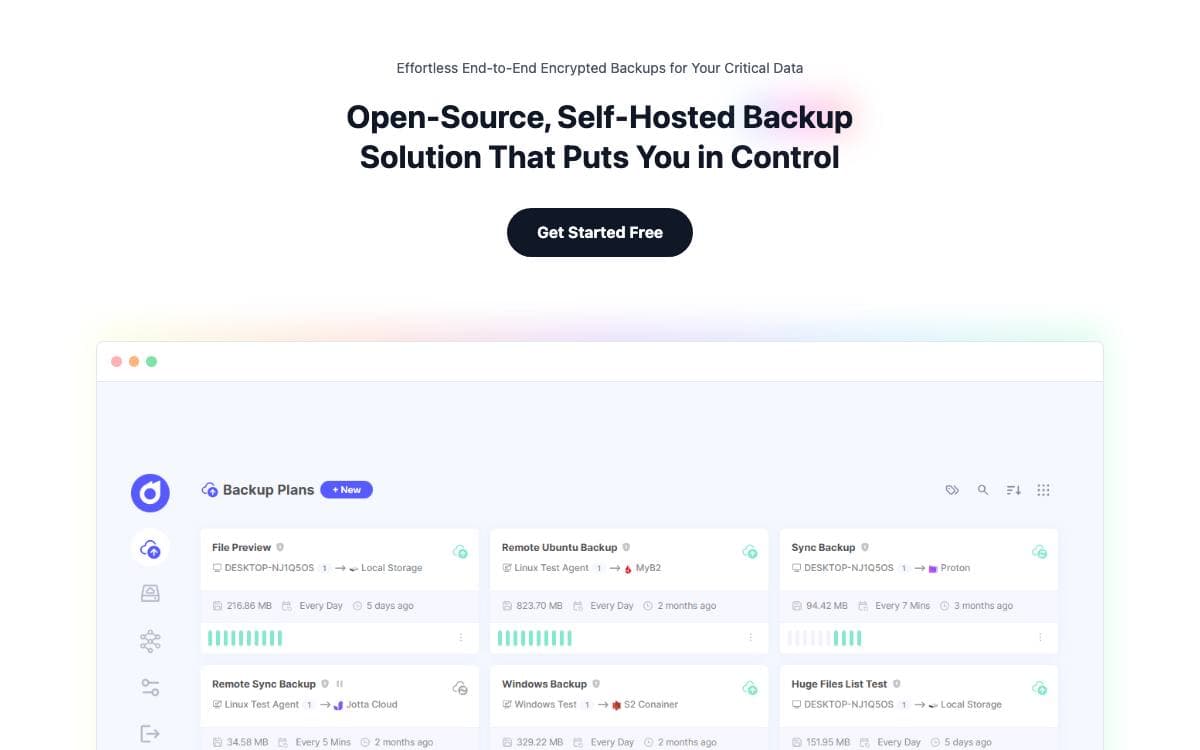
Restic and Rclone are the tools most people settle on for backups, and both are command line first, which is roughly where a backup plan tends to die. Pluton wraps them in a web interface that handles scheduling, retention, and restores without anyone memorizing flags.
Restic supplies encrypted incremental snapshots, Rclone supplies connections to more than seventy cloud storage services, and Pluton drives both from one dashboard. Data is encrypted on your machine before it leaves, so the storage provider only ever holds ciphertext.
The interface covers the operational side of keeping backups honest.
- Scheduling: automated jobs with fine-grained retention policies and automatic retries when one fails.
- Replication: the same content backs up to several destinations, which makes a 3-2-1 plan practical.
- Restore and download: snapshot data comes back in a few clicks.
- Notifications: events reach email, Slack, Discord, and NTFY push.
- Visibility: real-time progress tracking, plus application and backup logs readable from the interface.
- Hooks: your own scripts run before and after a backup job.
Install it as a desktop app on Windows, macOS, or Linux, run the published Docker image with a data volume and any host folders mounted read only, or follow the separate guide for headless Linux servers. Sensitive behaviors such as the file browser, custom restore paths, and event scripts are each toggled by environment variable, which matters when the panel is reachable beyond your own machine.


