Open Source Coda Alternatives
A curated collection of the 11 best open source alternatives to Coda.
The best open source alternative to Coda is AppFlowy. If that doesn't suit you, we've compiled a ranked list of other open source Coda alternatives to help you find a suitable replacement. Other interesting open source alternatives to Coda are: Affine, Outline, Docmost and Teable.
Coda alternatives are mainly Note Taking & Knowledge Management but may also be Frameworks & Platforms or Collaboration & Communication. Browse these if you want a narrower list of alternatives or looking for a specific functionality of Coda.

AI workspace for notes, wikis and projects that keeps your data on your own machine or server, an alternative to Notion.
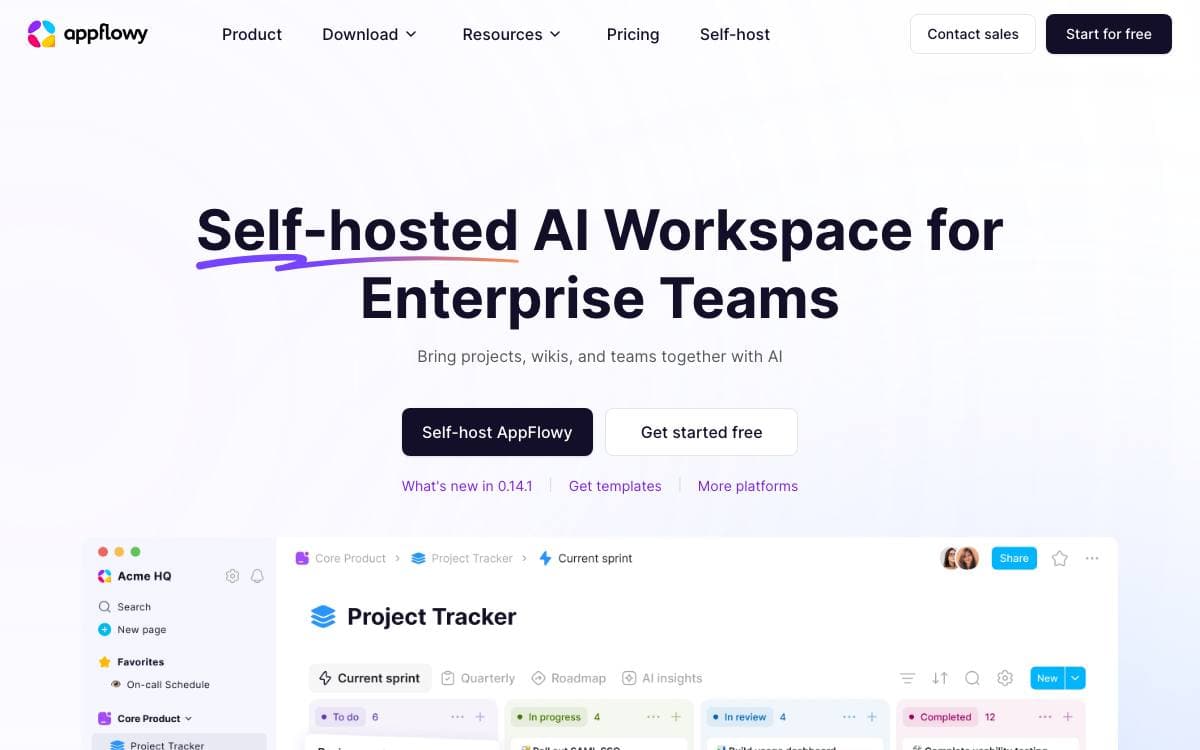
The team behind AppFlowy used Notion daily and paid for it, then ran into its limits on data security and mobile. AppFlowy is their answer: an open source AI workspace for documents, wikis and project management, and an alternative to the tool it grew out of.
It is written in Flutter and Rust, a single codebase covering desktop and mobile with a native feel and long-term maintainability. Self-hosting is documented, so an individual or a company can keep the data on infrastructure they control.
The project is shaped around who is running it.
- Desktop: macOS, Windows and Linux builds, plus FlatHub, Snapcraft and SourceForge channels.
- Mobile: iPhone through the App Store and Android 10 or above through the Play Store, with ARMv7 unsupported.
- Self-hosting: run the backend yourself and keep full control over where the data lives.
- Building blocks: collaboration infrastructure for enterprises and hackers who want to build their own apps on top.
- Translations: edit the JSON files by hand, use the inlang online editor, or run a machine translation command.
Development instructions are documented per operating system, the roadmap is public, and feature requests and bug reports go through their own templates. The stated values put data privacy first, and the codebase is open to anyone who wants to modify AppFlowy for their own needs.

An all-in-one workspace merging documents, whiteboards and databases, built local-first for teams that want to own their knowledge base.
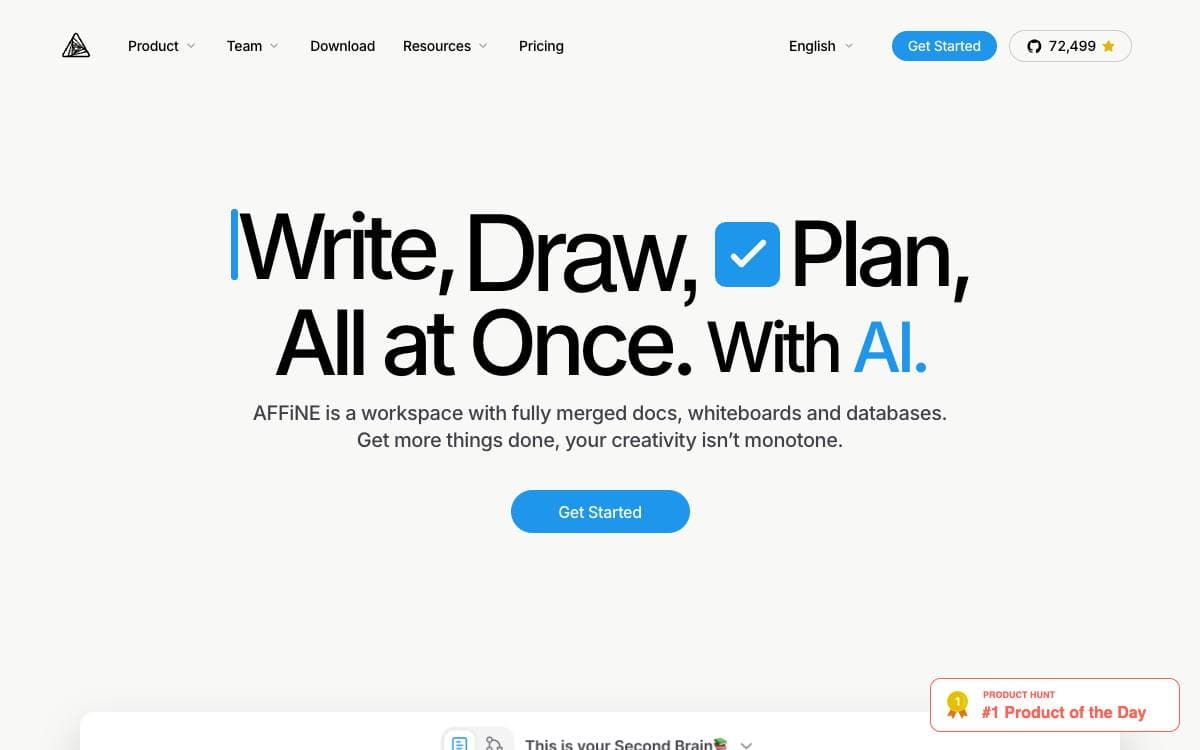
AFFiNE is an open source workspace that treats docs, canvas and tables as one surface, removing the split between the app where you write and the app where you draw. The project positions itself as an alternative to Notion and Miro.
It is built on BlockSuite, its own collaborative editor, with y-octo and yjs providing CRDT sync and OctoBase acting as the local-first data engine. Every building block, rich text, sticky notes, embedded web pages, multi-view databases, linked pages, shapes and even slides, can sit on an edgeless canvas.
The feature set covers ground that a knowledge base and a whiteboard usually split between them.
- Edgeless canvas: any block form lives on the same infinite surface, from shapes to slides.
- AFFiNE AI: turns outlines into slides, articles into mindmaps and prompts into prototype pages.
- Local-first storage: your data stays on your disk rather than only in a vendor cloud.
- Real-time collaboration: web and cross-platform clients sync while people edit together.
- Self-hosting: you can manage, fork and run your own instance, with documented setup.
Templates published by the team cover planners, one pagers, lesson plans and note taking layouts. Contributors sign a license agreement before pull requests merge. It suits people who want Notion-style structure and Miro-style freedom without keeping two subscriptions running side by side.

Team knowledge base built with React and Node.js, for groups that want a fast wiki they can host themselves.
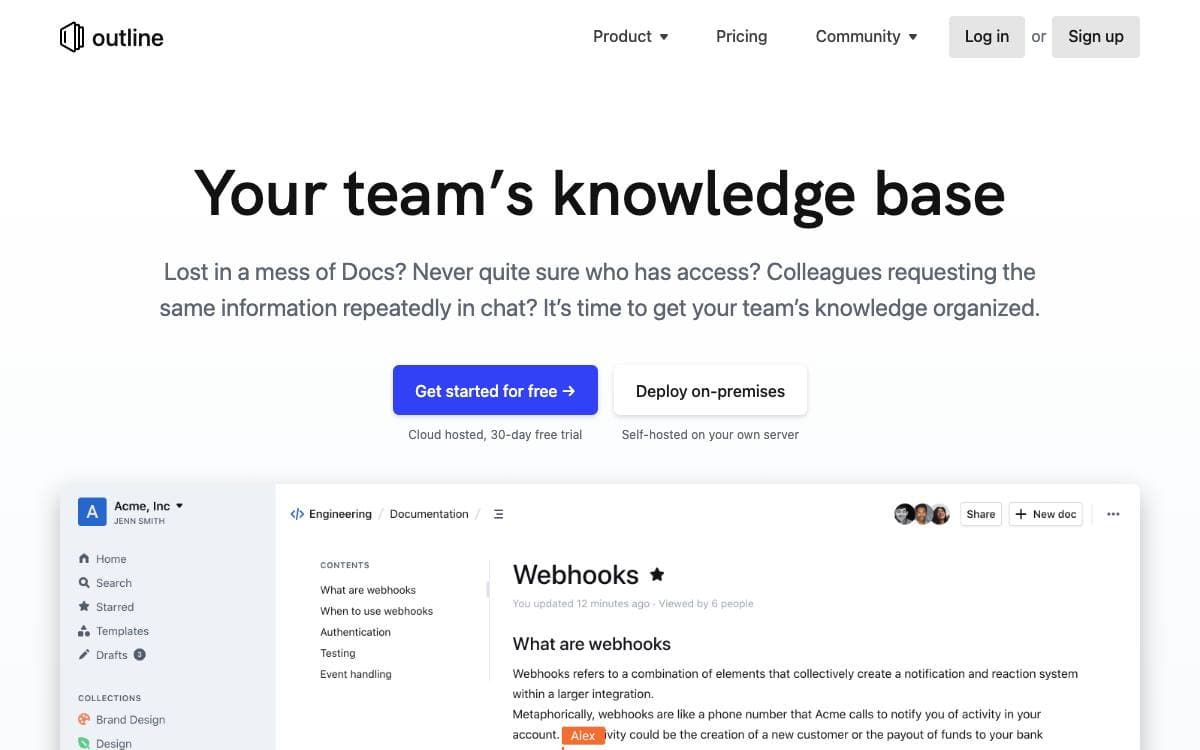
Outline is a collaborative knowledge base for a team, written in React and Node.js, and this repository is the source that runs the hosted product together with its supporting services. Anyone who simply wants to use it does not need the code at all, since a hosted version is offered by the maintainers.
The repository exists for two audiences: people running their own copy and people contributing changes. Production hosting is documented separately, and container images are published for both.
Running your own instance means dealing with a handful of moving parts.
- Logging: category prefixed console output in development and JSON logs in production, ready for a log ingestion pipeline.
- Debug switches: environment variables that widen output for HTTP, for the database, or for every category at once.
- Migrations: Sequelize commands to create, apply and roll back schema changes, including against the test database.
- Tests: Vitest files placed next to the code they cover, with API endpoints and anything authentication related tested thoroughly.
Contributors are asked to open or comment on an issue before writing code, so an approach is agreed first. The maintainers state plainly that AI generated pull requests are unwelcome, having received a high volume of mass produced ones that are almost never mergeable. Translation, performance work and documentation are named as good places to start instead. The project is licensed under BSL 1.1.

An open source collaborative wiki and documentation app for teams that want spaces, permissions and real-time editing on their own servers.
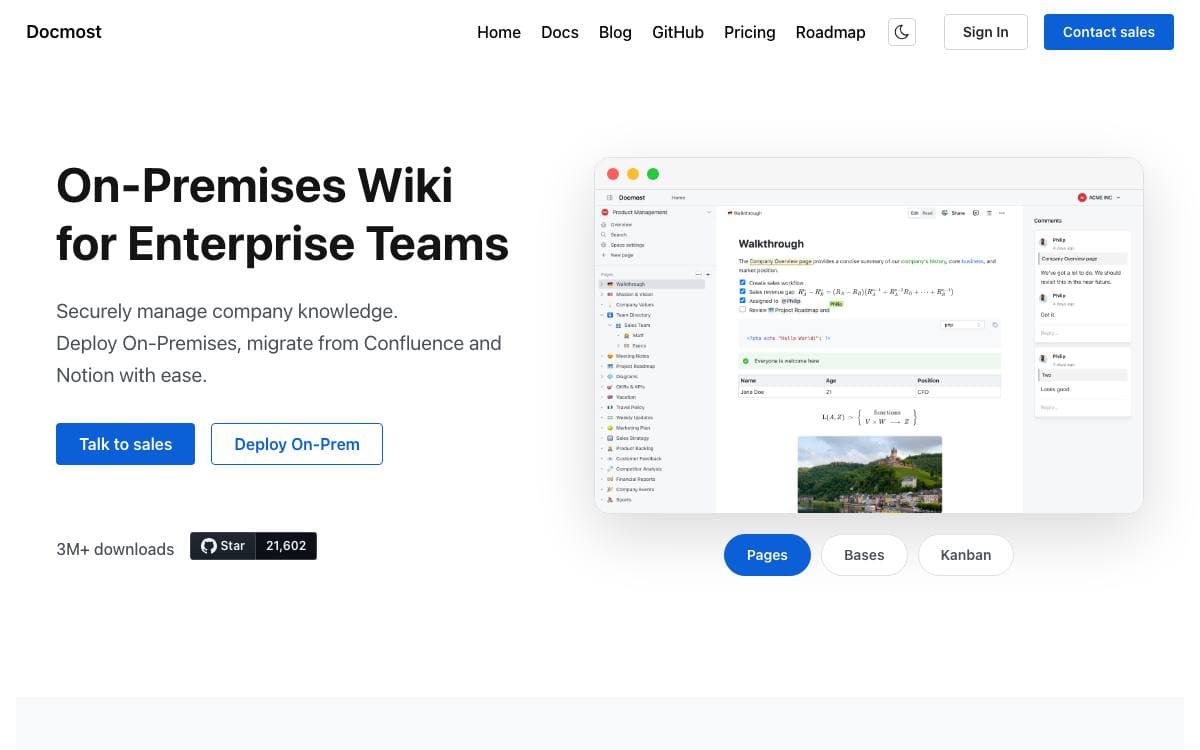
Docmost is open source software for collaborative wikis and documentation, built for teams that would rather keep internal knowledge on infrastructure they control than in a hosted notes product.
Content is organized into spaces, with groups and permissions management deciding who reads and writes where. Pages keep their history, comments sit next to the text, and several people can edit the same page at the same time.
The editor is where most of the differences show up.
- Diagrams: Draw.io, Excalidraw and Mermaid diagrams are created inside a page.
- Embeds: content from Airtable, Loom, Miro and other services is embedded directly.
- Attachments: files can be attached to any page.
- Search: pages are searchable across the whole workspace.
- Translations: the interface is available in more than ten languages.
The codebase splits a server and a client application, with enterprise directories held apart from the core. Docmost core is licensed AGPL 3.0, while the files under those enterprise directories fall under a separate enterprise license, a distinction that matters if you plan to modify and redistribute.
Self-hosting and development instructions live in the documentation, and a hosted cloud version exists for teams that would rather not deploy anything themselves.

A PostgreSQL-backed database that works like a spreadsheet, with AI chat and an app builder, for teams building internal tools.
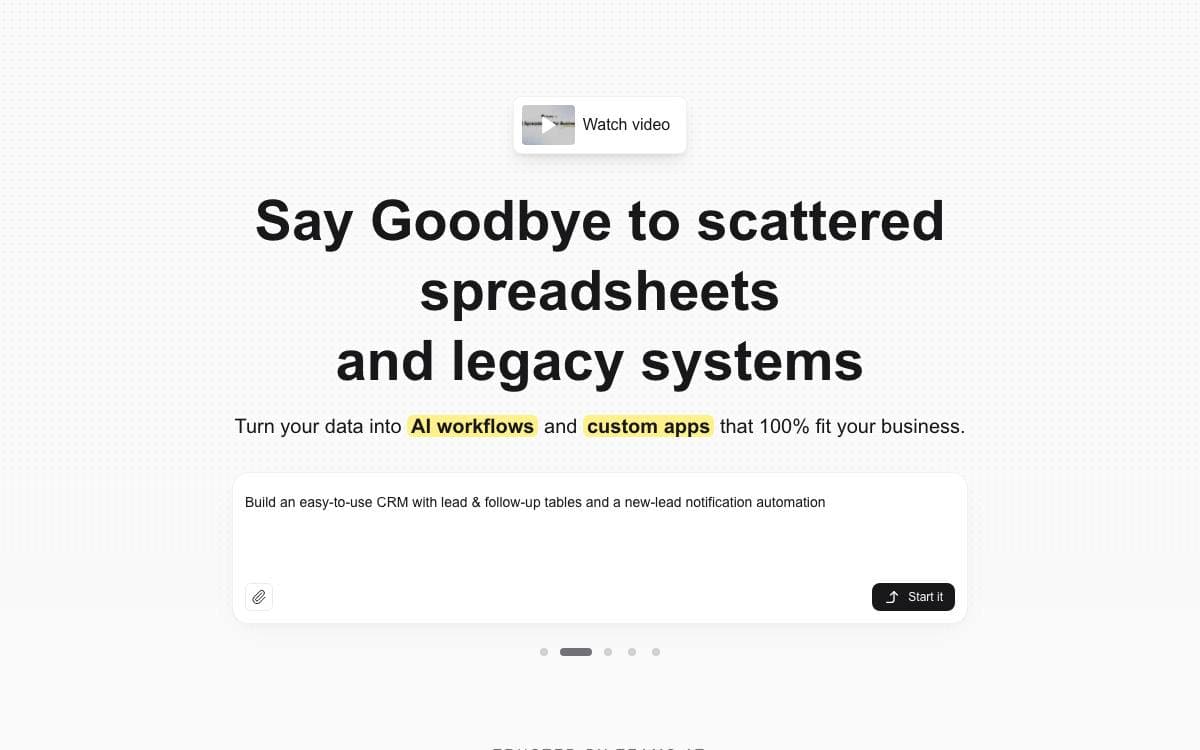
Teable is a database collaboration platform on PostgreSQL that presents tables through a spreadsheet-style interface, so data stays in a real database while the people using it never have to write SQL.
Self-hosting deploys four platforms at once. The database platform sits alongside an AI workflow engine, an agent sandbox that gives every AI session its own isolated container started on demand, and a deployment platform where each app your team publishes runs as its own long-lived container.
Both halves of the product, the classic base and the AI layer, cover a lot of ground.
- Views: grid, form, kanban, gallery and calendar views over the same tables.
- Spreadsheet mechanics: formulas, field conversion, filtering, grouping, sorting and aggregation.
- Collaboration: comments, record history, undo and redo, and real-time editing.
- AI chat: ask questions of your data and operate on it in natural language.
- App Builder: describe an app, an agent builds it in a sandbox and deploys it to its own address.
- Automations: record changes, schedules and webhooks trigger workflows that include AI steps.
Three deployment paths exist. Standalone self-hosting gives tables, collaboration, API and automation; the full-featured self-host adds the AI features and App Builder; and a hosted cloud runs everything for you. An existing standalone installation can gain the runtime plane while its data stays in place.

A visual database and spreadsheet with a full REST API, for teams replacing scattered trackers with one collaborative source of records.
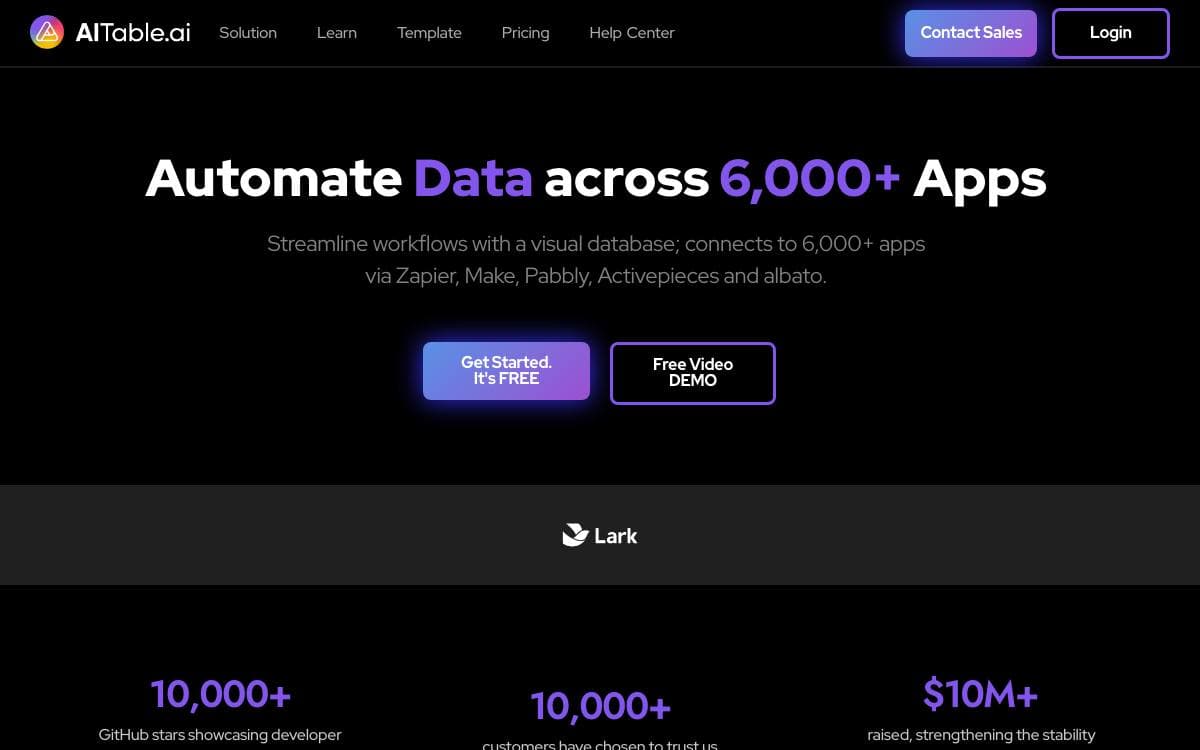
APITable looks like a spreadsheet and behaves like a database, with an API in front of both. Tables link to one another without limit, records and metadata are equally reachable over REST, and one workspace takes the place of the pile of trackers a growing team tends to accumulate.
The grid is drawn by a canvas rendering engine and stays responsive past a hundred thousand rows, while an operational transformation algorithm merges simultaneous edits from several people. The stack is TypeScript with Next.js and NestJS alongside Java with Spring Boot, released under the AGPL.
The workspace arrives with the pieces most teams otherwise bolt on separately.
- Seven view types: grid, gallery, mindmap, kanban, Gantt, calendar and form views over the same underlying data.
- Full-stack API: an API panel opens from the corner of any table, and access covers data and metadata alike.
- Widgets and automation: more than twenty open source widgets, customizable charts, formulas and robot actions.
- Permissions: folder, file and column permissions, with mirrors turning a view into row-level access.
- Enterprise controls: SAML, single sign-on, audit, automatic database backup, data export and watermarking.
Self-hosting runs through a docker compose install script, and four CPUs with eight gigabytes of memory are the recommended minimum. Container images are amd64 only, so Apple silicon hosts should expect poor performance for now. A hosted version and an online demo are both available for evaluation.

Local-first, end-to-end encrypted knowledge workspace for macOS, Windows and Linux where you define your own data model.
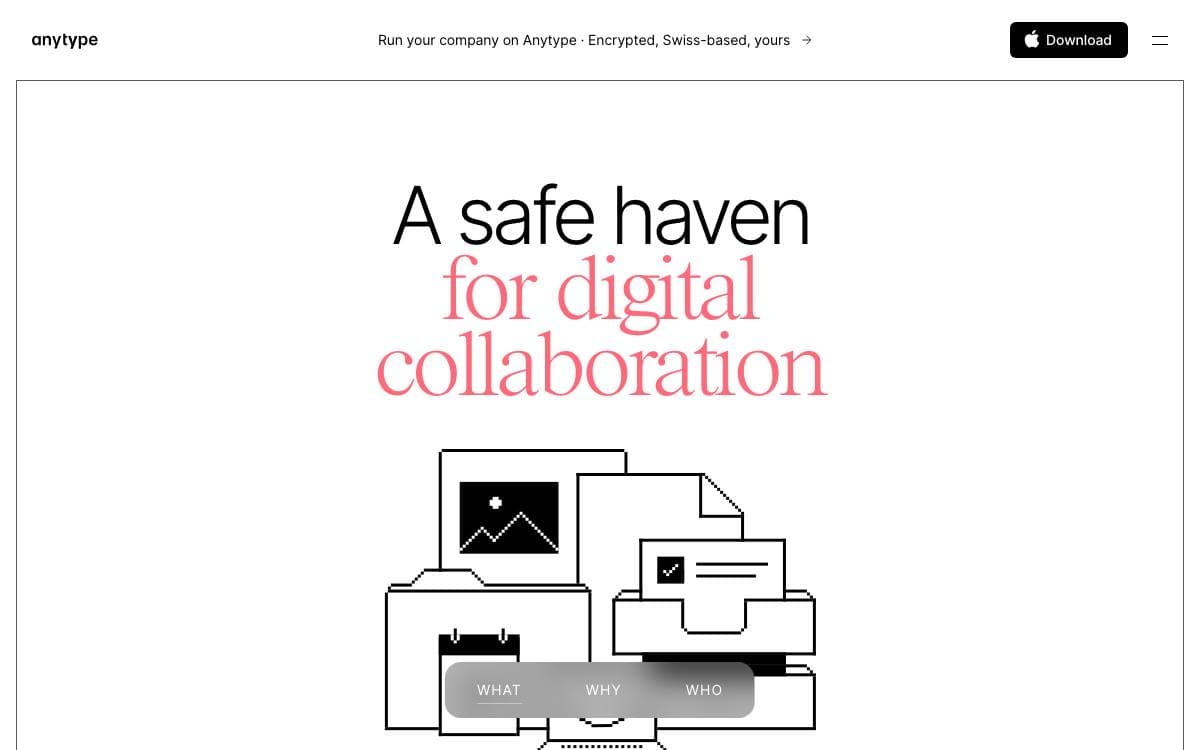
Anytype Desktop is a personal knowledge base that keeps everything on your own machine first. Pages, tasks, wikis and journals are assembled from composable blocks, and you define the types behind them instead of accepting someone else's idea of how your notes should be shaped.
Sync is peer-to-peer and end-to-end encrypted through any-sync, so devices exchange data without a server able to read it. The client is an Electron and TypeScript application talking to a separate core engine over gRPC bindings generated from protobuf definitions, and that engine is extensible through the same API.
Building from source is a multi-step job, and the repository is explicit about each stage.
- Prerequisites: a protobuf compiler on Linux and, on ARM machines, a C++ compiler with Python setuptools so keytar can be rebuilt.
- Middleware: a prebuilt binary and proto assets fetched by a script before anything compiles.
- Protobuf bindings: generated either from a checkout of the core engine or straight from the fetched assets.
- Development server: hot reload through Vite with Electron on top, plus a browser-only web mode.
- Packaging: Electron builds for Linux, Windows and macOS, with flags to skip notarizing and Sentry uploads.
Ready-made installers sit on the releases page for anyone who just wants to use the thing, and translations are managed through Crowdin. The code is published under the Any Source Available License 1.0, which is worth reading before planning anything commercial on top of it.

A no-code database platform where teams build tables, apps, automations and dashboards, self-hosted or in the cloud, as an Airtable alternative.
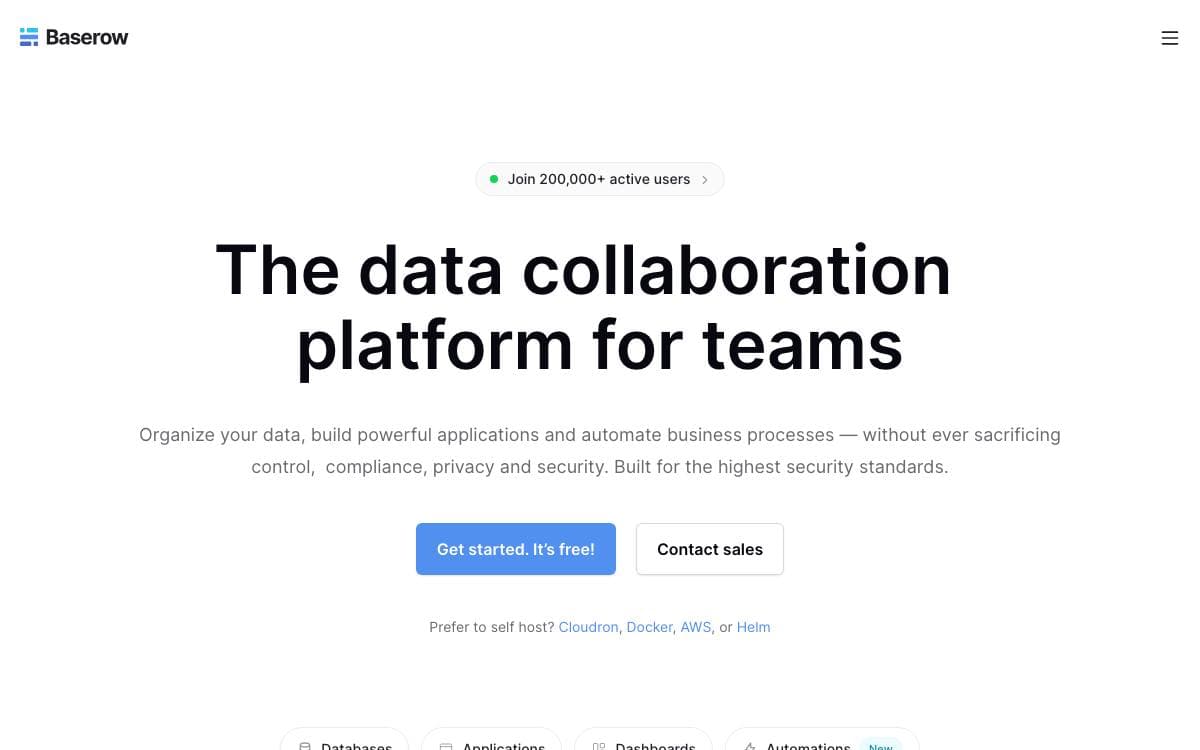
Baserow is a spreadsheet and database hybrid that grows into applications. A team starts by structuring data in a familiar grid, then adds the internal tools, workflows and dashboards that would otherwise be a separate build, and none of it requires code.
The stack is Django, Vue.js and PostgreSQL. The platform is headless and API first, with published documentation and an OpenAPI schema, and a built-in AI assistant named Kuma creates databases and workflows from natural language.
Several building blocks sit on top of the underlying tables.
- Applications: create portals and apps, then publish them on your own domain.
- Automations: run repetitive workflows without manual steps.
- Dashboards: visualize what the tables hold.
- Multiple views: work with records as grids, kanban boards or forms.
- Compliance: the project reports GDPR, HIPAA and SOC 2 Type II compliance.
One Docker command with a mounted data volume runs the whole thing, and guides cover Helm, Docker Compose, Heroku, Render, DigitalOcean, AWS, Cloudron, Railway and Elestio, with no storage restrictions when self-hosted. Everything outside the premium and enterprise tiers carries the MIT license, allowing commercial and private use. Note that the project moved from GitLab to GitHub, and while issues came across, merged and closed merge requests did not.

No-code database and backend as a service built on SQLite, running from a single binary, a Docker container or the cloud.
undb is a no-code platform that doubles as a backend for applications. Tables are managed through a browser interface, data sits in SQLite, and the same project can be one file on a laptop or a service running for a whole team, which removes the usual jump between a spreadsheet and a real backend.
Because the storage engine is SQLite, the whole thing stays light. Bun can package it into a single binary, or it runs as a Docker container listening on one port with a mounted volume for the data directory. A one-click Render deployment and a hosted cloud version cover the other end of the range.
Table management goes well past storing rows.
- Views: kanban, gallery, calendar and pivot layouts over the same underlying table.
- Forms: collect entries from people who never see the table behind them.
- Formula fields: calculated columns in the style of Excel or Airtable.
- REST API: an OpenAPI-described interface, which is what makes it usable as a backend service.
- Playground mode: try the product without setting anything up first.
- Progressive deployment: begin as a single local file and grow into a cloud stack later.
Local development needs Bun and a clone, with dependencies installed and a dev server started in two commands, or a Docker Compose file for the same result. The project calls itself private and local first, which is the appeal for anyone wanting Airtable-shaped tooling without their data leaving the building.

A Java wiki platform that doubles as an application runtime, letting teams build structured collaborative applications on top of their own documentation.
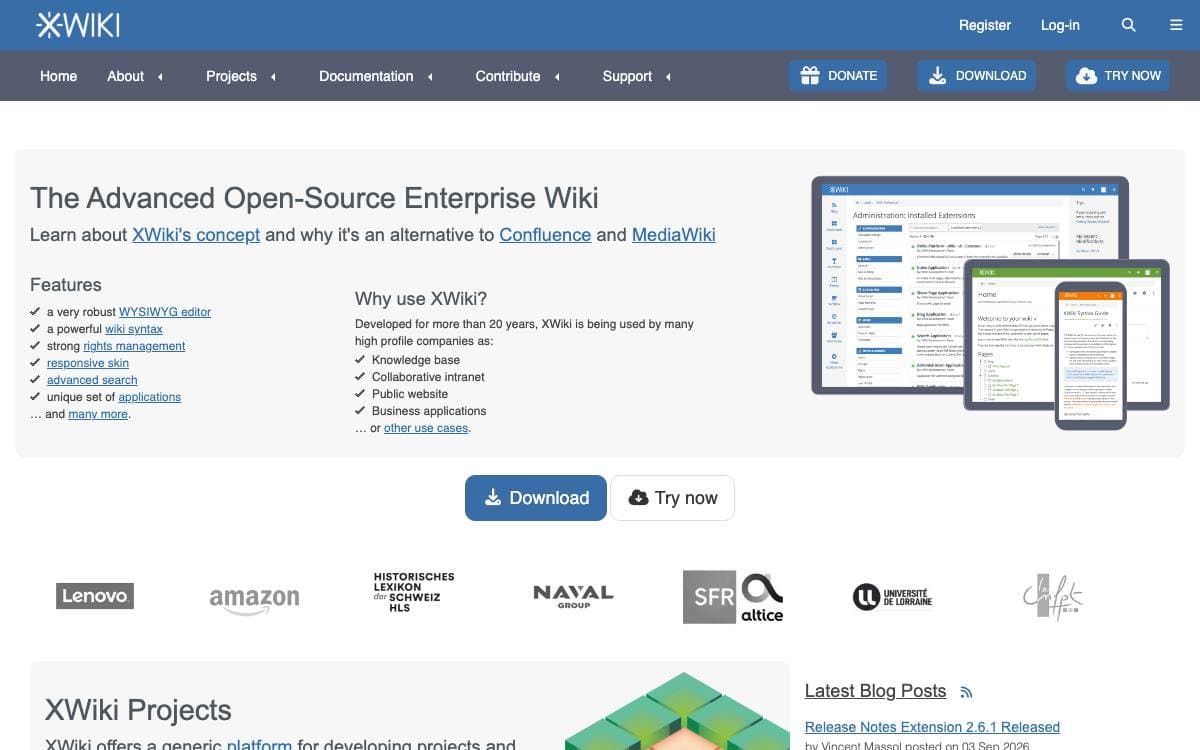
XWiki Platform offers runtime services for applications built on top of it, making it a generic wiki platform in the literal sense. The distinction matters: rather than a place to write pages, it is a substrate other tools are written against, which is why a wiki, a knowledge base, and a small internal application can all be the same deployment.
The platform is a large Java build released in step with XWiki Commons and XWiki Rendering, three projects sharing a version number and the same software forge. Its core splits into modules that each cover a single service, so a deployment carries only what it uses.
Those modules are where the platform's capabilities live.
- Editing: a CKEditor-based WYSIWYG surface alongside real-time collaborative editing built on Netflux and Yjs.
- Structured content: App Within Minutes, classes, sheets, and LiveData tables turn pages into structured records.
- Collaboration: notifications, mentions, annotations, ratings, and likes attach to the content people work on.
- Extension management: an extension repository and a flavor system install and update components at runtime.
- Integration: a REST API, WebSocket support, office document import, and feed handling connect the wiki to a wider stack.
- Administration: permissions, cryptography, CSRF protection, a scheduler, and statistics cover the operational side.
Distributions are published as a WAR for an existing servlet container, as a standalone Jetty and HSQLDB bundle for a quick start, and as a Debian package. The code is LGPL-2.1, continuous integration builds every commit, and issues are tracked in the project's own JIRA rather than on GitHub.

A team workspace where docs, collections and boards live together, for teams tired of splitting knowledge and delivery across two tools.
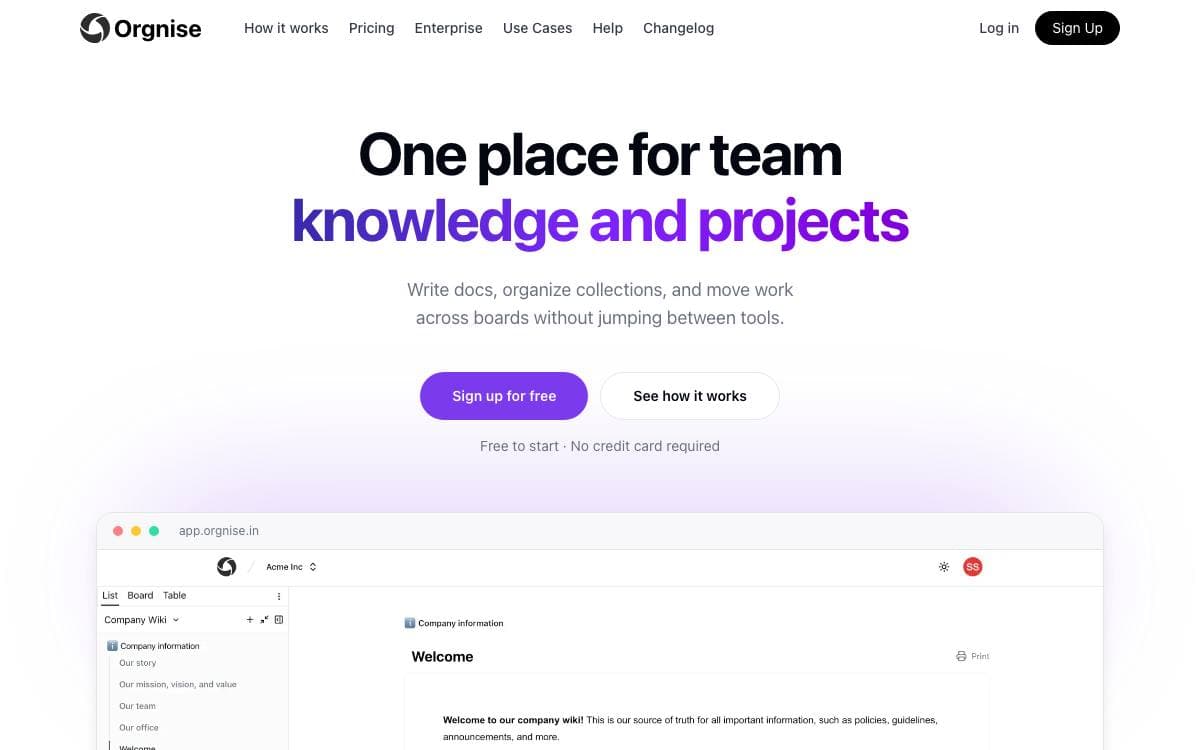
Orgnise is one place for a team's knowledge and its projects: use cases, wikis, technical documentation, policies, guidelines and announcements on one side, work moving through a board on the other. It removes the split where the handbook sits in a wiki, delivery sits in a tracker, and nothing connects the two.
A team invites people into one shared space, then groups work into workspaces by project or function such as design, marketing or engineering. Pages are drafted in a Notion-style editor and belong to a collection rather than to a separate wiki. It is a Next.js and TypeScript application that keeps content in MongoDB, signs people in through NextAuth and deploys to Vercel.
Writing and delivery share the same pages.
- Notion-style editor: docs are drafted with headings, lists and embeds on a single page.
- Slash commands: blocks are inserted straight from the keyboard while writing.
- Collections: pages are grouped by project or function instead of scattered across chats and drives.
- Board view: a collection becomes columns, and a page moves from idea to done without being copied elsewhere.
- Team spaces: everyone invited sees the institutional knowledge and the progress against it.
Teams run it as an engineering source of truth, a customer support knowledge base or a project tracker, and a workspace is free to start with no credit card. The repository holds the whole application, so a developer who has shipped a Next.js project will recognize every dependency in it. Issues and pull requests are welcome for bugs and features.


