Open Source ClickUp Alternatives
A curated collection of the 8 best open source alternatives to ClickUp.
The best open source alternative to ClickUp is AppFlowy. If that doesn't suit you, we've compiled a ranked list of other open source ClickUp alternatives to help you find a suitable replacement. Other interesting open source alternatives to ClickUp are: Wekan, Leantime, Kan and Worklenz.
ClickUp alternatives are mainly Project & Work Management but may also be Note Taking & Knowledge Management or Collaboration & Communication. Browse these if you want a narrower list of alternatives or looking for a specific functionality of ClickUp.

AI workspace for notes, wikis and projects that keeps your data on your own machine or server, an alternative to Notion.
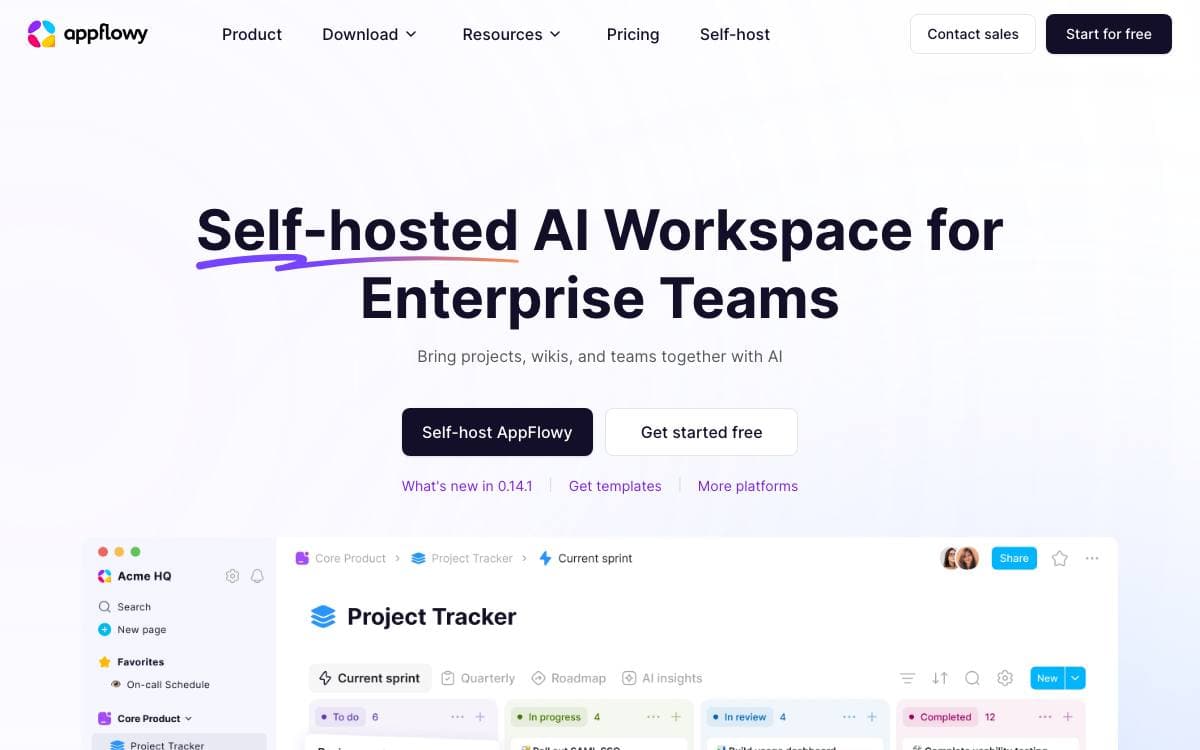
The team behind AppFlowy used Notion daily and paid for it, then ran into its limits on data security and mobile. AppFlowy is their answer: an open source AI workspace for documents, wikis and project management, and an alternative to the tool it grew out of.
It is written in Flutter and Rust, a single codebase covering desktop and mobile with a native feel and long-term maintainability. Self-hosting is documented, so an individual or a company can keep the data on infrastructure they control.
The project is shaped around who is running it.
- Desktop: macOS, Windows and Linux builds, plus FlatHub, Snapcraft and SourceForge channels.
- Mobile: iPhone through the App Store and Android 10 or above through the Play Store, with ARMv7 unsupported.
- Self-hosting: run the backend yourself and keep full control over where the data lives.
- Building blocks: collaboration infrastructure for enterprises and hackers who want to build their own apps on top.
- Translations: edit the JSON files by hand, use the inlang online editor, or run a machine translation command.
Development instructions are documented per operating system, the roadmap is public, and feature requests and bug reports go through their own templates. The stated values put data privacy first, and the codebase is open to anyone who wants to modify AppFlowy for their own needs.

Self-hosted kanban board for personal lists and team projects, for anyone who wants a visual board without handing over their data.
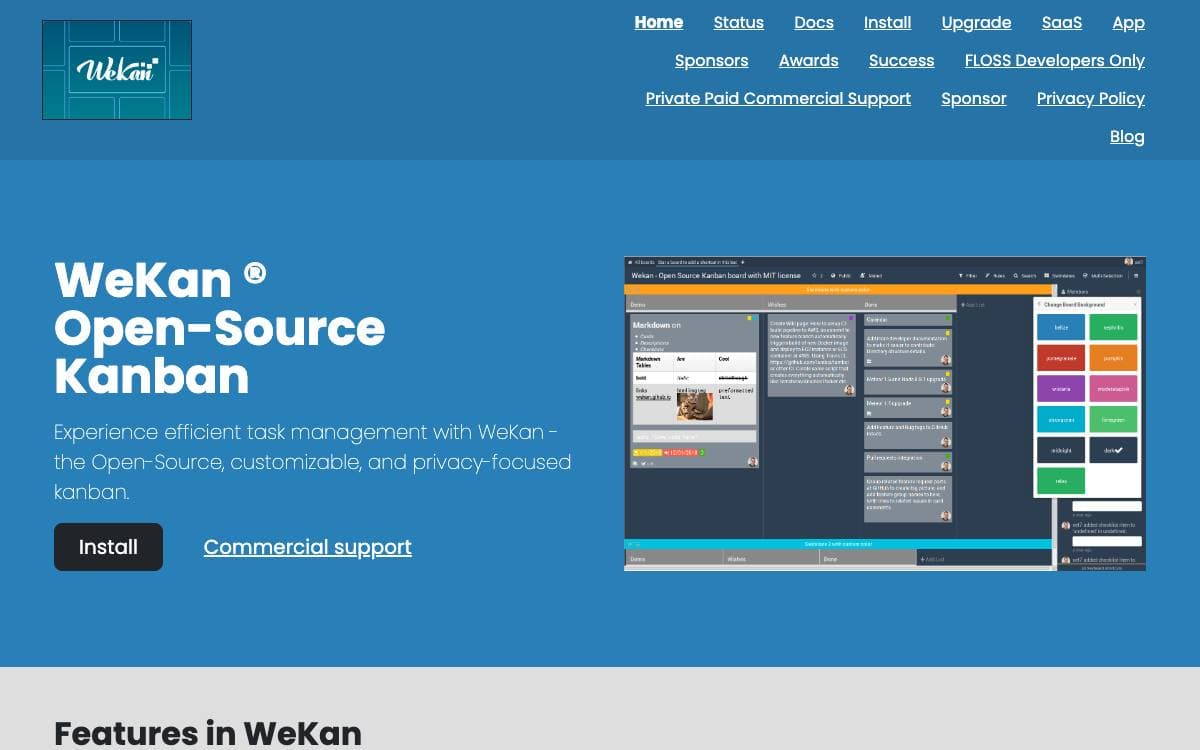
WeKan is a collaborative kanban board you install yourself. Boards give a visual read on where a project stands and keep attention on the few cards that matter, whether the project is a personal todo list, a holiday with friends or a company workflow.
Because it is free software running on your own computer or server, you never have to trust anyone else with the contents, and the project provides one-click installation across a number of platforms. The interface updates in real time, and the app has been translated into 234 languages, essentially all of them complete.
Running it in production carries real requirements worth reading first.
- Memory: one gigabyte free as a minimum, with four gigabytes total on a production server.
- Disk space: watch it and alert on it, because running out corrupts the MongoDB database.
- Updates: only the newest release is supported, and old versions carry security issues from outdated runtimes.
- Backups: daily at minimum, since there is no undo for a deleted list or card and some bugs stop a board loading.
- Scaling: large deployments split several frontend containers from one database server with many CPUs.
Containers are published on GitHub, Quay and Docker Hub, with a compose file in the repository, and the main branch runs on Meteor 3.5 with Node.js 24. Translations are accepted through Transifex rather than as pull requests. Commercial support is available, and the largest known deployment serves 30,000 users at one company.

An open source project management system for people who are not project managers, designed with ADHD, dyslexia, and autism in mind.
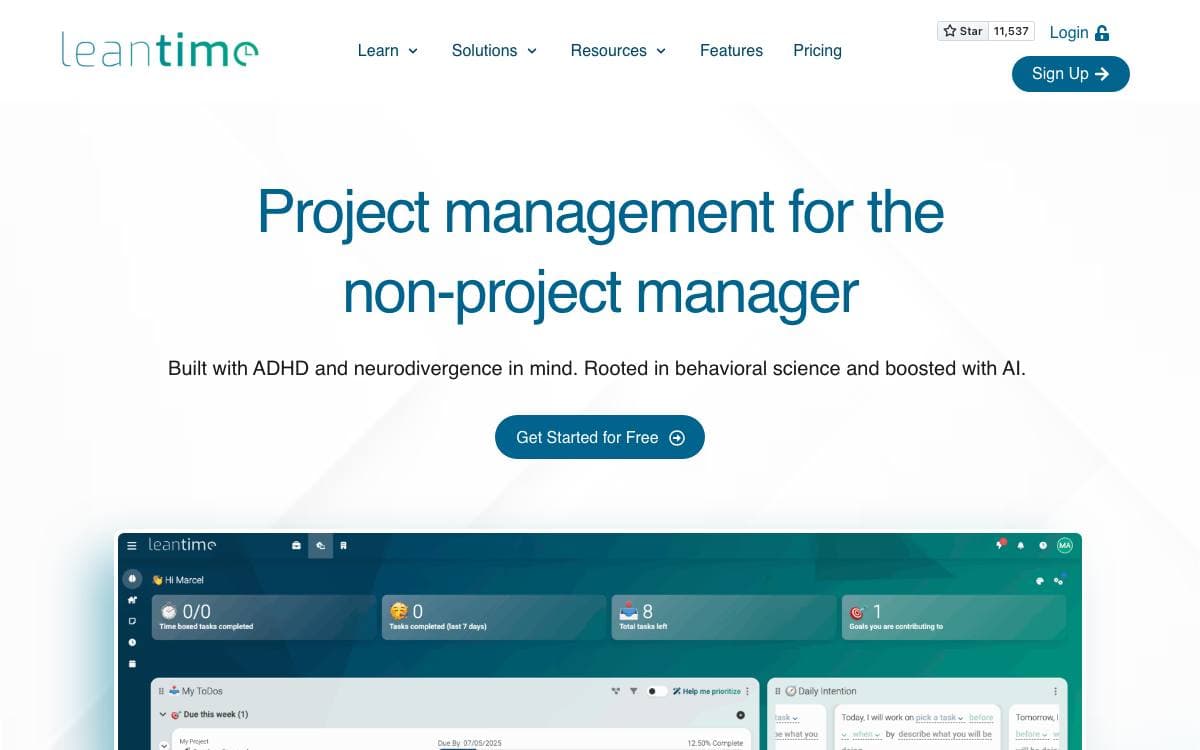
Leantime is a project management system aimed at the people who end up running projects without the title. It brings strategy, planning, and execution together, and it was built with ADHD, dyslexia, and autism in mind rather than treating that as an accessibility afterthought.
The comparison the project draws is being as simple as Trello while as feature-rich as Jira, positioned against ClickUp, Monday, and Asana. Everything below ships in the open source version, with nothing held back for a paid tier.
The feature set follows a project from first idea to timesheet.
- Task views: kanban boards, gantt charts, tables, lists, and calendars over the same work, with unlimited subtasks and dependencies.
- Goals and reporting: goal and metrics tracking alongside project dashboards, reports, and status updates.
- Documents: built-in wikis and docs, plus idea boards for work that has not become a task yet.
- Time tracking: time tracking and timesheets across projects.
- Risk and capture: risk analysis, with screen and webcam recording for context that is easier to show than to write.
- Roles and extensions: multiple user roles, per-project permissions, and extension through plugins and the API.
Running it needs PHP 8.2 or newer, MySQL 8.0 or MariaDB 10.6, and Apache or Nginx, with IIS workable once the PATCH method is allowed. An official Docker image is the alternative to a local install, and anyone using plugins should mount the plugins folder so they survive a restart.

An open source kanban board for teams that want Trello-style project management running on infrastructure they control.
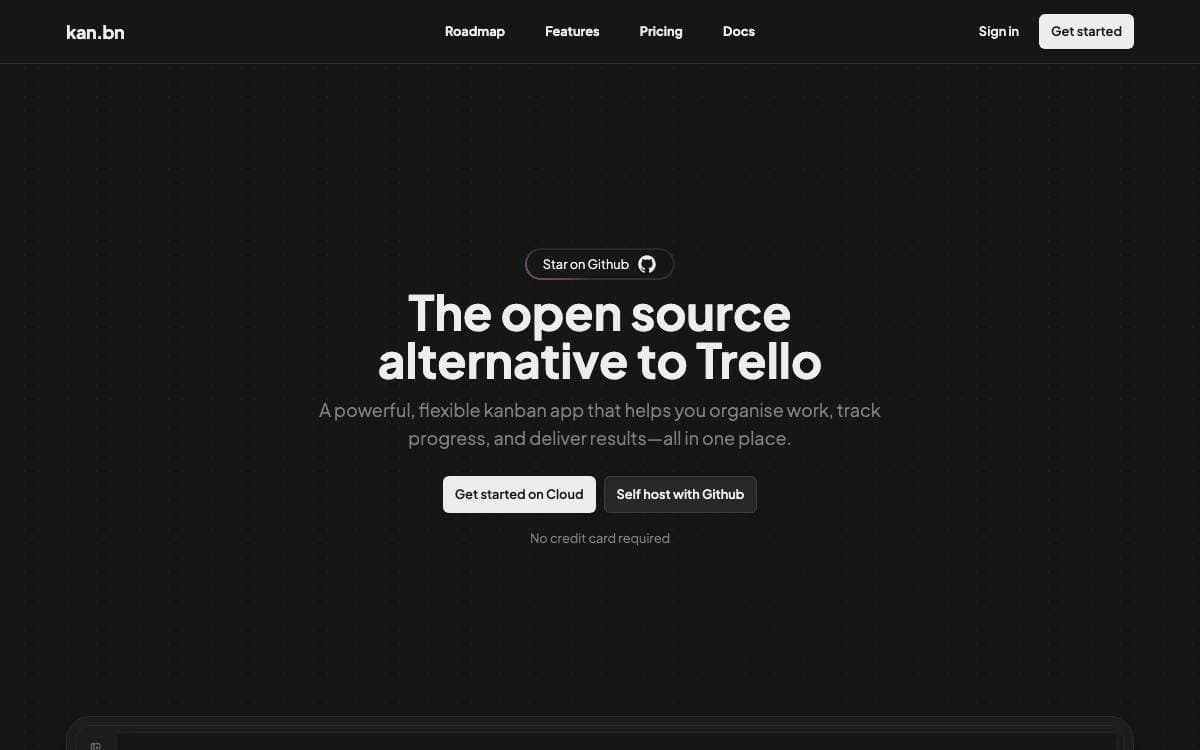
Kan is an open source project management tool built as an alternative to Trello. Boards, cards and workspaces behave the way people already expect them to, with the difference that the whole thing runs on a server you own and a database you can back up.
It is a Next.js application using tRPC, Drizzle ORM, Better Auth, Tailwind CSS and React Email over Postgres. A Docker Compose file starts the database, runs migrations and brings the web service up once those finish, so a working instance is one command away.
Day-to-day features cover what a small team needs from a board.
- Board visibility: control who can view and who can edit each board.
- Workspace members: invite people and work together inside a shared workspace.
- Trello imports: bring existing boards across using Trello API credentials.
- Labels and filters: organize cards and find them again without scrolling.
- Comments and activity log: discuss a card and read the detailed history of every change to it.
- Templates: save reusable board layouts instead of rebuilding the same columns.
Configuration is environment variables throughout, with Redis for optional rate limiting, SMTP for email, Google, Discord, GitHub or generic OIDC for login, and S3-compatible storage for uploads. Railway offers a one-click deployment for anyone who does not want to run Compose, and integrations with other tools are listed as coming soon.

A project management tool for organizations that want tasks, time tracking and workload reporting running on their own infrastructure.
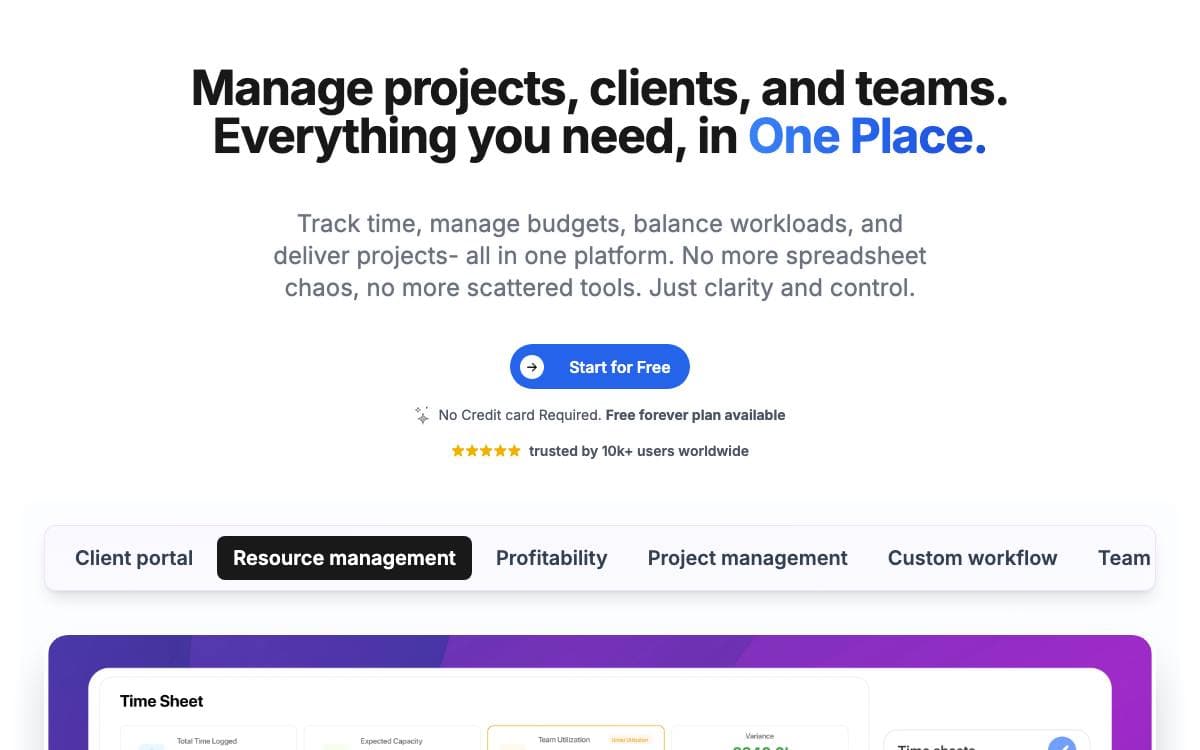
Worklenz covers the ground between a task list and a resource planner, holding projects, tasks, hours spent and reports on who is carrying what. It is built for organizations that would rather run that stack themselves than rent another seat-priced service.
The frontend is React with Ant Design, the backend is TypeScript on Express, and PostgreSQL stores the data. File storage targets any S3-compatible service, with MinIO wired up by default so a fresh install needs no cloud account at all.
Day-to-day work is organized around a handful of capabilities.
- Project planning: projects are created and tasks assigned to the people who will do them.
- Task management: work is broken down with due dates, priorities and progress tracking.
- Collaboration: files are shared and comments left against the task they concern.
- Time tracking: hours are recorded per task for resource allocation and billing.
- Reporting: reports cover project status, team workload and performance metrics.
Docker Compose is the quickest route in. Clone the repository, run one command, and the frontend answers on port 5000 with the API on port 3000; a script rewrites the environment files for a remote hostname when you deploy to a server. A manual setup needs Node 18 or newer and PostgreSQL 15 or newer, with the SQL files applied in a documented order. Worklenz follows an open-core model, its core released under AGPLv3 and free to self-host, modify and redistribute.

Agile project management for cross-functional teams, with Scrum and Kanban boards, backlogs, issue tracking, and a wiki in one self-hosted tool.
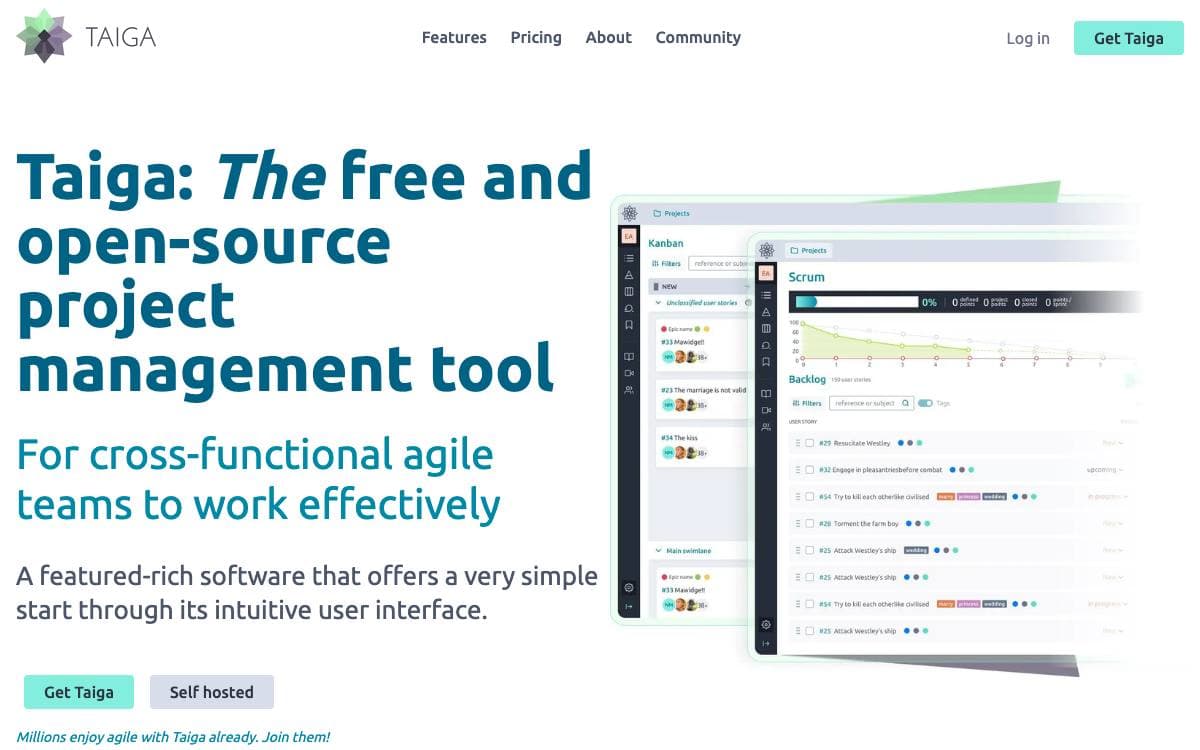
Taiga is a project management tool for cross-functional teams that want to run Scrum or Kanban without a training program first. This repository holds taiga-back, the server that stores projects and exposes the REST API every Taiga client talks to.
The project keeps three documentation hubs, one for the API, one for installing Taiga on your own server, and a community site that doubles as the support desk. Bug reports go to Taiga's own issue tracker, which the team prefers over GitHub issues, and a separate address exists for security reports.
The product itself, as described on the Taiga website, covers the ceremonies an agile team actually runs.
- Kanban: boards with swimlanes, WIP limits, zoom levels, extensive filters, and a user story archive.
- Scrum: backlog and sprint planning with epics and sub-tasks, estimation per role, and burndown charts at project and sprint level.
- Issues: integrated tracking with custom types, priorities, and severities, plus a way to promote an issue into a user story.
- Reporting: team performance dashboards, a full project timeline, personal notifications, and a wiki.
- Self-hosting: on-premise installs keep all data on your own servers, with more than twenty translations available.
Switching a project between Kanban and Scrum works in both directions, so the method can change without moving tools. Every accepted patch is licensed under MPL 2.0, and the contribution policy asks you to keep it that way.

Work and project management platform with time and activity tracking, for teams that want to run their own instance.
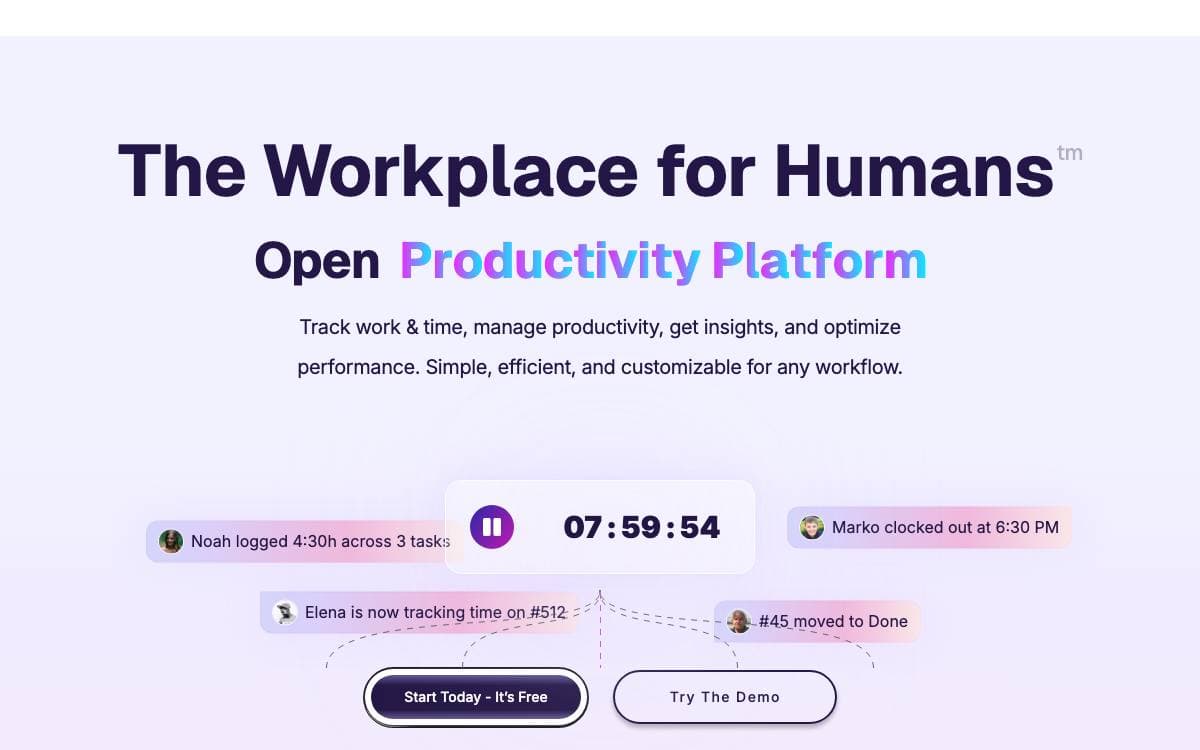
Ever Teams covers workforce management, time and activity tracking, productivity metrics, tasks and issues, organizations and teams in one web application. The README is explicit that the platform is in an active development stage and should be used with caution, which is worth knowing before it lands in front of a working team.
It is a front end rather than a whole system. The web application talks to the headless APIs of Ever Gauzy, the same maintainers' business management platform, and by default it connects to their production endpoint. Two environment variables repoint it at a Gauzy server or API you run yourself, which is the difference between borrowing their backend and owning the stack.
Getting an instance up has several documented routes.
- Docker Compose: a demo file for exploring, a production file, and a build file that compiles everything locally.
- Docker image: prebuilt web application images published to Docker Hub and GitHub packages.
- Manual build: a yarn install followed by a web build and start, served on port 3030.
- Self-hosted backend: run Gauzy separately, then set the two API server variables before starting.
- Gitpod: a ready-to-code workspace configured in the repository.
The stack is a Turborepo and Nx monorepo in TypeScript, with Next.js and React on the web, React Native and Expo on mobile, and Tailwind with shadcn/ui, Radix and Headless UI for the interface. Integrations with GitHub, GitLab, Bitbucket and Jira are planned alongside tags, labels and dark, black and light themes. It is licensed under AGPL v3.

An opinionated company operating system for goals, projects and teams, aimed at growing startups and nonprofits of five to a hundred people.
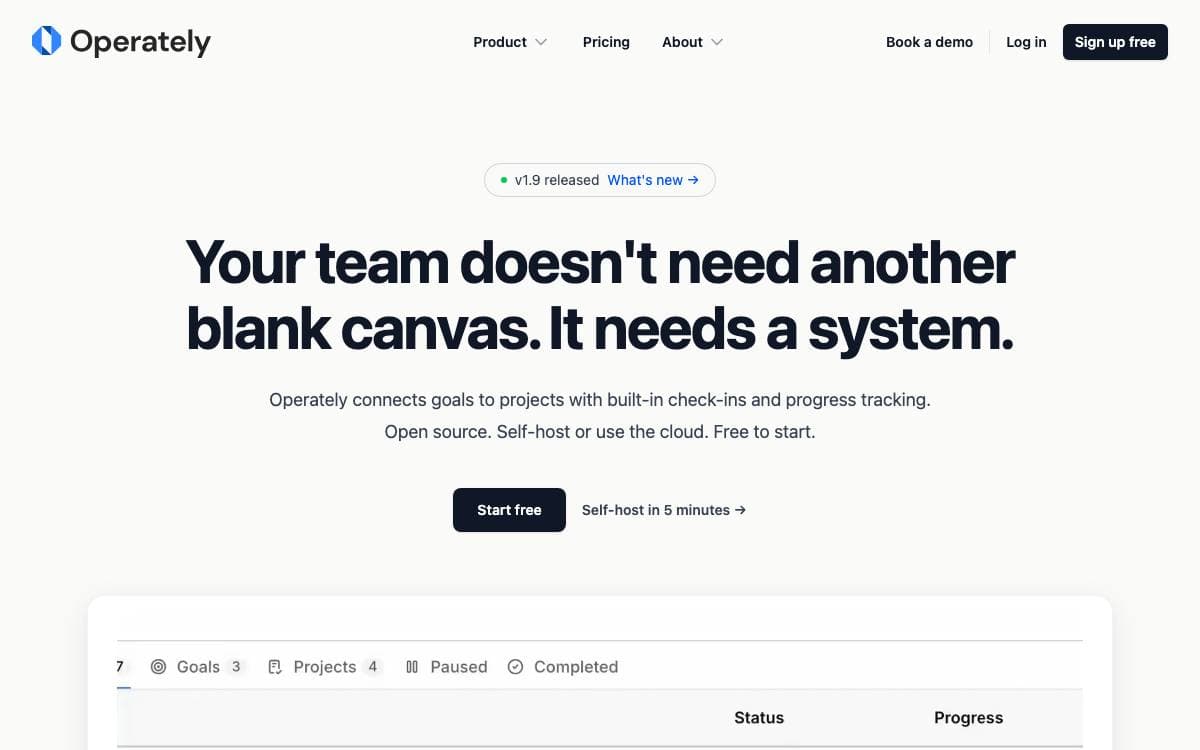
Generic work management tools hand you infinite flexibility and no opinion about how to run a company. Operately takes the opposite position, shipping the workflows that keep an organization moving so a growing team does not have to invent goal reviews, check-ins and accountability from scratch.
Goals sit at the top and link down to daily work, projects carry task boards and milestones, and each department gets a space holding its own goals, documents and discussions. Installation is a single host archive with an install script and a Docker Compose stack behind it.
The feature set stays narrow on purpose.
- Goals and OKRs: company wide targets tied directly to the projects that move them.
- Execution cadence: built-in check-ins and automated progress updates set a steady rhythm.
- Team spaces: departments keep goals, projects and documents in one organized home.
- Message boards: threaded discussion replaces scattered email threads.
- Documents and files: content is created, stored and shared in one place.
- CLI and API: full programmatic access, with published agent skills for Codex, Claude Code and OpenClaw.
Operately is Apache 2.0 licensed and self-hostable, and its hosted plan is priced flat rather than per seat. The project aims itself at technology companies, startups, nonprofits, consulting firms and compliance focused organizations, and says it works best for teams of five to a hundred.


