Open Source Claude Cowork Alternatives
A curated collection of the 3 best open source alternatives to Claude Cowork.
The best open source alternative to Claude Cowork is OpenWork. If that doesn't suit you, we've compiled a ranked list of other open source Claude Cowork alternatives to help you find a suitable replacement. Other interesting open source alternatives to Claude Cowork are: Suna and Eigent.
Claude Cowork alternatives are mainly AI Development Platforms but may also be AI Interaction & Interfaces. Browse these if you want a narrower list of alternatives or looking for a specific functionality of Claude Cowork.

A desktop app and MCP server for sharing AI skills, plugins and connected services across your agents, teammates and machines.
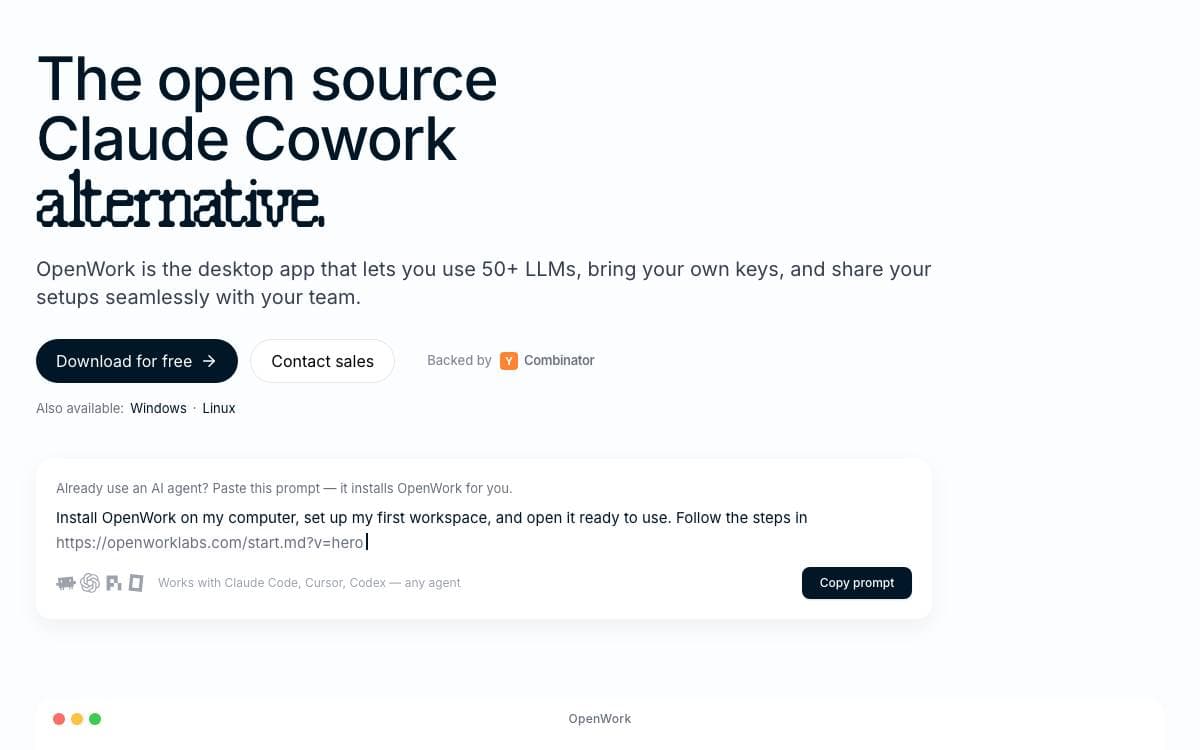
OpenWork exists so that a skill or a connection you configure once does not have to be rebuilt inside every agent you use. It is a free desktop app for macOS, Windows and Linux, an open source alternative to Claude Cowork and Codex, though the desktop shell is optional.
The part that does the sharing is a single MCP server. Add it to Codex, Claude Code, Cursor, OpenCode or any compatible client and it exposes two tools, one that searches your capabilities and one that executes them. Signing in through the browser attaches your organization, after which assigned skills, plugins, MCP connections, Google Workspace and Microsoft 365 capabilities appear inside that client.
For larger organizations there is a control plane called OpenWork Den.
- Access management: invite teammates, create teams and manage who reaches what from one place.
- Inference control: provision models at scale and decide which members may use each provider.
- Marketplaces: publish skills and plugins, then assign them to the organization, a team or named people.
- Desktop policy: restrict local model access and pin which app versions the organization may run.
- Plugin import: bring in Agent Plugins or Anthropic-compatible plugins and expose their skills and remote MCPs.
The repository uses a split license. Everything outside the ee directory, meaning the desktop app and core platform, is MIT. The Den control plane is source-available, free for organizations of up to five users, free to evaluate for thirty days at any size, and converts to MIT two years after each release.

Open source AI management system where agents, skills, memory and connectors live in a git repository your company owns.
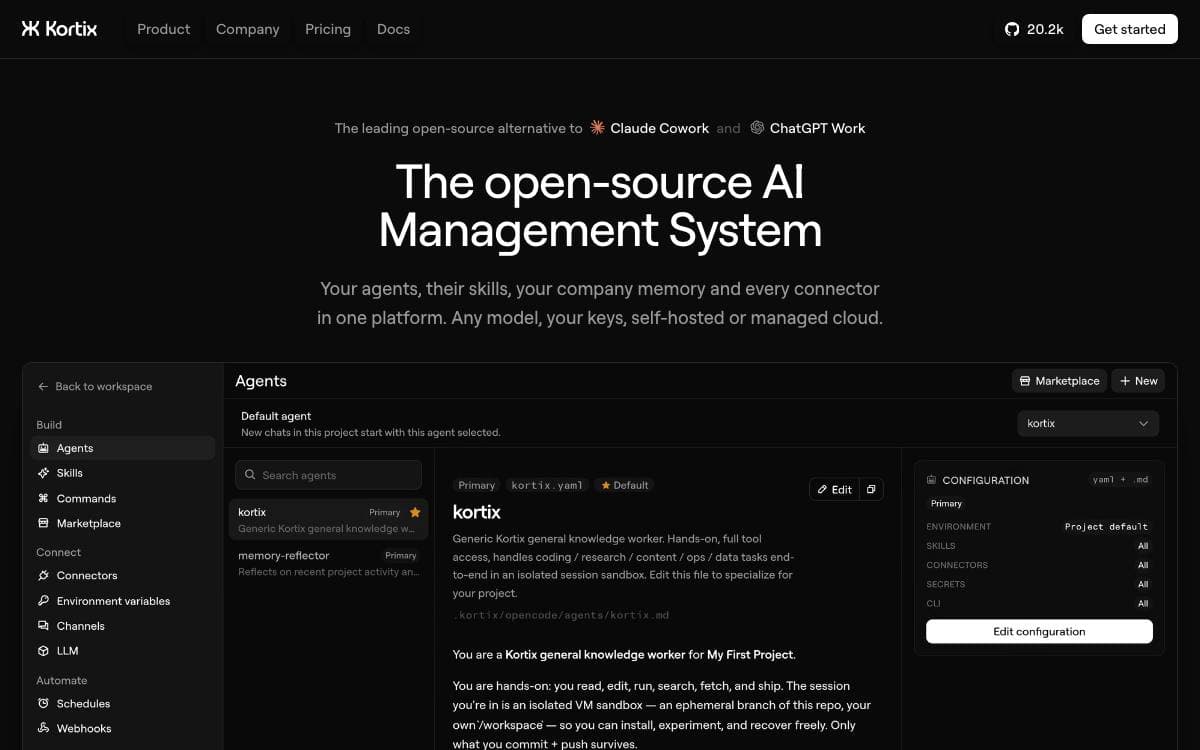
Kortix, the project developed in the Suna repository, treats a company as something you can clone. The agents, the skills they share, the company memory and every connector are files in a git repo, versioned and diffable, not configuration trapped inside somebody else's product.
Work happens on cloud computers. Each session gets a disposable, isolated Linux sandbox on its own branch, where the agent can install, run and break anything, and only what it commits survives. Nothing reaches the main branch until you approve a change request, so the company improves one reviewed change at a time. Thousands of sandboxes can run in parallel.
The pieces you manage are few, and each one is a file you can read.
- Agents: OpenCode agents with scoped tool access, markdown at the baseline, one per role or task, able to rewrite themselves.
- Skills: reusable know how that encodes how your company does a job, written once and shared into every session.
- Connectors: more than 3,000 apps in a click, plus MCP, OpenAPI, GraphQL and raw HTTP, with credentials brokered server side and never entering the sandbox.
- Channels and triggers: a Slack app starts sessions where your team works, while cron schedules and signed webhooks start them automatically.
- Secrets: encrypted at rest, granted per agent, and injected into the sandbox as real environment values at runtime.
Any provider works with your own API keys. Kortix runs from Docker images on a laptop, a VPS, your own VPC or an on-prem network, and the CLI switches between your hosts and the cloud.

Desktop application that runs a customizable team of AI agents locally, aimed at people automating multi-step workflows on their own machine.
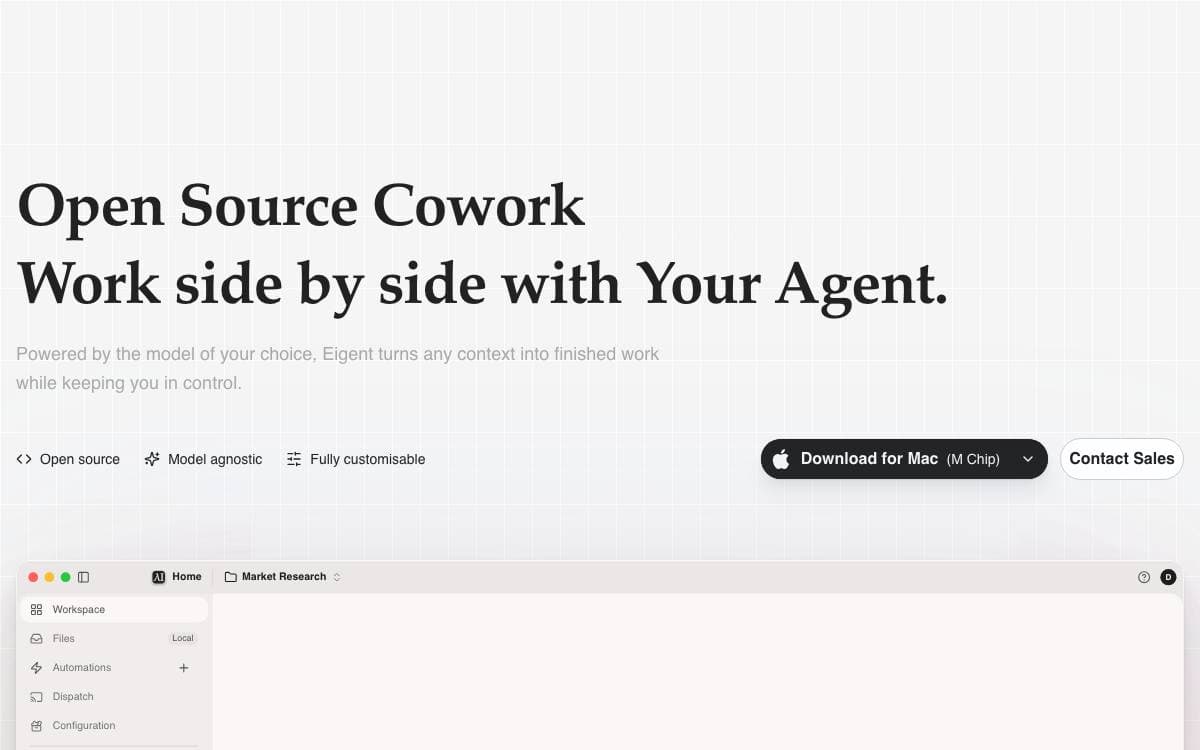
Eigent packages an AI workforce into a desktop application, where agents build, manage and run the multi-step workflows you would otherwise walk through by hand. It removes the gap between talking to a single model and having work actually carried out on your machine.
The app is built on CAMEL-AI's multi-agent framework, with a FastAPI backend and an Electron and React front end. You start with one focused agent for direct tasks, or scale to a workforce of specialised agents that divide the job and execute in parallel.
The feature set suits people who want agents close to their files rather than in someone else's cloud.
- Local deployment: a standalone mode with a local backend and local inference through vLLM, Ollama or LM Studio.
- Model agnostic: connect cloud APIs, enterprise gateways or local models without committing to one vendor.
- MCP integration: agents pick up tools through MCP servers, alongside built-in browser and terminal toolkits.
- Automation: recurring workflows run on a schedule, so tasks continue when you step away.
- Enterprise options: SSO, access control and custom development for organizations that ask for them.
The cloud-connected quick start needs Node.js 18 to 22 and npm, and it registers an account against Eigent's services. A separate guide covers the fully standalone local install, and a managed cloud version exists for teams that prefer to host nothing at all.


