Open Source Claude Alternatives
A curated collection of the 10 best open source alternatives to Claude.
The best open source alternative to Claude is OpenClaw. If that doesn't suit you, we've compiled a ranked list of other open source Claude alternatives to help you find a suitable replacement. Other interesting open source alternatives to Claude are: Hermes Agent, Open WebUI, LobeChat and Cherry Studio.
Claude alternatives are mainly AI Interaction & Interfaces but may also be AI Development Platforms or Machine Learning Infrastructure. Browse these if you want a narrower list of alternatives or looking for a specific functionality of Claude.

An open source AI assistant that runs on your own hardware and reaches you through Discord, Slack, WhatsApp and other chat channels.
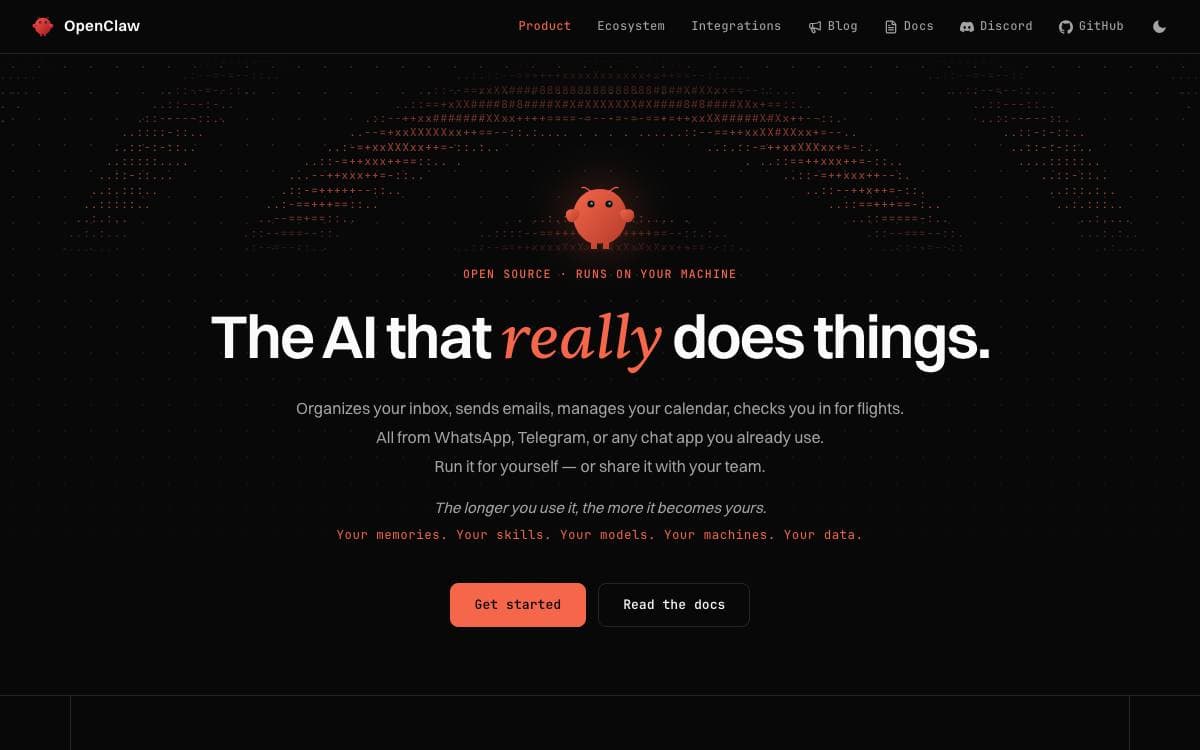
OpenClaw is an open source AI assistant that runs on your own computer and meets you in the channels you already use, from Discord and Slack to iMessage, Telegram and WhatsApp, with native apps for macOS, iOS, Android, Windows and Linux. It removes the need to sit in a vendor's chat window to reach an assistant.
A single Gateway acts as the local control plane for sessions, tools, events and channel connections, and the Control UI, the CLI and the TUI all connect to it. The same process serves one person on a laptop or a whole team, and only the configuration differs.
The pieces that matter for anyone weighing a self-hosted assistant.
- Local state: memory, credentials and session data stay on your hardware, and the project itself checks only for a daily version update.
- Swappable models: hosted and local providers plug in, so Claude, Codex or a local model becomes a configuration choice.
- Channels: WhatsApp, Telegram, Slack, Discord, Google Chat, Signal and iMessage all reach the same assistant.
- Companion apps: platform nodes add voice, canvas, camera, screen and device-local actions.
- Tools, skills and plugins: three extension points widen what the assistant can actually do.
The installer covers macOS, Linux and Windows and provisions a Node.js runtime when one is missing, with an npm package for people who manage Node themselves. Treat inbound messages as untrusted, since tools run on the host unless you configure sandboxing. Stewardship sits with an independent nonprofit foundation, and there is no paid tier or hosted service.

A self-improving agent from Nous Research that learns skills, keeps memory across sessions and reaches you on any chat platform.
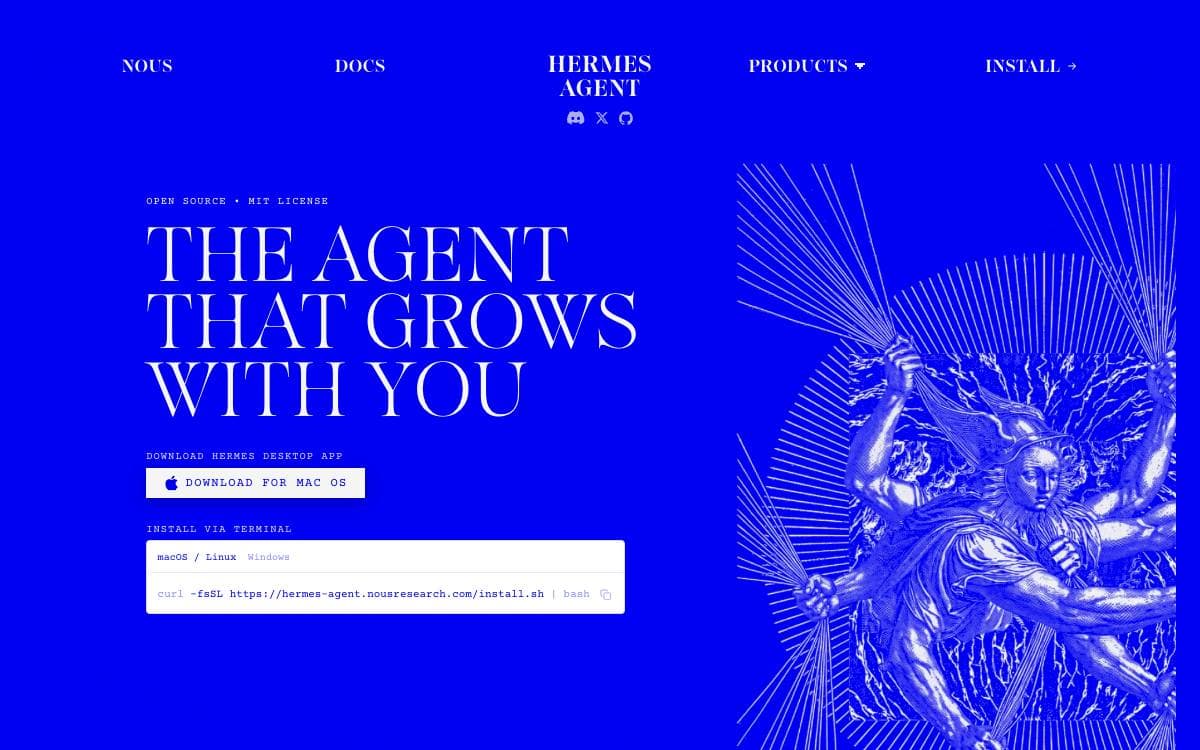
Hermes Agent is built around a learning loop. It creates skills from experience, improves them while using them, searches its own past conversations and builds a model of the person it works for across sessions.
It is not bound to a laptop. One gateway process serves Telegram, Discord, Slack, WhatsApp, Signal and the command line at once, with voice memo transcription and conversation continuity between them, so the agent can keep working on a cloud machine while you talk to it from a phone.
The project describes its own capabilities in five areas.
- Terminal interface: a full TUI with multiline editing, slash-command autocomplete, history, interrupt and redirect, and streaming tool output.
- Memory and recall: agent-curated memory with periodic nudges, full-text session search with summarization, and dialectic user modeling.
- Scheduled automations: a built-in cron scheduler runs daily reports, nightly backups or weekly audits unattended and delivers them to any platform.
- Delegation: isolated subagents handle parallel workstreams, and Python scripts call tools over RPC to collapse multi-step pipelines.
- Seven terminal backends: local, Docker, SSH, Singularity, Modal, Daytona and Vercel Sandbox, two of which hibernate when idle and wake on demand.
Any model works, whether through Nous Portal, OpenRouter, OpenAI or your own endpoint, and switching takes one command rather than a code change. Install scripts cover Linux, macOS, WSL2, Termux and native Windows, pulling in Python, Node.js and the other dependencies. It runs on a cheap VPS or a GPU cluster, suiting anyone who wants an agent that stays awake between sessions.

A self-hosted web interface for Ollama and any OpenAI-compatible API, with retrieval, plugins, permissions and fully offline operation.
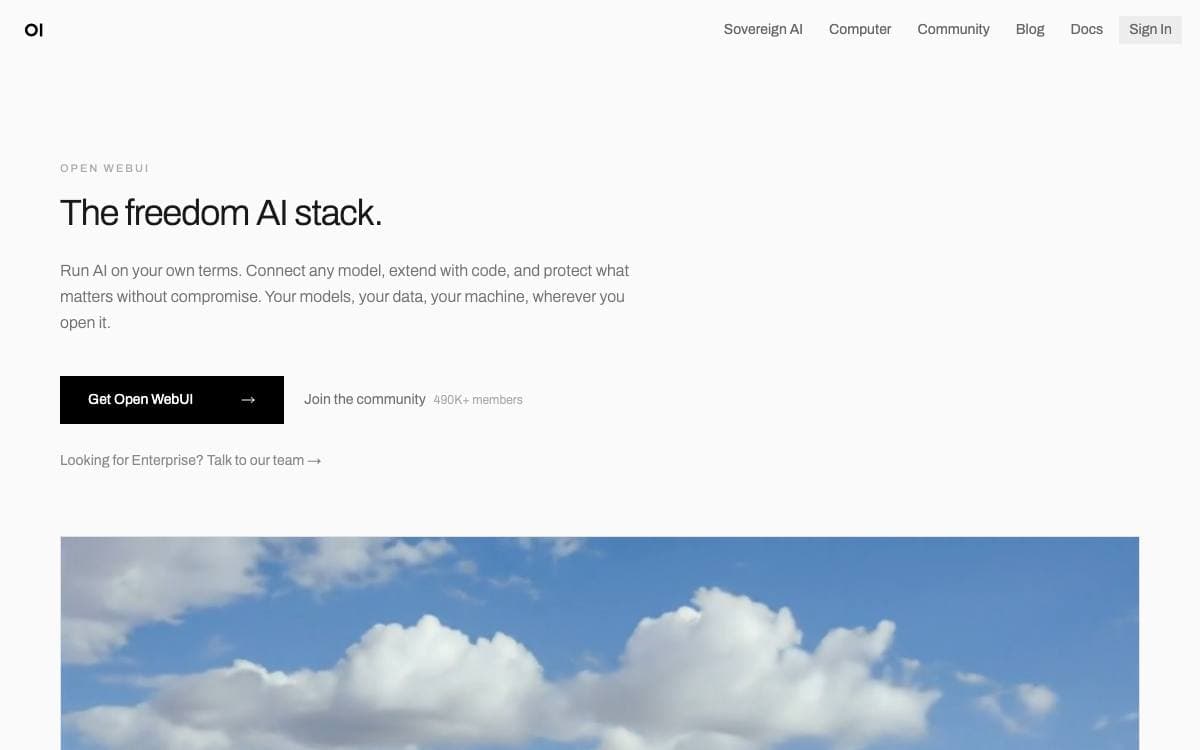
Open WebUI is a self-hosted front end for AI models that is built to run entirely offline. Point it at local Ollama models, at any OpenAI-compatible endpoint, or at several at once, and the interface stops being tied to whichever provider you happened to start with.
Setup runs through pip, uv, Docker or Kubernetes with kubectl, kustomize or helm, and tagged images exist for Ollama and CUDA deployments. It is also a progressive web app, so one deployment serves desktop, laptop and mobile with offline access on localhost.
The feature surface reaches well past a chat box.
- Retrieval: local RAG backed by nine vector databases, several extraction engines, hybrid search with reranking, and web search across dozens of providers.
- Plugins: filters, actions, pipes, tools and skills extend it, with MCP and OpenAPI tool servers connecting external services.
- Permissions: role-based access control with groups gives each user exactly the reach an administrator intends.
- Agents and memory: any base model can be wrapped with instructions, tools and knowledge, and the assistant remembers facts between conversations.
- Workspaces: notes with AI rewriting, shared channels, a calendar the models manage conversationally, and recurring automations.
Voice and video calls run through several speech engines, images are generated and edited with local or hosted backends, and a key-value storage API keeps artifacts such as journals, trackers and leaderboards. Markdown and LaTeX render throughout. It suits a team that wants one interface over many models without sending conversations anywhere it does not control.

Open source workspace for hiring, scheduling and supervising a team of AI agents that keeps working while you are away.
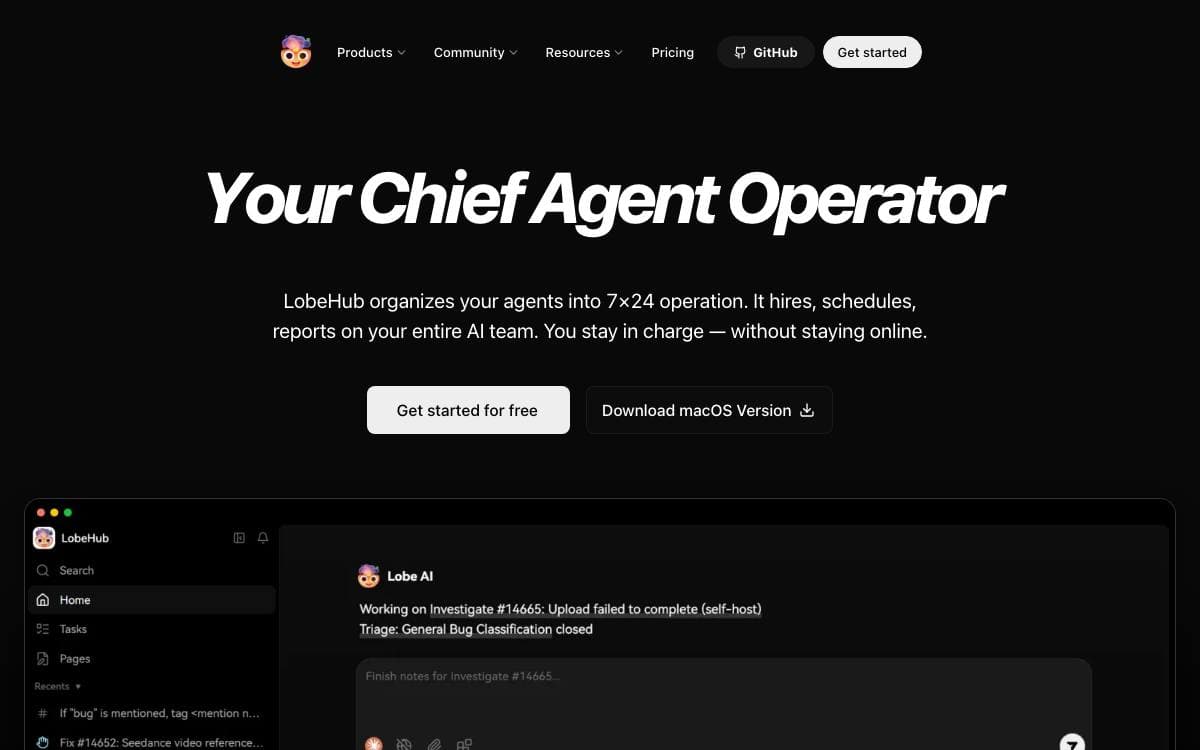
Most agents today are one-off tools: no shared context, no memory worth the name, and constant manual hand-offs between windows and models. LobeHub answers that by treating agents as the unit of work, giving them a space where they are hired, scheduled and reported on like teammates.
Building one starts with the Agent Builder. You describe what you need once and the setup runs immediately, applying auto-configuration so the agent is usable straight away. Agents reach any model and any modality, and connect to a library of more than ten thousand tools and MCP-compatible plugins.
Collaboration is where the model of a team gets exercised.
- Agent Groups: the system assembles the right agents for a task and lets them work in parallel.
- Pages: several agents write and refine content together in one shared context.
- Schedule: runs happen at the right time, including while you are offline.
- Workspace: a shared space with clear ownership and visibility across an organization.
- White-box memory: structured, editable memory that you can inspect and correct.
Self-hosting comes as a Docker image or a one-click deployment on Vercel, Zeabur, Sealos or Alibaba Cloud, with an OpenAI API key supplied as an environment variable. LobeHub is under active development, so expect the feature list to keep moving.

A cross-platform desktop client for running many LLM providers and local models side by side, with assistants, documents and MCP support.
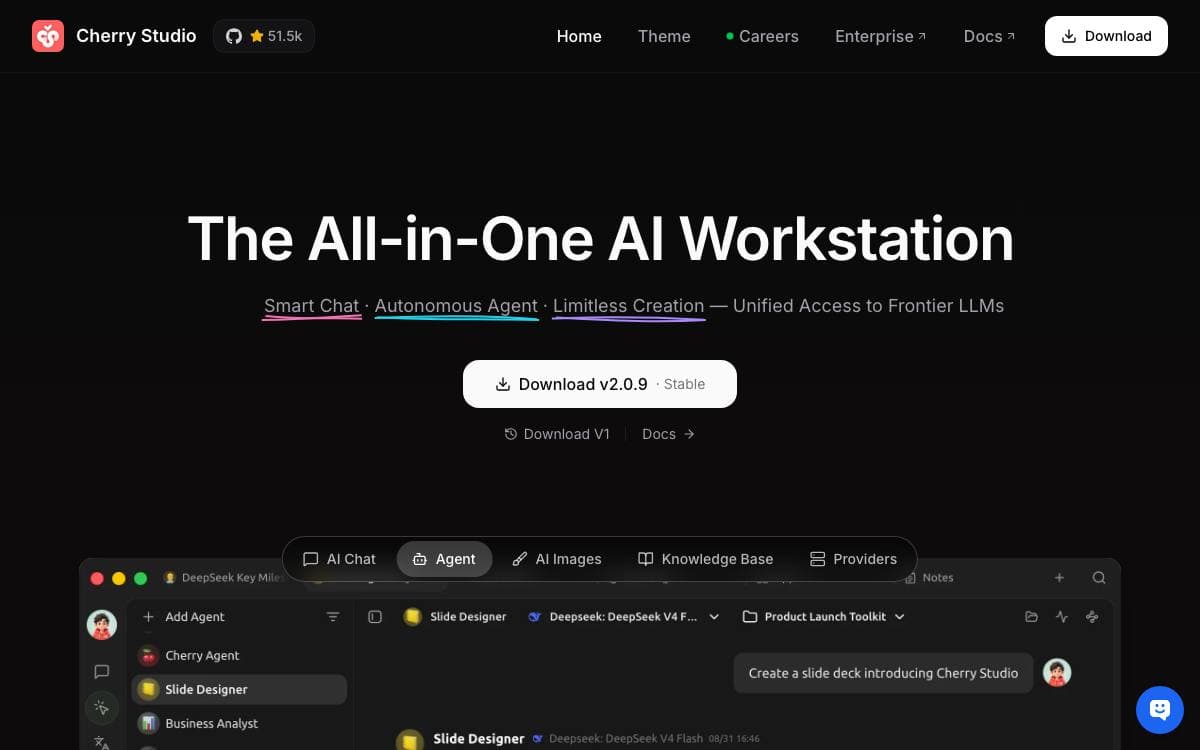
Cherry Studio is a desktop client for talking to many language models from one window, running on Windows, macOS and Linux with no environment to prepare beforehand. Cloud services such as OpenAI, Gemini and Anthropic sit next to local models served through Ollama or LM Studio.
Conversations are the center of the application. More than 300 pre-configured assistants ship with it, you can define your own, and a single prompt can go to several models at once so their answers are compared directly.
Around the chat sits a working set of tools.
- Document handling: text, images, Office files and PDFs are processed inside the client.
- MCP servers: Model Context Protocol support extends what the assistants can reach.
- Rendering: complete Markdown, Mermaid diagrams and syntax-highlighted code appear inline.
- Search and topics: global search and a topic management system keep long histories navigable.
- WebDAV backup: files and conversation data sync to storage that you control.
Themes cover light, dark and a transparent window, with a community gallery of alternatives. The roadmap names notes and collections, OCR, text to speech, a plugin system and mobile editions, so several of the things being discussed around the project have not shipped yet.

A self-hosted chat interface that puts every model provider, agent, tool and file workflow behind one familiar conversation UI.
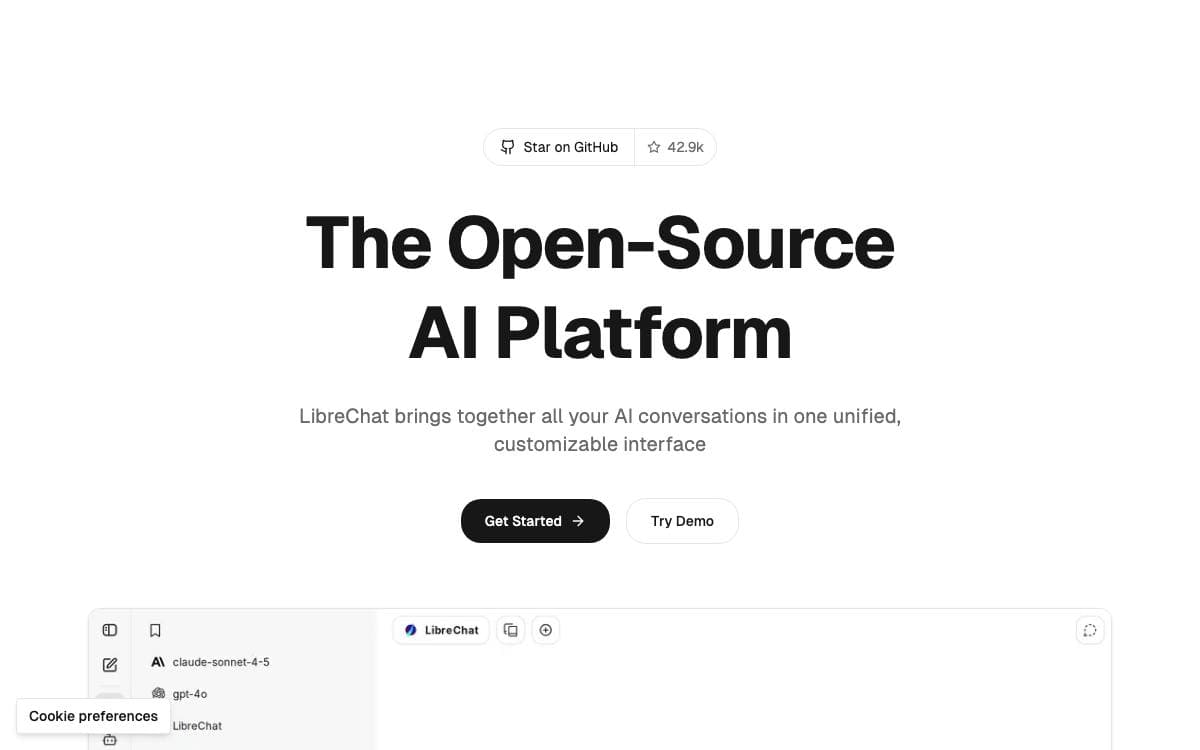
LibreChat puts a single chat interface in front of many model providers, among them OpenAI, Azure, Anthropic, AWS Bedrock, Google, Vertex AI, Ollama, Mistral, Groq, Cohere, OpenRouter and DeepSeek. Endpoints and presets can be switched mid-conversation, and messages can be edited, resubmitted, forked or branched instead of abandoned.
Beyond chat, several subsystems make it usable as a working environment.
- Agents: no-code assistants with MCP servers, tools, file search and code execution, shareable with specific users and groups.
- Subagents: focused work is delegated to isolated child runs with their own context windows.
- Code Interpreter: sandboxed execution in Python, Node, Go, C, Java, PHP, Rust and Fortran, with file upload and download.
- Web search: search providers, content scrapers and result rerankers combine to pull context into a conversation.
- Code artifacts: React, HTML and Mermaid content renders inline and exports as SVG or PNG.
- Speech and audio: speech-to-text and text-to-speech through OpenAI, Azure and ElevenLabs.
Recent work has gone into durability. Responses reconnect and resume when a connection drops, the same chat syncs across tabs and devices, agent runs can be interrupted and steered, and human-in-the-loop pauses wait for input or tool approval before carrying on.
Deployment templates exist for several hosting providers, the interface is translated into more than thirty languages, and security defaults include HTTP headers, per-user code interpreter tokens, SAML identity binding and SSRF protection on web tool traffic.

A personal AI assistant that runs each agent in its own container and reaches you through Slack, Telegram, Discord or WhatsApp.
NanoClaw came out of a refusal. Its author would not hand complex software he did not understand full access to his life, so each agent here runs in its own Linux container and sees only what you explicitly mount, rather than sitting behind application-level allowlists in one shared process.
A single Node host acts as the router. A message arrives from a channel, gets written to a per-session SQLite file, and wakes the container; the agent writes back to a second SQLite file that the host polls and delivers. Two files per session with exactly one writer each removes any need for IPC or stdin piping.
The project takes a firm line on how it grows.
- Skills over features: channel adapters and alternative model providers live on separate branches, copied into your fork on demand.
- No configuration files: you change behavior by asking Claude Code to edit the code, which is small enough to review.
- Multi-channel: WhatsApp, Telegram, Discord, Slack, Teams, iMessage, Matrix, Google Chat, Webex, Linear, GitHub and email are all installable.
- Agent templates: a reusable bundle of instructions, tools and skills stamps out a ready-to-run agent carrying no secrets.
- Nothing phones home: only anonymous setup diagnostics leave the machine, and one environment variable turns those off.
One shell script installs Node, pnpm and Docker if missing, registers your credential, builds the agent container and pairs your first channel. It needs macOS or Linux, Windows through WSL2, Node 22 and Docker.

Desktop app for downloading and running open source LLMs locally, with optional cloud model access and an OpenAI compatible local server.
Jan packages open source AI into a desktop application for people who would rather not send every prompt to a hosted service. Models download from HuggingFace and run on the machine in front of you, with cloud providers available when you actually want them.
The app is built with Tauri and bundles a llama.cpp engine, with build variants for CPU, Vulkan, Metal, CUDA and ROCm. Installers exist for Windows, macOS and Linux in deb and AppImage form, and it is also distributed through the Microsoft Store and Flathub.
The core capabilities are deliberately narrow.
- Local models: runs Llama, Gemma, Qwen, GPT-oss and other LLMs pulled straight from HuggingFace.
- Cloud connections: reaches OpenAI, Anthropic, Mistral, Groq, MiniMax and others when a hosted model suits the task better.
- Custom assistants: lets you define specialized assistants for recurring work.
- Local API server: exposes an OpenAI compatible endpoint on port 1337 for other applications to call.
- Model Context Protocol: adds agentic behavior through MCP integration.
Hardware expectations are stated plainly. On macOS 13.6 or later that means 8GB of RAM for 3B models, 16GB for 7B and 32GB for 13B. Building from source needs Node 20, Yarn 4.5.3, Make, Rust and, on Apple silicon, the Metal toolchain, after which a single make target installs dependencies, builds the core and launches the app.

A desktop AI assistant and MCP client that talks to major model providers and indexes your own documents locally.
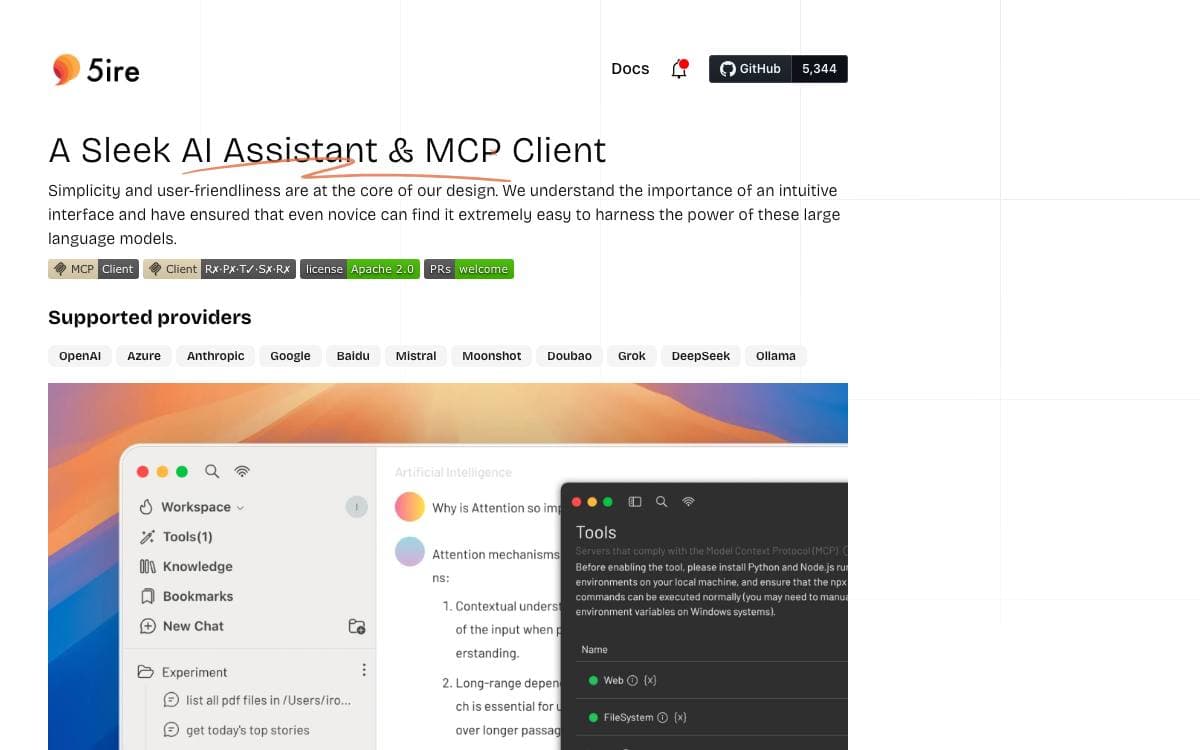
5ire speaks to OpenAI, Azure, Anthropic, Google, Mistral, Doubao, Grok, DeepSeek and Ollama from one desktop window, and doubles as a client for the Model Context Protocol. That second part is what separates it from a chat box, because the assistant can act on your machine instead of only answering.
MCP standardizes how applications give context to language models, much as one connector standardizes plugging in peripherals. Through MCP servers, 5ire reaches the file system, system information, databases and remote data. A community-run directory named MCPSvr lists servers to install and gives authors a route to share their own.
The rest of the application is built around keeping your own material close.
- Local knowledge base: the bge-m3 embedding model parses and vectorizes docx, xlsx, pptx, pdf, txt and csv files for retrieval-augmented generation on your machine.
- Usage analytics: API usage and spending are tracked so provider costs stay visible.
- Prompts library: reusable prompts support variables for different situations.
- Bookmarks: saved conversation content survives even when the original messages are deleted.
- Quick search: keyword search runs across every conversation at once.
Turning on the tools feature needs Python, Node.js and the uv package manager first, since together they form the runtime environment for MCP servers; that step can wait until you need it. Because 5ire uses native dependencies it must be packaged on the target platform, and macOS builds need Apple notarization credentials to avoid security alerts.

Proton's confidential AI chat assistant, storing every conversation with zero-access encryption so that not even Proton can read your chat history.
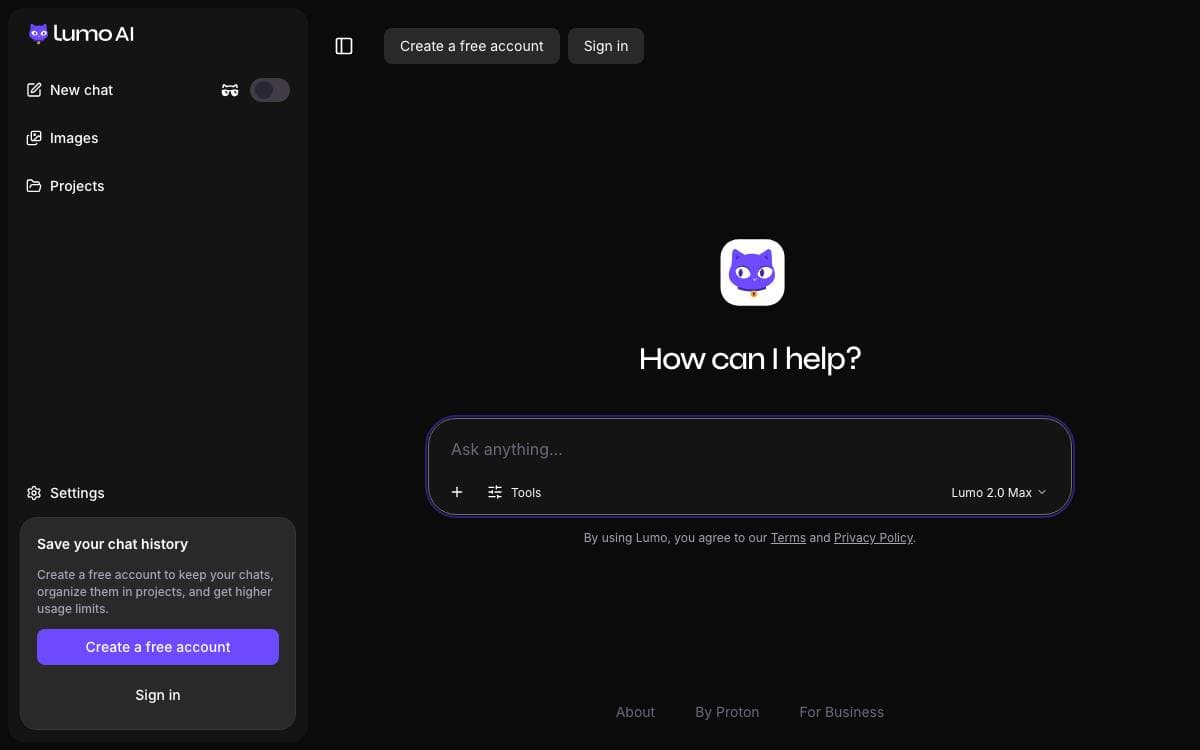
Lumo is the confidential AI chat assistant from Proton, the company behind Proton Mail and Proton VPN. Mainstream assistants keep chat logs that can be read by the provider, used for training or handed to a third party. Lumo removes that exposure rather than promising not to look.
All conversations with Lumo are stored with zero-access encryption, so no one, not even Proton, can access them, and they are only accessible on your devices. Proton does not log chats, never uses the data to train AI models and cannot share it with third parties. The service is European and GDPR compliant, the company is based in Geneva, and Lumo's code is fully open source, so anyone can verify that it is private and secure.
The assistant itself does the ordinary work you would expect.
- Web search: current information retrieved and folded into an answer.
- Image generation: descriptions turned into images in seconds.
- Proton Drive files: files and folders linked from Drive and worked with in a chat.
- Projects and custom Lumos: saved contexts and tailored assistants on the paid tier.
- Guest access over Tor: anonymous use with no account at all.
Lumo runs as a web app and as iOS and Android apps. The free tier limits messages, history, image generation and use of the strongest model to one project, and Lumo Plus lifts those caps. The source lives in Proton's WebClients monorepo, beside Mail, Calendar, Drive and Pass, under version 3 of the GNU General Public License.


