Open Source Azure Data Explorer Alternatives
A curated collection of the 7 best open source alternatives to Azure Data Explorer.
The best open source alternative to Azure Data Explorer is ClickHouse. If that doesn't suit you, we've compiled a ranked list of other open source Azure Data Explorer alternatives to help you find a suitable replacement. Other interesting open source alternatives to Azure Data Explorer are: InfluxDB, TimescaleDb, Apache Druid and Apache Pinot.
Azure Data Explorer alternatives are mainly Databases but may also be Data Warehousing & Processing or Internet of Things (IoT). Browse these if you want a narrower list of alternatives or looking for a specific functionality of Azure Data Explorer.

An open source column-oriented SQL database for online analytical processing, built for complex queries over billions of rows in real time.
ClickHouse is an open-source column-oriented database management system that allows generating analytical data reports in real-time. Analytical queries sweep billions of rows, and a row-oriented database has to read every column to answer them. That is the cost ClickHouse was built to remove.
Tables are stored as a collection of columns, with the values of each column stored sequentially one after the other, so a query touches only the columns it names. The documentation reports a sample query processing 100 million rows in 92 milliseconds, over a billion rows per second or just under 7 GB per second.
Several engineering decisions follow from that layout.
- SQL query language: a declarative language with GROUP BY, ORDER BY, subqueries, JOINs and window functions.
- Multi-master replication: an asynchronous scheme storing data redundantly on multiple nodes.
- Adaptive joins: the engine chooses between hash and merge algorithms per query.
- Accuracy traded for speed: approximate aggregations and sampling when an exact answer is not worth the wait.
- Role based access control: permissions modeled on the ANSI SQL standard.
Installing on Linux, macOS or FreeBSD is a single shell command from the project's site. The same engine runs as self-managed open source under Apache 2.0 or as ClickHouse Cloud, a managed service built by the creators and maintainers. Releases land monthly, each introduced by a public community call whose recording and slides stay online.

Time series database for real-time events and monitoring, built on Apache Arrow, DataFusion and Parquet for quick queries.
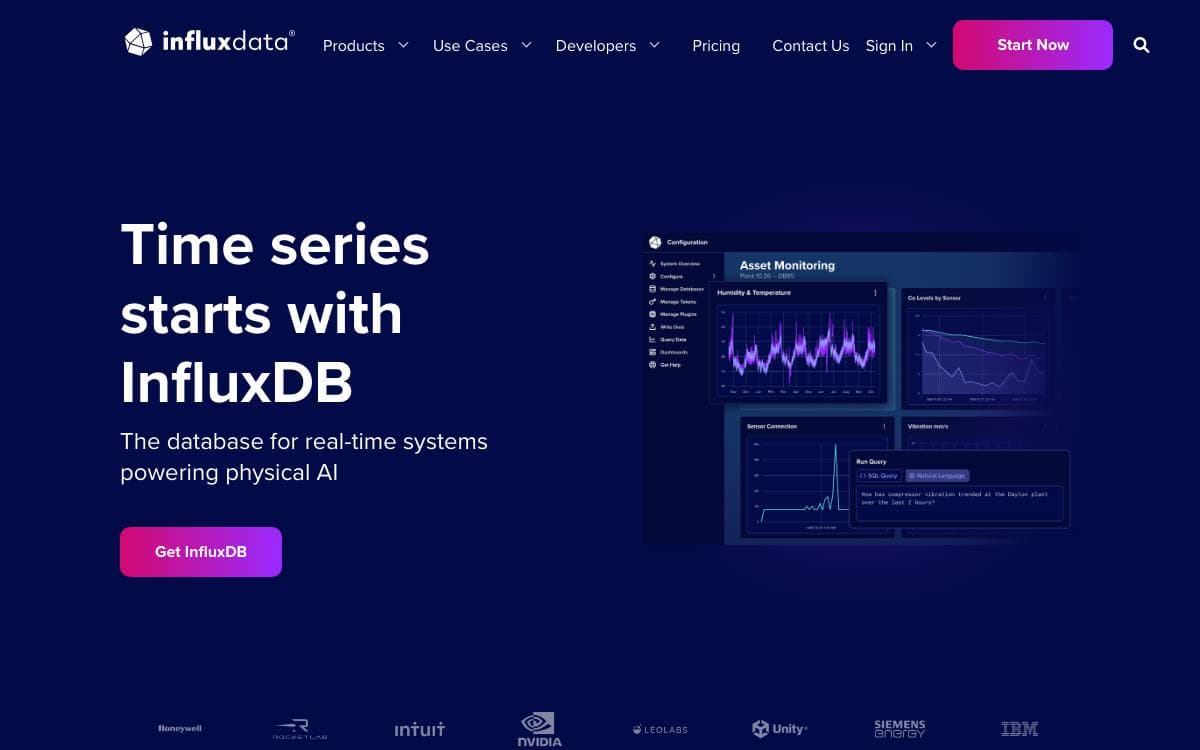
InfluxDB 3 Core collects, processes, transforms and stores event and time series data. It aims at the case where readings must land and come back quickly enough to drive a dashboard, an alert or an interactive interface, covering sensor data, server and application monitoring, network telemetry, trading analytics and behavioral analysis.
The engine is written in Rust on Apache Arrow and DataFusion. Data persists as Parquet files on object storage from Amazon, Azure or Google, or on local disk with no other dependency, and the architecture is diskless by design. Writes arrive as line protocol over an HTTP API on port 8181.
Several traits separate this release from earlier InfluxDB generations.
- Query languages: SQL through the native engine, InfluxQL for older workloads, and Flight SQL.
- Response times: Under ten milliseconds for last-value queries and around thirty for distinct metadata.
- Embedded Python: A built-in virtual machine runs plugins and triggers next to the data.
- Compatibility: The 1.x and 2.x write APIs and the 1.x query API continue to work.
- Branch layout: Versions 2.x and 1.x live on their own branches of the same repository.
Core has been generally available since April 2025 and is licensed under MIT or Apache 2 at the user's choosing, with commercial code kept separate. Docker images, Debian and RPM packages and tarballs come from the InfluxData downloads page, and building from source is documented for contributors.

PostgreSQL extension for real-time analytics on time-series and event data, for teams that want speed without leaving Postgres.
TimescaleDB is a PostgreSQL extension for high-performance analytics on time-series and event data. It removes the usual choice between keeping data in Postgres and getting columnar query speed, because both live in the same database and answer the same SQL.
An ordinary table becomes a hypertable, which partitions data into time-based chunks behind the scenes. With the columnstore enabled, rows can be inserted straight into columnar form, typically compressing by more than ninety percent, and queries then scan only the time ranges and columns they actually need.
A few constructs do most of the work.
- Hypertables: declared with a table option, they partition by time automatically as data arrives.
- Columnstore: columnar storage with vectorized execution, giving analytical queries over millions of rows in milliseconds.
- Time buckets: the time_bucket function aggregates rows into intervals such as an hour for summary values.
- Continuous aggregates: materialized views refreshed incrementally in the background, so only changed data is recomputed.
- Refresh policies: schedule how often an aggregate updates and which window it processes.
Getting started takes a one-line local install script or a Docker container publishing Postgres on a non-standard port to avoid clashing with an existing instance. Around 8GB of RAM is recommended, and you connect with psql or any Postgres client such as pgAdmin. The install script is for local development and testing, not production.

A real-time analytics database for fast ingestion and sub-second queries, suited to interactive dashboards and high-concurrency operational analytics.
The time between an event arriving and a person acting on it is what Apache Druid sets out to shorten. It is a real-time analytics database designed for workflows where query speed and ingestion speed both matter, a pairing that general purpose warehouses tend to treat as two separate problems.
Druid does well behind user-facing interfaces, ad-hoc operational queries and workloads with high concurrency, and the project positions it as an open source alternative to a data warehouse for exactly those cases. Design documentation explains the segments, processes and architecture behind that behavior.
Interaction happens through APIs and a console that ships with the database.
- Query interfaces: HTTP and JDBC endpoints for loading, managing and querying data.
- Ingestion wizard: a point-and-click flow in the web console for streaming and batch ingestion, with monitoring for one-off tasks and supervisors.
- Cluster view: datasources, segments, ingestion tasks and services in one place, backed by SQL system tables whose underlying query you can read.
- Query workbench: somewhere to prototype DruidSQL and native queries before wiring up an external tool.
- Ecosystem: many third-party tools connect to Druid, and a separate druid-operator repository handles Kubernetes deployments.
Getting started means a local or Docker quickstart, both documented as tutorials. The documentation site carries manuals for the current release and for previous ones, and the project is developed at the Apache Software Foundation under the Apache License 2.0.

A distributed OLAP datastore for real-time analytics, serving user-facing applications that need low latency at very high query concurrency.
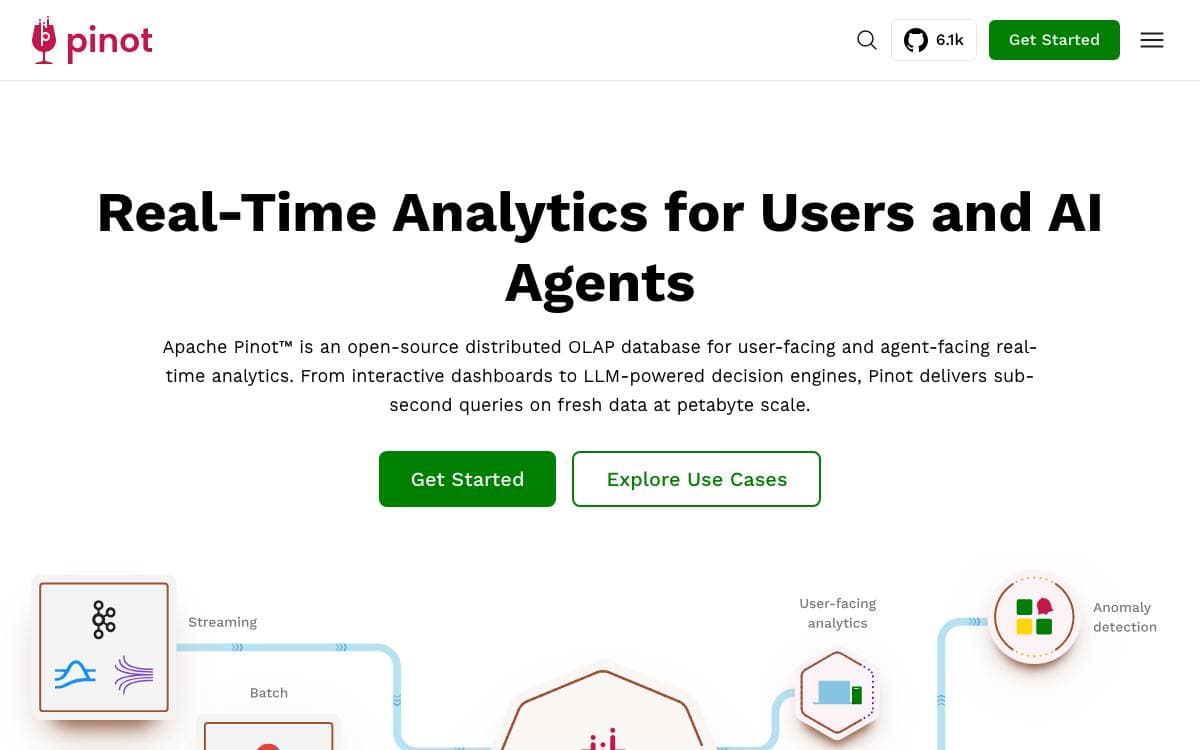
Built by engineers at LinkedIn and Uber, Apache Pinot is a real-time distributed OLAP datastore for analytics that end users see directly, not only dashboards an analyst opens now and then. At LinkedIn it backs more than fifty user-facing products, ingesting millions of events per second and serving over a hundred thousand queries per second at millisecond latency.
Data arrives from batch sources such as Hadoop HDFS, Amazon S3, Azure ADLS and Google Cloud Storage, and from streams such as Apache Kafka, Apache Pulsar and AWS Kinesis. Batch and streaming sources combine into one table for querying, and upserts during real-time ingestion keep records consistent as they change.
The engine is column oriented, with the pieces interactive queries depend on.
- Query latency: filters and aggregations over petabyte datasets return with P90 latencies in the tens of milliseconds.
- Concurrency: hundreds of thousands of concurrent queries per second when applications query it directly.
- Pluggable indexing: timestamp, inverted, StarTree, Bloom filter, range, text, JSON and geospatial index types.
- Versatile joins: arbitrary fact to dimension and fact to fact joins across petabyte datasets.
- Multitenancy: isolated logical namespaces keep data separated and resources manageable.
Access is standard SQL, reachable from a built-in query editor and a REST API. Deployment is horizontally scalable and fault tolerant, with a Helm chart for clustered installs on Kubernetes. Pinot fits best where fast aggregations run over largely immutable data with many dimensions and metrics, and it handles time series of that shape particularly well.

Distributed SQL database for storing and querying huge volumes of data in real time, including time series, full-text search and geospatial types.
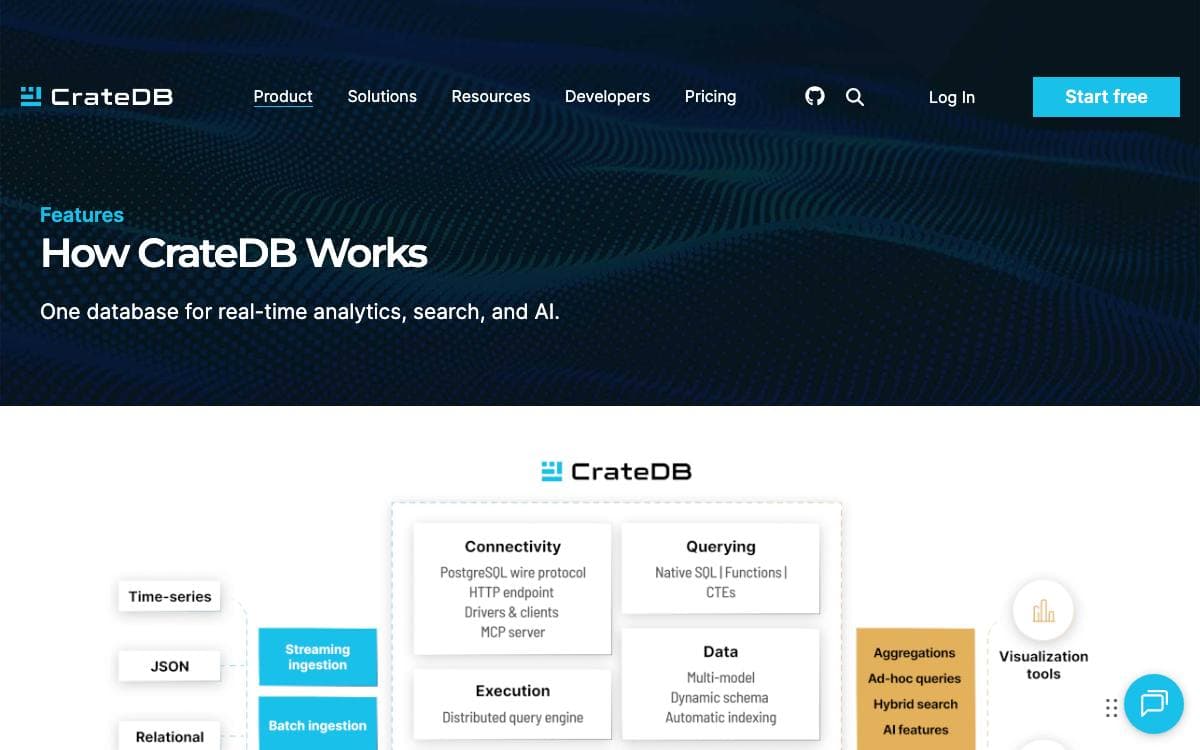
CrateDB is a distributed SQL database for storing and analyzing very large volumes of data in real time. It dissolves the usual choice between the query language of a relational database and the scaling behavior of a NoSQL store.
Clients connect over the PostgreSQL wire protocol or an HTTP API, so existing SQL tools and drivers work unchanged. A distributed execution engine parallelizes each query across the whole cluster, and modest clusters ingest tens of thousands of records per second.
The database absorbs several jobs that usually need separate systems.
- Dynamic schemas: tables accept new columns and queryable objects, adding document-oriented behavior on top of relational SQL.
- Time series and search: time series data, real-time full-text search and geospatial types with their own search capabilities.
- Cluster automation: auto-partitioning, auto-sharding, auto-replication, self-healing and auto-rebalancing.
- User-defined functions: extend the SQL surface with functions of your own.
- Admin UI: a browser console for running SQL and watching the cluster.
CrateDB suits containers and scales horizontally on ephemeral virtual machines with no shared state, whether on Kubernetes, AWS or Azure. The same engine runs on a personal computer, across multi-region hybrid clouds and out at the edge. An official Docker image starts a single node in one command, and Crate.io, which maintains the project, also offers a fully managed database as a service.

Single binary SQL engine for stream processing and real-time analytics, offered to data teams as an alternative to Flink and ksqlDB.
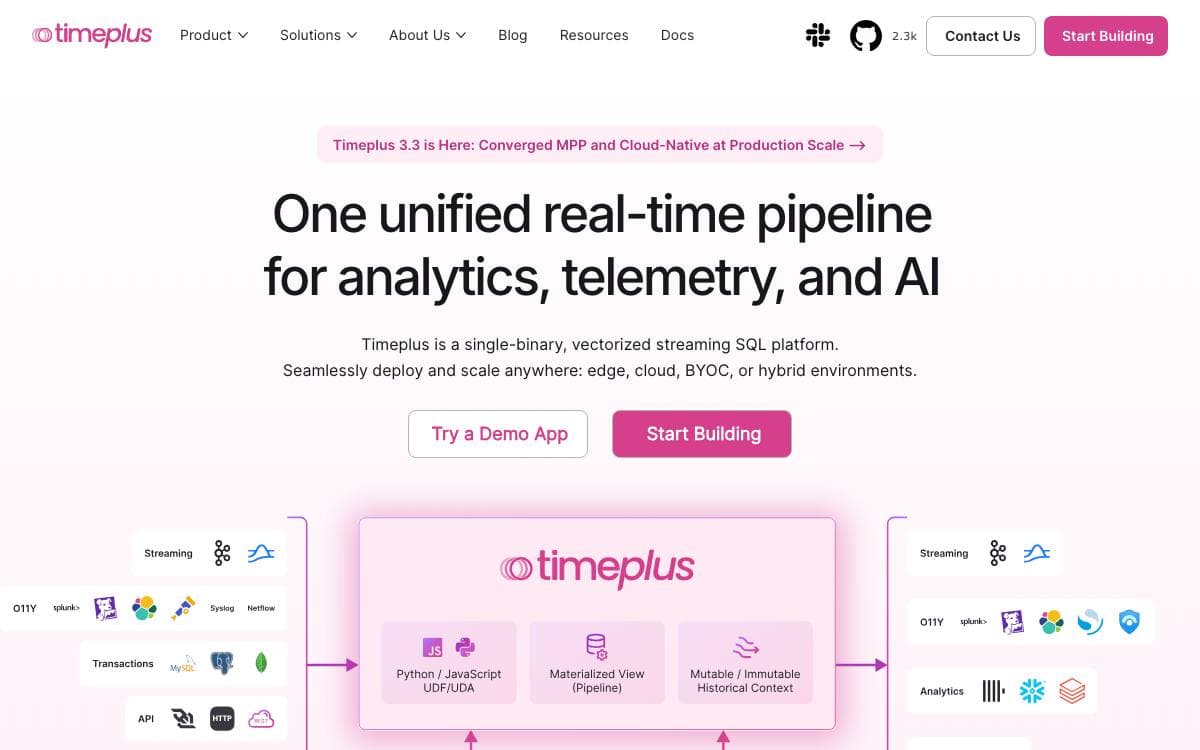
Timeplus Proton is a SQL pipeline engine for stream processing, analytics, observability and AI workloads, shipped as one C++ binary. It removes the JVM, ZooKeeper and the dependencies a streaming stack usually drags behind it, which is the argument for reaching past Apache Flink or ksqlDB.
The engine is powered by ClickHouse, extending its historical storage and compute with streaming. Materialized views are maintained incrementally and stay queryable inside Proton, so the same system feeds dashboards and applications rather than shipping every result elsewhere first. Thousands of SQL functions come with the ClickHouse lineage, and performance leans on SIMD optimization in C++.
SQL is the interface for everything, including the edges of the system.
- Sources and sinks: Kafka, ClickHouse, MySQL, Postgres, MongoDB, S3, Iceberg and OpenSearch, declared as external streams and tables.
- Windows and joins: tumble, hop and session windows, watermarks, and joins across several streams.
- Change data capture: CDC and data revision processing as part of the pipeline.
- Alerting and tasks: defined in SQL instead of a separate scheduler.
- User defined functions: extend the engine in Python or JavaScript.
Installation is a shell one liner, a Homebrew formula on macOS or a Docker image, and the binary is under 500MB with no dependencies, small enough for an AWS t2.nano. Published figures claim 90 million events per second and 4 millisecond end to end latency on a MacBook Pro with an M2 Max. Access it through the proton SQL shell, Python, Java and Go SDKs, a REST API or BI plugins.


