Open Source Axiom.ai Alternatives
A curated collection of the 3 best open source alternatives to Axiom.ai.
The best open source alternative to Axiom.ai is Browser Use. If that doesn't suit you, we've compiled a ranked list of other open source Axiom.ai alternatives to help you find a suitable replacement. Other interesting open source alternatives to Axiom.ai are: Skyvern and Automa.
Axiom.ai alternatives are mainly Automation but may also be AI Interaction & Interfaces or Frameworks & Platforms. Browse these if you want a narrower list of alternatives or looking for a specific functionality of Axiom.ai.

A Python library that lets an AI agent drive a real browser, opening pages, clicking, typing and filling forms from a task description.

Browser Use hands a web browser to an AI agent. You describe a task in a sentence and the agent opens pages, clicks buttons, types and fills forms the way a person would, which removes the brittle selector scripts that break the moment a page is redesigned.
The open source library is Python, needs version 3.11 or newer and installs with uv or pip. An agent is a few lines of code, a task string and a model, with OpenAI, Anthropic, Google or the project's own optimized model selected through an API key in an environment file.
It is aimed at the kinds of tasks that resist ordinary automation.
- Form filling: a job application is completed from a resume and a set of personal details.
- Data extraction: structured records are pulled from a page and exported, for example as CSV.
- Model choice: any supported provider is swapped in where the agent is constructed.
- Agent integration: a setup prompt registers it as a skill inside coding agents such as Claude Code, Codex, Cursor and OpenClaw.
- Remote browsers: the local agent can be pointed at cloud browsers for stealth, proxy rotation and scaling.
Running the library locally is free and gives code-level control over how the agent behaves. A fully hosted cloud agent sits alongside it, with captcha solving, persistent memory and a large integration list. The benchmark suite behind the comparison of the two is published as its own open repository, so the numbers can be checked rather than taken on trust.

Browser automation driven by vision models, for teams whose scraping and form filling scripts break every time a website changes.
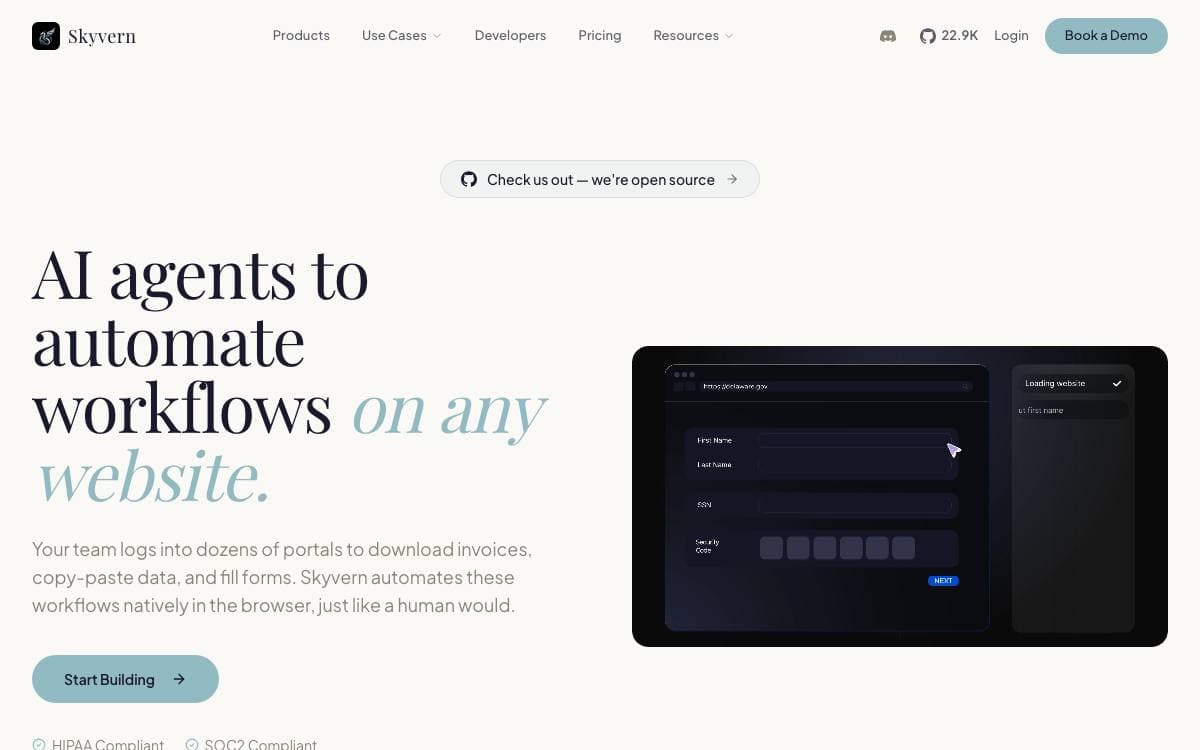
Skyvern automates browser workflows using large language models and computer vision. The traditional approach writes a custom script per website, leaning on DOM parsing and XPath selectors that break the moment a layout shifts. Skyvern looks at the rendered page instead and maps visual elements to the actions a workflow requires.
A swarm of agents comprehends the site, then plans and executes, with Playwright doing the actual driving. Because nothing is pinned to a selector, a workflow can be pointed at a site the system has never seen, and one workflow can be applied across many sites at once.
Two surfaces are provided, one for engineers and one for everybody else.
- Playwright compatible SDK: the full Playwright API with AI capabilities layered on, available for Python and TypeScript.
- Natural language commands: act performs an action from a prompt, extract pulls structured data against an optional JSON schema, and validate checks page state and returns a boolean.
- No-code workflow builder: non technical users assemble automations without touching the SDK.
- Local server and UI: install the package with its extras, run the quickstart, and the API and packaged interface come up together.
- Database choice: the quickstart defaults to SQLite, with Postgres available through a flag or the bundled Docker Compose service.
Running locally needs Python 3.11, 3.12 or 3.13 and an LLM API key in your environment file, plus Rust and the C++ build tools on Windows. Skyvern Cloud is the managed route, adding parallel instances, anti bot detection, a proxy network and CAPTCHA solvers.

A browser extension that automates repetitive web tasks by connecting blocks, for anyone who fills forms or scrapes pages daily.
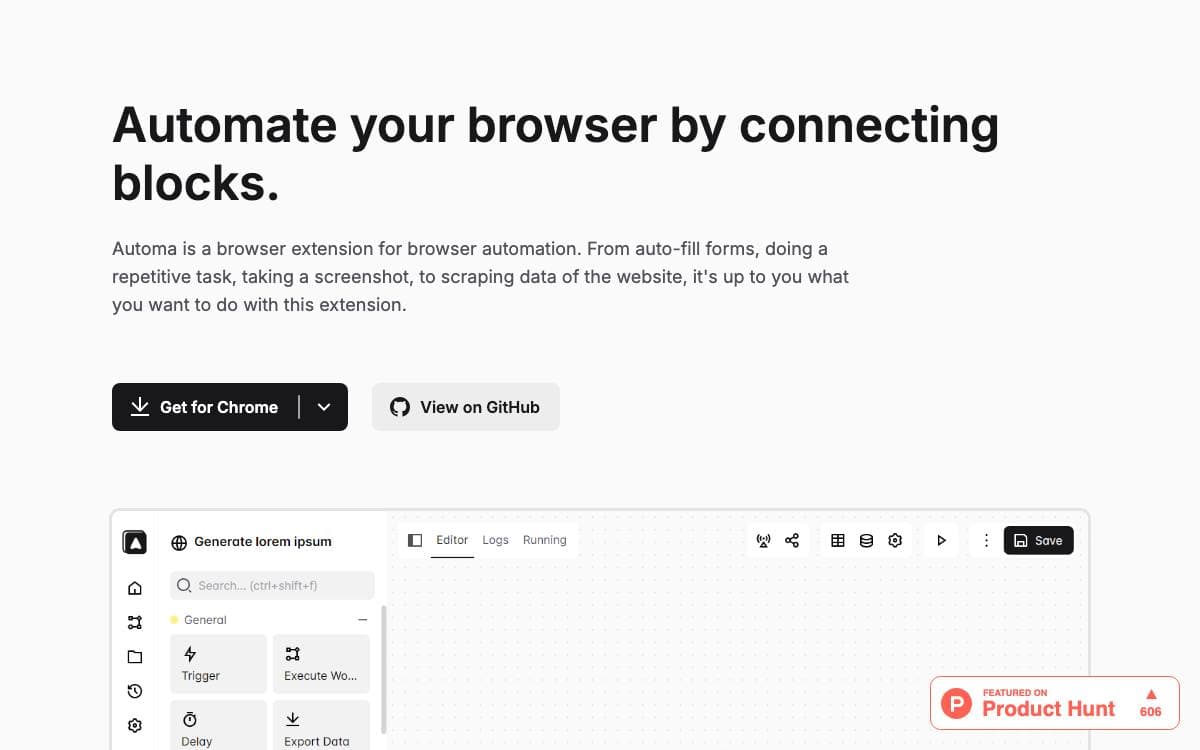
Automa automates your browser by connecting blocks, which means the work happens in the tab you are already looking at rather than in a separate headless runner somewhere else.
You assemble a workflow out of blocks and run it, or decide in advance when it should execute. The same workflow can fill in a form, repeat a task you would otherwise do by hand, capture a screenshot or pull data out of a page.
The block catalog covers jobs people repeat constantly.
- Form filling: complete the same fields without typing them again.
- Scraping: pull website data out into a structured result.
- Screenshots: capture pages as a step inside a workflow.
- Scheduling: set when an automation runs instead of triggering it yourself.
- Marketplace: browse, download and share workflows with other users.
- Extension Builder: generate a standalone Chrome extension from an Automa workflow.
Builds are produced separately for Chrome and Firefox from the same source. In Chrome you enable developer mode and load the build directory as an unpacked extension; in Firefox you load the manifest as a temporary add-on from the debugging page. Development runs on pnpm, and a small getPassKey.js file has to exist under the source utilities directory before the dev or build scripts will work.


