Open Source AWS Amplify Alternatives
A curated collection of the 9 best open source alternatives to AWS Amplify.
The best open source alternative to AWS Amplify is Supabase. If that doesn't suit you, we've compiled a ranked list of other open source AWS Amplify alternatives to help you find a suitable replacement. Other interesting open source alternatives to AWS Amplify are: PocketBase, Appwrite, Convex and Encore.
AWS Amplify alternatives are mainly Frameworks & Platforms but may also be Build & Deployment or Version Control & Collaboration. Browse these if you want a narrower list of alternatives or looking for a specific functionality of AWS Amplify.

A Postgres development platform bundling authentication, generated APIs, realtime, storage and vectors, available hosted or entirely self-hosted.
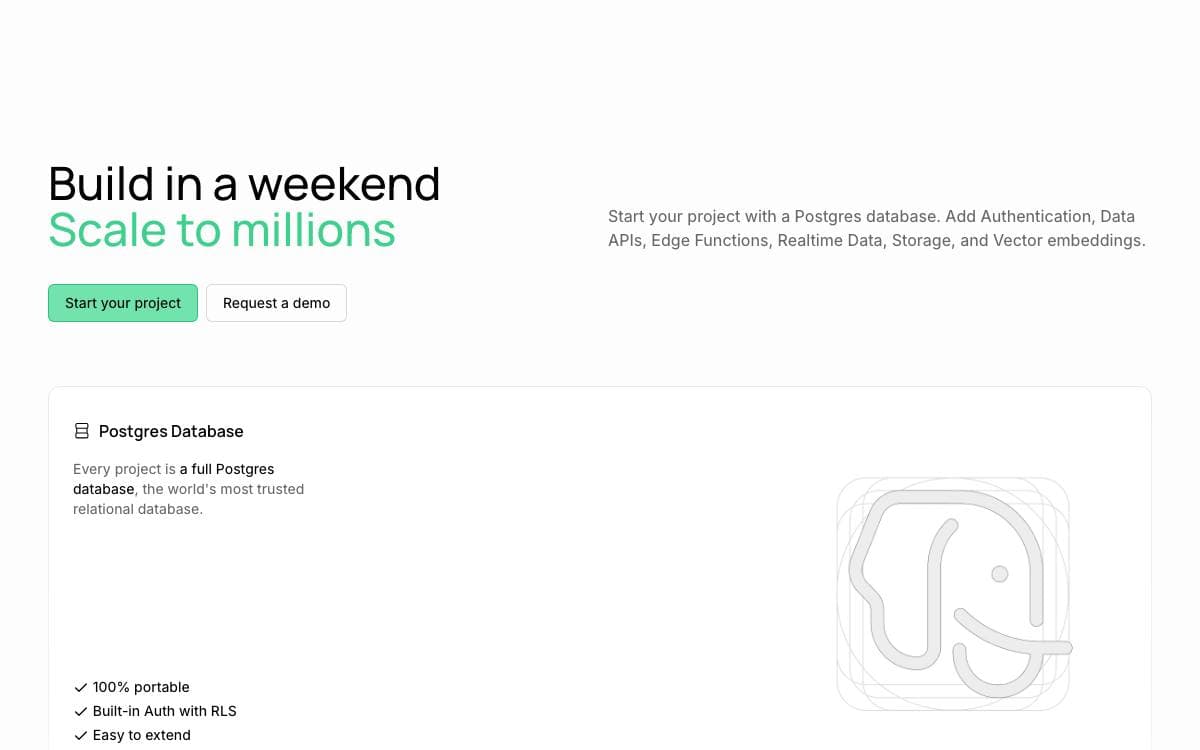
Supabase assembles the pieces of a backend around a Postgres database rather than a proprietary store. You get a database, authentication, generated APIs, file storage and functions, and the database underneath stays an ordinary Postgres you can query, migrate and take elsewhere.
The platform is a combination of separate open source tools instead of one monolith. PostgREST turns the schema into a REST API, pg_graphql exposes a GraphQL one, an Elixir service broadcasts inserts, updates and deletes over websockets, GoTrue handles JWT-based sign-ups and sessions, and a storage API manages files in S3 with Postgres enforcing the permissions.
That combination is what an application developer actually consumes.
- Generated APIs: REST, GraphQL and realtime subscriptions follow the schema as it changes.
- Auth: sign-up, login and session management, with authorization pushed down into the database.
- Functions: database functions for logic close to the data, edge functions for everything else.
- Vectors: an AI and embeddings toolkit sitting beside the relational data.
- Modular clients: libraries for JavaScript, Flutter and more, each underlying service also having a standalone client.
The stated policy is to adopt an existing tool whenever a suitably licensed one exists and to build and open source the missing piece otherwise. You can sign up for the hosted platform without installing anything, self-host the same stack, or develop locally against it. Documentation, a dashboard and several community support channels are maintained alongside the code.

An open source backend in a single Go executable, bundling SQLite, realtime subscriptions, auth, file handling and an admin dashboard.
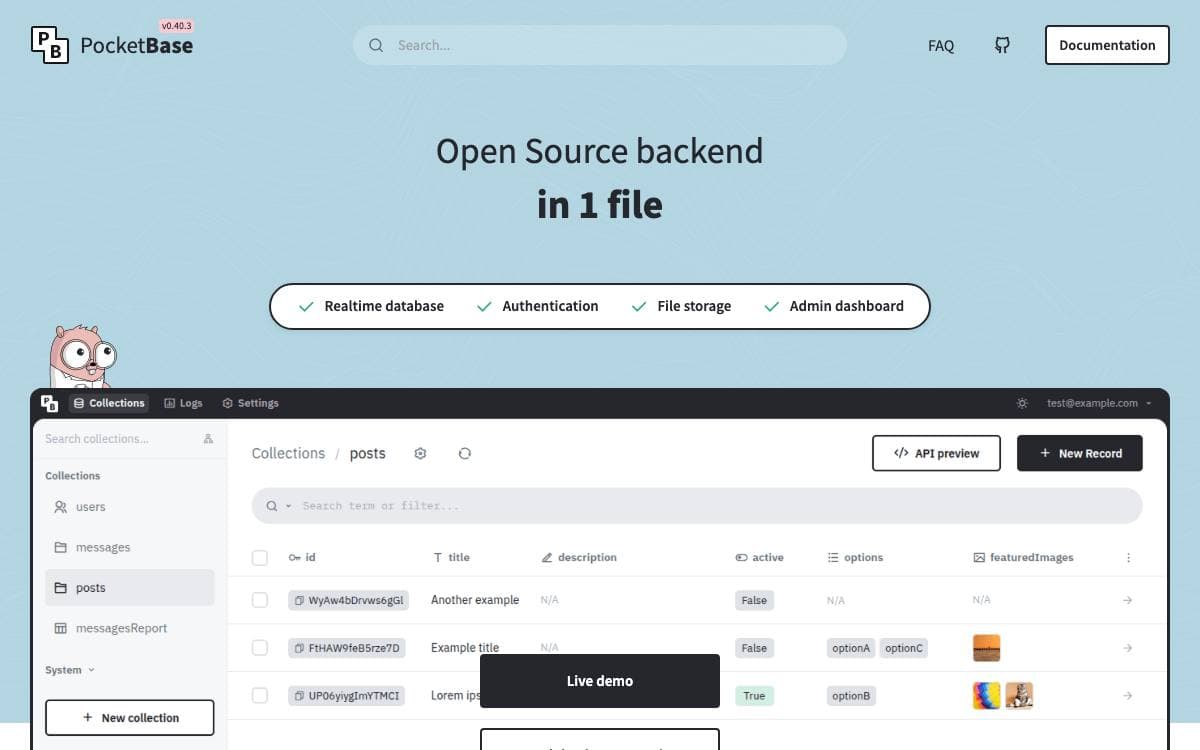
PocketBase packs the parts most small applications need into one Go binary you can drop onto a server. There is no separate database process, no auth service and no storage layer to wire together first.
You can take it two ways. Downloading a prebuilt executable and running the serve command gives a working backend immediately, with a JavaScript VM plugin enabled for extending it, while importing the Go package instead lets you add your own routes and business logic and still ship a single portable executable.
What the binary already contains covers most of a backend.
- Embedded SQLite: the database travels with the application and supports realtime subscriptions.
- Users and files: authentication and file management are built in rather than bolted on.
- Admin dashboard: a web interface for managing your collections and records comes included.
- REST-ish API: a straightforward HTTP surface that the official SDKs wrap for you.
- Client SDKs: JavaScript for browser, Node and React Native, Dart for web, mobile and desktop.
Building from source needs a recent Go toolchain, and static binaries compile without cgo for a long list of targets across Linux, macOS, FreeBSD and more. The maintainers warn that the project is still under active development and backward compatibility is not guaranteed before version 1.0.

An all-in-one backend and hosting platform that gives web, mobile and AI teams auth, databases, storage, functions and messaging.
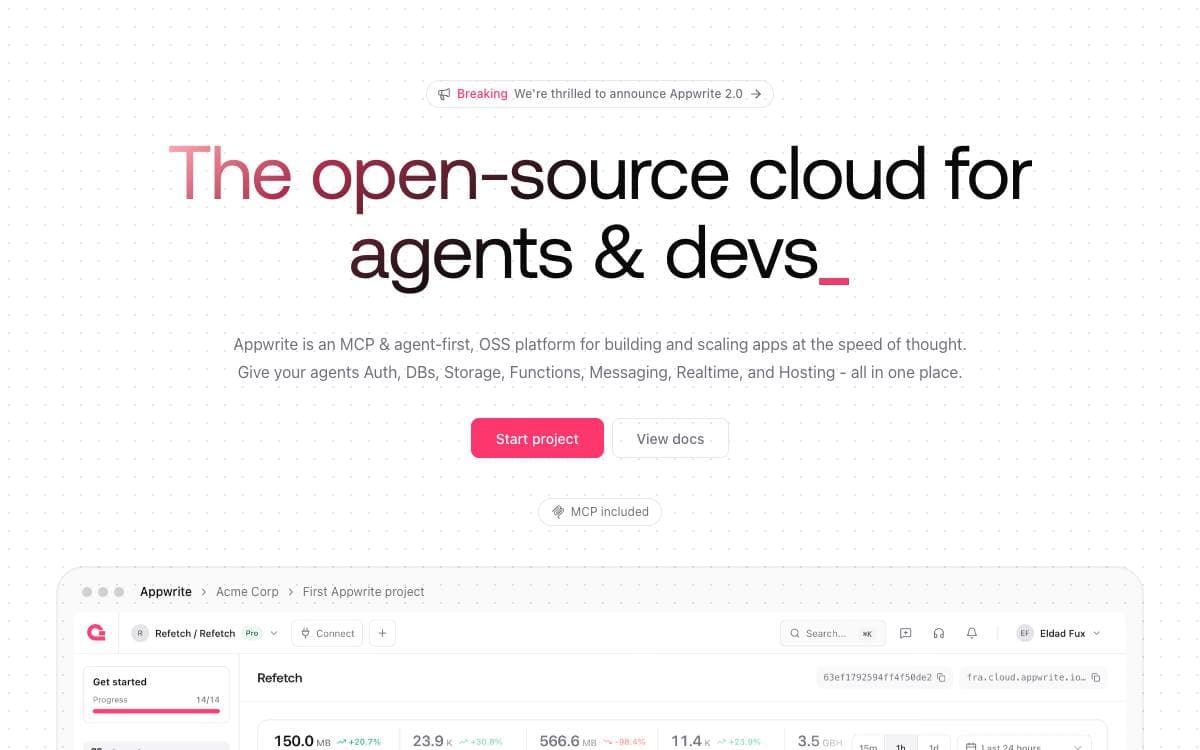
Appwrite brings backend infrastructure and web hosting into one place so teams stop stitching a stack together from separate services. It targets web, mobile and AI applications, cutting the repetitive backend work that stands between an idea and a shipped product, and it runs either as a managed cloud or on infrastructure you control.
The platform is organized as products that share one console and one set of APIs.
- Auth: email and password, SMS, OAuth, anonymous sessions and magic links, with session management and multi-factor verification.
- Databases: structured storage with databases, tables and rows, plus querying, pagination, indexing and relationships.
- Storage: uploads and downloads with encryption, compression and transformations for media and assets.
- Functions: serverless compute in isolated runtimes, fifteen of them supported, triggered by events or on a schedule.
- Messaging: email, SMS and push notifications for engagement, alerts and transactional workflows.
- Sites: hosting for web apps with custom domains, server-side rendering, Git integration and previews.
Self-hosting is containerized. One docker run command with the Docker socket mounted installs the server, after which the console opens in a browser; from there you can move to Docker Compose, Kubernetes, Docker Swarm or Rancher. Public compose files and environment variable documentation cover production setups.
Client and server SDKs wrap the APIs for the usual languages, and one-click deployments exist for hosted providers.

A reactive database where server functions are plain TypeScript, for web developers who want live-updating apps without stitching a backend together.
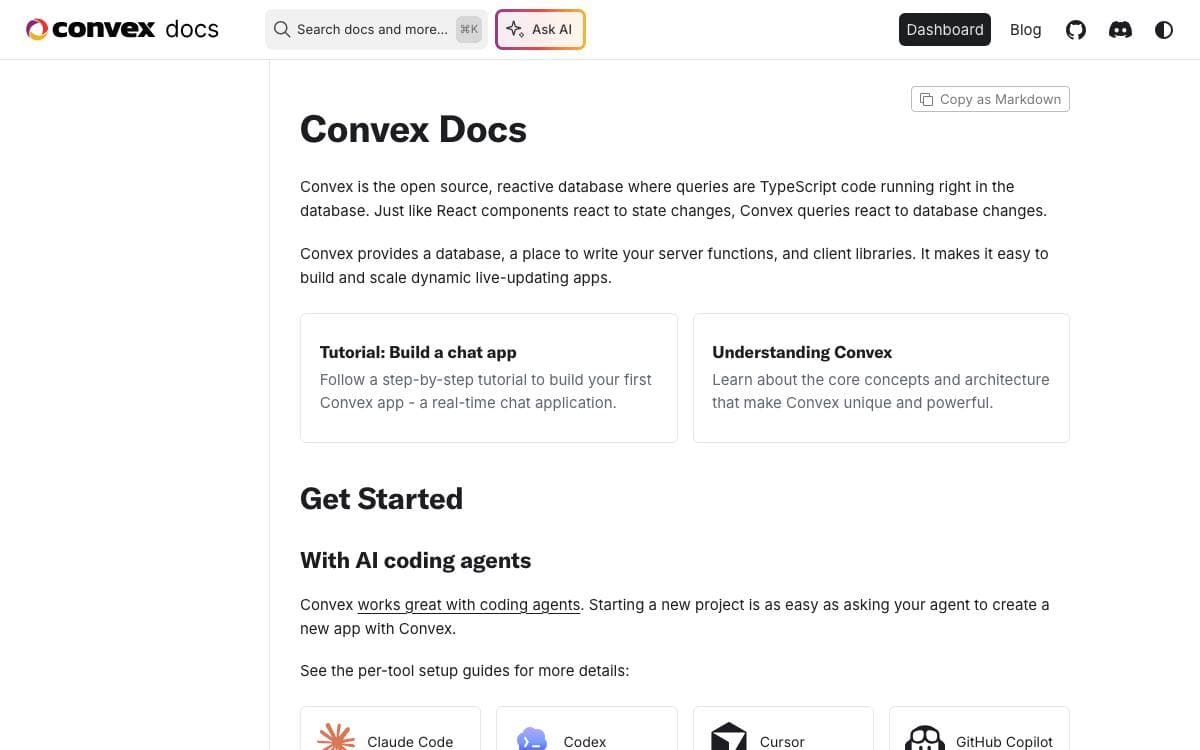
Building a web app normally means gluing a database to an API layer to a client cache. Convex removes those seams, an open source reactive database aimed at web app developers and explicitly at the LLMs writing code beside them, where data fetching and business logic are written as pure TypeScript with strong consistency.
The product is three things at once. A database, a place to write server functions, and client libraries that keep the front end current as the underlying data changes, which is what makes live-updating apps straightforward to build and scale.
A few things are worth knowing before committing to the open source build.
- Repository layout: Rust crates hold the backend, with local_backend acting as the application server, while TypeScript packages carry the public and internal SDKs.
- Test suites: the team's well designed test frameworks, randomized testing included, are not part of the open source offering.
- Platform maturity: Linux and macOS are the most thoroughly tested, Windows much less so.
- Telemetry: self-hosted builds send an anonymous beacon carrying a random deployment id, migration version, git revision and uptime, which a flag disables.
Self-hosting includes most of the cloud product, dashboard and CLI included, running through Docker or a prebuilt binary and working with Postgres, SQLite and hosts such as Neon, Fly.io, Vercel and Netlify. If you build from source rather than following the guide, change the instance secret and admin key away from the repository defaults before exposing anything.

A backend development platform where you declare infrastructure in Go or TypeScript code and deploy to your own AWS or GCP account.
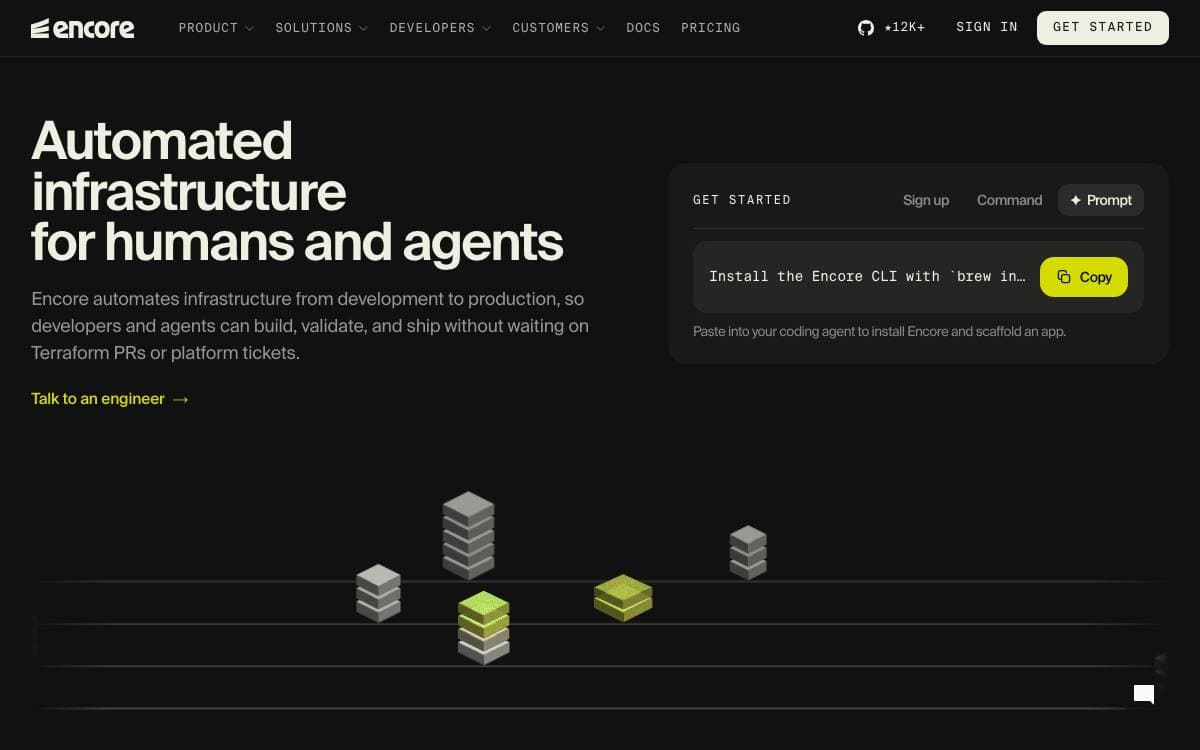
Encore turns infrastructure into something you declare in application code. A database, a Pub/Sub topic or a storage bucket exists because you constructed the object in Go or TypeScript, which removes the standing gap between what the code expects and what the environment was manually given.
There are two parts. The open source infrastructure SDK covers databases, Pub/Sub, object storage, caches, cron jobs and secrets, and one run command starts the whole system locally with real Postgres, real Pub/Sub semantics and distributed tracing. The managed platform that orchestrates cloud infrastructure is optional, and you can provision with Terraform instead.
Each declaration becomes a node in an application graph that maps to concrete services per environment.
- SQL databases: Postgres locally, RDS on AWS, Cloud SQL on GCP.
- Pub/Sub: NSQ locally, SNS with SQS on AWS, Cloud Pub/Sub on GCP.
- Object storage: the local filesystem, S3, or Google Cloud Storage.
- Preview environments: an ephemeral environment per pull request, optionally with a branched database.
- Deploys: the graph is diffed against the environment, missing resources are provisioned, and IAM is scoped from the code paths.
Adoption does not require a rewrite. New services can run beside an existing system and integrate over APIs, and Encore deploys into a Kubernetes cluster or VPC you already have.
The limits are stated up front. Services must be TypeScript or Go, with Python still to come, and automated provisioning covers AWS and GCP only, though a Docker build works on any provider.

Open source Firebase alternative built on PostgreSQL, Hasura GraphQL, auth, storage and serverless functions for full-stack teams.
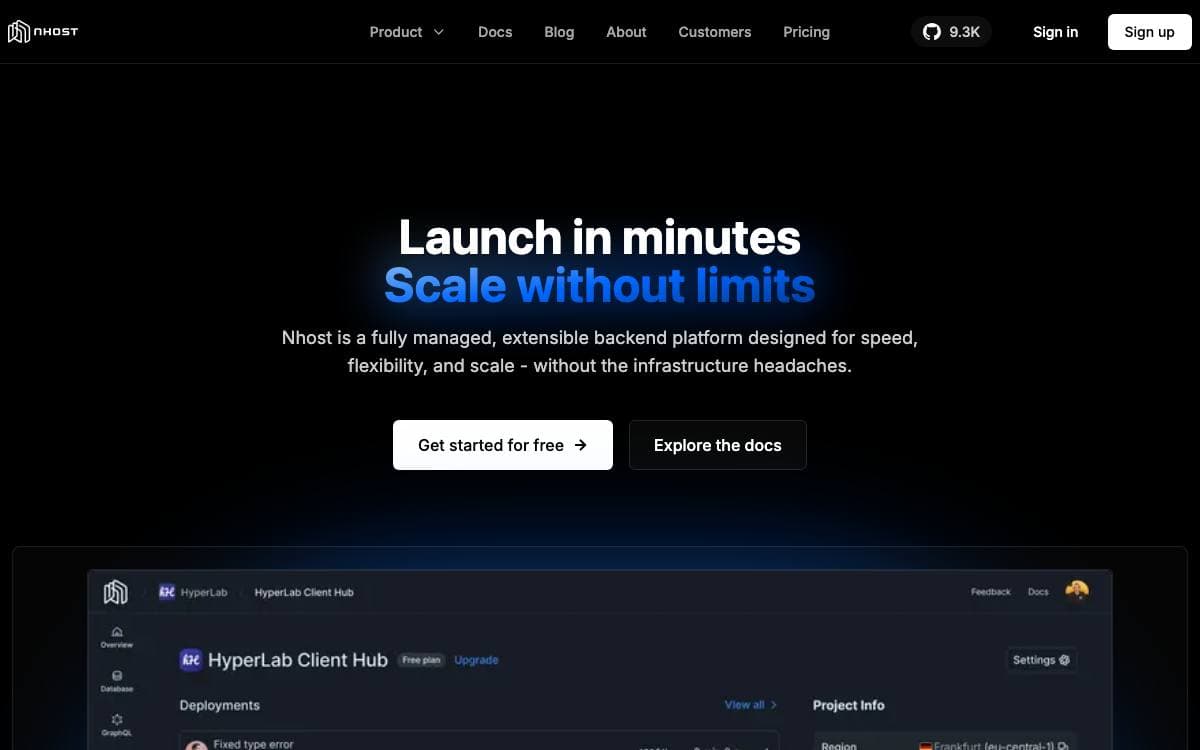
Nhost is a backend platform assembled entirely from open source software you could run yourself anyway. A PostgreSQL database sits under an instant GraphQL API from Hasura, with authentication, file storage and serverless functions around it, so a front-end team gets a working back end without writing one.
Each piece stays a separate open source service rather than a proprietary bundle. Auth and storage are maintained in the same repository, functions run on Node.js in JavaScript or TypeScript, and the SQL and GraphQL layers are the ones you already know how to debug.
Three ways of running it are documented, each suited to a different stage of a project.
- Hosted platform: sign in, create an app and start building against it immediately.
- Local development: the CLI creates a local environment that tracks database migrations and Hasura metadata.
- Self-hosting: the whole stack runs from an example docker compose file, since every component is open source.
- Client library: the JavaScript client signs a user in and sends GraphQL requests in a handful of lines.
- Frontend agnostic: quickstarts cover Next.js, React and React Native, and any framework works against the API.
The CLI installs through Homebrew, a shell script, Nix or any JavaScript package manager, and three commands, login, init and up, bring an environment online. Full documentation and framework quickstarts sit alongside the repository for the parts this summary skips.

Lightweight backend giving you database, authentication, media and workflows behind a visual admin, deployable standalone or embedded in your framework.
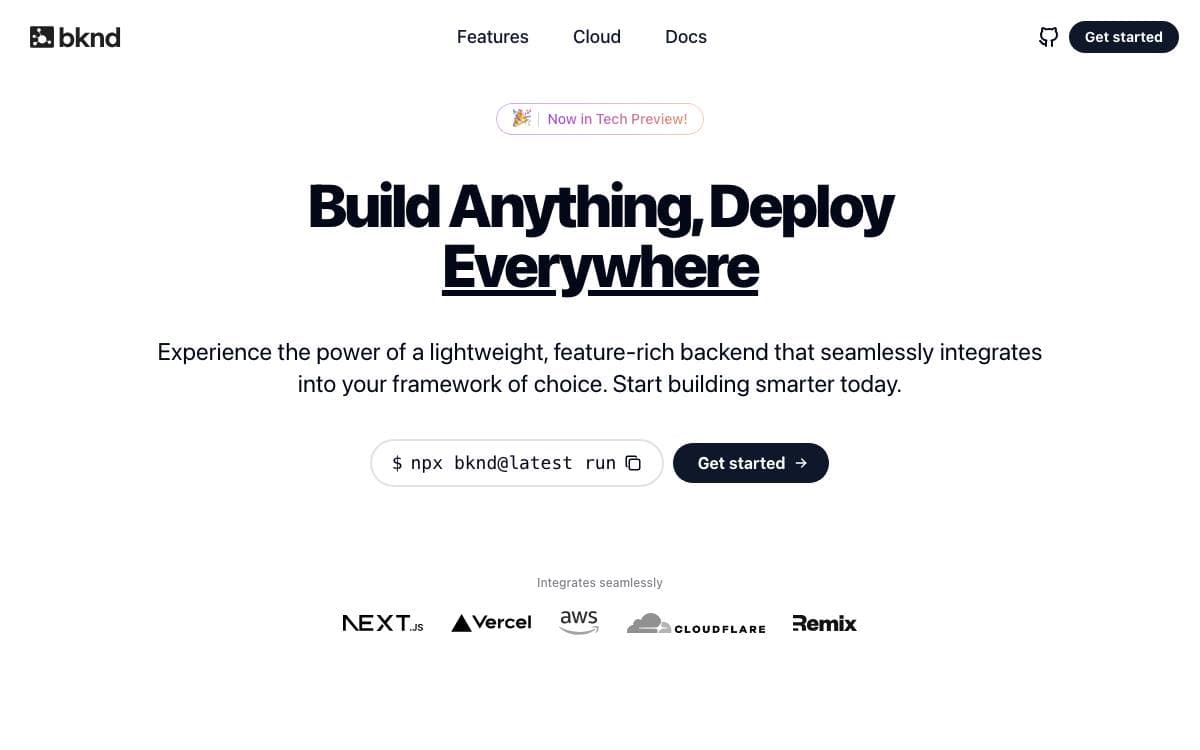
bknd is a backend system that implements the primitives almost any application needs, data, authentication, media and workflows, behind a visual admin interface. It spares you from deploying several separate services, and from writing the same authentication and database plumbing again.
Everything is built on the WinterTC Minimum Common Web Platform API, which is why the same code runs across so many runtimes. All four feature areas are modular and opt-in, and infrastructure access is adapter-based with direct access to the underlying drivers, so an abstraction never becomes the reason something is impossible.
The package splits into four import paths, each with its own job.
- bknd: the backend itself with a full REST API and the adapters, served from Node, Bun, workerd or a route inside a React framework.
- bknd/ui: admin components that drop the complete management interface into a single React page.
- bknd/client: a type-safe TypeScript SDK and React hooks, including SWR wrappers that handle query invalidation for you.
- bknd/elements: ready-made React components for login, registration and media uploads.
- MCP server: a built-in server, client and UI for controlling the backend from an AI assistant.
Runtimes include Node 22 and later, Bun, Deno, the browser, Cloudflare Workers and Pages, Vercel, Netlify and AWS Lambda. Data can live in SQLite through LibSQL, Cloudflare D1 or SQLocal, or in Postgres through Supabase, Neon or Xata, with files on S3-compatible storage, R2, Cloudinary or disk. A minimal API is about 300 kB gzipped. The project is pre-1.0, so backward compatibility is not yet guaranteed.

Multi-language framework that infers cloud infrastructure from application code and deploys the same app to AWS, GCP or Azure.
Writing an API and a bucket usually means writing the application, then writing the Terraform that provisions it. Nitric reads the requirements straight out of your code. Declare a bucket, say what you need to do with it, and the deployment, configuration and IAM permissions follow.
SDKs exist for JavaScript, TypeScript, Python, Go and Dart. From the same source, Nitric generates Pulumi or Terraform and deploys to AWS, GCP or Azure, with custom providers covering anything else. Under ten lines of code is enough to stand up an API endpoint and a bucket with permissions already wired.
The framework leans on a handful of ideas.
- Infrastructure from code: resource requirements are inferred from the application rather than declared separately.
- Portability: changing service, IaC tool or cloud provider does not change the application code.
- Common resources: databases, queues, topics, APIs, key-value stores and buckets are first-class.
- IAM for humans: least privilege permissions are generated from what the code says it needs.
- Local development: projects run locally behind a dashboard before anything is deployed.
- Escape hatches: the abstraction builds on the underlying layers instead of hiding them, so custom work stays possible.
Installation comes through Homebrew on macOS, a shell script on Linux or Scoop on Windows. From there nitric new scaffolds a project and nitric up deploys it. It suits teams who want to settle the application architecture first and keep the deployment target an open question afterwards.

Self-hosted deployment platform that adds Postgres, auth, mail, cron and analytics to git push deploys on servers you own.
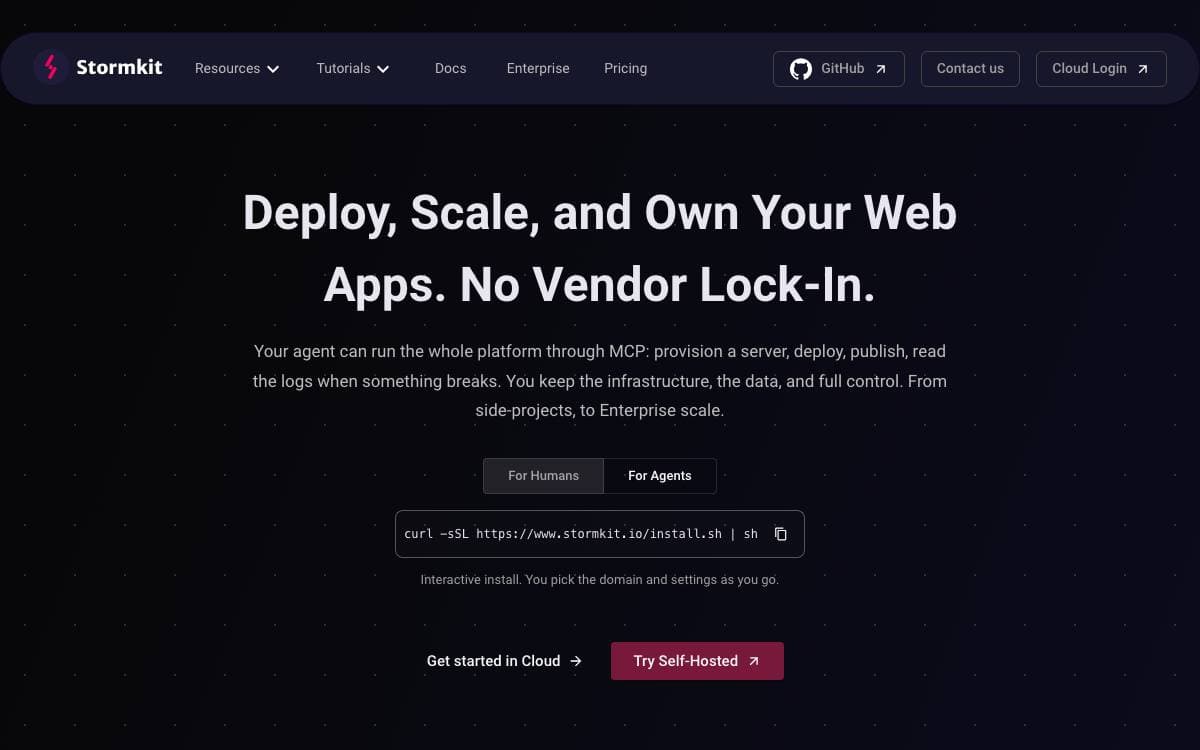
Stormkit deploys an application and hands it the surrounding pieces most projects end up assembling one service at a time. A single install script turns your own server into a platform with git push deploys, a preview address for every branch and custom domains with automatic TLS.
Runtimes come from mise, so Node, Go, Python, Ruby and anything else it supports will build, with system packages declared in a Nix flake and a start command for running a long-lived server in any language. Deployments can also arrive from the interface, a zip upload or the API, and status checks gate a publish.
The platform bundles services an application normally buys separately.
- Database: a PostgreSQL instance attaches to an environment and migrations run on deploy.
- Authentication: Stormkit Auth handles your end users with passwords, magic links, Google and X, and manages sessions.
- Email: a transactional mailer is wired to your own SMTP provider.
- Scheduled jobs: periodic triggers run without a separate cron machine.
- Analytics: server-side numbers are collected without depending on client tracking.
- Agent control: the platform is exposed over MCP, so a coding agent can provision, deploy, publish and read logs.
A managed cloud exists, but the full platform lives in the self-hosted install, since the database, Stormkit Auth, the OAuth 2.1 server and long-lived runtimes are self-hosted only. The Docker images need PostgreSQL and Redis alongside them. The project is open core, with a Community Edition under AGPL-3.0 and commercially licensed enterprise components.


