Open Source Astronomer Alternatives
A curated collection of the 4 best open source alternatives to Astronomer.
The best open source alternative to Astronomer is Kestra. If that doesn't suit you, we've compiled a ranked list of other open source Astronomer alternatives to help you find a suitable replacement. Other interesting open source alternatives to Astronomer are: Prefect, Mage and Dagu.
Astronomer alternatives are mainly Orchestration & Scheduling but may also be Data Engineering & Integration or Automation. Browse these if you want a narrower list of alternatives or looking for a specific functionality of Astronomer.

Declarative orchestrator for data, AI and infrastructure workflows, written in YAML and buildable from a browser-based editor.
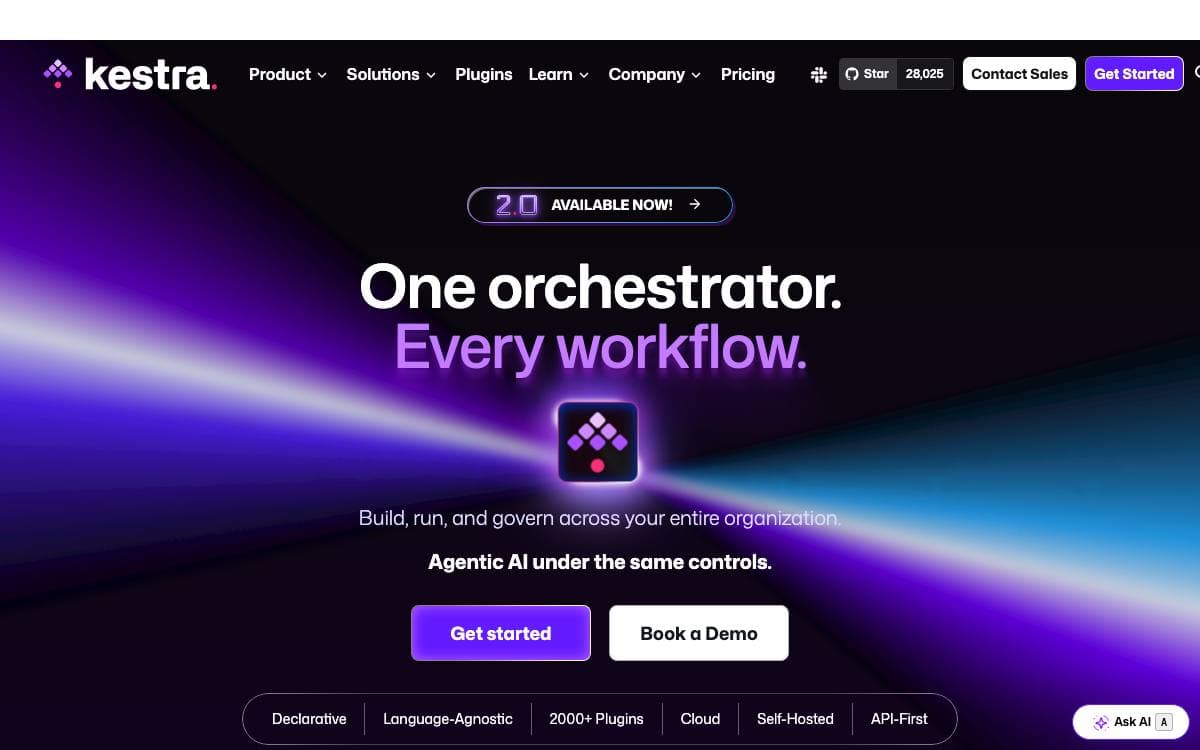
Kestra is an event-driven orchestration platform that unifies scheduled and real-time automation behind one declarative interface. Workflows are YAML, and the definition is rewritten whenever someone changes a flow from the UI, an API call or Terraform, so the orchestration logic stays managed as code no matter which door the change came through.
A flow lives in a namespace and holds tasks, while triggers decide when it runs, on a schedule or on an event such as a file arriving or a message landing in Kafka, Redis, Pulsar, MQTT, AWS SQS or Google Pub/Sub. Inputs and variables carry data through, and outputs generate artifacts visible in the interface.
The platform is language-agnostic, and the plugin ecosystem is where that shows.
- Run anywhere: Tasks execute locally, on remote servers over SSH, in Docker containers or as Kubernetes jobs.
- Any language: Python, Node.js, R, Go and Shell scripts run as tasks, alongside SQL queries and HTTP calls.
- Resilience: Retries, timeouts, error handling, conditional branching, backfills, subflows and dynamic tasks.
- Editor: Syntax highlighting, auto-completion, live validation and a topology view of the flow graph.
- Version control: Push flows from the built-in editor to a Git branch and keep CI/CD in the loop.
A single Docker command starts a local server on port 8080. Installation guides cover Docker Compose, Podman, Kubernetes, AWS, Google Cloud and Azure, with CloudFormation and Terraform templates for cloud deployments.

Python workflow orchestration for data teams who need a script to become a scheduled, retrying, observable production pipeline.

Prefect is a workflow orchestration framework for building data pipelines in Python, aimed at the gap between a script that runs on someone's laptop and a pipeline the whole team depends on.
You add flow and task decorators to functions you have already written, and the framework takes over scheduling, retries, caching and observation. Pipelines can react to events, branch on conditions and recover from unexpected changes without being rewritten around a new abstraction.
A handful of pieces carry most of the work.
- Flows and tasks: two decorators turn plain Python functions into an orchestrated, tracked workflow.
- Deployments: calling serve with a cron expression and parameters puts a workflow on a schedule.
- Retries and caching: failures are retried and repeated work is cached without extra plumbing.
- Event automations: deployments can be triggered by events rather than only by the clock.
- Server and UI: one command runs a local Prefect server with a dashboard on port 4200.
Installation is pip or uv, and Prefect needs Python 3.10 or newer. Workflow activity can be monitored on a self-hosted Prefect server or on the managed Prefect Cloud dashboard, and runs can be started from the interface or the command line as well as from your own code.

Self-hosted environment for building data pipelines locally in Python, SQL or R through a notebook-style interface.
Mage OSS is a development environment for data pipelines that runs on your own machine. Writing an ETL job, wiring a transformation and watching it execute all happen in one notebook-style interface, with no cloud account required to begin.
Pipelines are built block by block, each block a piece of modular code in Python, SQL or R. The interactive editor doubles as the place to document what a block does, and dbt models can be built and run inside Mage rather than beside it.
The tooling around a pipeline is the part that usually costs the most time.
- Data integrations: prebuilt connectors to databases, APIs and cloud storage.
- Scheduling: jobs triggered by hand or on a schedule, with cron supported.
- Visual debugging: step-by-step execution with logs, live data previews and error handling.
- Quick setup: installation through Docker, pip or conda in a single command.
- Typical jobs: moving a spreadsheet into a warehouse, a daily SQL cleanup, or plain local ETL work.
Mage OSS covers local development and running pipelines on hardware you control. The project positions Mage Pro as the paid platform for teams that need multi-environment orchestration, role-based access control, monitoring and alerts, and CI/CD, available managed, hybrid or on-premises. Setup instructions and guides live in the project documentation.

A local-first workflow engine for teams that want scheduling, retries and history around existing scripts, containers and remote commands.
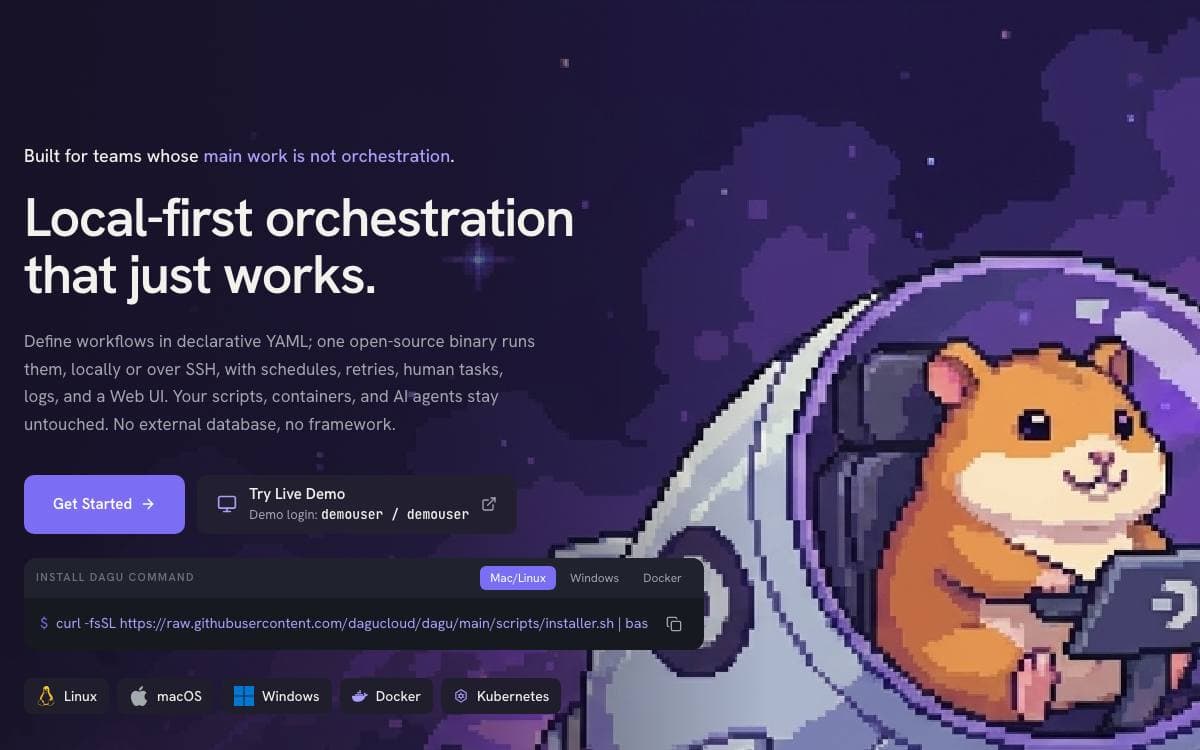
Orchestration is rarely the job people signed up for, and Dagu is built around that fact. It ships as a single binary with a built-in web UI, needs no external database and no message broker, and runs on Linux, macOS and Windows.
Workflows are directed acyclic graphs written in declarative YAML that sits next to your scripts. Structure stays configuration rather than code, so nothing imports the engine: delete the YAML and the scripts run exactly as they did before.
- Step types: shell commands, Docker containers, Kubernetes Jobs and remote commands over SSH run without modification.
- Scheduling: cron syntax with timezones, overlap policies and catch-up windows.
- Composition: reusable sub-DAGs and concurrency controls for work that runs in parallel.
- Operations: logs, run history, retries, notifications, human tasks and webhook triggers in one place.
- MCP server: assistants can inspect workflows and runs, maintain wiki pages, apply changes and control runs.
State lives in local files, so a single machine can carry thousands of workflow runs per day, queues and resource limits decide how many execute at once, and workers spread execution across machines when one node stops being enough.
Teams point it at ETL pipelines, interdependent legacy scripts, media conversion, server automation over SSH, container and Kubernetes work, and self-service runbooks that non-engineering colleagues can trigger themselves. Installers cover a shell script, Homebrew, npm, Docker and a Helm chart.


