Open Source Arc Alternatives
A curated collection of the 2 best open source alternatives to Arc.
The best open source alternative to Arc is Zen Browser. If that doesn't suit you, we've compiled a ranked list of other open source Arc alternatives to help you find a suitable replacement. Other interesting open source alternative to Arc is Flow.
Arc alternatives are mainly Browsers & Extensions. Browse these if you want a narrower list of alternatives or looking for a specific functionality of Arc.

A Firefox-based browser built around workspaces, split view and a compact interface, aimed at people who keep too many tabs open.
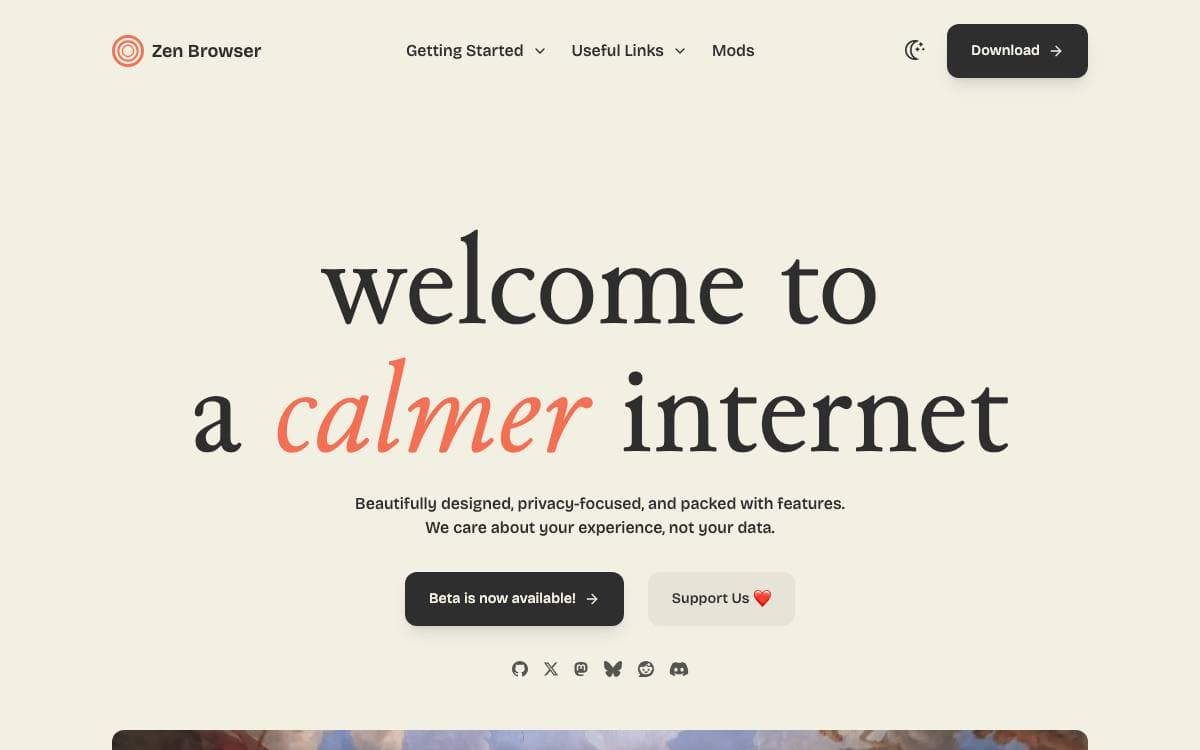
Zen is a firefox-based browser with the aim of pushing your productivity to a new level. Forty tabs in one strip is a filing problem rather than a browsing one, and Zen reorganizes the window around the work instead of around the tab bar.
The base is a current Firefox release, so the rendering engine, the extension ecosystem and the security model come from upstream while Zen's own work sits in the interface above them. Two channels are published, a stable Release and a Twilight channel carrying experimental features, and both name the exact Firefox version they are built from.
The interface changes are the reason to switch.
- Workspaces: tabs organized by project with custom containers.
- Split view: several tabs opened side by side in one window.
- Glance: a site previewed on top of the current tab without leaving it.
- Compact mode: a minimal interface for focused browsing.
- Zen Mods: themes and modifications installed from a registry, with live CSS editing for anything else.
- URL bar: navigation with persistent input memory.
Picture-in-picture, bookmarks and Firefox extensions all work as they do upstream, so nothing familiar is given up for the new layout. The code is under version 2.0 of the Mozilla Public License, translation runs through Crowdin, and bug reports and feature requests are handled on GitHub. Downloads, documentation and release notes are published on the project's own site.

Chrome extensions, profiles, spaces, and a native ad blocker in an Electron browser for people who keep dozens of tabs organized.
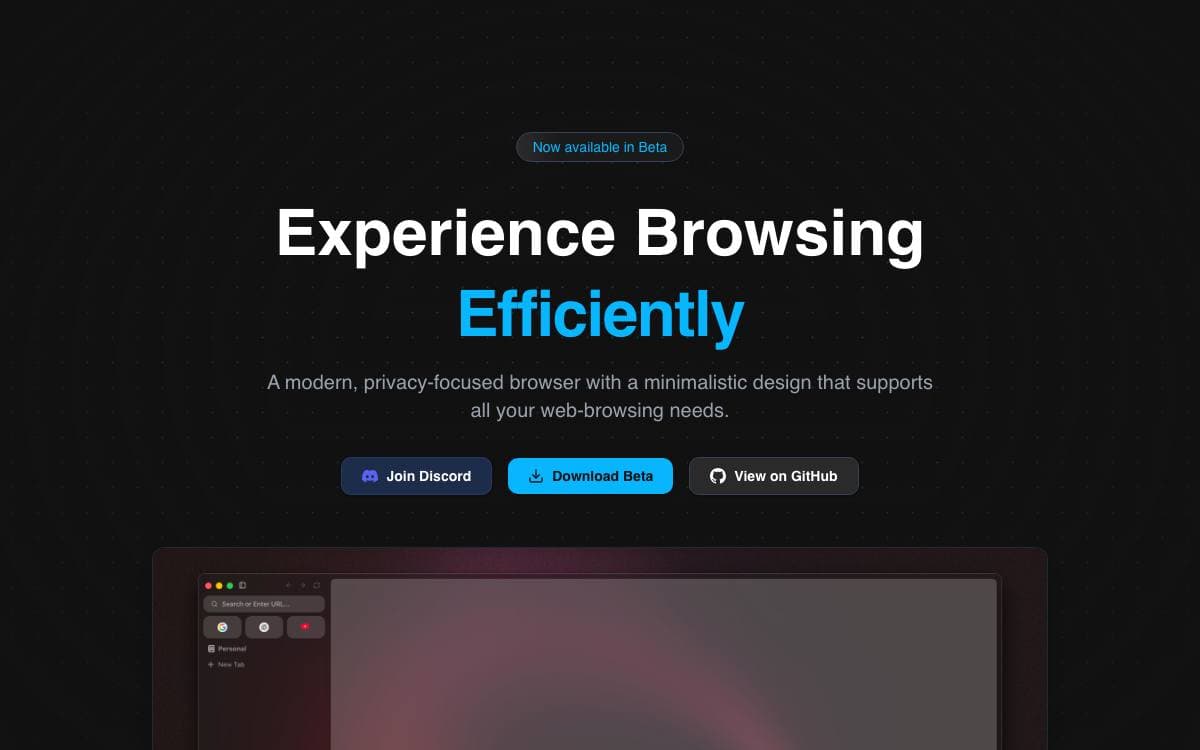
Flow Browser is a tabbed desktop browser that pairs Chromium rendering with an interface built around organizing work. It removes the trade-off between a minimal browser and one that runs the extensions you already depend on, since extensions install straight from the Chrome Web Store.
The app is built on Electron, with parts derived from electron-browser-shell by Sam Maddock, and its design takes cues from Arc and Zen. Prebuilt files for each platform are published on GitHub Releases.
Organization is the point of the interface, and the current build ships these pieces.
- Profiles: separate settings and extensions per profile.
- Spaces: group tabs into distinct spaces instead of one endless strip.
- Sidebar and command palette: reach bookmarks, history, and settings, or search the web and open a tab from a single prompt.
- Native adblocker: ads and trackers are blocked without installing anything.
- Sleep tabs: idle tabs are put to sleep to save resources, and open tabs persist across restarts.
- Widevine support: DRM protected video plays.
Onboarding is short, custom icons and new page modes are configurable, offline games are bundled for idle moments, and the browser asks before it opens an external application. Reordering tabs, downloads, favorites, pinned tabs, custom search engines, and a top bar alternative to the sidebar are all listed as upcoming rather than finished, so treat this as early software. The license is GPL 3.0.


