Open Source Apple Notes Alternatives
A curated collection of the 8 best open source alternatives to Apple Notes.
The best open source alternative to Apple Notes is Memos. If that doesn't suit you, we've compiled a ranked list of other open source Apple Notes alternatives to help you find a suitable replacement. Other interesting open source alternatives to Apple Notes are: Blinko, Standard Notes, Beaver Notes and Zen.
Apple Notes alternatives are mainly Note Taking & Knowledge Management. Browse these if you want a narrower list of alternatives or looking for a specific functionality of Apple Notes.

A self-hosted home for short notes, links and work logs, arranged as a chronological Markdown timeline you fully control.
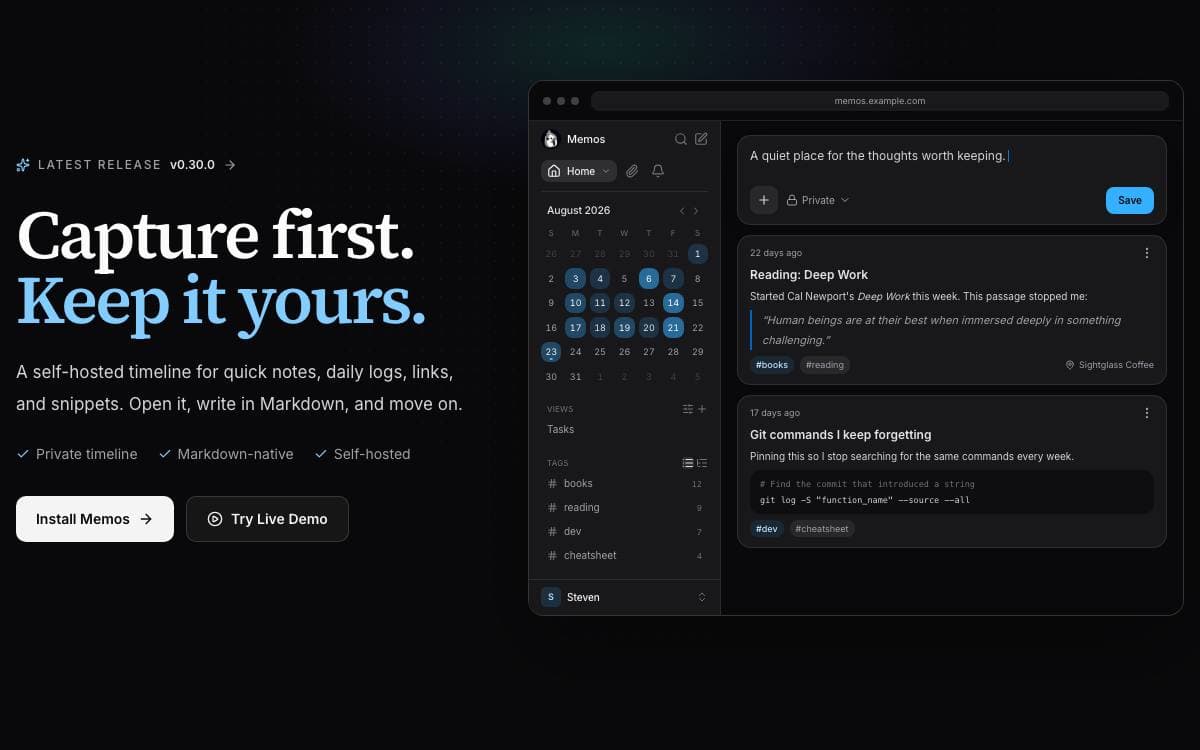
Short thoughts rarely survive the ceremony of a full note-taking app, where a title, a folder and a template stand between you and the idea. Memos deletes that step and drops whatever you write into a chronological Markdown timeline, on infrastructure you run yourself.
It is deliberately smaller than an all-in-one workspace. A single Docker container with a mounted data directory is the entire deployment, and other install routes are covered in the deployment guide.
The daily loop stays narrow on purpose.
- Quick capture: write Markdown and attach media without naming or filing anything first.
- Light organization: the timeline, search, tags and pins are how you find things again.
- Selective sharing: memos stay private unless you publish the ones you choose to.
- Web clipper: a Chrome and Firefox extension saves pages and selections as source-linked Markdown.
- Data ownership: the project ships zero telemetry and MIT-licensed source you can audit.
A live demo runs for anyone who wants to try before installing, and help arrives through the documentation, Discord and GitHub Discussions. It suits people who want a fast personal log rather than a knowledge base with a hierarchy to keep tidy.

A self-hosted note app for capturing fleeting thoughts fast, with natural language retrieval over everything you have written.
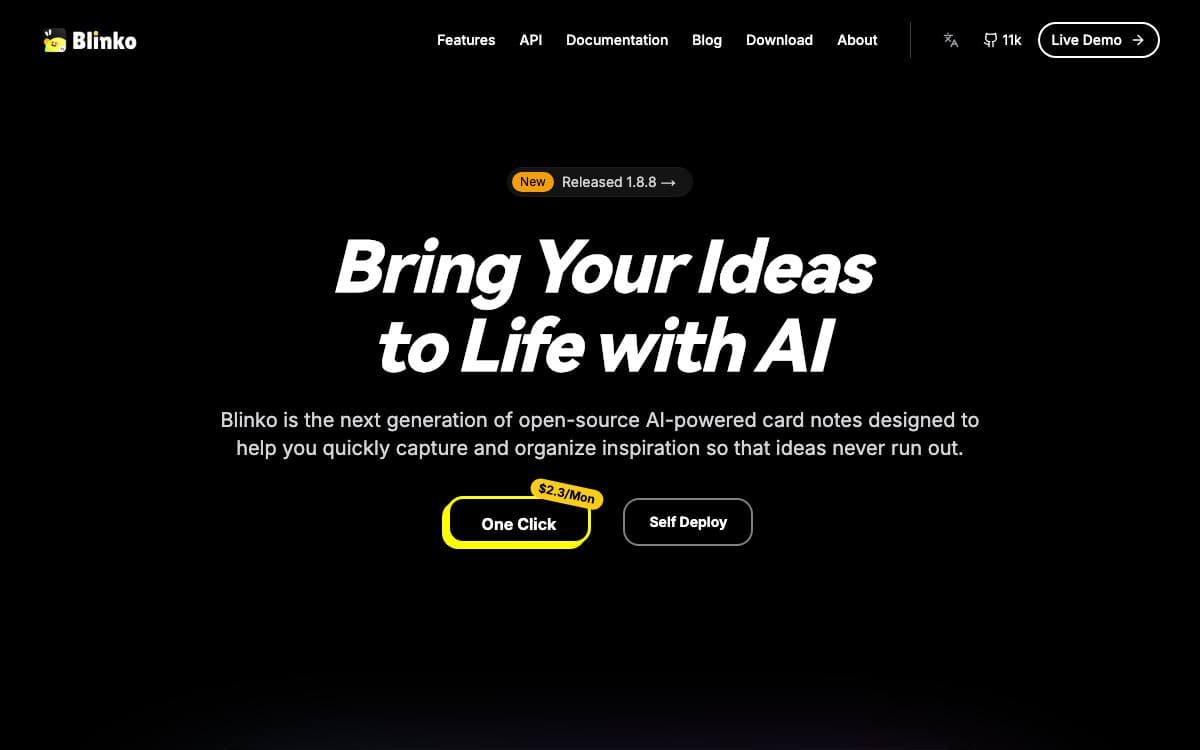
Blinko is built around the moment an idea arrives. Notes are cards, capture is immediate, and the working assumption is that a thought you have to file before you can write it down is a thought you lose.
Notes are stored as plain text with full Markdown support, which keeps them readable outside the app and quick to share. Retrieval is handled by retrieval-augmented generation, so you can ask for a note in ordinary language rather than recalling the exact words you typed.
Much of the appeal is in how it is packaged.
- Your own storage: notes and data stay in the environment you host, which is where the privacy claim comes from.
- Tauri builds: a light architecture with native apps for macOS, Windows, Android and Linux.
- One-line install: a single script sets up the Docker deployment.
- Managed options: PikaPods and ZimaOS both offer a one-click deployment.
- Live demo: a public instance runs with shared credentials for anyone wanting to try it first.
The project is open source and leans on community contributions, sponsorship and a share of the fees from PikaPods deployments. One rough edge is documented up front: on macOS the unnotarized build is reported as damaged on first launch, and clearing the quarantine attribute by hand is the fix.

An end-to-end encrypted notes app that syncs across desktop, mobile and web for people who want their notes unreadable to the host.
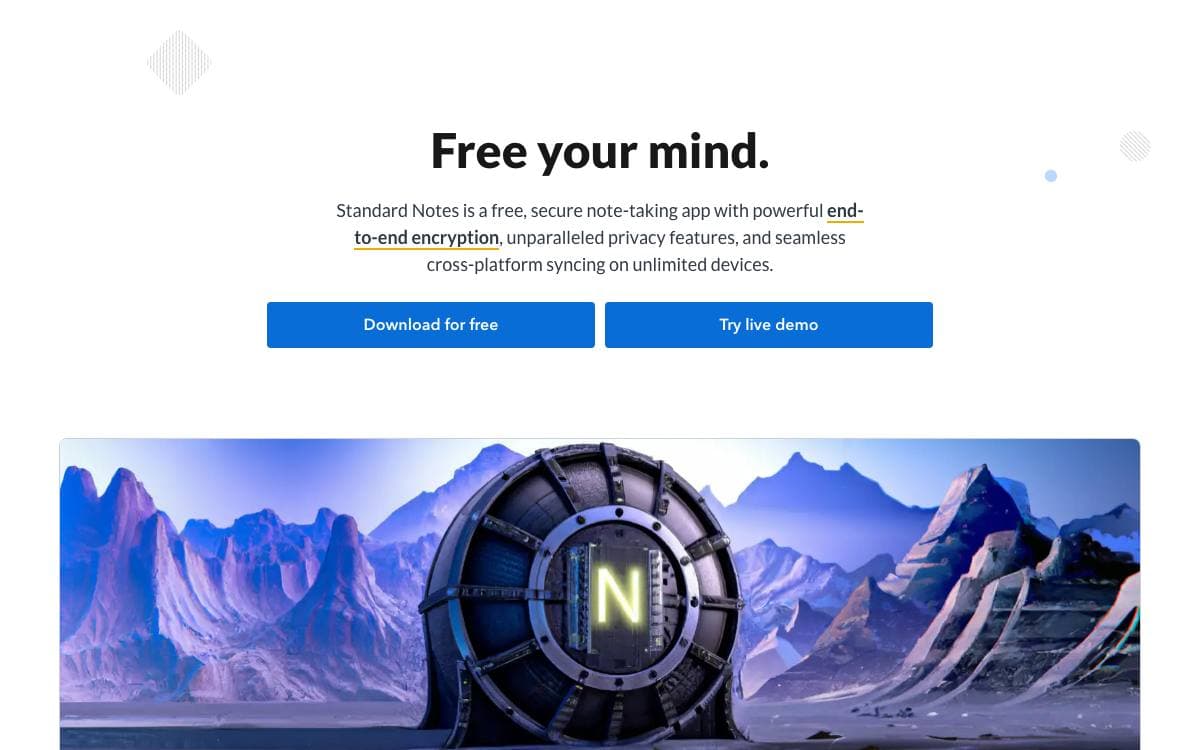
Standard Notes keeps notes, files and long-running work in one encrypted place. Sync is end-to-end encrypted, so whoever stores the data cannot read it, which removes the usual trade-off between having your notes everywhere and trusting the service that holds them.
Clients exist for Mac, Windows, Linux, iOS and Android alongside the web app, and cross-platform sync is free on an unlimited number of devices. The project puts explicit weight on longevity and sustainability, meaning notes written today should still open years from now.
This repository holds the app itself, and it is meant to be run by anyone who wants to.
- Self-hosting: the web app compiles to static HTML, JavaScript and CSS files served behind any web server.
- Custom sync server: an environment variable points login and registration at a backend of your own.
- Development mode: a yarn install and build pair serves the app locally while you change it.
- Extensions: developers can create and publish plugins, with a documentation hub covering the work.
- Listed: a companion publishing platform turns notes into an online publication with email newsletters.
Getting started needs no installation at all. Register in the web app, download the clients you want, and encrypted sync is on from the first note. For anyone uneasy about a vendor holding even encrypted material, the same account model works against a server you host in a few documented steps.

A local-first markdown notes app for desktop and mobile, with no account wall, no editor telemetry, and sync you choose yourself.
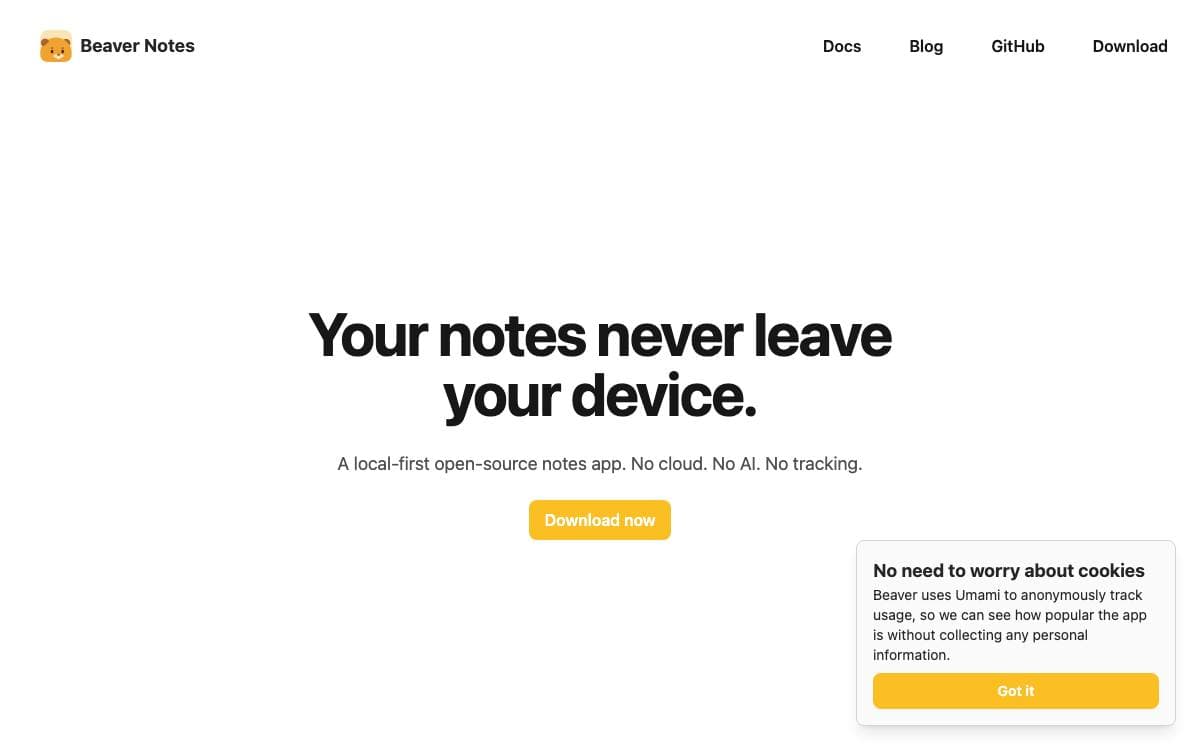
Beaver Notes is a notes app that starts from a different bargain than most: your notes stay on your device, unindexed and unreadable by anyone else, and you never create an account to write the first one. What makes it worth switching to is mostly an absence of things, no telemetry in the editor, no monthly fee to keep your own writing accessible.
Version 5 is a rewrite rather than an update. The app moved from Electron to Tauri for smaller binaries and better native behavior, and mobile stopped being a separate product when Beaver Pocket was folded back into the main app. It targets macOS, Windows, Linux, Android and iOS.
The core is deliberately ordinary, which is the point.
- Markdown native: notes are plain markdown files, organized with folders, tags and note linking.
- Locked notes: sensitive notes can be locked individually.
- Sync your way: use your own cloud storage, a self-hosted server, or the forthcoming BeaverSync, with no lock-in in any direction.
- Coming in v5: real-time collaboration, version history, backlinks and a plugin system, all of which the old architecture made difficult.
- Community driven: contributors handle translations, documentation and packaging for platforms the maintainers would otherwise miss.
Stable installers are published for every platform, with Linux available as a tarball, an AppImage or a Flathub Flatpak. The v5 beta is built from the tauri branch with yarn and will have rough edges, so bug reports are welcome. The public roadmap takes pushback on priorities.

A single-binary self-hosted notes app that stores standard markdown in SQLite, organizes by tags, and searches with BM25 ranking.
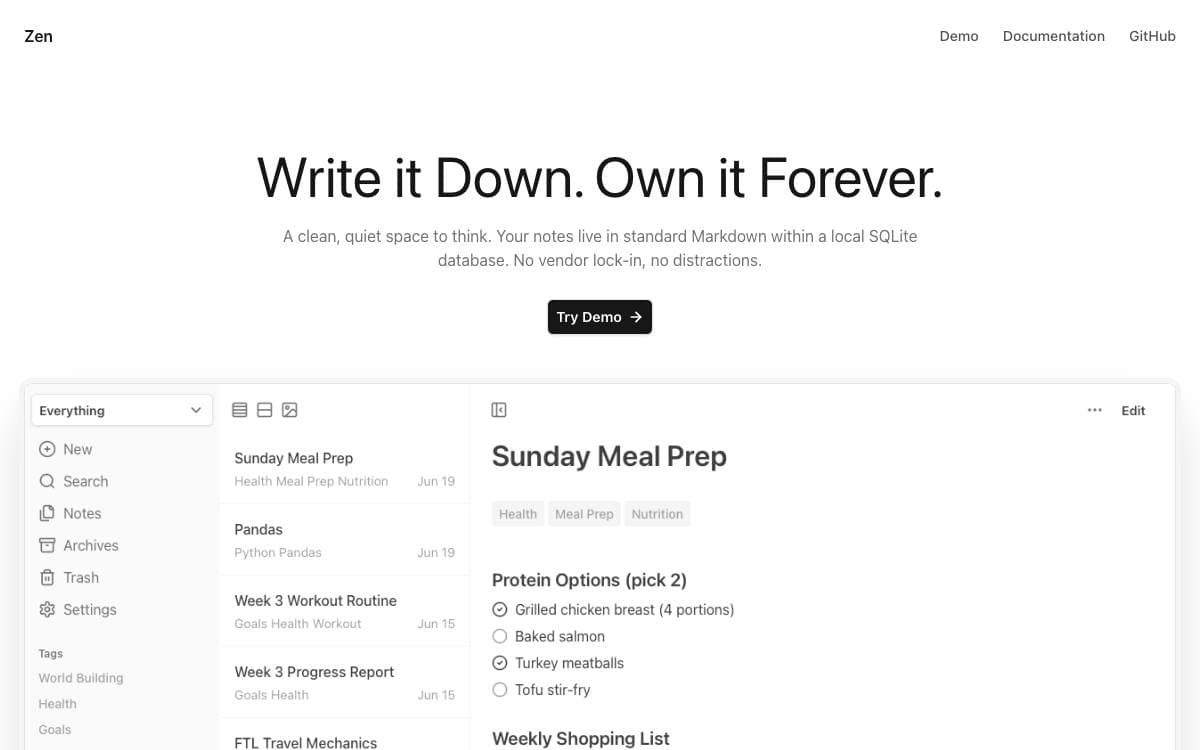
Zen is a notes app for people who want their writing to stay in plain markdown files on hardware they control. It replaces the rigid folder tree most tools impose with flexible tags, and it keeps the whole thing small enough to forget about once it is running.
The app is a single Go binary or a Docker Compose stack, backed by a local SQLite database, with a minimal dependency footprint and low resource usage. Full-text search is ranked with BM25.
The feature list stays close to what a notes app actually needs day to day.
- Tags over folders: notes are organized by flexible tags rather than a fixed hierarchy.
- Markdown depth: tables, code blocks, task lists, highlights and the rest of the standard syntax.
- Internal links: linked notes open in a side panel preview instead of pulling you away.
- Housekeeping: templates, pinned notes, archive and soft delete, and bulk archive and delete.
- Portability: import and export with your data intact, with companion projects covering automated backups and imports from other services.
- Experimental additions: a canvas for spatial organization stored as JSON Canvas, semantic search for notes and images, and an MCP server for searching, listing and reading notes.
Installation is a make build from source. Be aware of the maintainer's own framing before you depend on it: this is a personal project built for personal use, the codebase is there to fork and modify, and pull requests or issues may not get a reply.

Markdown notes in a progressive web app, encrypted before they sync, for anyone who wants a simple cross-platform notebook.
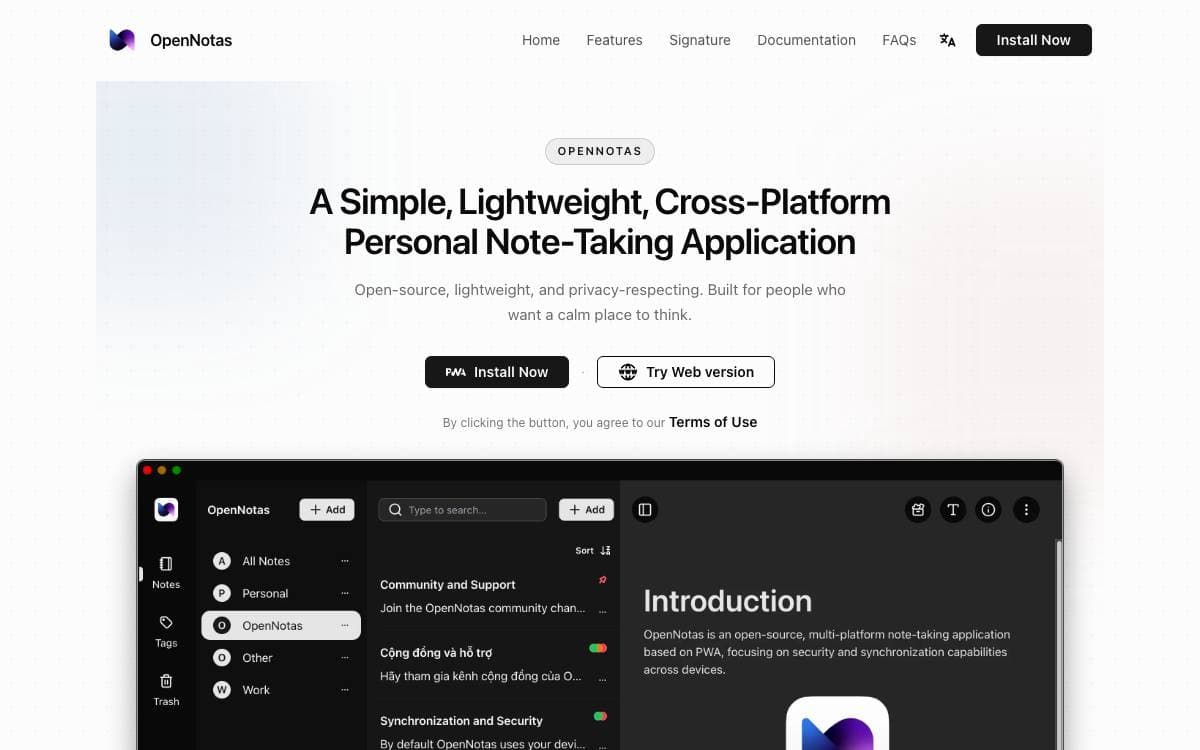
OpenNotas is a note-taking app for people worn down by note apps carrying more features than they will ever open. It is a progressive web app, so the same notes are reachable from Windows, macOS, Linux and mobile without a separate build for each platform.
Notes are written in Markdown through open source editing tools the author chose so the editor can grow later. Syncing between devices is arranged through an adapter you configure, and note data is encrypted with AES on the device before it reaches the sync server, which therefore stores ciphertext rather than your writing.
The project keeps its promises deliberately short.
- Easy to use: a tap opens the app and writing starts immediately, with no setup ritual first.
- Multi-platform: one PWA install covers desktop and mobile across the major operating systems.
- Sync: devices stay in step through a sync adapter configured to your own setup.
- End to end encryption: AES encryption is applied before anything leaves the device.
- Markdown: notes stay plain text with Markdown formatting instead of a proprietary format.
Installation is either a PWA install from the project site or a build from source, both covered in the documentation. The license is AGPL 3.0, and the author, who wrote the app in a little over a month to solve his own problem, asks people to hold off on pull requests for new features and to fork and build instead.

A self-hosted sticky notes app that keeps the Google Keep feel but adds folders, list views, timeline markers and a two-way Markdown mirror.
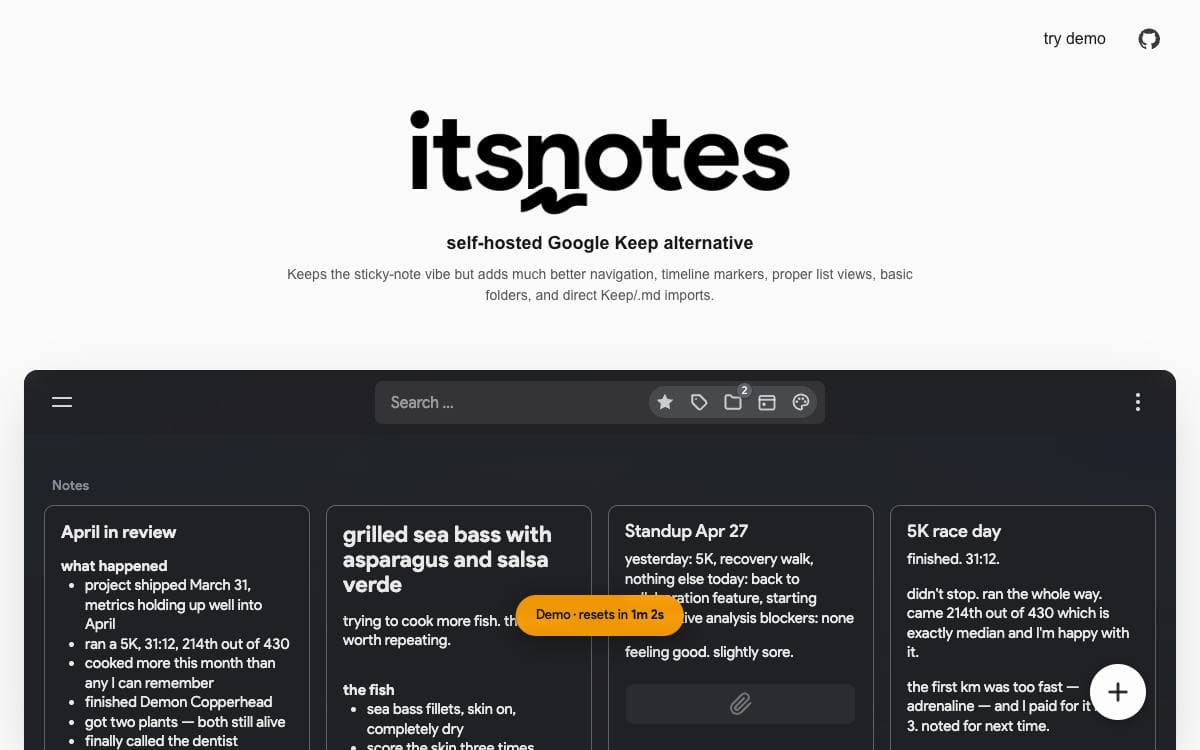
itsnotes keeps the masonry wall of colored notes that makes Google Keep pleasant and fixes what turns painful once a few thousand notes pile up. The feed is broken into month markers, with quick-access panels for colors, tags, saved searches and a calendar, plus basic folders and internal note links.
The most interesting part is the Markdown mirror. Every note is written out continuously to a folder of files with a metadata header for tags, color, reminders and pin, archive or trash state. Edits made in Obsidian or any editor are pulled back in, the database stays the source of truth, conflicts are parked in their own folder, and renames are tracked by note ID.
Around that sit the things a large note pile eventually needs.
- Imports: a Google Takeout archive brings Keep data over, and text and markdown files upload in bulk.
- View modes: masonry grid, stacked and dense list, tuned in a deep settings modal.
- History: note revisions are kept, and book and movie metadata is fetched automatically.
- REST API: the API the frontend uses is open to scripts through a long-lived token.
- Optional AI: auto-tagging, OCR, summarization and reminder parsing run against OpenAI, Anthropic or a local Ollama instance.
- MCP server: off by default and read-only, it lets Claude and other clients search your notes.
It runs as three containers, client, server and PostgreSQL, built with React, Node.js and Socket.io, with example Compose files for Caddy or Traefik and automatic HTTPS. A hosted demo exists for anyone wanting a look first.

A privacy-focused note-taking app with end-to-end encryption on Stacks, for people who want to own both their notes and their account.
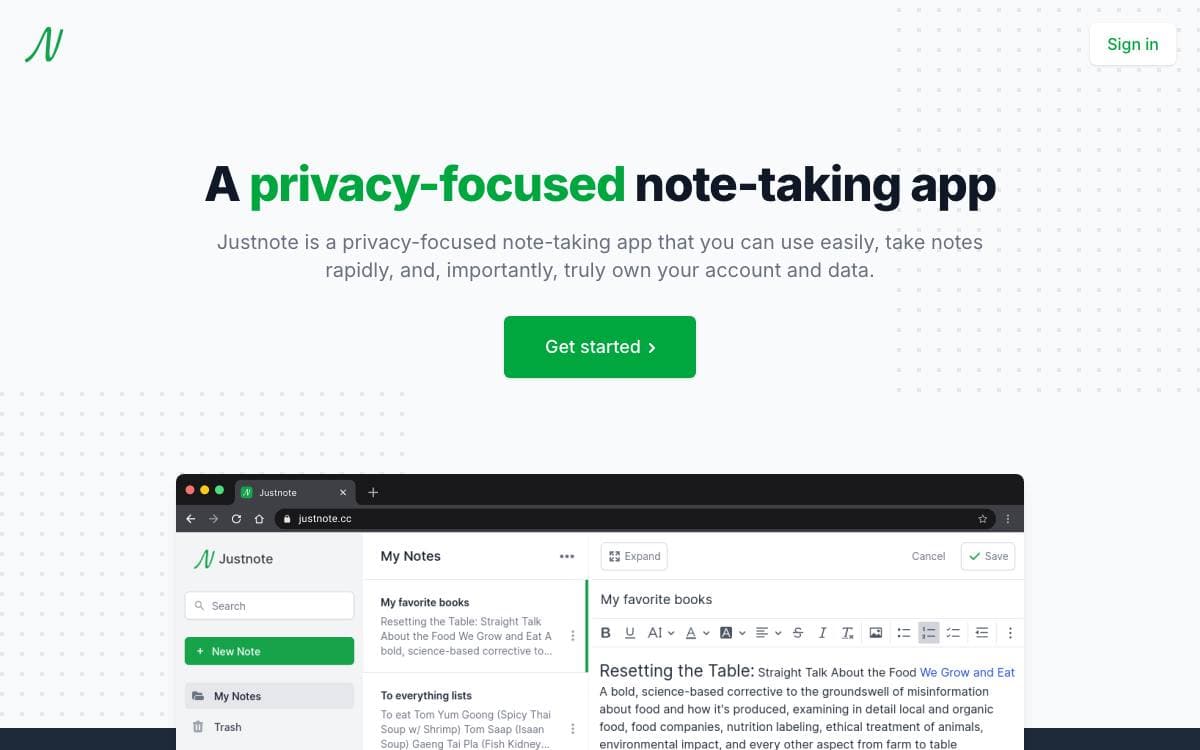
Notes usually live in an account somebody else controls. Justnote inverts that arrangement: notes are encrypted end to end, the decryption key never leaves you, and the account itself belongs to the person using it rather than to the service holding the data.
The web app is React with Redux and Tailwind CSS, using CKEditor for writing and the Stacks JavaScript library for identity and storage, while the mobile apps are React Native. Web and mobile sit in one repository under a packages directory, and each starts with an npm install followed by npm run start.
Capture and organization cover the usual ground.
- Encryption: only your decryption key opens the notes.
- Locking: a whole list or a single note can be locked.
- Nested lists: folders can be organized inside other folders.
- Pinning and tags: notes pin to the top and carry tags across lists.
- Dark mode: a dark theme is included.
- Three clients: web, Android and iOS work from the same account.
Google Keep, Evernote and Joplin are the stated inspirations, and the code is GPL-2.0. It suits someone who wants fast capture on a phone and a desktop without the text sitting readable on a company's servers, and the maintainers ask for bugs and feature ideas through GitHub issues or the support links on the site.


