Open Source AppCleaner Alternatives
A curated collection of the 2 best open source alternatives to AppCleaner.
The best open source alternative to AppCleaner is Mole. If that doesn't suit you, we've compiled a ranked list of other open source AppCleaner alternatives to help you find a suitable replacement. Other interesting open source alternative to AppCleaner is Pearcleaner.
AppCleaner alternatives are mainly System Cleanup & Optimization. Browse these if you want a narrower list of alternatives or looking for a specific functionality of AppCleaner.

Free command line toolkit for macOS that cleans caches, uninstalls apps with their leftovers, maps disk usage and shows live system stats.
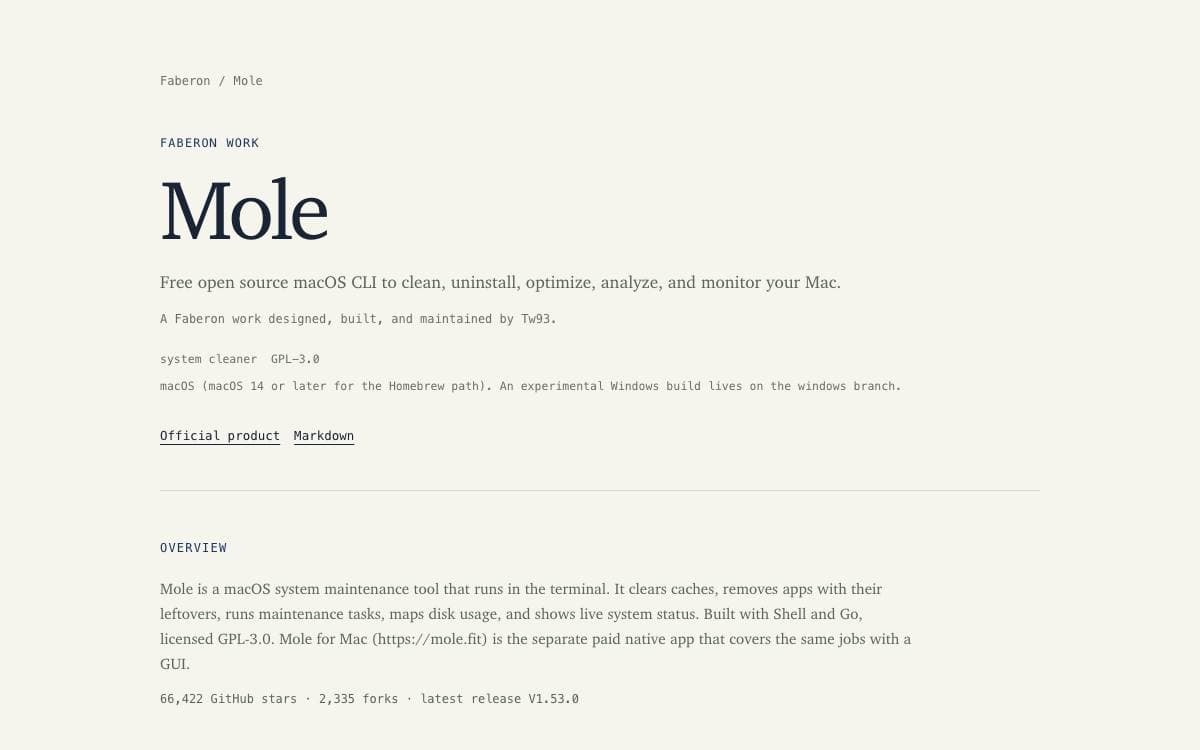
Mole folds the work of a cleaner, an uninstaller, a disk mapper and a system monitor into a single binary for macOS. Instead of four commercial utilities sitting in the menu bar, there is one command with subcommands.
Install it through Homebrew or the install script, then run the interactive menu or go straight to a subcommand: clean, uninstall, optimize, analyze, status, purge and installer each do one job. Shell completion, Touch ID for sudo and self-update are handled by their own subcommands.
The daily work splits along familiar lines.
- Deep cleaning: removes caches, logs, leftovers and orphaned app data to reclaim gigabytes.
- Smart uninstaller: takes an app together with its launch agents, preferences and hidden remnants.
- Disk insights: a visual explorer that finds large files, rebuilds caches and refreshes system services.
- Live monitoring: real-time CPU, GPU, memory, disk and network figures.
- Dry runs: every destructive command previews with a dry run flag, and whitelists protect caches and rules you want kept.
Because Mole deletes files, it validates paths, protects shared and system-owned locations, asks for confirmation and refuses anything it cannot prove safe. Cleanup activity is logged and reviewable, or switched off with an environment variable. The CLI is macOS-focused, free and open source, with an experimental Windows branch and a separately licensed native Mac app.

A free Mac app cleaner that uninstalls applications and hunts down the files they leave behind, inspired by AppCleaner and a privacy guide script.
Pearcleaner is a free, source-available Mac app cleaner that removes an application together with the files it leaves behind. Its author wrote it to learn how macOS handles application installation and uninstallation.
Applications go in by drag and drop, from a list or grid view with badges for web and iOS apps, from the command line, or by right-clicking in Finder with the bundled extension.
Around the uninstaller sits a set of related tools.
- Orphaned file search: finds leftovers belonging to applications that are already gone.
- Managers: separate views for Homebrew, packages, plugins, services, development environments and app updates.
- App lipo: strips unneeded architectures from universal apps without the lipo binary from the Xcode tools.
- Sentinel Monitor: a background watcher of roughly two megabytes that cleans up when an app hits the Trash.
- Customization: a theme system with custom colors, include and exclude directories, and adjustable search sensitivity.
Full Disk permission is required to search for files and a privileged helper to act on system folders, with macOS 13 Ventura through 26 Tahoe supported. The license is Apache 2.0 with the Commons Clause, which permits modification but prohibits monetization. Downloads come from the releases page or a Homebrew cask, and the author warns that other sites offering it are not his.
Development is on hold. The author cites a new job, joining a friend building a SaaS company, other life priorities, and no longer having a Mac for personal work, so issues, reviews and releases are paused indefinitely, though he says it is not abandoned.


