Open Source Apidog Alternatives
A curated collection of the 4 best open source alternatives to Apidog.
The best open source alternative to Apidog is Hoppscotch. If that doesn't suit you, we've compiled a ranked list of other open source Apidog alternatives to help you find a suitable replacement. Other interesting open source alternatives to Apidog are: Bruno, Insomnia and Voiden.
Apidog alternatives are mainly API Development & Testing. Browse these if you want a narrower list of alternatives or looking for a specific functionality of Apidog.

Browser-based API development platform for building, sending and testing requests across REST, GraphQL, WebSocket and MQTT, solo or with a team.
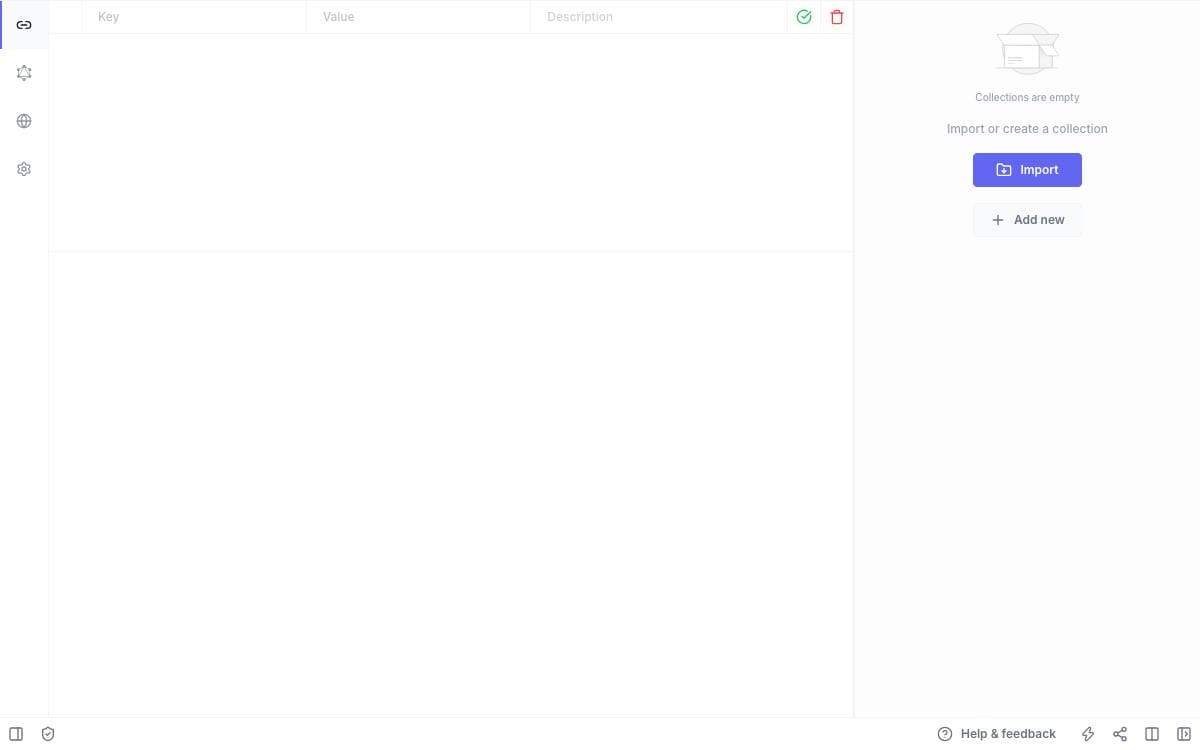
Choose a method, enter an endpoint, send. Hoppscotch keeps API development inside a deliberately minimal interface and shows the response as it arrives. Requests can be shared by link or exported as code snippets for more than ten languages and frameworks.
It installs as a progressive web app, with service workers for instant loading, offline support and low memory and CPU use. A proxy mode reaches APIs that a browser would otherwise block, fixing CORS problems and unencrypted endpoints, and themes and keyboard shortcuts are there for people who live in the tool.
Protocol coverage goes well past ordinary web requests.
- Protocols: every standard request method plus custom ones, WebSocket, Server-Sent Events, Socket.IO, MQTT and GraphQL with schema queries and docs.
- Authorization: basic, bearer token, OAuth 2.0 and OIDC access token with PKCE.
- Collections and environments: unlimited nested folders and reusable variables, exportable as a file or a gist.
- Scripts and tests: JavaScript before a request and after a response, to set variables, parse data and assert status codes.
- Teams and workspaces: shared collections with role-based access control, personal and team workspaces, and an admin dashboard.
Signing in with GitHub, Google, Microsoft or email syncs history, collections, environments and settings across devices, letting you hand a task off between machines. Single sign-on is reserved for the enterprise edition.

An offline API client that stores collections as plain text files in your repository, so Git handles versioning and team sharing.
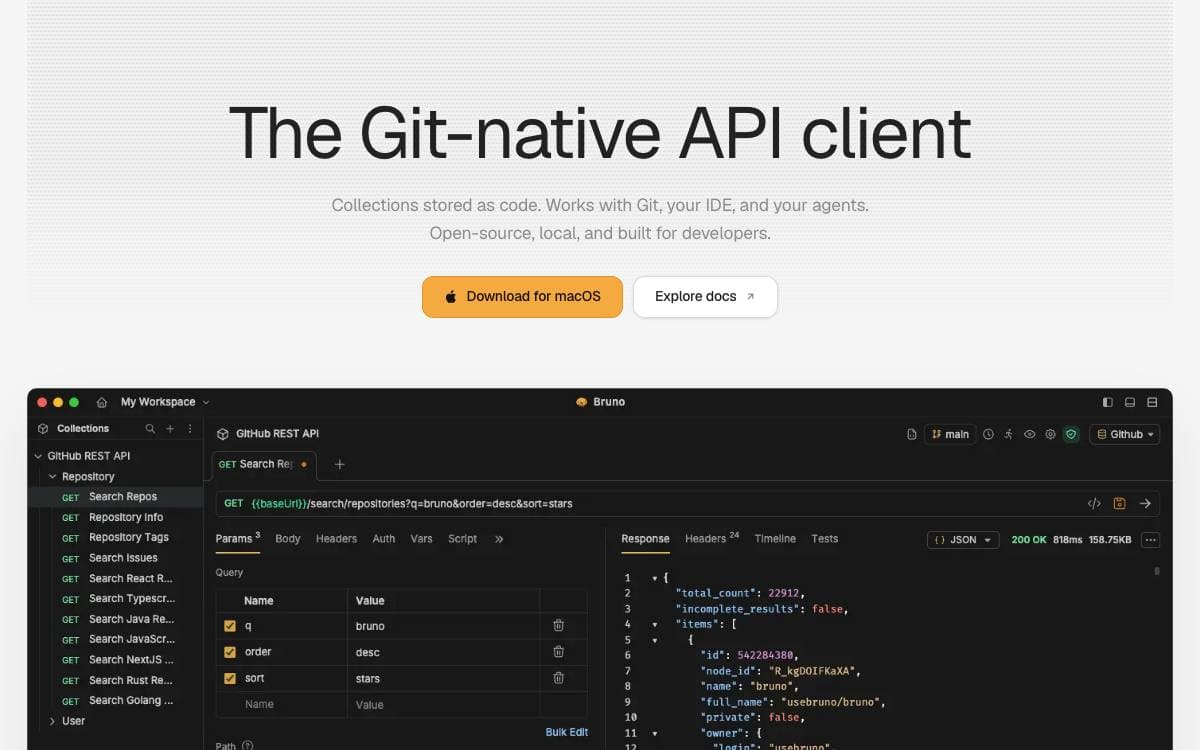
Where an API client keeps your collections turns out to matter, and Bruno's answer is a folder on your filesystem. Requests are saved in a plain text markup language called Bru, which means Git or any other version control system you already use handles collaboration over those collections.
The application is offline only, and the maintainers say there are no plans to add cloud sync, ever, on the grounds that your data should stay on your device. Desktop builds cover Mac, Windows and Linux, installable by direct download or through Homebrew, Chocolatey, Scoop, winget, Snap, Flatpak, the AUR and Apt.
Automation is handled by a separate command line tool.
- Bruno CLI: installed from npm, it runs a whole collection or a single request from a terminal.
- Docker images: official CLI images are published to Docker Hub and the GitHub Container Registry on every release.
- Image variants: alpine and debian builds cover both amd64 and arm64 Linux hosts.
- CI examples: the documentation covers GitHub Actions, GitLab CI and Jenkins pipelines.
Most features are free and open source under MIT, with paid tiers for teams that want more, a balance the maintainers set out in a public long-term vision document. For anyone who wants API collections reviewed in pull requests next to the code they exercise, that filesystem-first design is the entire point of the tool.

Cross-platform API client for REST, GraphQL, gRPC and WebSockets, for developers who want to design, test and mock in one app.
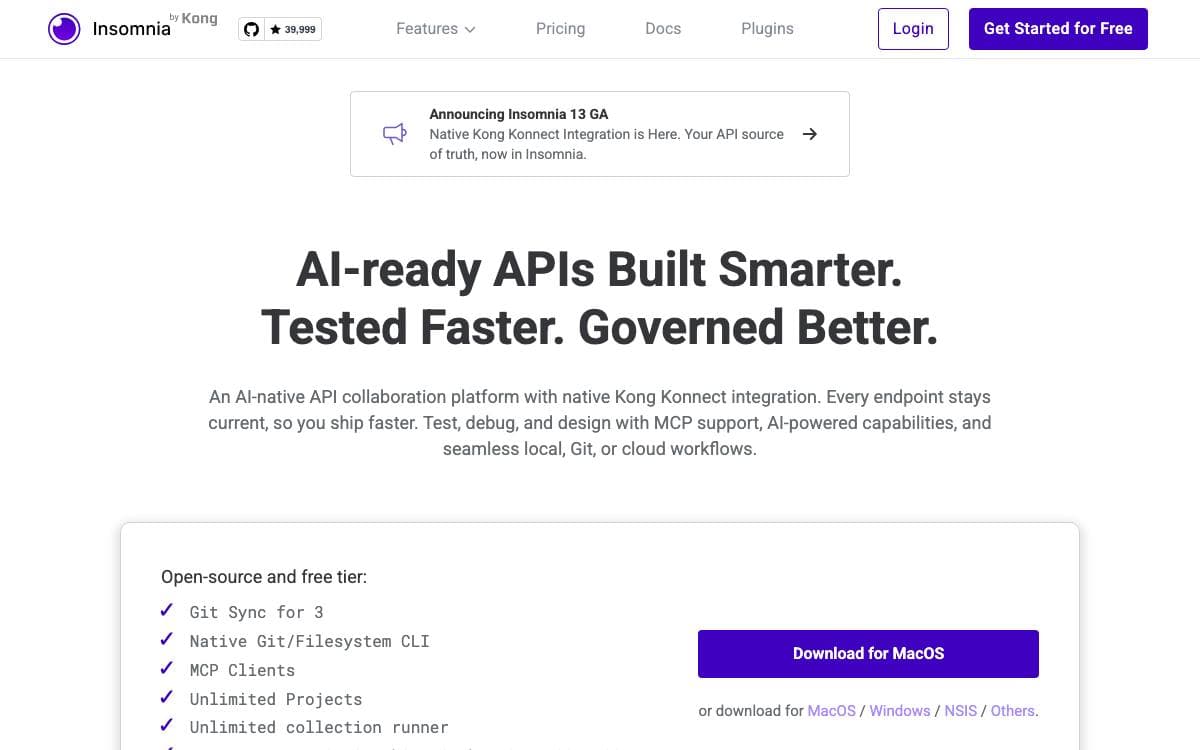
Insomnia is a cross platform API client covering GraphQL, REST, WebSockets, server sent events, gRPC and anything else that speaks HTTP, so a request needs no separate tool depending on its protocol.
What sets its shape is the storage decision. Each project picks a Local Vault for entirely local files, Git Sync for storage in any third party Git repository without touching a cloud, or Cloud Sync for collaboration with optional end to end encryption, and the three can be mixed across projects. Environment configuration can additionally be kept local and never uploaded, whatever the project itself uses.
The application spans the stages of working on an API.
- Debug: requests issued across the popular protocols and formats.
- Design: a native OpenAPI editor with a visual preview.
- Test: test suites and a collection runner built in.
- Mock: a mocking server, hosted or run yourself.
- Automate: a command line tool for linting and testing inside a pipeline.
Builds exist for Mac, Windows and Linux. The local Scratch Pad works without an account, while most capabilities need a free one, and paid tiers add unlimited collaboration, Git Sync, organizations for projects and logins through a third party identity provider. Kong explains the account requirement as what keeps the free and open source distribution sustainable.

An offline, Git-native API workspace where requests, tests, and documentation live together in plain-text files you version like code.
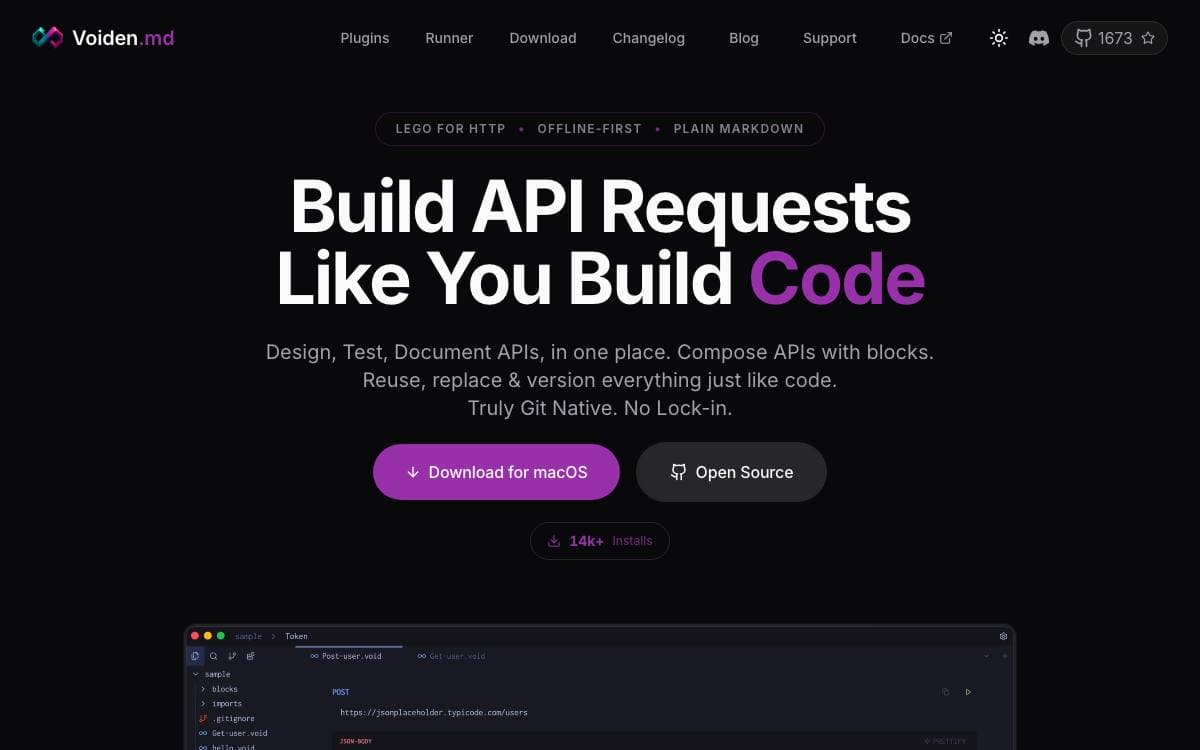
Voiden is an offline API client for developers, QA engineers, and technical writers who would rather keep requests, tests, notes, and docs in one file than across four tools. Nothing is locked in a proprietary workspace: a void file is text, so it diffs, greps, and merges the way the rest of your repository does.
Built with Electron, TypeScript and JavaScript, Voiden requires no account and sends no telemetry. A void file combines YAML frontmatter, a Markdown body, and structured request blocks. Requests decompose into blocks for the endpoint, auth, params, and body, reused across files the way functions are.
Protocol support and workflow features arrive as plugins you install or remove.
- Protocols: REST, GraphQL, gRPC, and WebSockets, each a plugin, with a community catalog alongside.
- Imports: bring in Postman, Insomnia, and OpenAPI collections and generate native void files, one per request.
- Scripting: run JavaScript, Python, or shell scripts before a request and after a response.
- Stitch runner: batch-execute void files with glob patterns, stop on failure, variable isolation, configurable delays, and environment selection.
- Collaboration: review API changes through Git branches and pull requests, not a vendor's team workspace.
- Voiden Runner: a headless CLI on Node.js 18 or later runs the same files in a terminal, CI/CD, or cron.
Installers cover macOS, Windows, and Linux, with Homebrew, apt, snap, and a Nix flake as package manager routes, each with a beta channel. Since version 2.1.1 the Windows installer is signed through Azure Trusted Signing, so SmartScreen may warn while the build accumulates download reputation.


