Open Source Anchor Browser Alternatives
A curated collection of the 3 best open source alternatives to Anchor Browser.
The best open source alternative to Anchor Browser is Browser Use. If that doesn't suit you, we've compiled a ranked list of other open source Anchor Browser alternatives to help you find a suitable replacement. Other interesting open source alternatives to Anchor Browser are: Lightpanda and Steel.
Anchor Browser alternatives are mainly AI Interaction & Interfaces but may also be Automation or Data Extraction & Web Scraping. Browse these if you want a narrower list of alternatives or looking for a specific functionality of Anchor Browser.

A Python library that lets an AI agent drive a real browser, opening pages, clicking, typing and filling forms from a task description.

Browser Use hands a web browser to an AI agent. You describe a task in a sentence and the agent opens pages, clicks buttons, types and fills forms the way a person would, which removes the brittle selector scripts that break the moment a page is redesigned.
The open source library is Python, needs version 3.11 or newer and installs with uv or pip. An agent is a few lines of code, a task string and a model, with OpenAI, Anthropic, Google or the project's own optimized model selected through an API key in an environment file.
It is aimed at the kinds of tasks that resist ordinary automation.
- Form filling: a job application is completed from a resume and a set of personal details.
- Data extraction: structured records are pulled from a page and exported, for example as CSV.
- Model choice: any supported provider is swapped in where the agent is constructed.
- Agent integration: a setup prompt registers it as a skill inside coding agents such as Claude Code, Codex, Cursor and OpenClaw.
- Remote browsers: the local agent can be pointed at cloud browsers for stealth, proxy rotation and scaling.
Running the library locally is free and gives code-level control over how the agent behaves. A fully hosted cloud agent sits alongside it, with captcha solving, persistent memory and a large integration list. The benchmark suite behind the comparison of the two is published as its own open repository, so the numbers can be checked rather than taken on trust.

Headless browser written from scratch in Zig for AI agents and automation, using far less memory than headless Chrome.
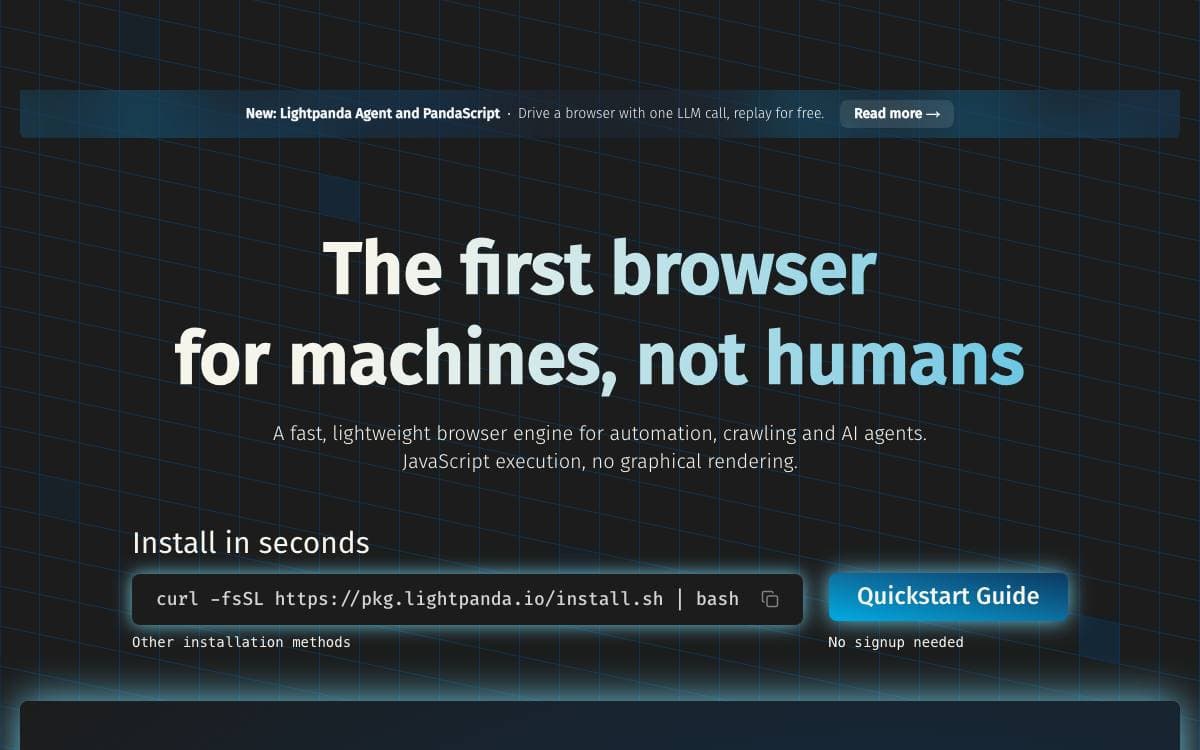
Lightpanda is a headless browser written from scratch in Zig for AI agents and automation work, rather than a fork of Chromium or a patch on WebKit. The saving it targets is the weight of driving a full desktop browser just to read pages: crawling 100 pages, the project measures 123MB of peak memory against 2GB for headless Chrome, and five seconds of execution against forty six.
Underneath sit v8 for JavaScript, html5ever for HTML parsing and libcurl for the HTTP loader, with DOM APIs, XHR, Fetch, cookies, custom headers, proxies, network interception and an adblocker layered on top.
Existing automation stacks can drive it directly.
- CDP server: a Chrome DevTools Protocol endpoint that Puppeteer and Playwright connect to through a websocket address.
- WebDriver BiDi: an alternative protocol that can be served alongside CDP from the same process.
- Dump modes: a fetch command returning HTML, Markdown, PNG or PDF, with several waiting strategies.
- Agent mode: plain English instructions that navigate, click, fill forms and extract data, exporting a replayable script that later runs with no model involved.
- MCP server: JSON-RPC over stdio or HTTP, where each connection gets its own page, cookies and memory.
Binaries come from Homebrew, the Arch User Repository, nightly releases for Linux and macOS or official Docker images. There is no native Windows build, so Windows users run it inside WSL. Telemetry is collected by default and switched off with an environment variable, and a flag makes the browser respect robots.txt.

Open source browser API that runs and manages Chrome sessions for AI agents and web automation tools.
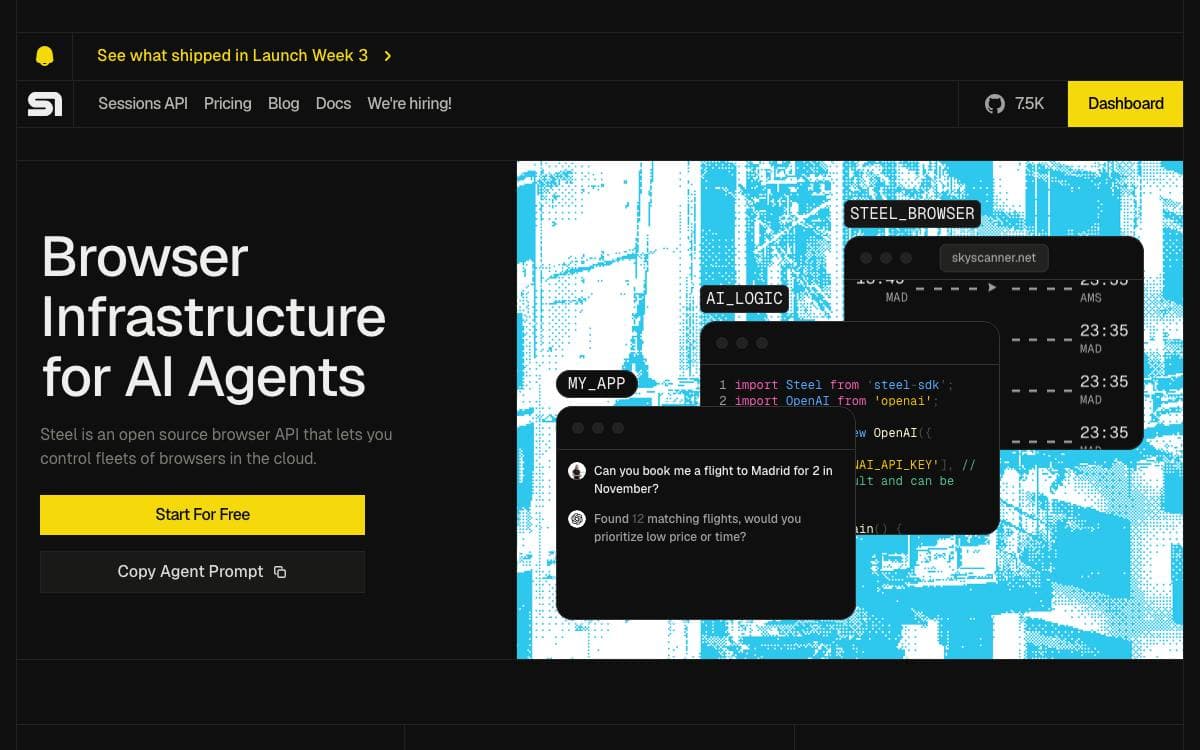
Steel is a browser API for building AI apps and agents that act on the web. Rather than assembling session handling, proxies and stealth measures around a headless Chrome yourself, you call an API and let Steel keep the browser processes alive and clean.
Underneath, it drives Chrome through Puppeteer and the Chrome DevTools Protocol, and you can connect using Puppeteer, Playwright or Selenium. Sessions hold state, cookies and local storage across requests, and request logging plus a session viewer are there when a run needs debugging.
The infrastructure you would otherwise build yourself comes with it.
- Session management: browser state kept across requests, with automatic cleanup and lifecycle handling.
- Proxy support: a built-in proxy chain for IP rotation.
- Anti-detection: stealth plugins and fingerprint management.
- Extensions: custom Chrome extensions loaded into a session.
- Page tools: endpoints that turn a page into markdown, readability text, a screenshot or a PDF.
A pre-built Docker image serves the API and UI on one port with a second for the console debugger, and one click deploys exist for Railway and Render. Running from Node.js instead needs Chrome installed at a known path. The project describes itself as being in public beta and evolving daily.


