Open Source Adobe Photoshop Alternatives
A curated collection of the 3 best open source alternatives to Adobe Photoshop.
The best open source alternative to Adobe Photoshop is Graphite. If that doesn't suit you, we've compiled a ranked list of other open source Adobe Photoshop alternatives to help you find a suitable replacement. Other interesting open source alternatives to Adobe Photoshop are: Krita and GIMP.
Adobe Photoshop alternatives are mainly Photo & Video Editors but may also be Design & Prototyping or Design & Visualization. Browse these if you want a narrower list of alternatives or looking for a specific functionality of Adobe Photoshop.

Browser based vector and raster editor that pairs layer compositing with a node graph for nondestructive 2D design work.
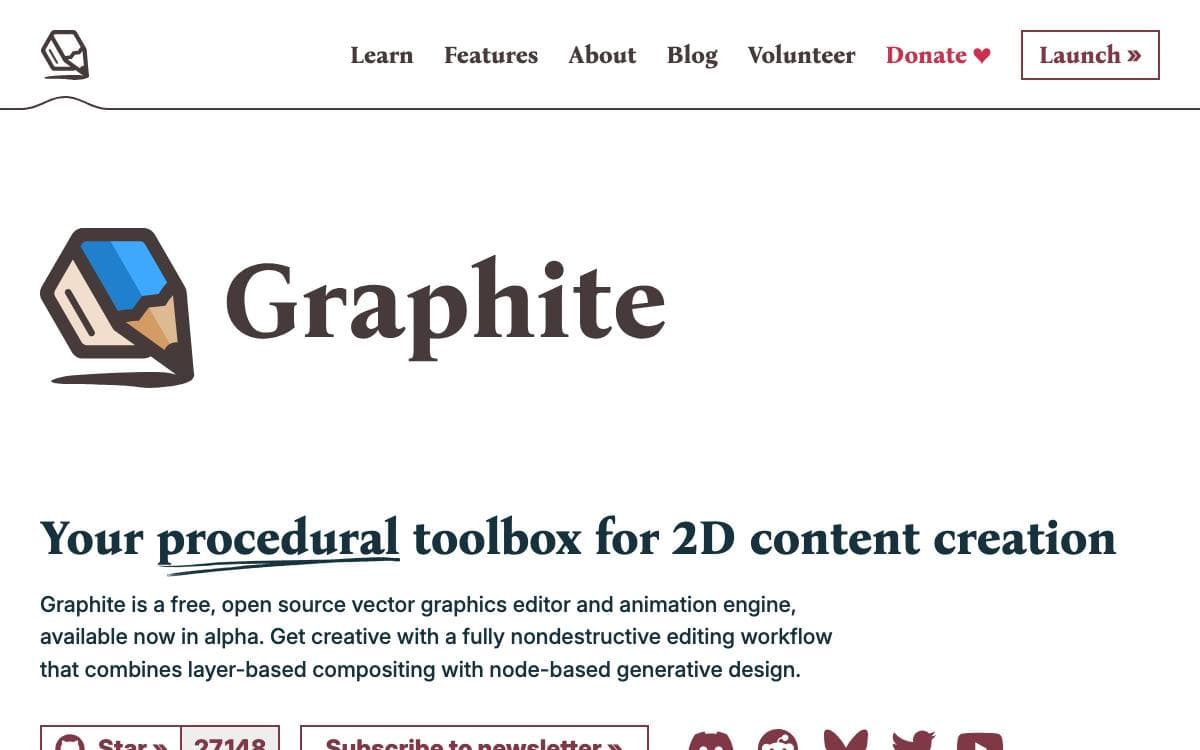
Most graphics editors bake a decision into pixels the moment you make it. Graphite, a vector and raster engine that opens in a browser, keeps the whole document live instead: familiar layer based compositing sits on top of a node graph, so a choice made early stays adjustable at any point later.
The architecture is closer to a game engine than to a conventional creative app. The tools wrap that node graph core, which is what lets one program serve vector work, raster work and generative design without turning into three separate programs. Photo editing, motion graphics, digital painting, desktop publishing and VFX compositing sit on the roadmap.
Several things separate it from the editors it invites comparison with.
- Procedural by default: the graph records how the artwork was made, so every parameter stays editable afterwards.
- Two paradigms in one document: layers give structure while nodes give generation, without switching tools between them.
- Runs in the browser: the alpha editor opens on the web with no signup and nothing to install.
- Rust codebase: the engine is written in Rust and the project deliberately courts graphics programmers who want to contribute.
- Community funded: development is built and funded entirely by the community through donations and volunteering.
Graphite is in alpha, which is the honest caveat: usable today, with much of the wider toolbox still ahead of it. The source is dual licensed under MIT or Apache 2.0 at your option. It suits designers curious about procedural workflows and Rust developers looking for a graphics project worth joining.

Free digital painting application for artists carrying a piece from first sketch through to finished professional work.
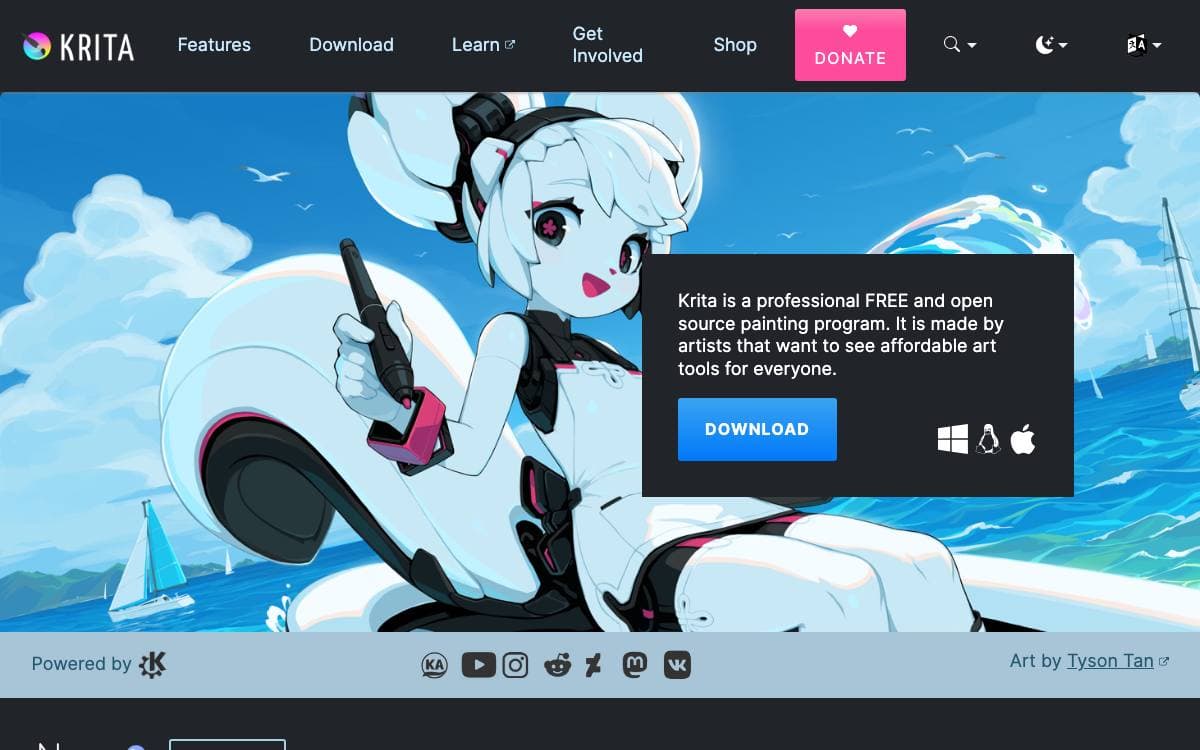
Krita is a digital painting application for artists who take work from the first sketch to a finished professional result. Comic book artists, illustrators, concept artists, matte and texture painters and the digital VFX industry all use it.
The GitHub repository is only a mirror. The real code lives in KDE's own infrastructure, which is where merge requests, pipelines and releases happen. Repository status is tracked per branch, and master currently accepts both new features and new strings.
Getting hold of a build depends on how close to the edge you want to sit.
- Stable releases: published through KDE, with the 5.2 branch tracked separately from master.
- Nightly builds: unstable master and stable branch snapshots served from KDE's content delivery network.
- Debug builds: weekly Linux AppImages carrying debug symbols in both Qt and Krita.
- Sanitizer builds: weekly Linux and Windows jobs for chasing memory errors, enabled through an environment variable.
- Documentation: a user manual, build instructions and developer notes hosted with the project.
Krita as a whole is licensed under version 3 of the GNU Public License, though individual files may carry a different but compatible one. The developer community has also placed a moratorium on AI assisted development until October 2026 while KDE settles on a policy of its own, so contributions written with those tools are not accepted for now.

The GNU Image Manipulation Program, a free image editor whose source tree is published here as the unstable 3.3 development series.
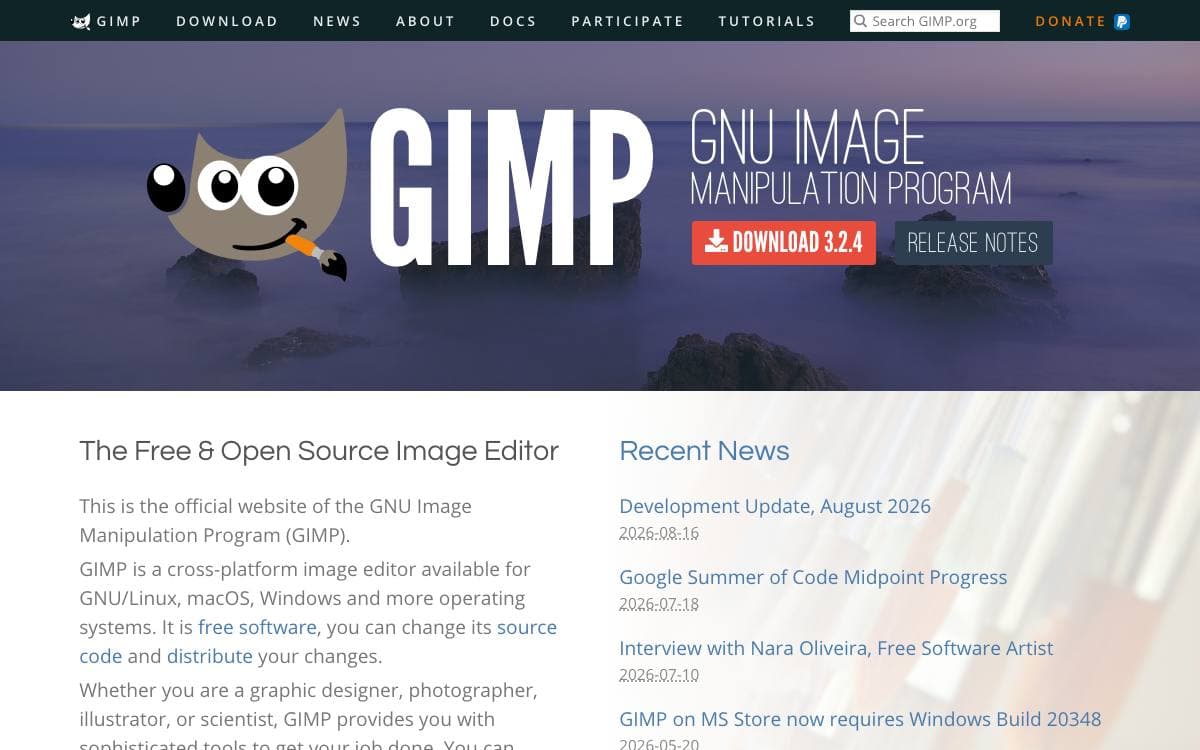
GIMP is the GNU Image Manipulation Program, a free application for working on images. What sits in this repository is the 3.3 development branch, an unstable release series, so anyone who wants a dependable editor should take a stable build from the project downloads page instead.
Canonical development happens on the GNOME GitLab instance, which holds the source, the issue tracker and the contributor documentation. Building from source is covered by the INSTALL file, and the devel-docs directory carries the notes for hacking on the code.
Much of the interface is configured through plain files rather than a preferences dialog.
- GTK theming: the look follows standard GTK settings files, so desktop themes and CSS apply as they would to any GTK application.
- Application styling: a gimp.css file under the user config directory changes GIMP alone.
- Custom keybindings: shortcuts are rewritten by editing a shortcutsrc file.
- Contributor guides: developer resources cover environment setup, coding style and submitting a first patch.
- Discussion channels: forums and IRC channels are listed on the project discuss page, with archives of the older mailing lists.
Bug reports on this branch are welcome once you have checked that nobody filed the issue first, and tutorials, news and documentation live on the project website. If you are evaluating GIMP as a tool rather than as a codebase, start from a stable release; this tree exists for testing what comes next.


