Open Source Adobe Lightroom Alternatives
A curated collection of the 2 best open source alternatives to Adobe Lightroom.
The best open source alternative to Adobe Lightroom is Darktable. If that doesn't suit you, we've compiled a ranked list of other open source Adobe Lightroom alternatives to help you find a suitable replacement. Other interesting open source alternative to Adobe Lightroom is RawTherapee.
Adobe Lightroom alternatives are mainly Photo & Video Editors. Browse these if you want a narrower list of alternatives or looking for a specific functionality of Adobe Lightroom.

A non-destructive raw developer and photo workflow application for photographers who manage and edit large libraries of digital negatives.
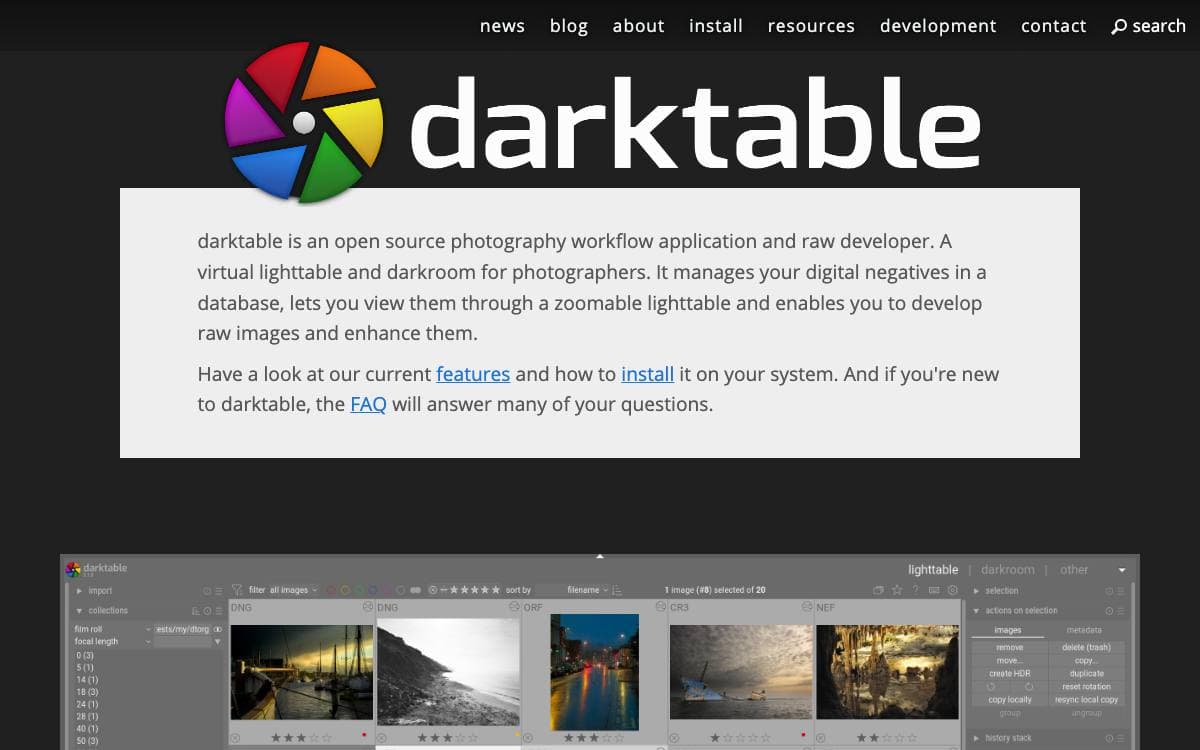
darktable is a photography workflow application and non-destructive raw developer, described by its own authors as a virtual lighttable and darkroom. It manages digital negatives in a database, shows them through a zoomable lighttable, and lets you develop, enhance and export them to local or remote storage.
Editing never rewrites the original file, and the project states plainly that it is not a free Adobe Lightroom replacement, worth knowing before switching.
Platform and hardware expectations are set out unusually clearly for a project of this size.
- Supported systems: Linux, FreeBSD, NetBSD, OpenBSD, Windows 10 or later, and Apple Silicon Macs on macOS 14 or later.
- Recommended hardware: 8 GB of RAM, a quad-core Intel Core i5, and an OpenCL 1.2 capable GPU.
- GPU guidance: a GPU is optional but strongly recommended, and Nvidia cards are the safer bet.
- Optional AI features: object masks, denoise and upscale, compiled in only with a build flag and off by default.
- Scripting: a Lua API with its own reference documentation, maintained in a separate repository.
CPU inference for the AI features is bundled and works out of the box, with CoreML on Apple Silicon and DirectML on Windows included. GPU acceleration through CUDA, ROCm or OpenVINO requires a separately installed build of ONNX Runtime.
Linux is where darktable is developed, and the team recommends it wherever there is a choice. It runs on modest machines, even a Raspberry Pi, though modules such as denoise, local contrast and retouch turn slow enough to be unusable.

Cross-platform raw photo processing program for enthusiasts and semi-professionals who want detailed control over demosaicing and development.
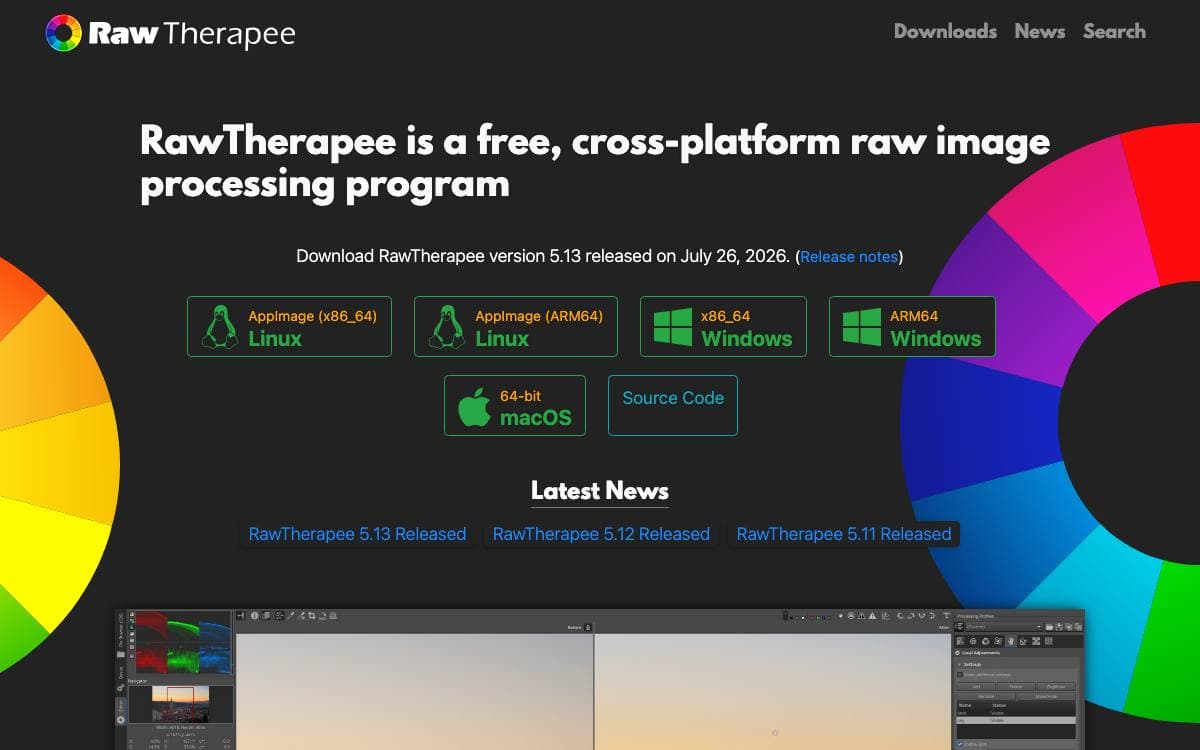
RawTherapee develops raw photographs across Linux, Windows and macOS, released as libre software under version 3 of the GNU General Public License. It is notable for the depth of control it hands the user over demosaicing and the rest of the development process, precisely the stage most editors decide on your behalf.
The program is written mostly in C++ with a GTK+ front end. Raw files are read through a patched version of dcraw, extended by an in-house solution that adds high quality support for camera models dcraw does not cover and improves accuracy on some it already handles.
A few things are worth knowing before installing it.
- Formats: raw files from a broad range of digital cameras, plus HDR DNG, JPEG, TIFF and PNG.
- Audience: enthusiast newcomers wanting to understand how digital imaging works, through to semi-professional photographers.
- Documentation: RawPedia is the project's own manual, and reading it is part of the deal, since concepts such as color balance are assumed to be looked up elsewhere.
- Not included: digital asset management, printing and uploading are out of scope, left to specialized software that already does them well.
- Building: RawPedia carries per-platform instructions and the dependency list for each operating system.
Binaries and source tarballs are published on the project website, and discussion happens on the pixls.us forum. Professionals can work with it in complete freedom, but should expect to pair it with other tools for the peripheral parts of a workflow.


