Open Source Enpass Alternatives
A curated collection of the 3 best open source alternatives to Enpass.
The best open source alternative to Enpass is KeePassXC. If that doesn't suit you, we've compiled a ranked list of other open source Enpass alternatives to help you find a suitable replacement. Other interesting open source alternatives to Enpass are: Bitwarden and PearPass.
Enpass alternatives are mainly Password & Secret Management but may also be Note Taking & Knowledge Management. Browse these if you want a narrower list of alternatives or looking for a specific functionality of Enpass.

Offline password manager for Windows, macOS and Linux that keeps credentials in an encrypted KDBX file you store wherever you like.
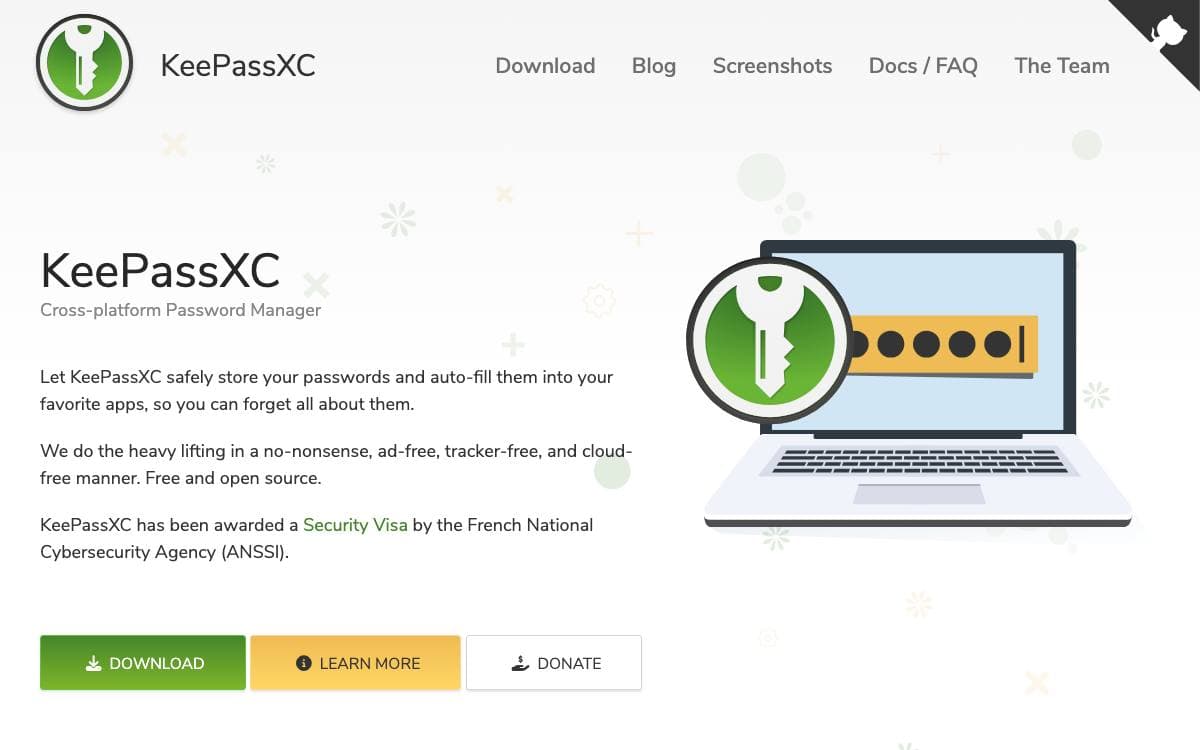
Usernames, passwords, URLs, attachments and notes live inside one encrypted file that KeePassXC manages. That file is yours to place anywhere, on a local disk, a private server or a public cloud folder, and its contents are never exposed outside the program. The project aims at people with high demands for secure personal data management.
Databases use the KeePass compatible KDBX format, both KDBX4 and KDBX3, so the file is not bound to this one client. Entries carry user defined titles and icons and sit in customizable groups, and the search function takes advanced patterns for finding a single record in a large database.
The feature set reaches well past storing a password.
- Password generator: build passwords from any combination of characters, or passphrases that are easier to remember.
- Auto-Type and browser integration: fill credentials into applications and into Chrome, Firefox, Edge, Chromium, Vivaldi, Brave and Tor Browser, with passkeys supported through the extension.
- Hardware and TOTP: store and generate TOTP codes, and unlock with YubiKey or OnlyKey challenge response.
- System integration: an SSH agent, the FreeDesktop Secret Service that can replace a Gnome keyring, and a command line client named keepassxc-cli.
- Reports and migration: password health, Have I Been Pwned checks and statistics, plus imports from CSV, 1Password, Bitwarden, Proton Pass and KeePass1.
Pre-compiled binaries cover all three desktop platforms and many Linux distributions ship their own package. Twofish and ChaCha20 are available as alternative ciphers, entry history restores overwritten values, and exports to CSV, XML and HTML get your data out whenever you want it elsewhere.

Backend server behind the Bitwarden password manager, for teams and individuals who want to host their own vault.
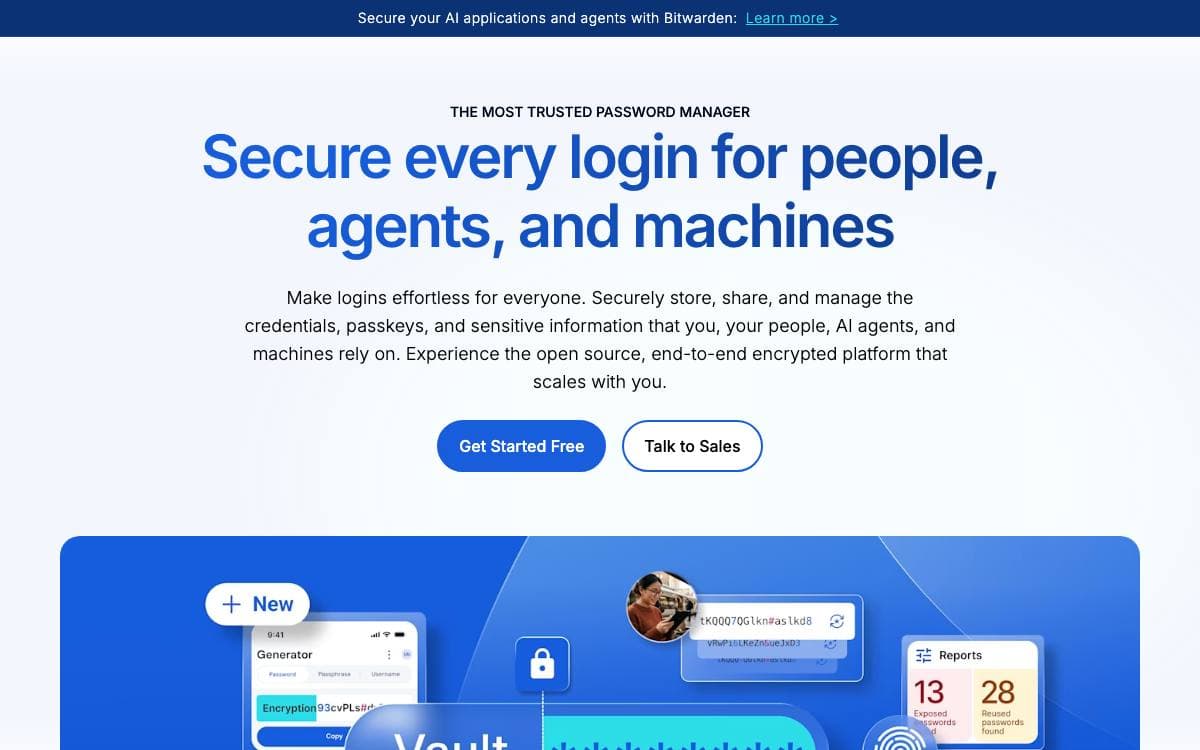
This repository holds the Bitwarden server: the APIs, the database and the core infrastructure behind every Bitwarden client application. Running it yourself is what turns a hosted password manager into one whose storage sits on hardware you answer for.
The code is C# on .NET with ASP.NET Core, and the database is T-SQL on SQL Server. It can be developed, built, run and deployed on Windows, macOS and Linux distributions alike, which keeps contribution open to whatever machine you already use.
The backend is split into services that mirror the product.
- API and Identity: the endpoints clients call, and the authentication service standing behind them.
- Events: an events service with a separate processor for recording account and organization activity.
- SSO and SCIM: single sign-on and directory provisioning for organizations.
- Billing: subscription handling deployed as its own service.
- Admin: an administrative surface, alongside the notifications service.
Deployment is through Docker containers on Windows, macOS or Linux, with PowerShell and Bash scripts for the install and start steps, and images published on the GitHub Container Registry. Docker and Docker Compose are the only requirements. The server setup guide in the contributing documentation covers building from source, and security reports are welcome privately or through the project's HackerOne program.

End-to-end encrypted password and identity manager that syncs peer to peer between your own devices with no central server.
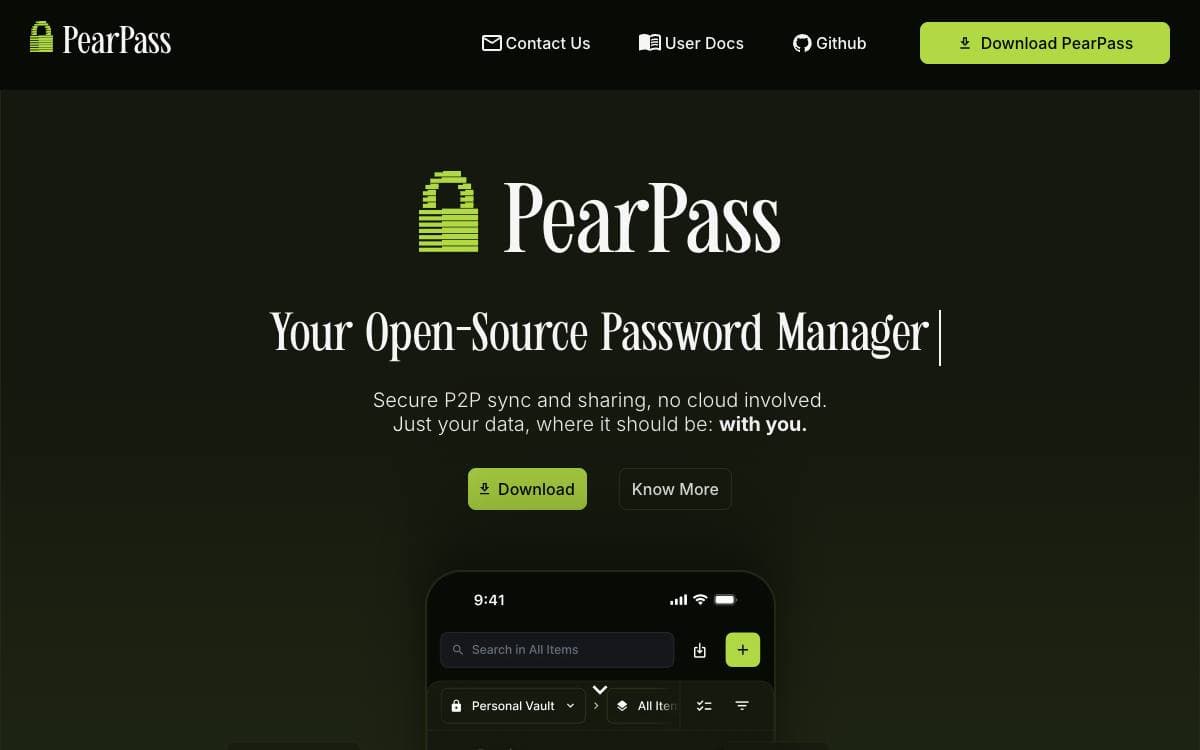
PearPass keeps a password and identity vault on your own devices, encrypting passwords, credit cards, secure notes and custom fields before they are written to disk. No provider holds the copy that matters. The README states that active development is currently paused, so anyone adopting it should weigh that.
Sync is where it departs from the usual design. Instead of a central service, the desktop app is built on Pear Runtime and moves credentials directly between your devices over peer-to-peer connections. The interface is React with styled-components, Redux for state and Lingui for translations, while the vault itself lives in separate worker libraries shared with the mobile app and the browser extension.
What the desktop app covers day to day is small and specific.
- Encrypted storage: every entry type is encrypted at rest before it touches the disk.
- Offline access: the vault opens with no network connection at all.
- Password health: strength analysis flags weak entries in the vault.
- Generator: strong, unique passwords created on demand.
- Multi-platform: macOS, Linux and Windows builds, with a mobile app and browser extension alongside.
- Diagnostics: logging is off by default, and the vault worker redacts known sensitive fields before writing.
Building it needs Node at the version pinned in the repository plus the Pear Runtime, after which the app is staged and run through the pear command. Intel Mac builds are deprecated and shipped without official support or testing. The code is Apache 2.0 licensed, and guides for setup, vault management and syncing live in the project documentation.


